 App DevelopmentCross Platform App Development: How It Saves Time and MoneyHow shared code across iOS and Android cuts build and maintenance effort, which frameworks to consider in 2026, and when native development is still the better call.
How to Keep Your Mobile App Updated and Secure
How to keep a mobile app secure and current: secure coding, encryption, API protection, staged rollouts, platform requirements and a sensible update rhythm.
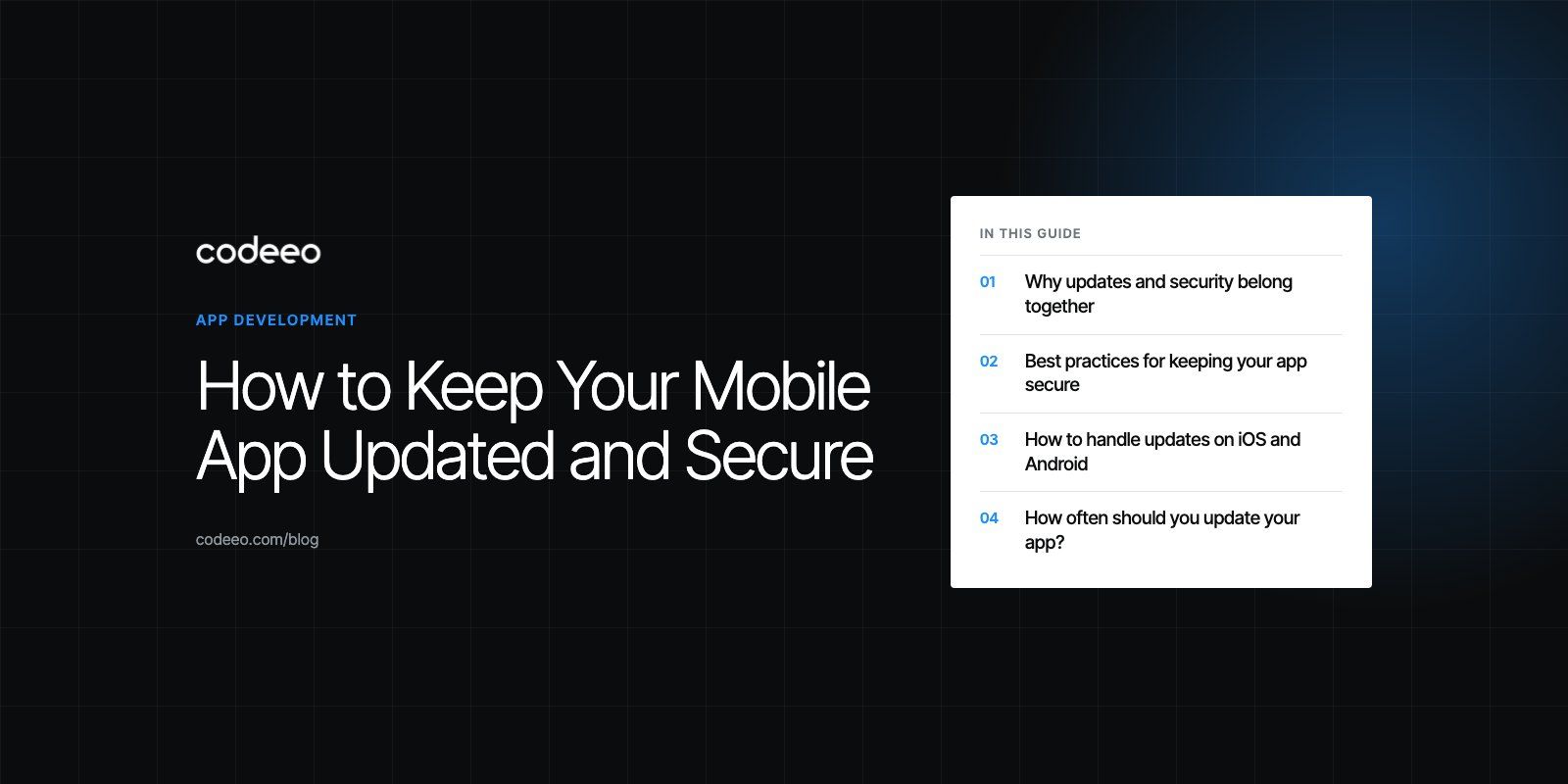
To keep a mobile app updated and secure, build security into the code from the start, protect data with encryption and strong authentication, secure the backend and APIs as carefully as the app, and ship small, regular updates through staged rollouts. Keep dependencies and platform targets current, test every release on real devices, and patch security issues immediately rather than waiting for the next planned version. Treat security and maintenance as a continuous process, not a launch task.
Why updates and security belong together
Most security fixes reach users through updates, and most updates carry some risk of breaking something. That is why the two have to be planned together. An app that is rarely updated slowly accumulates outdated libraries, deprecated APIs and known vulnerabilities. An app that is updated carelessly can introduce new bugs or leak data. The goal is a steady, tested release rhythm that keeps the app current without surprising users.
Both app stores also push in this direction. Google Play sets target API level requirements that rise each year; its current policy says that from 31 August 2026 new apps and app updates must target Android 16 (API level 36) or higher. Apps that fall behind lose visibility to new users on newer devices. Apple regularly updates its SDK and review requirements too, so an app that is never touched eventually cannot be updated at all without significant work.
Best practices for keeping your app secure
Start with secure coding
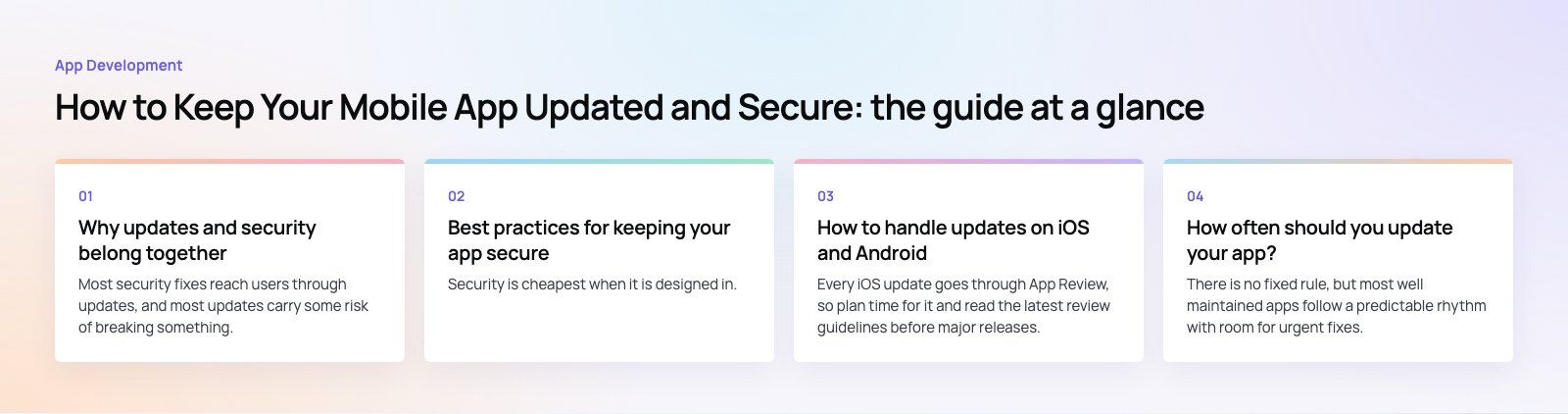
Security is cheapest when it is designed in. Use the OWASP Mobile Application Security Verification Standard (MASVS) as a checklist for requirements and testing. In practice that means:
- Validate all input, on the device and again on the server.
- Never hardcode API keys, secrets or credentials in the app bundle.
- Store sensitive data only when necessary, and then in the platform's secure storage such as the iOS Keychain or Android Keystore.
- Avoid logging personal or sensitive data.
- Review code for security issues as part of every pull request.
Use strong authentication
Weak sign in is one of the most common ways accounts are compromised. Offer biometric sign in through the platform's own APIs, support two factor authentication for sensitive actions, use short lived tokens with secure refresh, and lock or slow down repeated failed attempts. Let users see and end active sessions.
Encrypt data in transit and at rest
All traffic between the app and your servers should use TLS, with no fallback to plain connections. For high risk apps such as banking, payments and health, consider certificate pinning, accepting that it needs careful certificate management. Data stored on the device should be encrypted, and the least possible amount should be stored at all.
Secure the backend and APIs
The app is only one part of the system. Most serious breaches involve the server side: APIs that return more data than needed, missing authorization checks, or exposed admin endpoints. Every API call should check that the user is allowed to access that specific record, not just that they are signed in. Add rate limiting, monitoring and alerts, and keep server software patched.
Manage third party libraries
Modern apps depend on many open source packages and SDKs for analytics, payments, maps and messaging. Each one is code you did not write but are responsible for. Keep an inventory, remove what you do not use, monitor for published vulnerabilities and update promptly. Check what data each SDK collects, because store privacy disclosures must account for it.
Test security regularly
Run automated security scanning in your build pipeline, and schedule manual penetration testing for major releases or at least once a year for sensitive apps. The OWASP Mobile Top 10 is a useful summary of the risks testers will look for. An independent codebase review is also a practical way to find problems in an app you have inherited.
How to handle updates on iOS and Android
Know each platform's rules
Every iOS update goes through App Review, so plan time for it and read the latest review guidelines before major releases. Google Play has its own policy checks and the target API requirement mentioned above. Keep both developer accounts in good standing and respond quickly to any policy notices.
Use clear versioning
Adopt a consistent scheme such as semantic versioning (major.minor.patch), so your team and support staff can tell at a glance what kind of change each release contains. Keep the build number increasing for every upload.
Roll out gradually
Do not release to everyone at once. Google Play supports staged rollouts to a percentage of users, and Apple's App Store Connect offers phased release over a seven day period, which can be paused for up to 30 days in total. Watch crash rates and reviews during the rollout, and halt it if something goes wrong.
Plan for users who do not update
Some users will stay on old versions for months. Keep your API backwards compatible for a sensible period, and build a mechanism to require an update when an old version has a serious security flaw or can no longer work with the backend.
Communicate changes
Write release notes that explain what changed in plain language. For significant changes to the interface or to how data is used, tell users in the app before or after the update so nothing feels unexpected.
Test across devices and OS versions
Test each release on a spread of real devices, screen sizes and operating system versions, including older and lower end phones. Automated UI tests and device farms help, but a final manual pass on real hardware still catches problems they miss.
Update types at a glance
| Update type | Typical trigger | How quickly to ship | Rollout approach |
|---|---|---|---|
| Security patch | Vulnerability found in app, library or backend | Immediately | Fast rollout, consider forced update |
| Bug fix | Crashes, broken flows, user reports | Within days | Staged rollout |
| Platform compliance | New OS version or store requirement | Before the deadline | Staged rollout with extra testing |
| Performance improvement | Slow screens, battery or memory issues | Next planned release | Staged rollout, monitor metrics |
| New feature | Roadmap, user requests | Planned release cycle | Staged or feature flagged |
How often should you update your app?
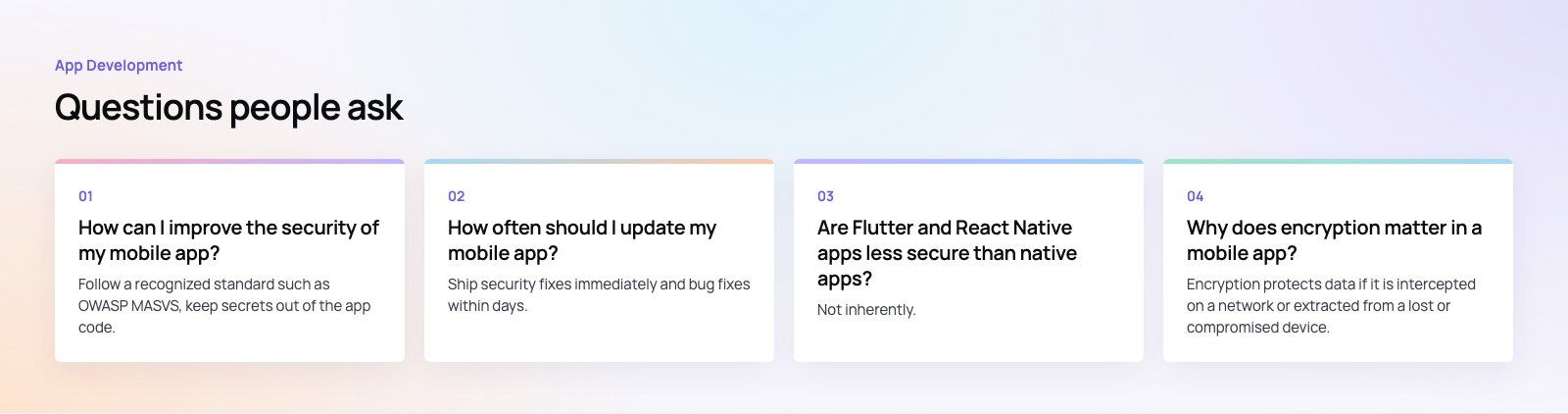
There is no fixed rule, but most well maintained apps follow a predictable rhythm with room for urgent fixes. Base your schedule on these factors:
Security vulnerabilities
These override everything else. When a vulnerability is found in your code, a library or your backend, fix and ship as soon as it is tested.
User feedback
Review store reviews, support tickets and in app feedback every week. Recurring complaints should feed straight into the next release.
Performance data
Monitor crash rates, startup time and slow screens with tools such as Firebase Crashlytics or the store consoles' own vitals. Rising numbers are a reason to prioritize a fix release.
Platform releases
Apple and Google release major OS versions every year. Test against the betas, fix compatibility issues before public release, and adopt new requirements early rather than at the deadline.
Compliance and privacy rules
Privacy laws such as the GDPR in Europe and data protection laws in the UAE, Saudi Arabia and elsewhere change over time, and so do store privacy disclosure rules. Review your data handling whenever laws or your features change, and update the app and its privacy labels together.
New features
Many teams find a regular cycle, such as every few weeks for minor releases and less often for larger features, keeps the app fresh without overwhelming users or testers. Feature flags let you ship code early and switch features on when ready.
Common mistakes to avoid
- Treating launch as the finish line and leaving no budget or team for maintenance.
- Letting dependencies age for years, then facing a painful mass upgrade.
- Releasing to all users at once with no ability to pause.
- Securing the app but leaving the API open to anyone with a valid token.
- Ignoring store deadlines until the app can no longer be updated.
Next steps
If your app has not had a security review recently or is falling behind platform requirements, start with an audit of dependencies, API authorization and target versions. Codeeo's mobile app development team builds and maintains iOS, Android and cross platform apps, including payment apps like Purpose Payment, and can provide dedicated developers for ongoing updates. Contact us to discuss your app.
Frequently asked questions
Follow a recognized standard such as OWASP MASVS, keep secrets out of the app code, store sensitive data only in the platform's secure storage, and use TLS for every connection.
Add strong authentication with biometrics or two factor options, check authorization on every API call, keep third party libraries updated, and test security regularly with automated scans and periodic manual penetration testing.
App DevelopmentCross Platform App Development: How It Saves Time and MoneyHow shared code across iOS and Android cuts build and maintenance effort, which frameworks to consider in 2026, and when native development is still the better call. App DevelopmentHow to Plan an App Development Project From Start to FinishA step by step plan for an app project: define users and goals, scope an MVP, choose platforms, design, build the team, phase the timeline, test and launch.
 App DevelopmentMust Have Features of an HR Management AppThe features an HR management app needs, from onboarding and self service to payroll, performance and analytics, plus when to buy or build.
Tell us what the business needs. We will tell you what to build first.
Schedule a free consultation and get a written recommendation, with costs, before you commit to anything.
Get in touchPROVEN RESULTS
4.7 / 5verified reviews on Google