 App DevelopmentCross Platform App Development: How It Saves Time and MoneyHow shared code across iOS and Android cuts build and maintenance effort, which frameworks to consider in 2026, and when native development is still the better call.
10 Mobile App Development Trends to Build For in 2026
Ten mobile app trends worth building for in 2026, from useful AI features and passkeys to wallet payments, foldables, wearables and offline first design.
The mobile app trends that matter in 2026 are the ones changing what users expect from everyday apps: AI features that are actually useful, passwordless sign in, wallet payments, apps that adapt to foldables and wearables, and connections to the devices around us. None of them is worth chasing for its own sake. The question for any business is which of these trends solves a real problem for your users this year.
Below are ten trends we think are worth building for, what each one means in practice, and where it makes sense to hold back.
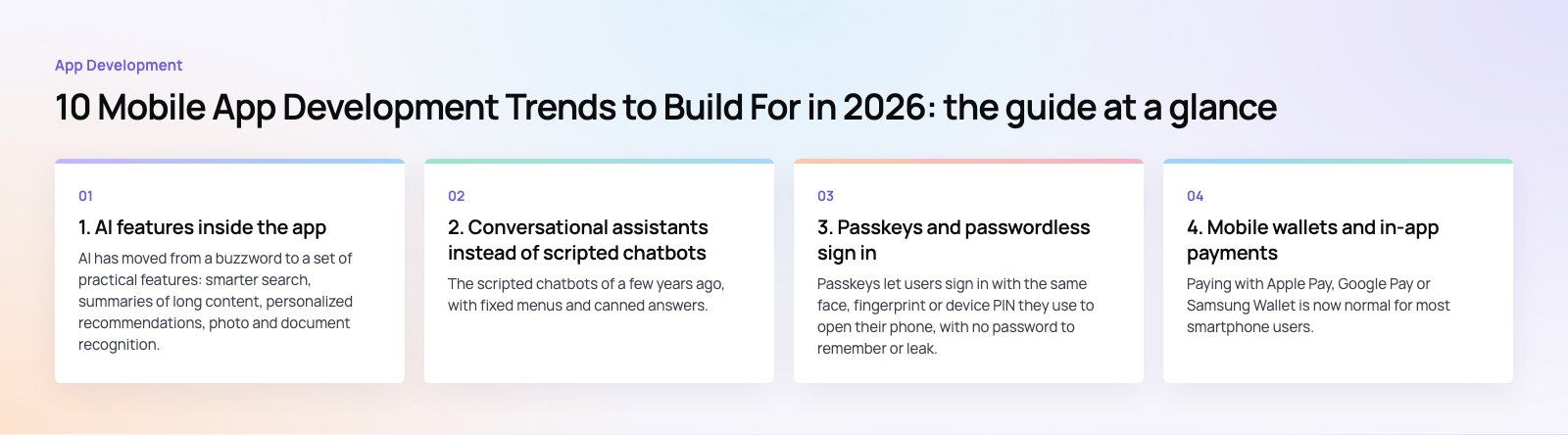
1. AI features inside the app
AI has moved from a buzzword to a set of practical features: smarter search, summaries of long content, personalized recommendations, photo and document recognition, and suggested replies. Both Apple and Google now ship on device AI capabilities, which means some features can run without sending data to a server, improving speed and privacy.
The useful test is simple: does the AI feature save the user a step? A search that understands natural questions, or a form that reads a scanned receipt, earns its place. A chat window bolted onto an app with no clear job usually does not.
Where to start
- Pick one repetitive task users already do in your app and automate it
- Decide what runs on device and what needs a server model
- Be clear in the interface when content is AI generated
2. Conversational assistants instead of scripted chatbots
The scripted chatbots of a few years ago, with fixed menus and canned answers, are being replaced by assistants built on large language models that can understand free text and act on the user's account. Done well, an assistant can check an order status, rebook an appointment or explain a bill without a support ticket.
The risk is accuracy. Assistants need clear limits, access only to the data they need, and an easy handover to a human. Start with a narrow set of tasks and expand once you trust the answers.
3. Passkeys and passwordless sign in
Passkeys let users sign in with the same face, fingerprint or device PIN they use to open their phone, with no password to remember or leak. They are supported across Apple, Google and Microsoft platforms, and the FIDO Alliance passkeys overview explains how they resist phishing. For apps with frequent sign ins, passkeys reduce support requests and abandoned logins.
One time passcodes by SMS or email remain common as a fallback, and many apps will run both for a while. Our Book My Trip travel app, for example, uses OTP sign in to keep the first booking quick.
4. Mobile wallets and in-app payments
Paying with Apple Pay, Google Pay or Samsung Wallet is now normal for most smartphone users, and buy now pay later options are built into many checkouts. Wallet payments are fast because the card is already stored and confirmed with biometrics, which cuts friction at the most fragile point of any purchase.
Beyond payments, wallets also hold tickets, boarding passes, loyalty cards and keys. If your business issues any of those, adding them to the wallet is often a small piece of work with a visible benefit. Our payment integration team sees the same pattern repeatedly: every extra checkout step costs completed orders.
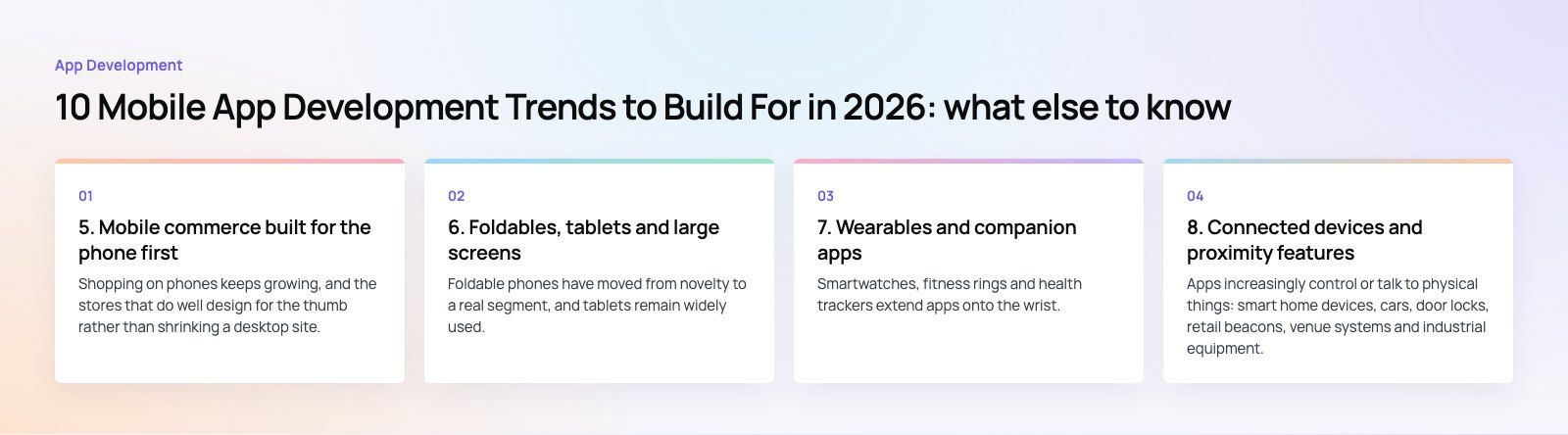
5. Mobile commerce built for the phone first
Shopping on phones keeps growing, and the stores that do well design for the thumb rather than shrinking a desktop site. That means fast product pages, saved addresses, one tap reorders, clear delivery dates, and push notifications that are useful rather than noisy.
For many retailers the choice is between a native shopping app and a fast mobile website. Apps make sense when customers buy often, such as groceries, flowers or fashion, and benefit from saved preferences and notifications. Occasional purchases usually work better on the web. Our retail and ecommerce work covers both.
6. Foldables, tablets and large screens
Foldable phones have moved from novelty to a real segment, and tablets remain widely used. Apps now need to handle a screen that changes size while the user is in the middle of a task. Google's large screen guidance for Android sets out what good support looks like: layouts that adapt, state that survives folding and unfolding, and sensible use of the extra space.
The practical step is to stop designing for one fixed phone size. Build responsive layouts from the start and test on a foldable emulator before release.
7. Wearables and companion apps
Smartwatches, fitness rings and health trackers extend apps onto the wrist. Typical uses include health and activity data, quick replies, payment, boarding passes and timely alerts. A good wearable experience shows one piece of information or one action at a glance, and leaves everything else to the phone.
Health data is sensitive, so wearable features need careful consent screens and clear privacy policies, and they must follow Apple's and Google's health data rules.
8. Connected devices and proximity features
Apps increasingly control or talk to physical things: smart home devices, cars, door locks, retail beacons, venue systems and industrial equipment. Bluetooth Low Energy beacons still power indoor navigation, check in and location based offers in stores, museums and events, although they work best when users have clearly opted in.
Connected device apps need reliable pairing, good offline behavior and clear error messages, because hardware fails in ways a web service does not. Our Ourcast Live project, which streams a venue's audio to attendees' phones, is a good example of an app whose value depends on working with the physical space around the user.
9. Augmented reality where it helps a decision
AR has found steady use in a few areas: placing furniture in a room, trying on glasses or makeup, measuring spaces, and guided maintenance. It works when it helps the user make a decision they would otherwise make in person. It struggles when it is decoration. Virtual reality remains mostly a gaming and training medium rather than something most business apps need.
If you sell physical products where size, fit or look drives returns, a simple AR preview is worth testing. Otherwise, it can wait.
10. Faster networks, but offline first design
5G has spread widely in many markets, enabling higher quality video, real time collaboration and cloud gaming on the move. But users still lose signal in elevators, parking garages, flights and rural areas. The apps that feel fastest cache what they can, let users keep working offline, and sync quietly when the connection returns.
Designing for good networks while handling bad ones gracefully is now a basic quality bar, not an advanced feature.
How to choose which trends to act on
| Trend | Worth prioritizing if | Can usually wait if |
|---|---|---|
| AI features | Users repeat a task AI can remove | There is no clear job for it |
| Assistants | Support volume is high and questions repeat | You cannot control what data it reaches |
| Passkeys | Users sign in often | Sign in is rare or handled elsewhere |
| Wallet payments | You sell in the app | The app has no transactions |
| Foldables and tablets | Users read, compare or create content | The app is a quick single task tool |
| Wearables | Glanceable alerts or health data matter | Nothing needs to be seen at a glance |
| Connected devices | You sell or run physical equipment | The product is purely digital |
| AR | Size, fit or look drives purchases | It would be decoration |
A useful rule: pick one or two trends that match your users' biggest frustrations, ship them well, and measure the result before adding more. A focused app that does a few things reliably beats one that tries every new feature at once.
Codeeo's team of 80+ across Dubai, Riyadh and Karachi builds iOS, Android and cross-platform apps, with examples in our case studies. If you are planning a new app or a refresh, our mobile app development team can help you decide which of these trends belong in your roadmap.
Frequently asked questions
It depends on scope.
A focused app with a handful of screens and a simple backend can often be built in a few months, while products with payments, real time features, admin panels and several user types take considerably longer. Discovery and design take time too. The fastest route is to define a first release with only the features users need at launch.
App DevelopmentCross Platform App Development: How It Saves Time and MoneyHow shared code across iOS and Android cuts build and maintenance effort, which frameworks to consider in 2026, and when native development is still the better call. App DevelopmentHow to Plan an App Development Project From Start to FinishA step by step plan for an app project: define users and goals, scope an MVP, choose platforms, design, build the team, phase the timeline, test and launch.
 App DevelopmentMust Have Features of an HR Management AppThe features an HR management app needs, from onboarding and self service to payroll, performance and analytics, plus when to buy or build.
Tell us what the business needs. We will tell you what to build first.
Schedule a free consultation and get a written recommendation, with costs, before you commit to anything.
Get in touchPROVEN RESULTS
4.7 / 5verified reviews on Google