 App DevelopmentCross Platform App Development: How It Saves Time and MoneyHow shared code across iOS and Android cuts build and maintenance effort, which frameworks to consider in 2026, and when native development is still the better call.
Mobile App Maintenance Cost: What Drives It and Why It Pays
What mobile app maintenance covers, the types of maintenance, the factors that drive its cost, and practical ways to keep spending under control after launch.
Mobile app maintenance cost is the ongoing spend needed to keep an app working, secure and competitive after launch: bug fixes, operating system updates, security patches, server and third party service fees, monitoring and new features. The amount depends mostly on the app's complexity, the number of platforms and integrations, and how fast the user base grows. The benefit side is simple: a maintained app keeps its users, its store listing and its revenue, while a neglected one slowly breaks and gets uninstalled.
What does app maintenance cost cover?
Launch is the start of an app's life, not the end of the project. Maintenance covers everything needed to keep it healthy afterwards:
- Fixes. Bugs reported by users or caught by crash monitoring.
- Platform updates. Changes needed when Apple and Google release new operating systems, devices and store requirements.
- Security. Patching vulnerable libraries, rotating keys and responding to new threats.
- Infrastructure. Servers, databases, storage, content delivery and the work of keeping them sized correctly.
- Third party services. Payment gateways, maps, messaging, analytics and other APIs, which change versions and pricing over time.
- Improvements. Features and design changes driven by user feedback and competition.
You will see rules of thumb that express yearly maintenance as a percentage of the original build. Treat them with caution. A simple content app and a payments app of the same build size can have very different running needs, so it is better to estimate from the factors below than from a fixed ratio.
Why maintenance matters
Store requirements keep moving
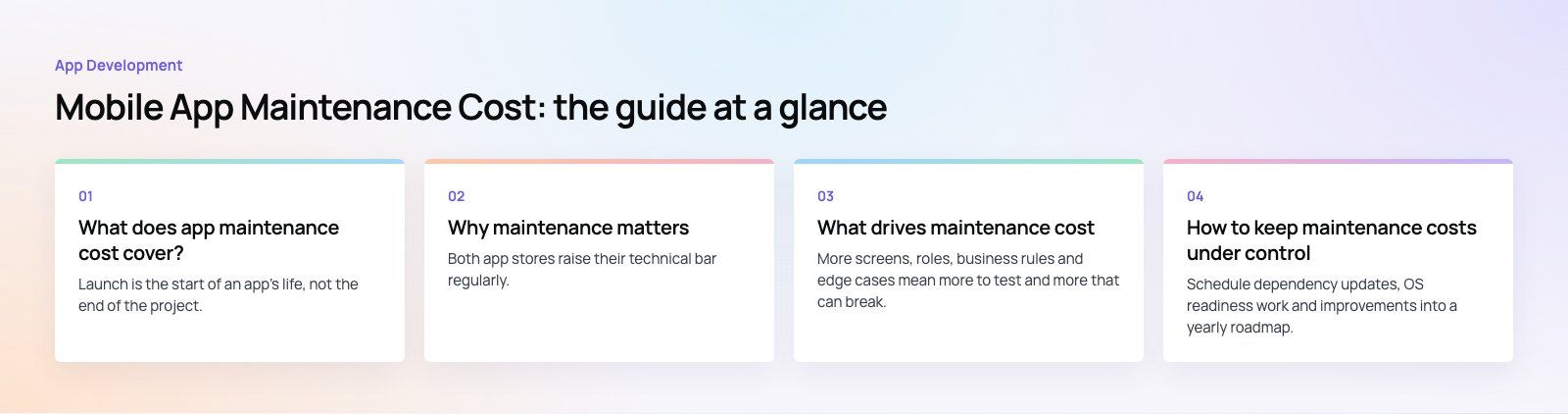
Both app stores raise their technical bar regularly. Google Play requires apps to target a recent Android API level to publish updates and remain fully available to new users, and Apple publishes upcoming requirements for the SDK and Xcode versions used to build submissions. An app that is never updated eventually cannot ship even an urgent fix without first catching up.
User experience and ratings
Crashes, slow screens and broken flows lead straight to poor reviews and uninstalls. Regular maintenance keeps the experience stable, which protects your ratings and the visibility that comes with them.
Security
Every library and SDK in your app can carry vulnerabilities discovered after launch. Patching them promptly protects user data and your reputation, and is often required by regulation in sectors such as finance and healthcare.
Performance at scale
What worked for a thousand users may struggle at a hundred thousand. Monitoring and tuning keep response times steady as usage grows.
Retention and competitiveness
Users compare your app with the best apps they use, not just with your direct competitors. Steady improvements based on feedback give existing users reasons to stay.
Types of app maintenance
| Type | When you need it | What it involves | Relative effort |
|---|---|---|---|
| Corrective | When bugs affect users | Reproduce, fix and release | Varies with the issue |
| Adaptive | With each new OS version, device or store rule | Update SDKs, test on new devices, adjust layouts and permissions | Moderate, predictable each year |
| Perfective | To meet changing user expectations | Add or improve features based on feedback and data | Moderate to high |
| Preventive | On a regular schedule | Refactor fragile code, update dependencies, improve tests | Low to moderate |
| Security | Continuously | Patch vulnerabilities, review access, run audits | Moderate to high in regulated sectors |
| Technical debt | Periodically | Replace outdated libraries and design decisions | Moderate to high |
| Performance | Continuously | Monitor crashes, load times and server health, then tune | Low to moderate |
What drives maintenance cost
App complexity
More screens, roles, business rules and edge cases mean more to test and more that can break. Apps with payments, bookings or real time features need the most care.
Technology stack
Mainstream, well supported frameworks are cheaper to maintain because updates, documentation and developers are easy to find. Niche or abandoned libraries become expensive when they stop receiving updates.
Platforms and devices
Separate native iOS and Android apps double some of the work. Cross platform frameworks reduce it but add their own upgrade cycle. Supporting tablets, older devices or wearables adds testing on top.
Third party integrations
Each external API can change, deprecate a version or raise its fees. The more integrations an app relies on, the more monitoring and update work it needs.
User base and scaling
Growth increases server, storage and bandwidth needs, and makes performance work more valuable. It also raises the stakes of downtime.
Compliance
Apps handling health, financial or children's data must keep up with privacy and security rules, which adds audits and documentation.
How to keep maintenance costs under control
Plan a maintenance roadmap
Schedule dependency updates, OS readiness work and improvements into a yearly roadmap. Planned work is far cheaper than emergency fixes the week a store deadline lands.
Automate testing
Unit, integration and UI tests running in a pipeline catch regressions before release. Add a device testing service or a small device lab to cover the phones your users actually own.
Monitor crashes and performance
Crash reporting and performance monitoring show what is breaking for real users, ranked by impact. Fix the issues that affect the most people first.
Track bugs in one place
A single tracker with clear severity levels stops duplicate work and makes recurring problems visible, so you can fix root causes rather than symptoms.
Right size infrastructure
Use cloud services that scale with demand, review usage regularly and remove resources you no longer need.
Listen to users
Store reviews, support tickets and in app feedback tell you which improvements matter. Prioritize those over features nobody asked for.
Design for change
A modular architecture with clean boundaries between features lets you update one part without retesting everything. This pays back every year the app is live.
Common mistakes
- Budgeting only for the build and treating maintenance as optional.
- Letting dependencies fall several major versions behind.
- Releasing without crash monitoring in place.
- Losing access to source code, store accounts or signing keys when a supplier changes.
Codeeo has delivered 200+ projects across the UAE and the US. If you need someone to take over an existing app, start with a codebase review to see what shape it is in. Our mobile app development team handles ongoing maintenance as well as new builds, and you can also bring in dedicated developers to work inside your own roadmap. See examples in our case studies.
Frequently asked questions
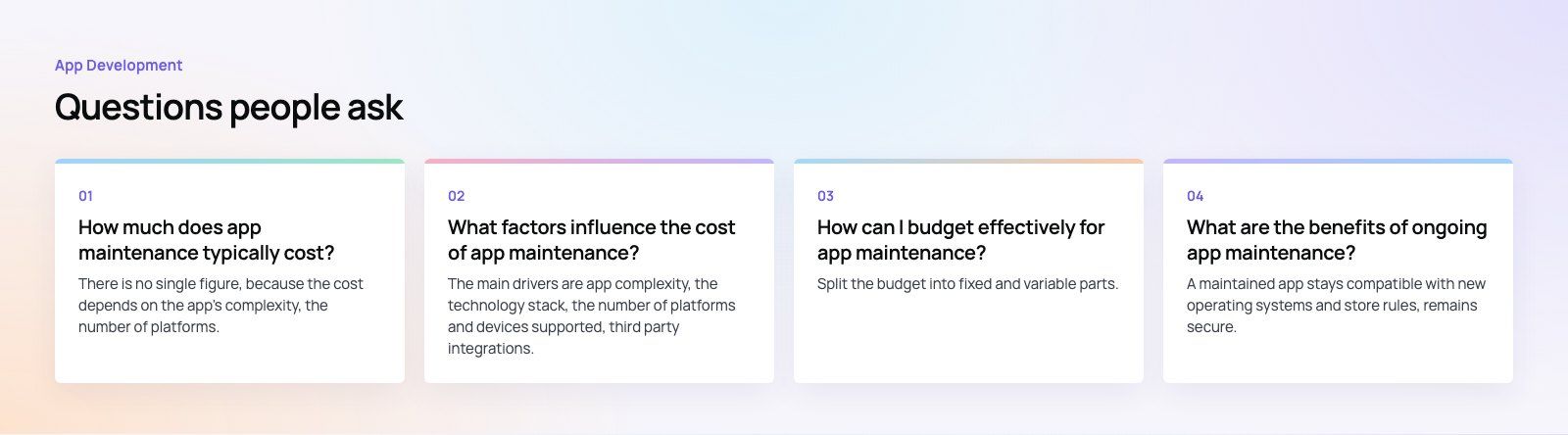
There is no single figure, because the cost depends on the app's complexity, the number of platforms, the third party services it uses, its hosting needs and how many new features you plan.
A simple informational app needs far less than a payments or booking platform. The most reliable estimate comes from reviewing your actual codebase, integrations and roadmap for the coming year.
App DevelopmentCross Platform App Development: How It Saves Time and MoneyHow shared code across iOS and Android cuts build and maintenance effort, which frameworks to consider in 2026, and when native development is still the better call. App DevelopmentHow to Plan an App Development Project From Start to FinishA step by step plan for an app project: define users and goals, scope an MVP, choose platforms, design, build the team, phase the timeline, test and launch.
 App DevelopmentMust Have Features of an HR Management AppThe features an HR management app needs, from onboarding and self service to payroll, performance and analytics, plus when to buy or build.
Tell us what the business needs. We will tell you what to build first.
Schedule a free consultation and get a written recommendation, with costs, before you commit to anything.
Get in touchPROVEN RESULTS
4.7 / 5verified reviews on Google