 App DevelopmentCross Platform App Development: How It Saves Time and MoneyHow shared code across iOS and Android cuts build and maintenance effort, which frameworks to consider in 2026, and when native development is still the better call.
PWA vs Native App: Which Should You Build?
PWA vs native app compared: how each works, strengths and limits, iOS support, cost drivers and seven questions that settle which one your product needs.
Choose a progressive web app (PWA) when you need one product that works on every device, can be found through search and must ship quickly on a modest budget. Choose a native app when the product depends on deep device access, heavy processing, reliable background tasks or a strong App Store presence. Many businesses end up with both: a PWA or website for reach and a native app for their most engaged users.
This guide explains how each approach works, compares them side by side, and walks through the questions that usually settle the decision.
What a PWA is
A progressive web app is a website built with standard web technology (HTML, CSS and JavaScript) that behaves like an app. According to MDN's PWA documentation, a PWA can be installed on a device, launch in its own window and keep working offline or on a poor connection.
Three pieces make this possible:
- A web app manifest that gives the app a name, icon and launch behavior when installed.
- A service worker that caches files and data so the app loads quickly and works offline.
- HTTPS, which browsers require before they allow installation and most app features.
Users reach a PWA through a link or a search result and can add it to their home screen without visiting an app store.
What a native app is
A native app is built for one operating system using that platform's own languages and tools: Swift or SwiftUI for iOS, Kotlin or Jetpack Compose for Android. It is downloaded from the App Store or Google Play and has full access to the device, including the camera, Bluetooth, sensors, background location, widgets, payments and health data.
Cross platform frameworks such as React Native and Flutter sit in between. They produce real store apps for both platforms from a large shared codebase, which is why many teams now treat "native" as a choice of distribution and device access rather than a choice of two separate codebases.
PWA vs native app compared
| Factor | PWA | Native app |
|---|---|---|
| Codebase | One, for every device and browser | One per platform, or one shared with React Native or Flutter |
| Distribution | Any link or search result, optional store listing | App Store and Google Play |
| Installation | Optional, from the browser | Required, through the store |
| Search visibility | Pages can rank on Google and Bing | App content is mostly invisible to web search |
| Device access | Camera, location, notifications; limited Bluetooth, background tasks and sensors, varying by browser | Full access to hardware and operating system features |
| Performance | Good for most business apps | Best for graphics, animation and heavy processing |
| Offline use | Yes, through service worker caching | Yes, with full local storage and background sync |
| Updates | Instant, users always get the latest version | Store review, then users update |
| Build effort | Lower | Higher, especially for two separate apps |
Strengths and limits of each
Where PWAs are strong
- Reach: anyone with a browser can use the app immediately, with no download.
- Search: every screen can be a page that ranks, which a native app cannot match.
- Speed of release: no store review, so fixes and features go live the moment you deploy.
- One team: web developers can build and maintain it without separate iOS and Android specialists.
Where PWAs fall short
- iOS support: Safari supports installation and, for web apps added to the Home Screen, push notifications, as described in Apple's web push documentation. Users still have to add the app manually, and several APIs available on Android are missing.
- Hardware: background location, advanced Bluetooth, NFC on iOS and some sensors are limited or unavailable.
- Discovery in stores: people who search the App Store will not find a PWA unless you package it separately.
- Perception: some users still trust an app from the store more than a website they install.
Where native apps are strong
- Performance: smooth animation, fast startup and efficient use of battery and memory.
- Device features: everything the phone can do is available to the app.
- Engagement: a home screen icon, reliable notifications and widgets keep people coming back.
- Store presence: ratings and listings in the App Store and Google Play build trust and discovery.
Where native apps fall short
- Effort: two platforms usually mean more design, development and testing.
- Store rules: every release passes review, and store policies on payments and content apply.
- Update lag: some users stay on old versions for months.
- Acquisition friction: a download is a big ask for someone who just wants to try you.
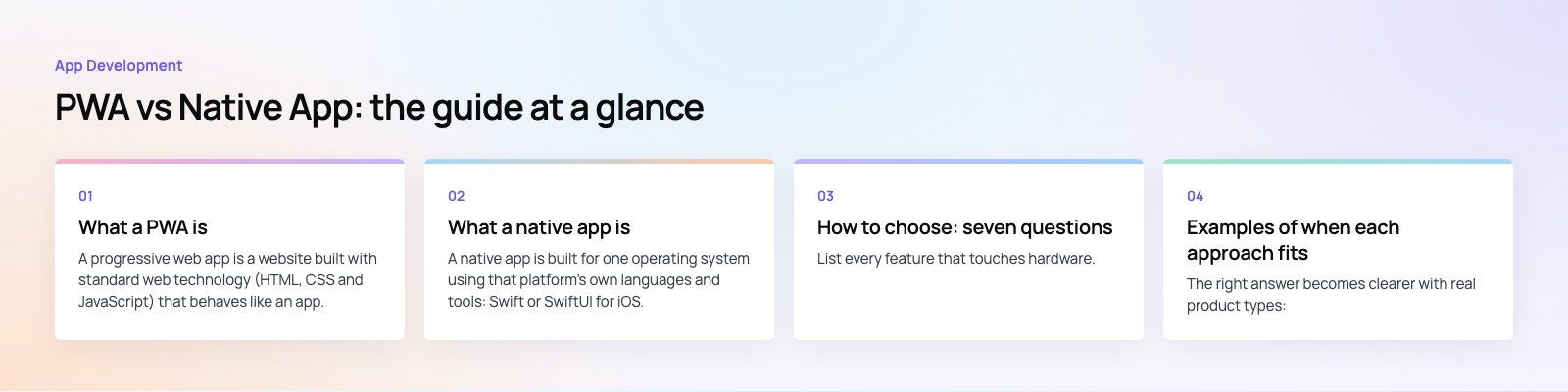
How to choose: seven questions
1. What does the app need from the device?
List every feature that touches hardware. If the answer includes background location tracking, Bluetooth accessories, complex camera processing, health data or a vehicle connection, native is usually the only practical path. If the app mostly shows content, takes orders, books appointments or manages accounts, a PWA handles it well.
2. How will people find it?
If most users will arrive from Google, ads or shared links, a PWA removes the download step that loses many of them. If your audience already searches the app stores for products like yours, a store listing matters.
3. How often will people use it?
Occasional use, such as checking an order or booking once a quarter, suits a PWA or a good mobile website. Daily use, such as messaging, fitness tracking or banking, justifies a native app because engagement features matter more.
4. How demanding is the interface?
Games, video editing, live maps and rich animation benefit from native performance. Forms, lists, dashboards and catalogs run smoothly in a well built PWA.
5. What are your time and budget constraints?
A single PWA codebase is usually faster and cheaper to build and maintain than two native apps. A cross platform framework narrows that gap. The real drivers of cost are the number of screens, integrations, user roles and admin features, so scope those carefully whichever route you take.
6. Who will maintain it?
A team that already runs a web product can maintain a PWA with its existing skills. Native apps need people who follow iOS and Android release cycles and store policy changes every year.
7. Will you need both eventually?
Many products start as a PWA to validate demand, then add a native app once usage justifies it. Others launch a native app for core users and keep a web version for search and first visits. Planning a shared API from the start makes either path easier.
Examples of when each approach fits
The right answer becomes clearer with real product types:
- Content and catalog products such as news, directories and online stores often start as a PWA or a fast mobile website, because search traffic is their main source of new users.
- Booking and ordering can go either way. A restaurant ordering flow works well as a PWA; a delivery platform with riders tracking routes in the background needs native apps for the rider side.
- Hardware and real time products are native territory. Our Ourcast Live project, for example, streams a venue's audio to attendees' phones in real time with native iOS and Android apps, and Runvse pairs a mobile app with firmware that talks to a vehicle.
- Marketplaces often combine both: a web app for customers who arrive from search and native apps for providers who use the platform every day.
Trends shaping the choice
Web capabilities keep growing
Browsers continue to add device APIs, and install and notification support on iOS has improved compared with a few years ago. The gap between PWA and native is narrower for ordinary business apps than it once was, though it has not closed.
Cross platform is the default for many native projects
React Native and Flutter let one team ship to both stores with a large shared codebase. For many projects, the real decision is now "web app or cross platform native" rather than "web or two separate native apps".
AI features inside apps
Assistants, smart search and personalized recommendations are becoming standard. Most of this logic runs on a server and works the same in a PWA or a native app, although on device AI features favor native.
Privacy and security
Both app stores and browsers keep tightening rules on tracking and permissions. Build with clear consent, minimal data collection and secure authentication from the start, whichever platform you choose.
Getting the decision right
There is no universal winner. A PWA gives you reach, search visibility and speed of delivery; a native app gives you performance, device access and engagement. Start from what your users need and how they will find you, then pick the approach that serves that with the least complexity. Codeeo has delivered 200+ projects across the UAE and the US, including PWAs, web apps and native iOS and Android apps. Our mobile app development team can help you weigh the options, and a product scoping session turns the decision into a clear plan. For web first builds, see our web development services.
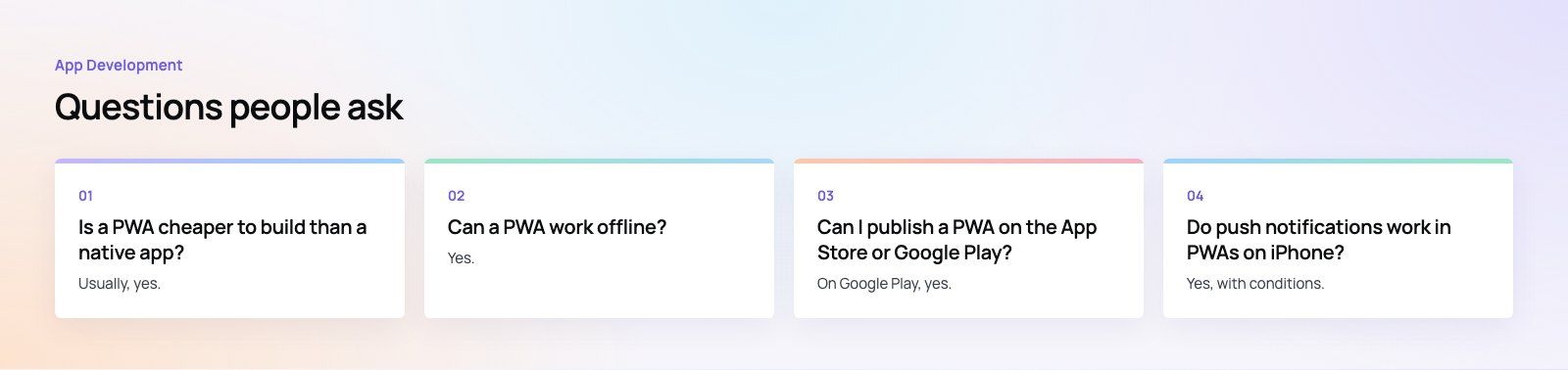
Frequently asked questions
Usually, yes.
A PWA uses one codebase for every device, while native development often means separate iOS and Android apps, or at least separate testing and release work for each store. The gap depends on scope: the number of screens, integrations, user roles and admin tools drives cost far more than the platform itself, so scope the product carefully before comparing quotes.
App DevelopmentCross Platform App Development: How It Saves Time and MoneyHow shared code across iOS and Android cuts build and maintenance effort, which frameworks to consider in 2026, and when native development is still the better call. App DevelopmentHow to Plan an App Development Project From Start to FinishA step by step plan for an app project: define users and goals, scope an MVP, choose platforms, design, build the team, phase the timeline, test and launch.
 App DevelopmentMust Have Features of an HR Management AppThe features an HR management app needs, from onboarding and self service to payroll, performance and analytics, plus when to buy or build.
Tell us what the business needs. We will tell you what to build first.
Schedule a free consultation and get a written recommendation, with costs, before you commit to anything.
Get in touchPROVEN RESULTS
4.7 / 5verified reviews on Google