 App DevelopmentCross Platform App Development: How It Saves Time and MoneyHow shared code across iOS and Android cuts build and maintenance effort, which frameworks to consider in 2026, and when native development is still the better call.
React vs React Native: Which One Does Your Product Need?
React builds web interfaces, React Native builds native iOS and Android apps. How they differ, what they share, and how to choose for your product.
React and React Native are not competitors. React (often called React.js) is a JavaScript library for building user interfaces that run in a web browser, while React Native uses the same component model to build real native apps for iOS and Android. If your product lives on the web, you need React; if it needs to be installed from the App Store and Google Play, you need React Native; and many products end up using both.
This guide explains how each one works, where they overlap, what they share in code and skills, and how to decide which one your project should start with.
What React is
React is an open source library maintained by Meta and a large community. It lets you build an interface out of components: small, reusable pieces such as a button, a search bar or a product card, each holding its own markup and behavior. You describe what the screen should look like for a given state, and React works out the minimum changes needed to update the browser's DOM.
A few ideas sit at the center of React:
- Components that you compose into pages, so a design system built once can be reused across an entire site.
- JSX, an HTML-like syntax inside JavaScript that keeps markup and logic together.
- One-way data flow, where data passes down from parent to child as props. That makes behavior easier to predict and debug.
- Hooks such as useState and useEffect, which give function components state and side effects.
On its own, React only handles the interface. Real web products add routing, data fetching and server rendering, usually through a framework. React's own guide to starting a new app recommends using a framework, and Next.js is the most common choice. Server rendering matters for marketing sites and stores because search engines and link previews receive real HTML rather than an empty page waiting for JavaScript.
Where React fits best
- Web applications and dashboards with lots of interaction and live data.
- Ecommerce storefronts, especially headless builds where the front end is separate from the commerce engine.
- Customer portals, admin panels and internal tools.
- Progressive web apps that need to work well on mobile browsers without an app store listing.
What React Native is
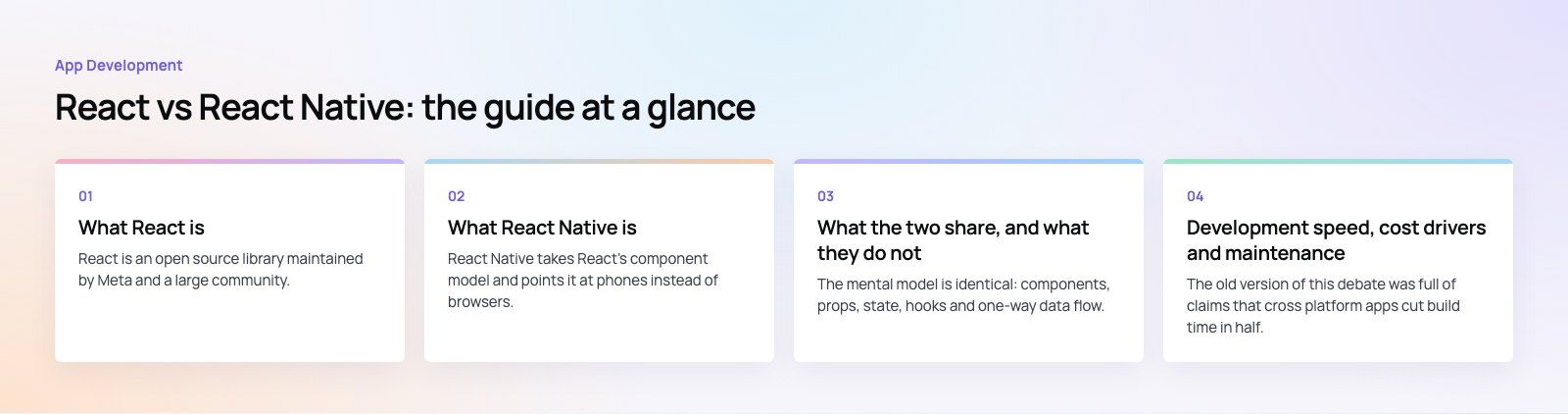
React Native takes React's component model and points it at phones instead of browsers. You still write components in JavaScript or TypeScript, but instead of rendering HTML elements such as div and span, you render native building blocks such as View, Text and Image. On iOS and Android these become real platform views, not a web page wrapped in an app shell.
That distinction matters. A React Native app scrolls, animates and responds to gestures through the platform's own UI system, and it can call native features like the camera, push notifications, biometrics and Bluetooth. When a feature is missing, developers can write a native module in Swift, Kotlin or another platform language and call it from JavaScript.
The framework has also changed under the hood. According to the React Native architecture overview, the New Architecture has been enabled by default in all React Native projects since version 0.76. It replaces the old asynchronous bridge with a more direct way for JavaScript and native code to communicate, which improves responsiveness in demanding screens. The official getting started guide also recommends building with a framework such as Expo, which handles much of the native tooling and lets teams ship updates more easily.
Where React Native fits best
- Consumer apps that need to be on both iOS and Android without two separate teams.
- Booking, ordering, marketplace and social apps where most screens are lists, forms, maps and chat.
- Companion apps for an existing web product, where business logic and API knowledge can be shared.
- Business apps for field staff that need offline storage, camera access or push notifications.
React vs React Native side by side
| Aspect | React | React Native |
|---|---|---|
| Target | Web browsers on any device | Native iOS and Android apps (plus other platforms through community projects) |
| Building blocks | HTML elements such as div, button and img | Native components such as View, Text and Image |
| Styling | CSS, CSS modules, utility frameworks | JavaScript style objects using a subset of CSS properties and Flexbox |
| Rendering | Updates the browser DOM; can render on the server | Drives real platform views on the device |
| Navigation | URL based routing, usually through a framework | Stack, tab and drawer navigation libraries |
| Device features | Limited to browser APIs | Camera, sensors, notifications, biometrics, native modules |
| Distribution | Deploy to a server and users visit a URL | Publish through the App Store and Google Play, with store review |
| SEO | Indexable, especially with server rendering | Not applicable; discovery happens in app stores |
| Typical team | Front end developers with web skills | React developers plus some native iOS and Android knowledge |
What the two share, and what they do not
Shared
The mental model is identical: components, props, state, hooks and one-way data flow. A developer who is comfortable in React can read React Native code on day one. Plain JavaScript or TypeScript logic, such as validation rules, API clients, data formatting and state management, can often live in a shared package used by both a web app and a mobile app.
Not shared
The interface layer is different. A React component that renders a div and uses CSS will not run in React Native, and a React Native screen will not run in a browser without extra tooling. Navigation, styling, animations and anything that touches the device all need platform specific work. In practice, teams share business logic and design decisions, then build the screens twice in the idiom of each platform.
Development speed, cost drivers and maintenance
The old version of this debate was full of claims that cross platform apps cut build time in half. The honest answer is that it depends on the app. What drives the effort is predictable, though.
What makes React Native faster
- One codebase and one team for iOS and Android, so features ship to both at the same time.
- Most product screens (lists, forms, profiles, checkout, chat) need little platform specific code.
- Fast refresh lets developers see changes instantly while they work.
- If you already have a React web team, the learning curve is short.
What adds effort
- Heavy use of device hardware, background processing or custom native SDKs that need bridging modules.
- Platform differences in permissions, notifications and design conventions that must be handled separately.
- Keeping up with yearly iOS and Android releases and with React Native upgrades. Skipping upgrades for too long turns each one into a project of its own.
- App store review, signing and release management, which a web deployment simply does not have.
Web projects built with React carry their own maintenance: framework upgrades, dependency updates and browser testing. They are usually simpler to release because you control the server and can ship a fix in minutes rather than waiting for store review.
How to choose for your project
Work through these questions in order. The first one that gives a clear answer usually decides it.
- Where will users find you? If they arrive from search, ads or shared links, you need a fast, indexable website, which means React with a framework. If they will open the product several times a day from their home screen, an app makes sense.
- Do you need device features? Push notifications, the camera, offline storage, background location or Bluetooth point strongly toward React Native.
- How often will people use it? Occasional use rarely justifies an app download. Daily habits, such as ordering, booking, tracking or messaging, often do.
- What does your team already know? A React team can move into React Native quickly. A team with strong native iOS and Android developers might prefer to stay native for performance critical apps.
- Do you need both? Many products do: a website for discovery and an app for repeat use, sharing one API and one set of business rules. In that case, plan the shared logic and design system from the start.
Book My Trip, one of our published projects, shows the app side of this: a travel booking app with trips, passenger selection, transfers and OTP sign in, flows that suit an installed app well. A clear product scoping exercise before you start is the cheapest way to find out which platform your first release really needs.
Common mistakes
- Building an app when the product needs a website. Without search traffic or a strong reason to install, an app can struggle to find users.
- Assuming 100 percent code sharing. Plan for shared logic, not shared screens.
- Ignoring native skills. Even a React Native team needs someone who can debug Xcode builds, Android Gradle issues and store submissions.
- Treating upgrades as optional. Both stacks move quickly. Budget regular time for updates.
Codeeo builds on both sides. Our React developers handle web apps, portals and headless storefronts, and our mobile app development team ships React Native and native apps for iOS and Android. With a team of 80+ across Dubai, Riyadh and Karachi, we can help you decide which to build first and how to keep the two in step later.
Frequently asked questions
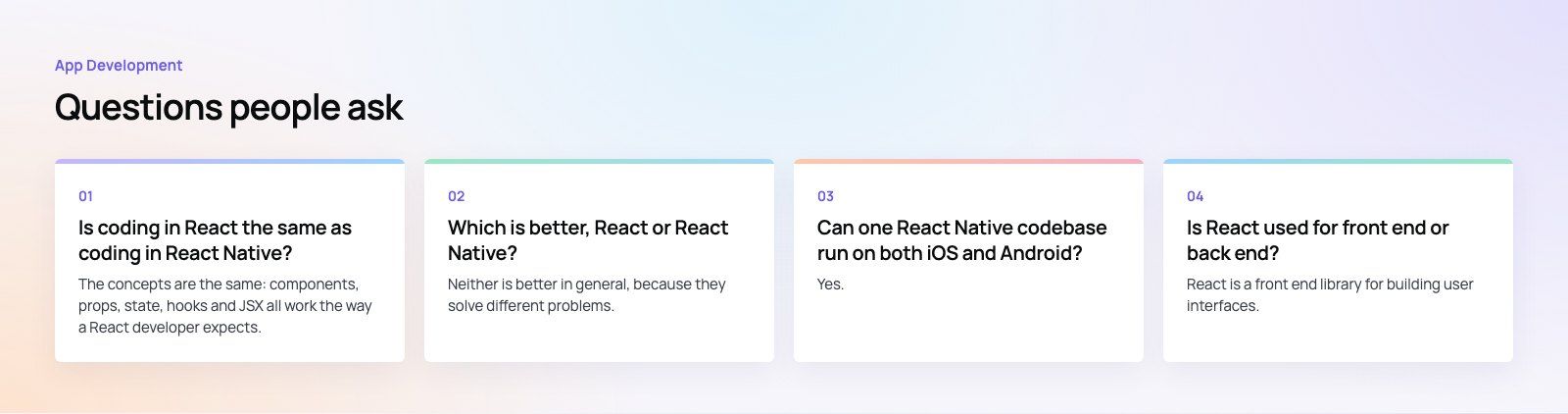
The concepts are the same: components, props, state, hooks and JSX all work the way a React developer expects.
The difference is the building blocks. React renders HTML elements styled with CSS in a browser, while React Native renders native components such as View and Text styled with JavaScript objects. A React developer can become productive in React Native quickly, but will need to learn mobile navigation, device APIs and app store releases.
App DevelopmentCross Platform App Development: How It Saves Time and MoneyHow shared code across iOS and Android cuts build and maintenance effort, which frameworks to consider in 2026, and when native development is still the better call. App DevelopmentHow to Plan an App Development Project From Start to FinishA step by step plan for an app project: define users and goals, scope an MVP, choose platforms, design, build the team, phase the timeline, test and launch.
 App DevelopmentMust Have Features of an HR Management AppThe features an HR management app needs, from onboarding and self service to payroll, performance and analytics, plus when to buy or build.
Tell us what the business needs. We will tell you what to build first.
Schedule a free consultation and get a written recommendation, with costs, before you commit to anything.
Get in touchPROVEN RESULTS
4.7 / 5verified reviews on Google