 E-Commerce10 Features of a High-Converting Ecommerce WebsiteThe ten features that turn store visitors into buyers, from product pages and checkout to speed, mobile design, social proof and ongoing testing.
Salon POS Systems: Managing Appointments and Sales in One Place
What a salon POS system should do, from online booking and reminders to checkout, stock, loyalty and reporting, and how to choose the right one for your salon.
A salon POS system brings bookings, checkout, client records, retail stock and staff schedules into one place, so the front desk stops juggling a paper diary, a card terminal and a spreadsheet. The best POS system for a small salon is the one that makes online booking easy for clients, cuts no shows with automatic reminders, and closes the day with numbers you can trust. Features matter less than how well the system fits the way your salon actually works.
This guide covers what a salon point of sale should do, how to choose one, and when a salon or salon group is better served by custom software.
The problems a salon POS solves
Salons that still run on appointment books and a standalone card machine tend to hit the same issues. Each one costs time at the desk and money at the end of the month.
| Manual process | What it causes | What a POS changes |
|---|---|---|
| Phone and walk in booking only | Missed calls, staff pulled away from clients | Clients book online at any hour |
| Paper diary or several calendars | Double bookings and gaps nobody notices | One shared calendar for every stylist and room |
| No reminders | No shows and late cancellations | Automatic SMS or email reminders with easy rescheduling |
| Stock counted by eye | Running out of best sellers, overordering slow lines | Stock that updates with every sale, with low stock alerts |
| End of day totals on paper | Little insight into which services or staff perform | Reports on sales, rebooking and staff performance |
Appointment management
Online booking
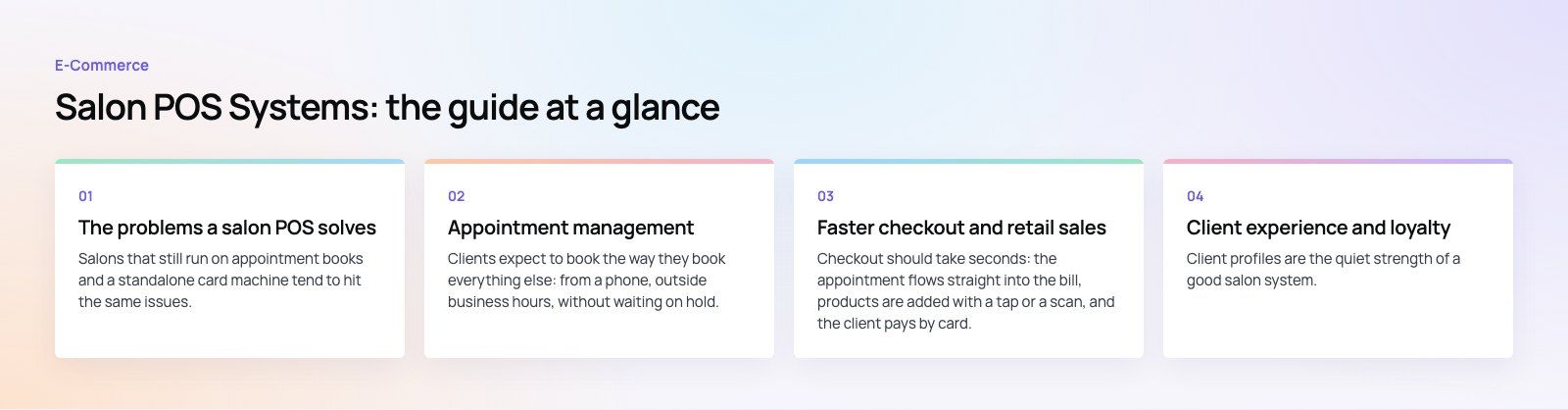
Clients expect to book the way they book everything else: from a phone, outside business hours, without waiting on hold. A good salon POS lets them pick the service, the stylist and a time slot, and it should only offer slots that genuinely fit, accounting for service length, processing time and cleanup. Look for booking links you can place on your website, Google Business Profile and social profiles.
One calendar for the whole team
A central calendar shows every stylist, chair and treatment room in one view. Receptionists can move appointments by dragging them, see who is free for a walk in, and block time for breaks or training. When a client calls to rebook, their history and preferred stylist are on screen immediately.
Reminders and two way messages
Automatic reminders by SMS, email or messaging apps are one of the most effective ways to cut no shows. Clients should be able to confirm, cancel or reschedule from the message itself, which frees the slot for someone else. Many systems also let you take a deposit or card on file for longer services, with a cancellation policy the client accepts at booking.
Faster checkout and retail sales
Quick, flexible payments
Checkout should take seconds: the appointment flows straight into the bill, products are added with a tap or a scan, and the client pays by card, contactless, phone wallet or split payment. Tips should be easy to add and assign to the right staff member. Digital receipts by email or SMS save paper and give you a contact point for future marketing, with the client's consent.
Inventory that keeps up
Salons sell retail products and use professional stock in services. A POS that tracks both shows what you have in real time, warns you before you run out, and can generate purchase orders for suppliers. Tracking back bar usage per service also shows whether a service is priced to cover the product it consumes.
Product recommendations
Because the system knows what service a client just had and what they bought before, it can prompt staff with relevant aftercare products or the next service to book. Done well, this feels like good advice rather than a sales pitch, and it lifts average spend.
Client experience and loyalty
Client profiles are the quiet strength of a good salon system. Each profile holds visit history, color formulas, allergies, patch test dates, preferences and notes from the stylist. That record means any team member can deliver a consistent service, even if the client's usual stylist is away.
Loyalty programs reward repeat visits with points or perks, and gift cards and memberships bring in revenue ahead of time. Personalized messages, such as a reminder that a color appointment is due, bring clients back without blanket discounting.
Staff management and reporting
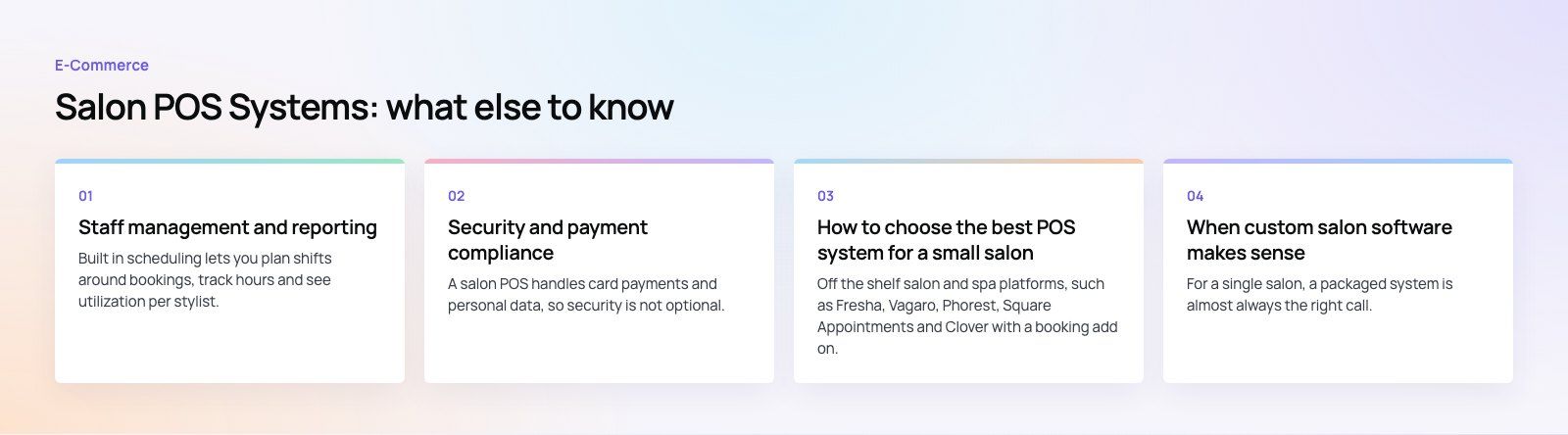
Built in scheduling lets you plan shifts around bookings, track hours and see utilization per stylist. Commission and tip tracking removes manual calculations at the end of each pay period. Reports should answer the questions owners actually ask:
- Which services bring in the most revenue and which take the most time?
- Which stylists have the highest rebooking and retail rates?
- Which days and hours are consistently quiet, and could a promotion fill them?
- Which clients have not returned for a while and might respond to a message?
That data makes marketing more targeted. Instead of discounting everything, you can run a promotion for a specific service on quiet days, or reach out to lapsed high value clients with a personal offer.
Security and payment compliance
A salon POS handles card payments and personal data, so security is not optional. Card processing should comply with the PCI Data Security Standard, which most providers handle through their own payment terminals and processing. Your part is to keep staff logins separate, limit who can issue refunds or export client lists, and remove access promptly when someone leaves.
Cloud based systems store data off site with regular backups, which protects you from a broken laptop or stolen tablet at the desk. Check where data is stored and how you can export it if you change providers; that export is often overlooked until it is needed.
How to choose the best POS system for a small salon
Off the shelf salon and spa platforms, such as Fresha, Vagaro, Phorest, Square Appointments and Clover with a booking add on, cover the needs of most independent salons. The right choice depends on how you run the business, so test them against your own day.
- List your services and how they are booked. Include processing times, double booking rules for color services and any room or equipment constraints.
- Decide how clients will book. Website, Google, Instagram, phone, walk in, or all of them.
- Check payment options. Supported terminals, contactless and wallet payments, deposits, tips and the processing terms in your country.
- Look at reporting. Ask for a demo with sample data and see whether the reports answer your questions without exporting to a spreadsheet.
- Confirm data export. You should be able to take client lists, history and sales records with you.
- Run a trial week. Have the front desk and two or three stylists use it on real bookings before you commit.
On cost, the main drivers are the number of staff or locations, whether you need hardware such as terminals and receipt printers, payment processing terms, and add ons like marketing tools or branded apps. Free tiers exist, but they often recover costs through processing fees or charges for features you will want later, so compare the total over a year.
When custom salon software makes sense
For a single salon, a packaged system is almost always the right call. Custom software starts to make sense when a business has outgrown those tools: a salon group with its own membership model, a franchise that needs central reporting across branches, a beauty brand that wants a booking app under its own name, or a business that must connect bookings to an ERP, a CRM or a loyalty program the off the shelf tools cannot reach.
Booking platforms share a lot with salon systems: schedules, providers, payments and reminders. Our JobIQ case study shows a marketplace where customers book a technician and the platform handles dispatch and payment, which is the same core problem in a different industry. If you are weighing it up, a product scoping session is a sensible first step before committing to a build.
What is changing in salon software
Two trends are worth watching. First, booking is moving closer to where clients already are, with appointments taken directly from Google, Instagram and messaging apps rather than only from a website. Second, AI features are appearing in scheduling, such as suggesting how to fill gaps, predicting no shows and drafting personalized follow up messages. Treat these as helpful extras rather than reasons to switch systems on their own.
If you need a booking and payment platform that fits your business rather than the other way round, our custom software team builds scheduling, POS and loyalty systems, with payment integration and mobile apps where you need them.
Frequently asked questions
A salon POS system is software, usually paired with a card terminal, that handles appointments, checkout, client records, retail stock and staff schedules in one place.
Unlike a basic retail till, it is built around bookings, so the appointment flows into the bill, client history is available at the desk, and reports show performance by service and by stylist.
E-Commerce10 Features of a High-Converting Ecommerce WebsiteThe ten features that turn store visitors into buyers, from product pages and checkout to speed, mobile design, social proof and ongoing testing. E-CommerceBenefits of Using a CMS for Ecommerce WebsitesHow a CMS helps online stores manage products, SEO, growth and security, how it compares with a custom build, and how to choose between WooCommerce, Shopify and headless.
 E-CommerceEcommerce Website Development: 9 Elements Every Store NeedsThe nine parts every online store needs, from catalog data and search to checkout, security, operations and analytics, with what to decide before you build.
Tell us what the business needs. We will tell you what to build first.
Schedule a free consultation and get a written recommendation, with costs, before you commit to anything.
Get in touchPROVEN RESULTS
4.7 / 5verified reviews on Google