 MarketingShopify Email vs Mailchimp: Which Is Better for Your Store?Shopify Email, now Shopify Messaging, against Mailchimp: ease of use, Shopify data, automation, segmentation, design and how pricing scales, with a clear way to choose.
How to Sell Shopify Products on Pinterest with Product Pins
Connect Shopify to Pinterest, sync your catalog as shoppable Product Pins, and send Pinterest shoppers straight to your product pages to add to cart.
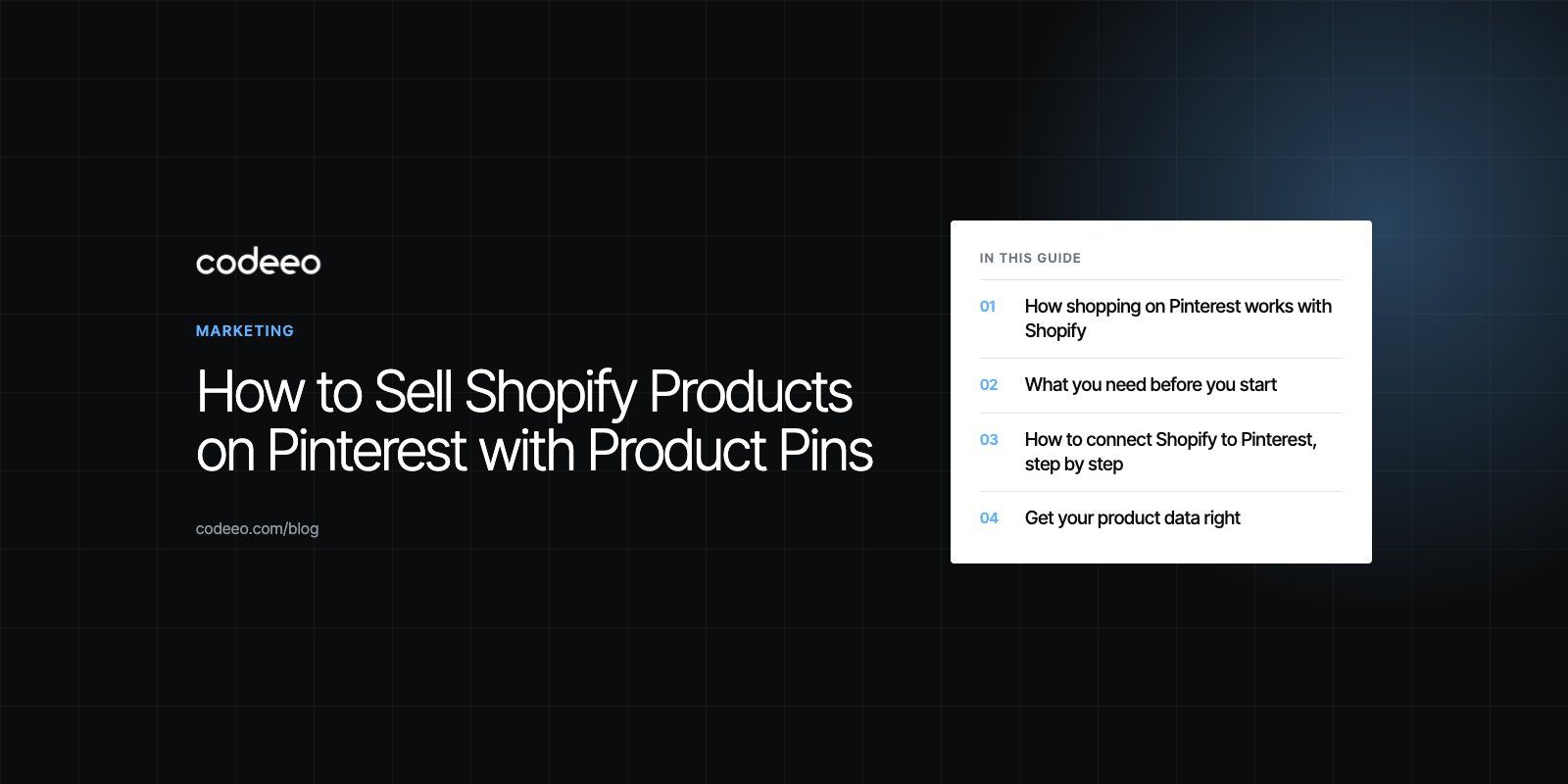
To make your Shopify products shoppable on Pinterest, install the Pinterest app from the Shopify App Store and connect it to a Pinterest business account. The app claims your website, installs the Pinterest tag, syncs your product catalog and turns each product into a Product Pin that shows price and availability. Shoppers tap the Pin and land on your Shopify product page, where they add to cart and check out on your store, not inside Pinterest.
This guide covers what you need before you start, the setup steps, how to fix catalog problems and how to turn Product Pins into actual sales.
How shopping on Pinterest works with Shopify
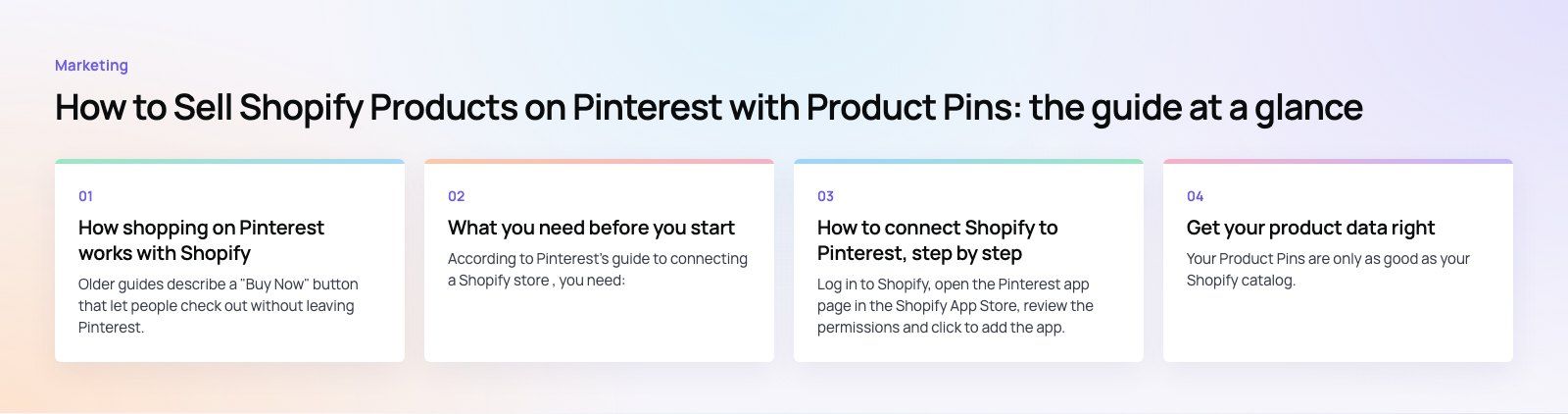
Older guides describe a "Buy Now" button that let people check out without leaving Pinterest. That is not how the current Shopify integration works. Today the flow is:
- Your Shopify catalog syncs to Pinterest as a product feed.
- Pinterest creates Product Pins from that feed, with your title, image, price and stock status.
- People find those Pins in search, in their home feed, on your profile and in shopping ads.
- A tap takes them to the product page on your store, where they add to cart and pay through Shopify checkout.
The Pinterest app listing describes exactly this: shoppers discover and save products on Pinterest and buy them from your website. That is good news, because the sale, the customer data and the checkout experience all stay on your store.
What you need before you start
According to Pinterest's guide to connecting a Shopify store, you need:
- A Pinterest business account. You can convert a personal account or create a new one.
- A Pinterest advertiser account linked to it.
- Owner access to the Pinterest account. Users with only Business Manager permissions cannot make the connection.
- Admin access to your Shopify store.
- No manually installed Pinterest tag on the store. Remove any old tag first, or you will count events twice.
Two limits are worth knowing. A Shopify store can connect to only one Pinterest business account at a time, and the app is not available in every country. Depending on where your business is based, Pinterest may ask you to work with one of its advertising partners to create an ad account first.
How to connect Shopify to Pinterest, step by step
1. Install the Pinterest app
Log in to Shopify, open the Pinterest app page in the Shopify App Store, review the permissions and click to add the app. Pinterest recommends using Chrome on a desktop for setup.
2. Connect your Pinterest business account
Follow the on screen prompts to log in to Pinterest and link your business and advertiser accounts. During this step the app claims your website, which links your domain to your profile and attributes your content to you.
3. Let the tag install
The app installs the Pinterest tag and the Conversions API for you. These record page views, add to cart and checkout events, so you can see which Pins lead to sales and build audiences for ads.
4. Sync your catalog
The app sends your Shopify product feed to Pinterest and keeps it updated. Your Shopify collections can appear as product groups, which you can use to organize Pins and target ads. Changes to those groups are made in the Shopify app, not on Pinterest.
5. Check your Product Pins
Once the feed is processed, Product Pins are generated automatically. Open your Pinterest catalog to confirm the products appear and check for any items with errors.
Get your product data right
Your Product Pins are only as good as your Shopify catalog. Pinterest reads the feed as it is, so weak data leads to weak Pins or rejected items.
| Field | What good looks like | Common mistake |
|---|---|---|
| Title | Clear product name plus the detail people search for, such as material or style | Internal codes or vague names like "Item 12" |
| Main image | Sharp, well lit, vertical friendly and showing the product clearly | Small images, heavy text overlays or collages |
| Description | Plain language about use, size and material | Empty, copied from the supplier or stuffed with keywords |
| Price and stock | Matches the product page exactly | Sale prices or stock levels that differ between Pin and store |
| Product type and variants | Accurate categories, sizes and colors | Every variant crammed into one listing without options |
One issue we often see is a store whose product images are wide banners designed for the homepage. On Pinterest, taller images fill more of the screen in the feed, so it can be worth adding a lifestyle image that works in a vertical crop.
Turn Product Pins into sales
Organize boards around how people search
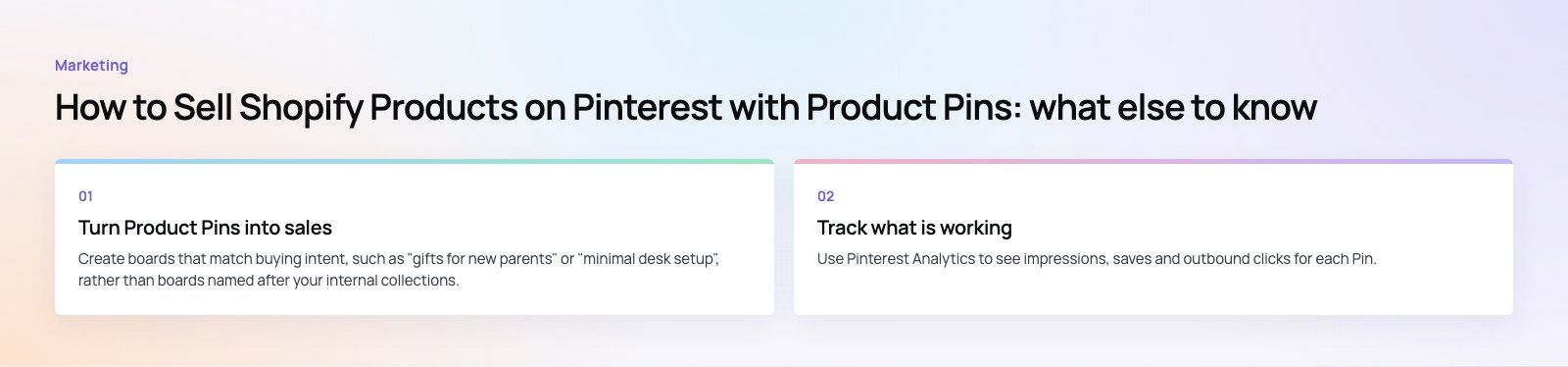
Create boards that match buying intent, such as "gifts for new parents" or "minimal desk setup", rather than boards named after your internal collections. Add your Product Pins and a mix of inspiration Pins that show the products in use.
Use keywords naturally
Pinterest is a visual search engine. Use the words your customers would type in Pin titles, descriptions and board names, without stuffing them.
Pin regularly
A steady flow of fresh Pins usually does better than a big burst followed by silence. Seasonal products should go up well before the season, because people plan early on Pinterest.
Promote your best products
Shopping ads built on your catalog can reach people beyond your followers. Start with a small set of proven products, use the audiences built from your tag data, and expand once you see which products convert.
Make the landing page convert
Pinterest traffic is mostly mobile and often in browsing mode. Fast product pages, clear photos, visible delivery information and a short checkout matter more than anything you do on Pinterest itself. A checkout teardown is a quick way to find where mobile shoppers drop off.
Track what is working
Use Pinterest Analytics to see impressions, saves and outbound clicks for each Pin, and the conversion reporting from the tag to see add to cart and checkout events. Compare that with Shopify's own reports for orders from Pinterest. Look for products with many saves but few clicks, which often signals a weak title or image, and products with many clicks but few sales, which usually points to the product page.
Troubleshooting common problems
- Accounts disconnected. Open the Pinterest app in Shopify and reconnect the account.
- Catalog or tag errors. The app's settings include a reset option, so you do not need to reinstall it.
- Products missing. Check the item errors in your Pinterest catalog, usually missing images, prices or descriptions.
- Double counted conversions. Remove any manually added Pinterest tag from your theme.
- Need a second Pinterest account. Disconnect the first one, because each store links to one business account at a time.
Codeeo has delivered more than 200 projects across the UAE and the US, including the bilingual EGO Sustainable Shopify store. If you want help with catalog cleanup, Pinterest setup or campaigns that drive sales, see our Shopify development services and digital marketing services, or read our notes for retail and ecommerce brands.
Frequently asked questions
Not with the standard Shopify integration.
Product Pins show price and stock and link to your Shopify product page, where customers add to cart and pay through your normal checkout. That keeps the order, customer details and payment on your store. The Pinterest app listing describes shoppers discovering products on Pinterest and buying them from your website.
MarketingShopify Email vs Mailchimp: Which Is Better for Your Store?Shopify Email, now Shopify Messaging, against Mailchimp: ease of use, Shopify data, automation, segmentation, design and how pricing scales, with a clear way to choose. MarketingHow Much Should You Spend on Digital Marketing Services?How to set a digital marketing budget from your own numbers: what you pay for, what drives cost, how to split channels and when to spend more.
 MarketingHow to Use Social Media to Drive Traffic to Your WebsiteHow to turn social media followers into website visitors: choosing platforms, content that earns clicks, landing pages, paid social and UTM tracking.
Tell us what the business needs. We will tell you what to build first.
Schedule a free consultation and get a written recommendation, with costs, before you commit to anything.
Get in touchPROVEN RESULTS
4.7 / 5verified reviews on Google