 E-Commerce10 Features of a High-Converting Ecommerce WebsiteThe ten features that turn store visitors into buyers, from product pages and checkout to speed, mobile design, social proof and ongoing testing.
Shopify Apps Worth Adding to Your Store, Grouped by Job
The Shopify apps worth installing for email, reviews, upsells, subscriptions, shipping and automation, plus how to add apps without slowing your store.
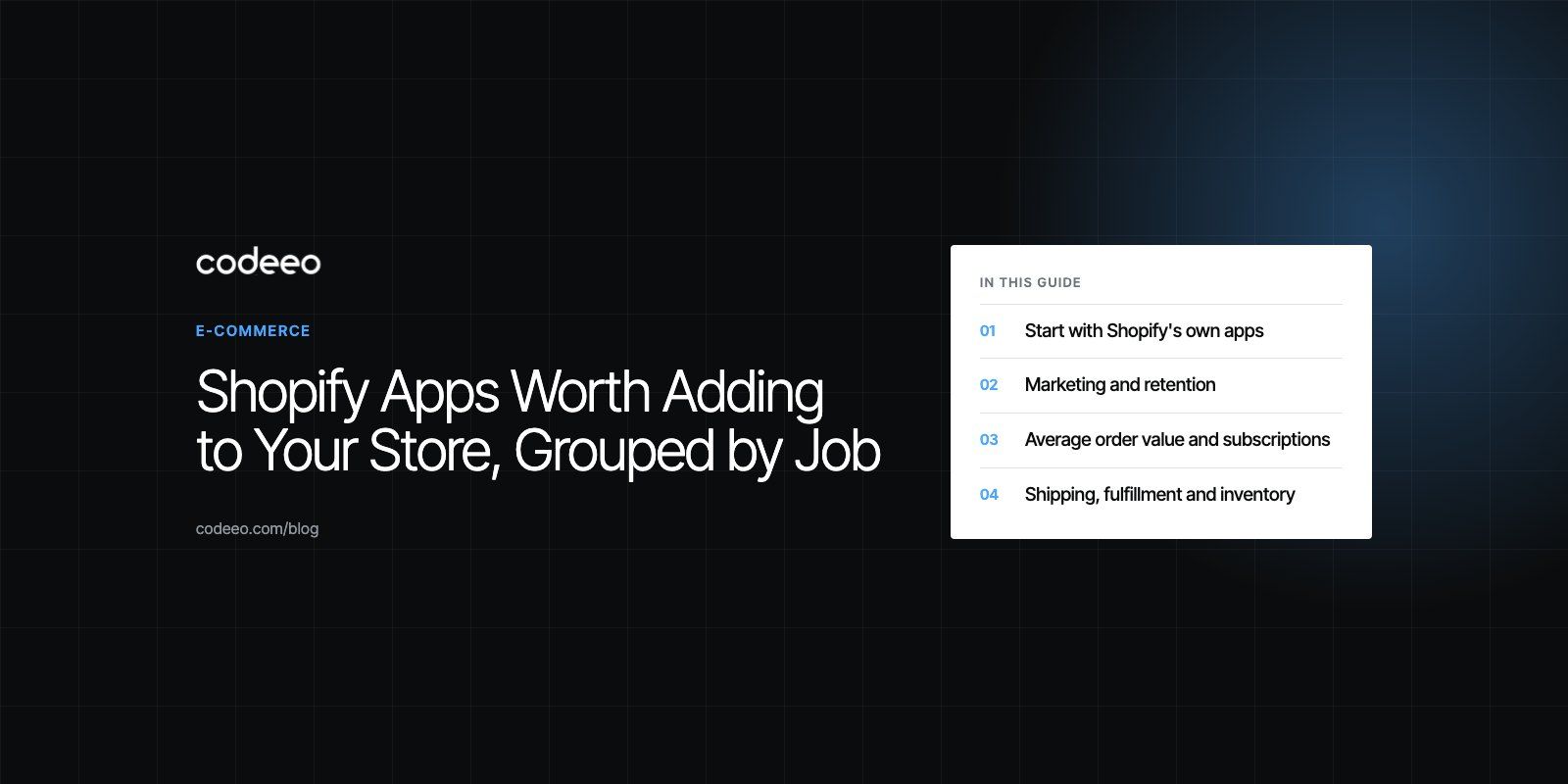
The Shopify apps worth adding are the ones that fix a specific gap in your store: email and SMS, reviews, upsells, subscriptions, shipping, inventory and automation. Start with Shopify's own apps such as Shopify Messaging, Flow, Forms and Search & Discovery, then add well supported third party apps like Klaviyo, Judge.me, ReConvert or Easyship only when you can name the problem each one solves.
Older "top 20" lists age badly. Several apps that appeared in roundups a couple of years ago are no longer listed in the Shopify App Store, and others have been renamed. Below, apps are grouped by the job they do, with notes on when each makes sense and what to watch out for.
Start with Shopify's own apps
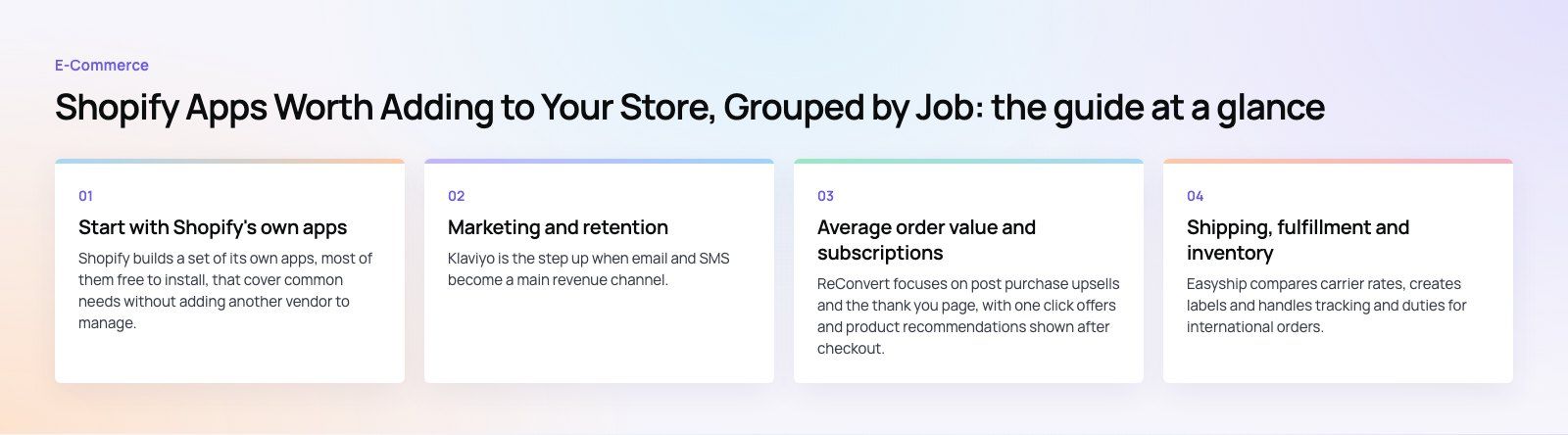
Shopify builds a set of its own apps, most of them free to install, that cover common needs without adding another vendor to manage.
Shopify Messaging
Shopify Messaging, previously called Shopify Email, lets you send branded email, SMS and WhatsApp campaigns from the Shopify admin using your customer and product data. For a new store it is usually enough until segmentation and automated flows become more demanding.
Shopify Flow
Shopify Flow automates routine work with triggers, conditions and actions. Tag high value customers, hide products when stock runs out, alert the team about risky orders or route wholesale orders to a different process. Flow often replaces several small single purpose apps.
Shopify Search & Discovery
This app controls storefront search and filters, synonyms, product recommendations and boosted results. If shoppers cannot find products, fix search before you spend on advertising.
Shopify Forms and Shopify Subscriptions
Shopify Forms captures sign ups and customer details for your marketing list. Shopify Subscriptions handles recurring orders for products such as coffee, supplements or refills, with subscriptions managed inside the admin.
Shopify Local Delivery
For stores that deliver in their own city, the Local Delivery app helps plan and share optimized routes with drivers.
Marketing and retention
Klaviyo
Klaviyo is the step up when email and SMS become a main revenue channel. It offers detailed segmentation, automated flows such as abandoned cart and post purchase sequences, and reporting tied to Shopify order data.
Judge.me
Judge.me collects product reviews, star ratings and photo reviews after purchase and displays them on product pages. Reviews matter most for stores selling products that shoppers cannot touch before buying.
Gameball
Gameball runs loyalty and referral programs with points, rewards and game style features such as spin wheels. It suits brands with frequent repeat purchases.
TikTok
The official TikTok app connects your catalog to TikTok ads and TikTok Shop, so you can run campaigns and sell directly on the platform where the shop feature is available.
Average order value and subscriptions
ReConvert
ReConvert focuses on post purchase upsells and the thank you page, with one click offers and product recommendations shown after checkout. Because the offer appears after payment, it adds revenue without adding friction to the checkout itself.
PayWhirl
PayWhirl is an alternative to Shopify Subscriptions for stores that need more custom subscription plans and retention tools, such as flexible billing intervals or more control over the customer portal.
Shipping, fulfillment and inventory
Easyship
Easyship compares carrier rates, creates labels and handles tracking and duties for international orders. It is useful when you ship across borders and want customers to see accurate rates and taxes at checkout.
Printful
Printful is a print on demand service. Products such as apparel and posters are printed and shipped only after an order comes in, so you avoid holding stock.
Stocky
Stocky is Shopify's inventory app for purchase orders, stock transfers and demand forecasts. Its listing now describes it as inventory management for Shopify POS Pro, so check whether your plan includes it before relying on it.
SEO
Smart SEO
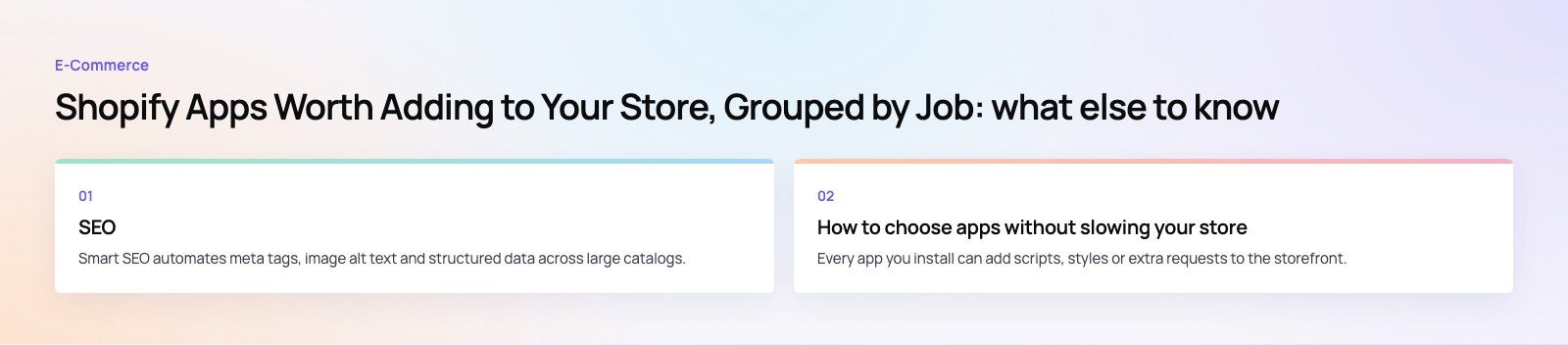
Smart SEO automates meta tags, image alt text and structured data across large catalogs. Automation helps with scale, but review the output on your most important collection and product pages. Templates rarely write the best title for a page that brings in most of your organic traffic.
Quick comparison
| Job | Start with | Step up when needed |
|---|---|---|
| Email and SMS | Shopify Messaging | Klaviyo |
| Automation | Shopify Flow | Custom app or integration |
| Search and filters | Shopify Search & Discovery | Specialist search app for very large catalogs |
| Subscriptions | Shopify Subscriptions | PayWhirl |
| Reviews | Judge.me | Review platform with wider syndication |
| Upsells | ReConvert | Custom checkout extensions |
| Shipping | Shopify Shipping or Local Delivery | Easyship for multi carrier and cross border |
| Loyalty | Gameball | Loyalty tied to a CRM |
How to choose apps without slowing your store
Every app you install can add scripts, styles or extra requests to the storefront. A store with many apps often loads noticeably slower than the same theme without them, and speed affects both conversion and search visibility.
- Write down the problem first. If you cannot describe the gap in one sentence, you probably do not need the app yet.
- Check what Shopify already does. Features such as subscriptions, forms, automation and bundles now exist natively or in free Shopify apps.
- Read recent reviews and support replies. An app's rating matters less than how quickly the developer responds to problems in the last few months.
- Test on a duplicate theme. Install, check your product and cart pages on a phone, and compare speed before and after.
- Remove leftovers. Uninstalling an app does not always remove code it added to your theme. Check theme files and app embeds after removal.
- Review quarterly. List every app, what it costs in total and what it delivers. Remove anything you cannot justify.
Shopify's help center guide to apps explains installation, permissions and removal in detail. Watch the permissions each app requests, especially access to customer data.
When an app is not the answer
Apps are built for the average store. If you need regional payment options, bilingual storefronts, custom checkout logic or an integration with your ERP or CRM, a custom app or theme work is often cleaner than stacking several apps that half fit.
For example, the EGO Sustainable store Codeeo built is a bilingual Shopify store for a GCC athleisure label with Tabby and Tamara and five markets, which depended on careful payment integration rather than a stack of plugins. If you are not sure where your store is losing customers, a checkout teardown or a Core Web Vitals review will show whether apps are part of the problem.
If you want help choosing apps, cleaning up a slow theme or building the features apps cannot cover, talk to our Shopify developers. Codeeo has delivered 200+ projects across the UAE and the US with a team of 80+ across Dubai, Riyadh and Karachi.
Frequently asked questions
Open the Shopify App Store from your admin, search for the app, open its listing and select the install option.
Review the permissions it requests, approve them, and then configure the app from the Apps section of your admin. Many apps also need an app embed or block switched on in the theme editor before anything appears on your storefront.
E-Commerce10 Features of a High-Converting Ecommerce WebsiteThe ten features that turn store visitors into buyers, from product pages and checkout to speed, mobile design, social proof and ongoing testing. E-CommerceBenefits of Using a CMS for Ecommerce WebsitesHow a CMS helps online stores manage products, SEO, growth and security, how it compares with a custom build, and how to choose between WooCommerce, Shopify and headless.
 E-CommerceEcommerce Website Development: 9 Elements Every Store NeedsThe nine parts every online store needs, from catalog data and search to checkout, security, operations and analytics, with what to decide before you build.
Tell us what the business needs. We will tell you what to build first.
Schedule a free consultation and get a written recommendation, with costs, before you commit to anything.
Get in touchPROVEN RESULTS
4.7 / 5verified reviews on Google