 E-Commerce10 Features of a High-Converting Ecommerce WebsiteThe ten features that turn store visitors into buyers, from product pages and checkout to speed, mobile design, social proof and ongoing testing.
Shopify Cost by Country: What Changes and What You Pay For
How Shopify costs change by country: billing currency, tax, Shopify Payments availability, local payment methods, apps and development rates.
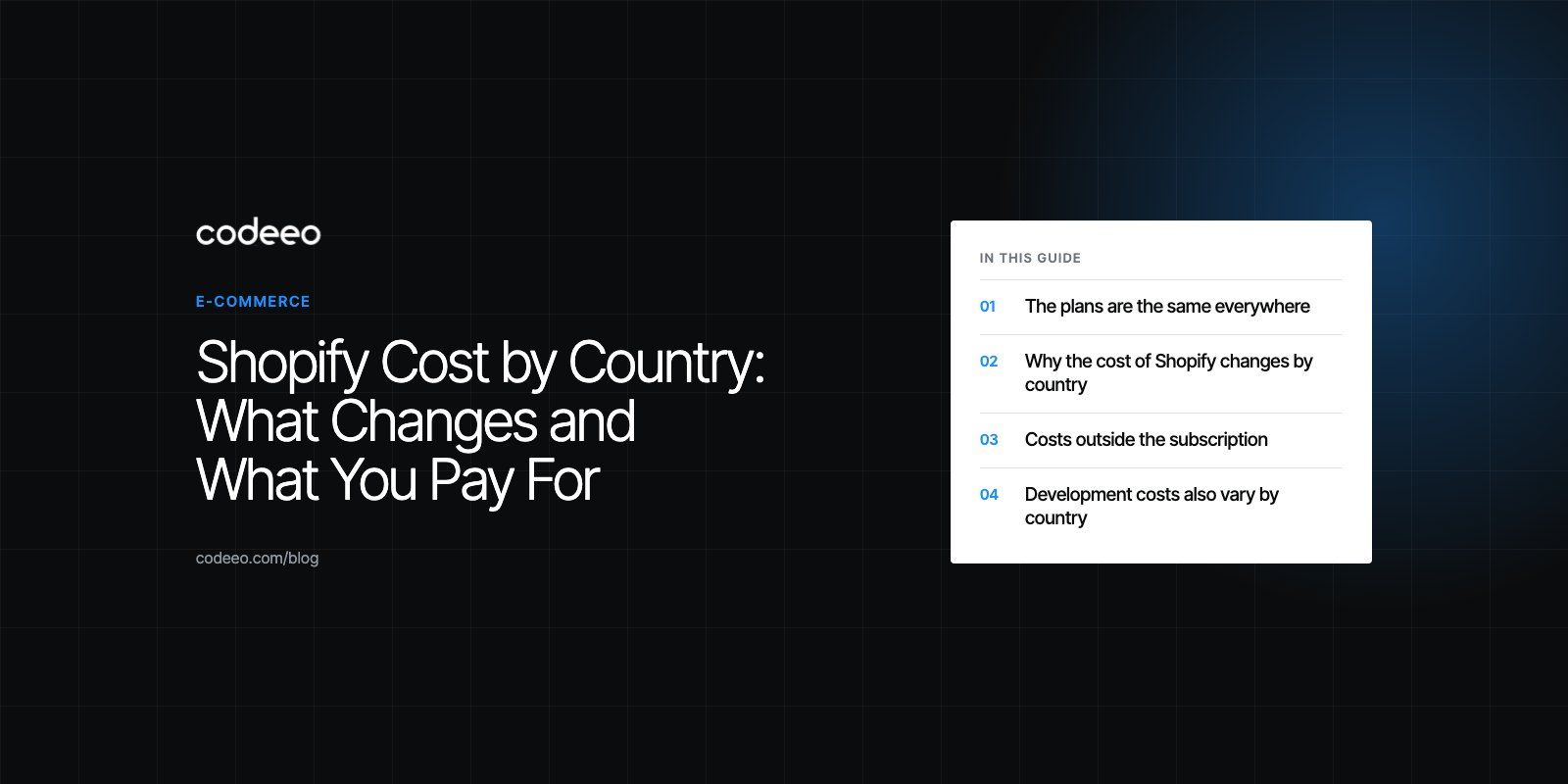
Shopify uses the same plans and features in every country, but what you actually pay changes with where your business is based. The country affects the currency you see and are billed in, the tax added to your bill, whether Shopify Payments is available to you, which payment providers you need, and how much local design and development help costs. To budget properly, check Shopify's pricing page from your own country and add the costs that sit outside the subscription.
This guide explains each of those factors, without quoting figures that change often, so you can build an accurate budget for your market.
The plans are the same everywhere
As of 2026, Shopify's pricing page lists four main plans: Basic, Grow, Advanced and Plus. The plan names and core features do not change by country. What changes is the number on the page and the costs around it.
| Plan | Who it suits | What you gain as you move up |
|---|---|---|
| Basic | New stores and small catalogs | Core store, checkout, discount codes and basic reports |
| Grow | Growing stores with steady order volume | More staff accounts, better reports, lower card rates |
| Advanced | Larger stores with several team members | Custom reports, more staff accounts, lower fees again |
| Plus | High volume and enterprise brands | Checkout customization, B2B tools, automation and dedicated support |
Paying yearly instead of monthly lowers the effective plan cost on most tiers. Shopify also runs introductory trial offers, which change from time to time, so check the current terms when you sign up.
Why the cost of Shopify changes by country
1. Currency and exchange rates
Depending on your country, Shopify may show and bill your plan in your local currency or in US dollars. If you are billed in a currency other than the one your bank account uses, your bank's exchange rate and any foreign transaction charges add a small amount to every bill. Over a year, that difference is worth checking. Shopify also adjusts local prices from time to time, so a figure you saw last year may not be current.
2. Tax on your Shopify bill
Depending on where your business is registered, sales tax, VAT or GST may be added to your subscription and app charges. In many countries a VAT registered business can recover this, but it still affects cash flow and should be in your budget. Make sure your business address and tax number are correct in your Shopify billing settings.
3. Whether Shopify Payments is available
This is the factor with the biggest effect, and the one most people miss. Shopify Payments is only available in supported countries. As of 2026 the list includes the United States, Canada, the United Kingdom, Australia, the United Arab Emirates and much of Europe, among others. Saudi Arabia is not on the list.
If Shopify Payments is not available where your business is based, you must use a third party payment provider. Shopify then charges an extra transaction fee on each order on top of what the provider charges, and that fee is higher on lower plans. Some features, such as showing prices in local currencies and Shopify's built in fraud analysis, also depend on Shopify Payments.
4. Local payment methods
Shoppers in each market expect particular ways to pay. In the GCC, for example, buy now pay later providers such as Tabby and Tamara and cash on delivery are common. In parts of Europe, bank transfer methods matter. Each extra provider can bring its own fees and sometimes an app or integration cost. Leaving out the method your market expects usually costs more in lost sales than adding it.
5. Shipping, duties and taxes on orders
Selling across borders adds duties and import taxes. Shopify includes tools to estimate and collect them at checkout, and Shopify Markets lets you manage prices, languages and domains for each country you sell to. Carrier rates, fulfillment partners and return costs vary widely by country and are often a bigger line than the subscription itself.
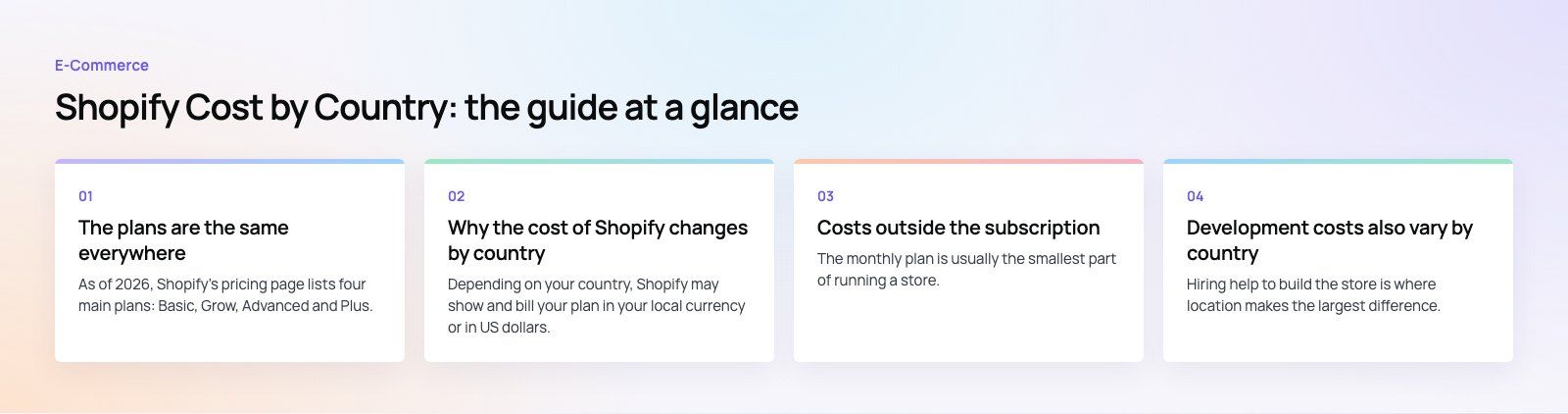
Costs outside the subscription
The monthly plan is usually the smallest part of running a store. These lines apply in every country, but their size depends on your market and your model.
- Card processing: charged on every order, with rates that vary by plan, card type and country.
- Third party transaction fees: only if you use a provider other than Shopify Payments.
- Apps: reviews, subscriptions, loyalty, translation and shipping apps usually charge monthly. Many are priced in US dollars, so exchange rates apply here too.
- Theme: Shopify's free themes are good starting points; premium themes are a one time purchase.
- Domain and email: a yearly domain renewal, plus business email from a separate provider.
- Design and development: setup, customization, migration and integrations.
- Marketing: ads, content and email tools, which often outweigh every other line.
Development costs also vary by country
Hiring help to build the store is where location makes the largest difference. Freelancer and agency rates follow local salaries, so the same Shopify project can be quoted very differently in different cities. Rates are not the only thing to compare, though. Ask what is included, who does the work, how the store will be handed over and what support looks like after launch.
The factors that drive development effort are the same everywhere:
- A custom design versus a customized theme
- The number of products, variants and collections
- Languages, especially right to left support for Arabic
- Integrations with ERP, accounting, inventory or CRM systems
- Migrating products, customers and orders from another platform
- Custom apps or theme app extensions for features no app covers
How to estimate your Shopify budget
- Open the pricing page from your country and note the plan prices and billing currency you see.
- Check Shopify Payments availability for the country where your business is registered.
- Estimate monthly order volume and average order value, then work out card processing and any third party transaction fees for each plan.
- List the apps you need and add their monthly charges.
- Add tax on your Shopify and app bills if it applies to you.
- Add one time costs: theme, design, development and migration.
- Add running costs: marketing, shipping, returns and support.
Once order volume grows, compare plans again. Lower processing fees on a higher plan can outweigh the higher subscription.
Choosing the right plan
Basic suits a new store testing its products. Grow makes sense once orders are steady and you need more staff accounts and better reports. Advanced fits larger teams that rely on custom reporting and lower fees. Plus is for brands with high volume, complex checkout needs or B2B selling. In every country, the right plan is the one where the subscription plus fees is lowest for your actual order volume, not the cheapest headline price.
Codeeo has delivered 200+ projects across the UAE and the US, including Shopify stores such as EGO Sustainable, which sells across five markets with Tabby and Tamara at checkout. Our Shopify developers can help you choose a plan, set up payments for your country and plan the build. If you are moving from another platform, see our site migration service, or start with a platform fit review.
Frequently asked questions
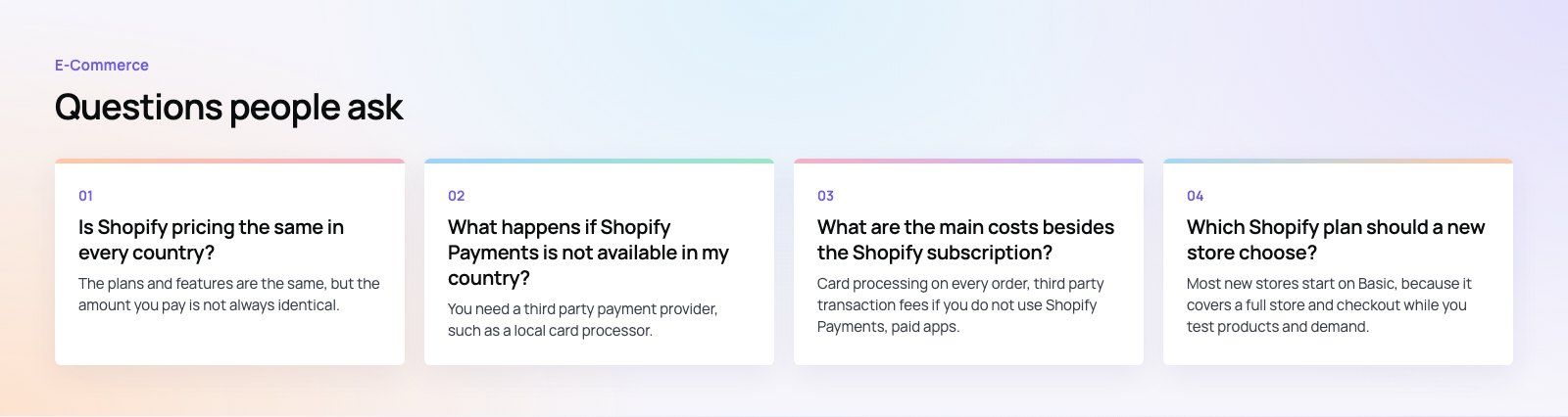
The plans and features are the same, but the amount you pay is not always identical.
Depending on your country, Shopify may bill in local currency or US dollars, local taxes may be added, and the availability of Shopify Payments changes which transaction fees you pay. Always check the pricing page from your own country before budgeting, because local prices are adjusted over time.
E-Commerce10 Features of a High-Converting Ecommerce WebsiteThe ten features that turn store visitors into buyers, from product pages and checkout to speed, mobile design, social proof and ongoing testing. E-CommerceBenefits of Using a CMS for Ecommerce WebsitesHow a CMS helps online stores manage products, SEO, growth and security, how it compares with a custom build, and how to choose between WooCommerce, Shopify and headless.
 E-CommerceEcommerce Website Development: 9 Elements Every Store NeedsThe nine parts every online store needs, from catalog data and search to checkout, security, operations and analytics, with what to decide before you build.
Tell us what the business needs. We will tell you what to build first.
Schedule a free consultation and get a written recommendation, with costs, before you commit to anything.
Get in touchPROVEN RESULTS
4.7 / 5verified reviews on Google