 MarketingShopify Email vs Mailchimp: Which Is Better for Your Store?Shopify Email, now Shopify Messaging, against Mailchimp: ease of use, Shopify data, automation, segmentation, design and how pricing scales, with a clear way to choose.
Shopify Facebook Integration: Setup, Pixel and Selling Tips
How to connect Shopify to Facebook and Instagram, sync your catalog, set up the Meta pixel without duplicate events, and turn social traffic into sales.
Shopify Facebook integration connects your Shopify store to Meta through the Facebook and Instagram sales channel, so your product catalog, Meta pixel and ads all work from the same data. Once connected, products can appear in a shop on your Facebook Page and on Instagram, your ads can show the exact items people viewed, and purchases are tracked back to the campaigns that drove them. Setup takes one app, a Meta business account and a few careful settings.
This guide explains what the integration gives you, how to set it up, how to connect the Meta pixel properly, and the practices that turn social traffic into sales.
Why social selling matters for Shopify stores
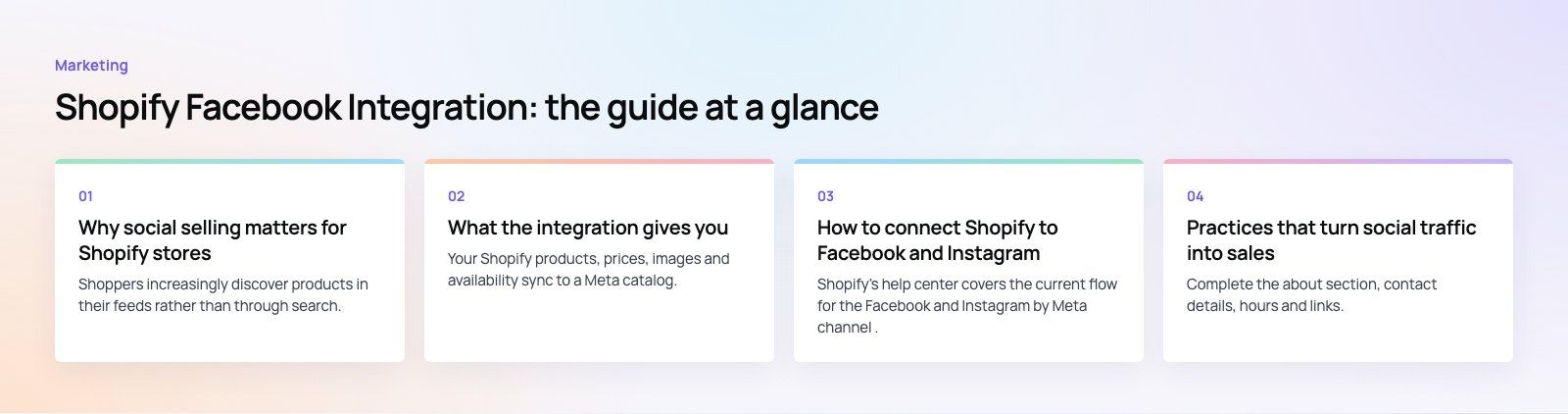
Shoppers increasingly discover products in their feeds rather than through search. A product seen in a friend's post, a creator's video or a well targeted ad is often the first touch. Facebook and Instagram are two of the largest places that discovery happens, and for many consumer brands they are the main source of new customers.
Without an integration, social selling is clumsy: manually uploaded product images, ads that send people to the homepage, and no clear view of which campaigns produced sales. With it, the catalog stays current, ads are built from live product data, and every purchase can be measured.
What the integration gives you
A synced product catalog
Your Shopify products, prices, images and availability sync to a Meta catalog. When you change a price or a product sells out, the catalog updates, so ads and shop listings do not promote items you cannot ship.
Shops on Facebook and Instagram
Products can be shown in a shop on your Facebook Page and tagged in Instagram posts and stories. Depending on your market and Meta's current settings, customers either complete the purchase within Meta's apps or are sent to your Shopify checkout. Either way, orders are managed in your Shopify admin.
Catalog based ads
Meta's catalog ads, previously known as dynamic ads, automatically show people the products they viewed or similar items. They are one of the most efficient formats for retargeting visitors who browsed but did not buy.
Tracking and measurement
The Meta pixel and the Conversions API report events such as product views, add to cart and purchases back to Meta. That data powers ad optimization, audience building and reporting on return on ad spend.
Audiences
With good tracking you can build audiences of recent visitors, cart abandoners and past buyers, and lookalike audiences of people similar to your best customers.
Before you start
- A Facebook Page for your business, with accurate contact details and branding.
- A Meta business portfolio (formerly Business Manager) that owns the Page, ad account and pixel. Personal profiles should not own business assets.
- An Instagram professional account if you want to sell on Instagram, linked to the same portfolio.
- A Shopify plan with an active online store, clear shipping and returns policies, and products that meet Meta's commerce policies.
- Admin access to both Shopify and the Meta business portfolio.
How to connect Shopify to Facebook and Instagram
Shopify's help center covers the current flow for the Facebook and Instagram by Meta channel. Screens change from time to time, but the process follows these stages.
Step 1: Install the sales channel
In the Shopify App Store, find the Facebook and Instagram app by Meta and add it to your store. It appears under Sales channels in your Shopify admin.
Step 2: Connect your Meta accounts
Log in with the Facebook account that has admin rights on your business portfolio. Select the portfolio, Facebook Page, ad account and Instagram account you want to use. If you have several portfolios, double check you are choosing the right one, because changing it later is awkward.
Step 3: Set up data sharing
Choose or create a Meta pixel and pick your customer data sharing level. Higher levels enable the Conversions API, which sends events from Shopify's servers as well as the browser and is more reliable when browsers block tracking. Make sure your privacy policy and consent banner reflect what you share.
Step 4: Sync your catalog
Choose which products to sync. Exclude items you cannot sell on Meta, such as restricted categories, and products with poor images or missing descriptions.
Step 5: Set up your shop
Once Meta reviews and approves the shop, customize collections and featured products in Meta's Commerce Manager. Approval can take a few days, and rejections usually relate to policy issues or missing store information.
Step 6: Test
Use Meta's Events Manager to confirm that page view, add to cart, initiate checkout and purchase events arrive correctly, without duplicates. Place a test order to confirm the full path.
Connecting Shopify to the Meta pixel
Older guides tell you to paste pixel code into your theme. Do not do this if you use the sales channel. The channel installs the pixel for you, and adding the code manually as well usually causes duplicate events, which inflate conversions and confuse ad optimization. If an old pixel snippet is in your theme or in a tracking app, remove it and let the channel handle tracking, or use one clearly managed setup through a tag manager instead.
Practices that turn social traffic into sales
Optimize your Facebook Page and Instagram profile
Complete the about section, contact details, hours and links. Use your logo and consistent cover images. People check a brand's profile before buying from an ad, and a sparse page costs trust.
Treat the catalog as an ad asset
Product titles, images and descriptions become your ads. Use clear titles that say what the product is, high quality images on clean backgrounds plus lifestyle shots, and complete attributes such as size, color and material.
Run catalog retargeting
Set up catalog ads for people who viewed products or added to cart but did not buy. Exclude recent purchasers so you are not paying to show them what they already own.
Use content that sells without shouting
Short videos showing the product in use, customer photos, behind the scenes clips and how to guides tend to outperform polished brand ads on social. Test formats: reels, carousels, single images and stories.
Lean on social proof
Reviews, user generated content and creator posts build confidence. Ask customers for permission to reshare their photos, and feature reviews on product pages that ads link to.
Make the landing experience match
An ad for a specific product should land on that product, with the same price and image. A fast mobile product page matters more than any ad setting, because most social traffic is on phones.
Measure what matters
Watch cost per purchase and return on ad spend rather than likes and reach. Compare Meta's reported sales with Shopify's own reports, since attribution windows differ.
Common problems
| Problem | Likely cause | Fix |
|---|---|---|
| Purchases counted twice | Pixel installed by the channel and manually in the theme | Remove the manual code or tracking app |
| Products rejected from the catalog | Policy issues, missing images or descriptions | Review rejections in Commerce Manager and fix product data |
| Shop not approved | Missing policies, contact details or unsupported market | Complete store information and check eligibility |
| Wrong ad account or Page connected | Several business portfolios on one login | Reconnect the channel with the correct portfolio |
| Low match quality on events | Low data sharing level | Raise the level to use the Conversions API, within your privacy policy |
Social commerce works when the store, catalog and tracking are built properly underneath the ads. Codeeo has delivered 200+ projects across the UAE and the US, including EGO Sustainable, a bilingual Shopify store for a GCC athleisure label selling across five markets. Our Shopify developers can set up the store and tracking, and our digital marketing team can run the campaigns. If your store is already live, a website audit is a quick way to find what is holding back conversions, and you can see more of our retail and ecommerce work.
Frequently asked questions
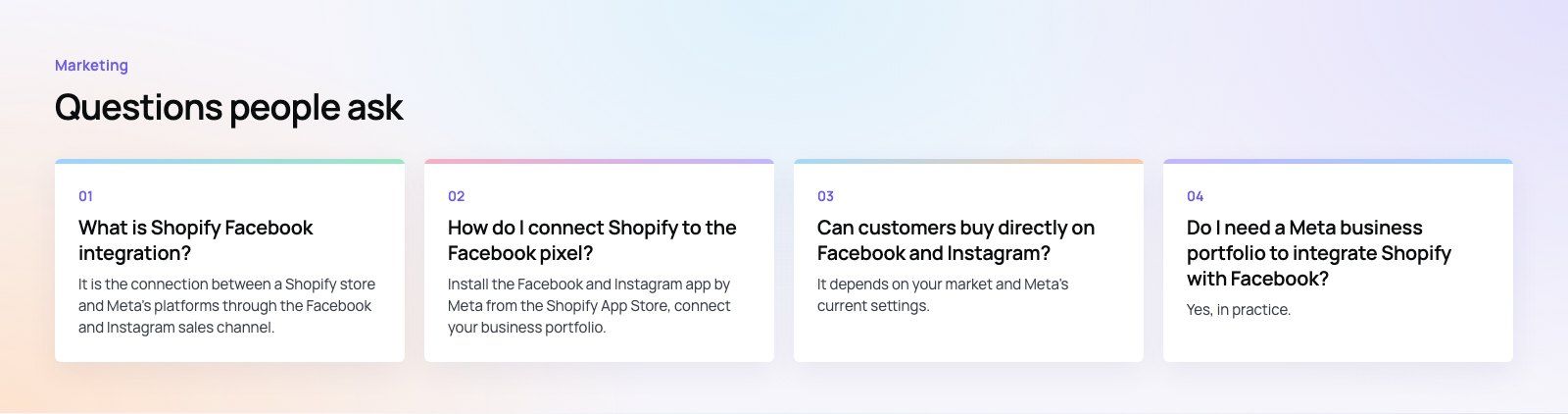
It is the connection between a Shopify store and Meta's platforms through the Facebook and Instagram sales channel.
It syncs your product catalog to Meta, installs the Meta pixel and Conversions API for tracking, and lets you show products in shops on Facebook and Instagram and in catalog ads. Orders and products continue to be managed from your Shopify admin.
MarketingShopify Email vs Mailchimp: Which Is Better for Your Store?Shopify Email, now Shopify Messaging, against Mailchimp: ease of use, Shopify data, automation, segmentation, design and how pricing scales, with a clear way to choose. MarketingHow Much Should You Spend on Digital Marketing Services?How to set a digital marketing budget from your own numbers: what you pay for, what drives cost, how to split channels and when to spend more.
 MarketingHow to Use Social Media to Drive Traffic to Your WebsiteHow to turn social media followers into website visitors: choosing platforms, content that earns clicks, landing pages, paid social and UTM tracking.
Tell us what the business needs. We will tell you what to build first.
Schedule a free consultation and get a written recommendation, with costs, before you commit to anything.
Get in touchPROVEN RESULTS
4.7 / 5verified reviews on Google