 E-Commerce10 Features of a High-Converting Ecommerce WebsiteThe ten features that turn store visitors into buyers, from product pages and checkout to speed, mobile design, social proof and ongoing testing.
Shopify Integrations: Which Ones Your Store Actually Needs
A practical guide to Shopify integrations by type: marketplaces, accounting, ERP, CRM, email, POS and analytics, plus when to choose an app or custom build.
Shopify integrations are apps and API connections that link your store to the other systems your business runs on: marketplaces, accounting, ERP, CRM, email, point of sale, social channels and analytics. Most stores need only a few, chosen around where data has to move without anyone retyping it. The right set saves hours each week; the wrong set slows the store and creates conflicting records.
This guide groups the common integrations by job, explains when an app is enough and when you need a custom build, and lists the mistakes that cause most integration problems.
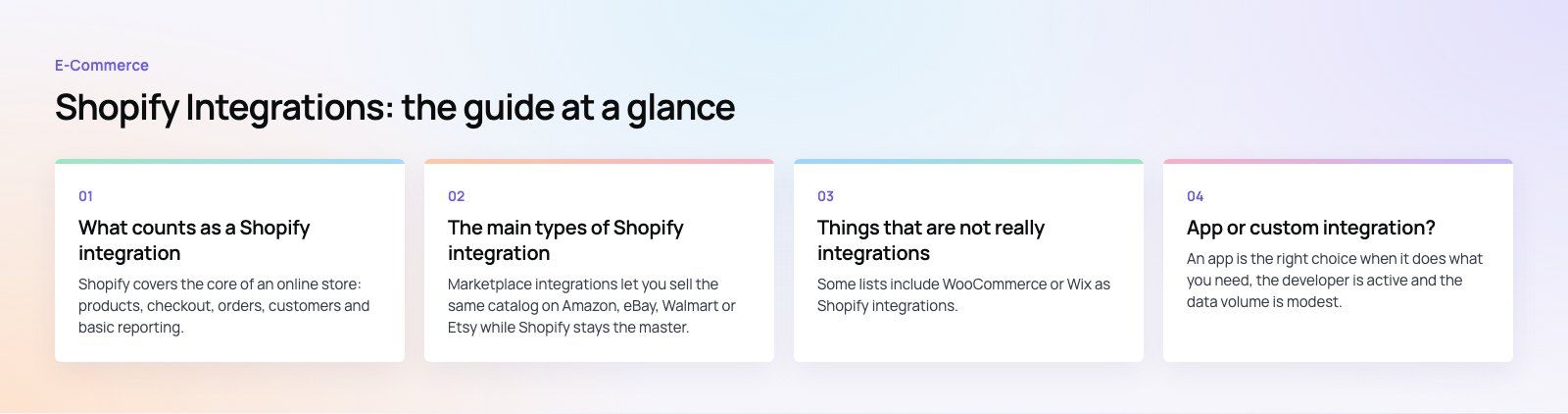
What counts as a Shopify integration
Shopify covers the core of an online store: products, checkout, orders, customers and basic reporting. An integration connects that core to something outside it. There are three ways to do it:
- Apps from the Shopify App Store. Installed in minutes, maintained by the app developer, usually paid by subscription.
- Native connectors from the other side. Many platforms, such as email and accounting tools, publish their own Shopify connector.
- Custom integrations. Built on the Shopify APIs and webhooks when no app fits your data, volume or rules.
The main types of Shopify integration
| Category | Typical tools | What moves between systems | Usual complexity |
|---|---|---|---|
| Marketplaces | Amazon, eBay, Walmart, Etsy | Listings, stock, orders, tracking | Moderate |
| Accounting | QuickBooks, Xero | Orders, payouts, fees, tax, refunds | Low to moderate |
| ERP | NetSuite, Business Central, Odoo | Products, stock, prices, orders, customers | High |
| CRM | Salesforce, HubSpot | Customers, orders, segments, sales activity | Moderate to high |
| Email and SMS | Klaviyo, Mailchimp | Customers, events, abandoned carts | Low |
| Point of sale | Shopify POS, Lightspeed, Square, Clover | Stock, products, in store sales | Moderate |
| Social selling | Meta (Facebook and Instagram), TikTok | Product catalogs, pixels, orders | Low |
| Analytics | Google Analytics 4 | Ecommerce events, conversions | Low |
Marketplaces
Marketplace integrations let you sell the same catalog on Amazon, eBay, Walmart or Etsy while Shopify stays the master. Shopify's own Marketplace Connect app covers several major marketplaces; Etsy relies on third party connectors. The hard part is never the listing. It is keeping stock, prices and returns consistent across channels.
Accounting
Accounting integrations post sales, payment payouts, fees, refunds and tax into QuickBooks or Xero. The decision that matters is whether to post every order individually or a daily summary. Individual orders give detail but clutter the ledger; summaries are cleaner but harder to trace. Agree this with your accountant before you install anything.
ERP
An ERP integration is the biggest step up. Once an ERP such as NetSuite, Microsoft Dynamics 365 Business Central or Odoo holds stock, purchasing and finance, Shopify becomes a sales channel feeding it. Products and stock usually flow from ERP to Shopify; orders and customers flow back. These projects need clear rules about which system owns each field.
CRM
A CRM integration matters most for brands with B2B buyers, account managers or a sales team. Customer records, order history and segments sync into Salesforce or HubSpot, so sales and service teams see the full picture without logging into Shopify.
Email and SMS marketing
Tools such as Klaviyo and Mailchimp read Shopify events, like viewed product, started checkout and placed order, and trigger flows from them. These are usually the easiest integrations to set up and among the quickest to pay back, because abandoned cart and post purchase flows run without daily effort.
Point of sale
If you sell in person, your POS must share stock with your online store. Shopify POS does this natively. If you use Lightspeed, Square or Clover instead, you need a connector, and you should test how it handles returns, exchanges and stock transfers between locations.
Social selling and analytics
The Facebook and Instagram channel and the TikTok channel sync your product catalog and install tracking pixels, so you can tag products and run catalog ads. The Google and YouTube channel connects GA4 and Google Merchant Center. These are quick to set up, but check for duplicate tracking tags afterwards.
Things that are not really integrations
Some lists include WooCommerce or Wix as Shopify integrations. In practice, businesses rarely run those platforms alongside Shopify for the same store. The real need is usually a migration: moving products, customers, orders and URLs from one platform to the other with redirects in place. That is a one time project, not an ongoing sync.
App or custom integration?
An app is the right choice when it does what you need, the developer is active and the data volume is modest. A custom integration makes sense when:
- Your rules are unusual, such as customer specific pricing, complex bundles or multi warehouse allocation.
- Data volumes exceed what apps handle reliably.
- Several systems need to agree, for example ERP, warehouse and Shopify, and no single app covers all three.
- You need control over error handling, retries and logs that an app does not expose.
Custom work costs more upfront and needs maintenance when APIs change. Apps cost less to start but can add up across many subscriptions and slow down your storefront if they inject scripts.
How to add an integration to Shopify
- Write down the problem. Which task is manual today, who does it, and how often? This becomes your test for success.
- Decide the source of truth. For each data type, name the system that owns it: products, stock, prices, customers, orders.
- Shortlist options. Compare apps on features, recent reviews, support response and sync frequency. Check whether the other platform offers its own connector.
- Clean your data. Unique SKUs, consistent product types, correct tax settings. Integrations amplify messy data.
- Install and configure on a test basis. Use a development store or a small product set where possible.
- Test real scenarios. Orders, partial refunds, cancellations, discount codes, multi currency and out of stock items.
- Go live and monitor. Watch the error logs daily for the first few weeks and set up alerts for sync failures.
- Review every few months. Remove apps you no longer use and check that the rest still earn their place.
Common integration mistakes
- Two systems both editing the same field. Stock edited in Shopify and in the ERP will drift. Only one system should own each field.
- Too many apps. Overlapping apps fight over the same data and slow the storefront.
- No owner. Someone needs to read the error log. Silent failures are the most expensive kind.
- Skipping edge cases. Refunds, exchanges and bundles are where most sync errors appear.
- Leftover code. Uninstalled apps can leave snippets in the theme. Check after removing any app.
If your integrations have grown into a tangle, or you are connecting Shopify to an ERP or CRM for the first time, our Shopify developers scope and build them. We also work on Business Central and Odoo connections, CRM projects, and platform migrations. For a Shopify example, see the EGO Sustainable case study. Codeeo's team of 80+ works across Dubai, Riyadh and Karachi.
Frequently asked questions
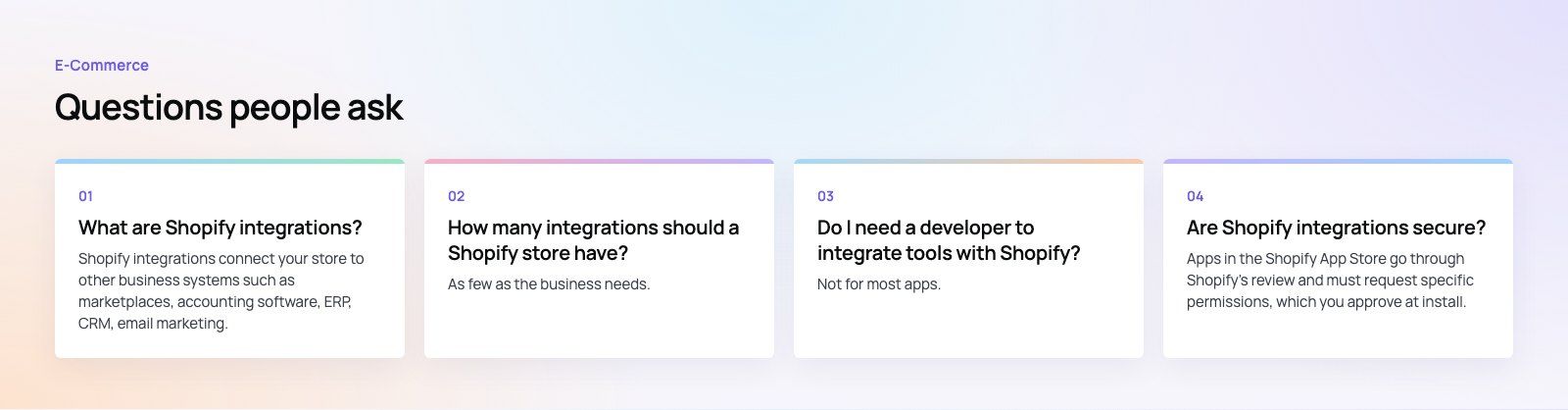
Shopify integrations connect your store to other business systems such as marketplaces, accounting software, ERP, CRM, email marketing, point of sale, social channels and analytics.
They are usually apps from the Shopify App Store, connectors published by the other platform, or custom builds on Shopify's APIs. Their job is to move data automatically so nobody has to retype orders, stock or customer details.
E-Commerce10 Features of a High-Converting Ecommerce WebsiteThe ten features that turn store visitors into buyers, from product pages and checkout to speed, mobile design, social proof and ongoing testing. E-CommerceBenefits of Using a CMS for Ecommerce WebsitesHow a CMS helps online stores manage products, SEO, growth and security, how it compares with a custom build, and how to choose between WooCommerce, Shopify and headless.
 E-CommerceEcommerce Website Development: 9 Elements Every Store NeedsThe nine parts every online store needs, from catalog data and search to checkout, security, operations and analytics, with what to decide before you build.
Tell us what the business needs. We will tell you what to build first.
Schedule a free consultation and get a written recommendation, with costs, before you commit to anything.
Get in touchPROVEN RESULTS
4.7 / 5verified reviews on Google