 E-Commerce10 Features of a High-Converting Ecommerce WebsiteThe ten features that turn store visitors into buyers, from product pages and checkout to speed, mobile design, social proof and ongoing testing.
Shopify vs WooCommerce vs Magento: Which Platform Fits Your Store?
Shopify, WooCommerce and Magento compared on catalog size, team skills, integrations, cost of ownership and growth, so you can choose with confidence.
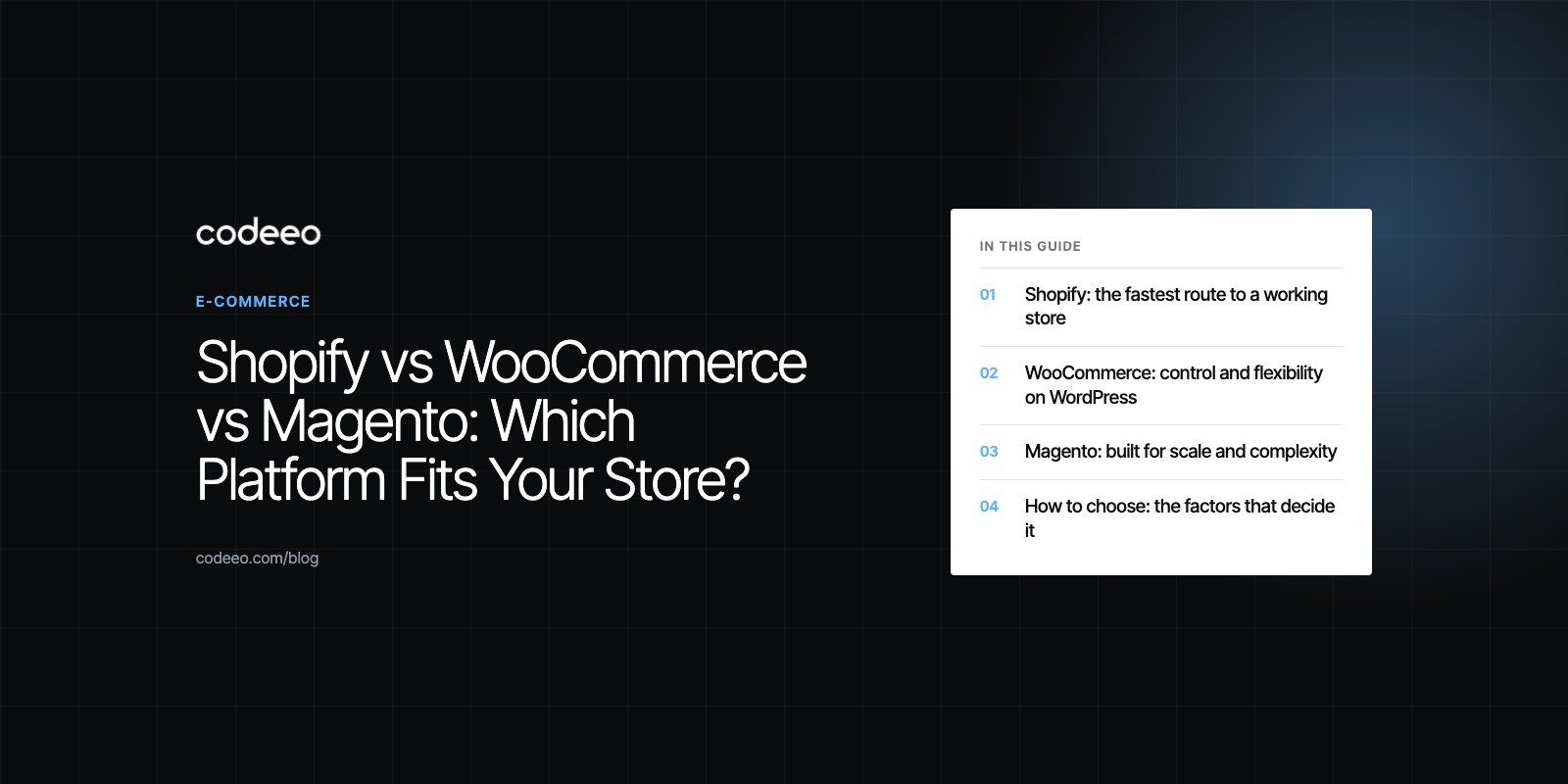
Shopify suits most small and mid sized stores that want to launch quickly without managing servers. WooCommerce suits businesses that already run WordPress or want full control of their code and data. Magento, now offered as Magento Open Source and the paid Adobe Commerce, suits large catalogs and complex B2B or multi store setups that have a development team behind them.
That is the short answer. The right choice for your store depends on your catalog, the people who will run it day to day, the systems it must connect to and how much engineering you can support over the next few years. This guide compares the three on the points that actually decide the outcome.
The three platforms at a glance
| Factor | Shopify | WooCommerce | Magento |
|---|---|---|---|
| Type | Hosted software as a service | Open source plugin for WordPress | Open source platform, plus the licensed Adobe Commerce edition |
| Hosting | Included and managed | You choose and manage it | You choose and manage it (Adobe offers cloud hosting for its edition) |
| Setup effort | Low | Moderate | High |
| Customization | Themes, apps and APIs within platform limits | Almost anything, through plugins and code | Almost anything, through extensions and code |
| Best for | Brands that want to sell quickly with little technical overhead | Content led stores and teams already on WordPress | Large catalogs, B2B, multiple stores and complex pricing |
| Skills needed | Store manager, occasional developer | WordPress developer on call | Dedicated Magento developers |
Shopify: the fastest route to a working store
Shopify is a hosted platform. Shopify runs the servers, security patches, checkout and payments infrastructure, and you manage products, orders and design through an admin panel.
Where it is strong
- Speed to launch. A competent team can have a good looking, well structured store live quickly, because there is no infrastructure to build.
- Reliability and security. Hosting, uptime, SSL and PCI compliance for the checkout are handled by the platform.
- App ecosystem. Reviews, subscriptions, loyalty, shipping and marketing tools install from the app store.
- Ease of use. Non technical staff can run the store day to day.
Where it limits you
- You work within Shopify's data model and checkout rules. Deep changes to checkout logic are restricted on lower plans.
- Running costs grow with each paid app and with transaction based fees, so total cost depends on how many apps you rely on.
- Very unusual catalog structures, such as complex configurable products, can need workarounds or custom apps.
WooCommerce: control and flexibility on WordPress
WooCommerce is an open source ecommerce plugin for WordPress. You install it on your own hosting, which means you own the code, the database and every decision about how the store works.
Where it is strong
- Content and commerce together. If content marketing drives your sales, WordPress is hard to beat as a publishing tool, and the store lives in the same site.
- Customization. Thousands of plugins exist, and anything missing can be built, from custom product fields to unusual shipping rules.
- Ownership. Your data sits on your server, and you can move hosts whenever you like.
- Large community. Developers, documentation and answers are easy to find.
Where it limits you
- You are responsible for hosting, updates, backups, security and performance. Neglect shows up as slow pages and plugin conflicts.
- Stores with very large catalogs or high order volumes need careful hosting and database tuning.
- Quality varies widely between plugins, so every addition needs vetting.
Magento: built for scale and complexity
Magento is an open source PHP platform. Magento Open Source remains actively maintained, and Adobe sells a licensed edition, Adobe Commerce, with extra B2B, merchandising and cloud features.
Where it is strong
- Catalog depth. Configurable, bundled and grouped products, many attributes and very large SKU counts are handled natively.
- Multi store. Several brands, languages, currencies or regions can run from one installation.
- B2B features. Customer specific catalogs and pricing, quotes and company accounts, especially in Adobe Commerce.
- SEO control. Fine grained control over URLs, metadata and layered navigation.
Where it limits you
- It needs experienced developers to set up, extend and upgrade. Upgrades in particular take planning.
- It needs capable hosting. An underpowered server makes Magento feel slow.
- For a small store, the overhead is rarely worth it.
How to choose: the factors that decide it
1. Catalog and product complexity
A few hundred simple products fit any of the three. Tens of thousands of SKUs with many variants, fitment data or customer specific pricing push you toward WooCommerce with careful engineering, or toward Magento.
2. Who runs the store
If a small marketing team will manage it without a developer, Shopify is the safe choice. If you have a WordPress developer on call, WooCommerce opens up. If you have, or will hire, a dedicated engineering team, Magento becomes realistic.
3. Integrations
List every system the store must talk to: ERP, CRM, warehouse, accounting, marketplaces, local payment providers and buy now pay later services. Check whether each has a maintained connector for your platform, and what a custom integration would involve if not.
4. Total cost of ownership
Do not compare headline plan prices. Add hosting, paid apps or extensions, transaction fees, development, maintenance and upgrades over three years. A platform that looks cheap at launch can cost more once you add what you actually need, and the reverse is also true.
5. SEO and content
All three can rank well. The difference is how much control you need. Content heavy brands tend to prefer WooCommerce, large catalogs value Magento's URL and navigation control, and Shopify covers the essentials for most stores.
6. Room to grow
Think about where the business will be in three years: new markets, a B2B channel, a mobile app or a headless front end. Choosing a platform that cannot follow you means a migration later, which is more disruptive than choosing well now.
Common mistakes when choosing a platform
- Choosing on price alone. The cheapest option at launch is often the most expensive to run or to leave.
- Underestimating maintenance. Self hosted platforms need regular updates. If nobody owns that job, security and speed suffer.
- Ignoring integrations until late. A missing ERP connector discovered after launch can force a rebuild.
- Overbuilding. Picking Magento for a small store because it "scales" adds cost and complexity you may never need.
- Not planning for migration. Keep product data clean and structured from day one so a future move is possible.
If you are weighing these options, a platform fit review maps your catalog, team and integrations against each platform before you commit. We build and maintain stores as Shopify developers and WooCommerce developers, and handle platform migrations when a store has outgrown its first choice. See our EGO Sustainable and Clock Springs Australia case studies for two very different stores.
Frequently asked questions
For most small businesses, Shopify is the simplest choice because hosting, security and checkout are handled for you and non technical staff can run the store.
WooCommerce is a strong alternative if you already use WordPress or want to own your code and data. Magento is rarely worth its setup and maintenance overhead for a small catalog.
E-Commerce10 Features of a High-Converting Ecommerce WebsiteThe ten features that turn store visitors into buyers, from product pages and checkout to speed, mobile design, social proof and ongoing testing. E-CommerceBenefits of Using a CMS for Ecommerce WebsitesHow a CMS helps online stores manage products, SEO, growth and security, how it compares with a custom build, and how to choose between WooCommerce, Shopify and headless.
 E-CommerceEcommerce Website Development: 9 Elements Every Store NeedsThe nine parts every online store needs, from catalog data and search to checkout, security, operations and analytics, with what to decide before you build.
Tell us what the business needs. We will tell you what to build first.
Schedule a free consultation and get a written recommendation, with costs, before you commit to anything.
Get in touchPROVEN RESULTS
4.7 / 5verified reviews on Google