 Digital TransformationHow Digital Transformation Is Reshaping BusinessesFive ways digital transformation is changing operations, customer experience, data, business models and work, plus the challenges and a practical roadmap.
CodeeoInsightsDigital Transformation
Sitecore vs SharePoint: Which Fits Your Digital Transformation?
Sitecore vs SharePoint compared on content, personalization, customization and cost, with a practical guide to which platform fits which job.
Sitecore and SharePoint solve different problems. Sitecore is a digital experience platform for public websites, built around content management, personalization and marketing. SharePoint is Microsoft's platform for internal collaboration, document management and intranets inside Microsoft 365. Most organizations should pick Sitecore, or another web CMS, for customer facing experiences and SharePoint for employee facing content, rather than forcing one to do the other's job.
This guide explains what each platform does well, compares them on the factors that matter in a digital transformation program, and gives a practical way to decide.
What Sitecore is built for
Sitecore is an enterprise digital experience platform. Its core job is running large, multi language, multi site public websites and connecting them to marketing tools. Over the past few years Sitecore has moved from its traditional self hosted platform toward cloud based, composable products, where the CMS, search, personalization and commerce pieces can be bought and connected separately, and front ends are often built headless with frameworks such as Next.js.
Its main strengths are:
- Content management for marketers: structured content, page building, workflows and approvals designed for marketing teams running many sites and languages.
- Personalization: showing different content to different visitors based on behavior, segment or context.
- Integration: APIs that connect the site to CRM, analytics, commerce and customer data platforms.
- Scale: multi brand, multi region estates managed from one platform.
What SharePoint is built for
SharePoint is Microsoft's platform for sharing and managing content inside an organization. Most companies use SharePoint Online as part of Microsoft 365, where it also powers file storage behind Teams and OneDrive. It is the default place many organizations store documents, run team sites and publish an intranet.
Its main strengths are:
- Document management: version history, metadata, permissions, retention and co authoring in Word, Excel and PowerPoint.
- Intranets and team sites: communication sites for news and policies, and team sites for project collaboration.
- Microsoft 365 integration: single sign on, Teams, Outlook, Microsoft Search and Copilot working over the same content.
- Automation: approvals and business processes built with Power Automate and Power Apps.
One change matters for anyone running older SharePoint setups. Microsoft has retired SharePoint 2013 workflows in SharePoint Online, with removal from existing tenants set for April 2026, and points customers to Power Automate instead. If your processes still depend on classic workflows built in SharePoint Designer, they need rebuilding.
Sitecore vs SharePoint compared
| Factor | Sitecore | SharePoint |
|---|---|---|
| Primary audience | Customers and the public | Employees and partners |
| Main use | Websites, digital marketing, personalization | Documents, intranets, collaboration |
| Content model | Structured content for pages, channels and languages | Files, lists, libraries and pages |
| Personalization | Core feature | Basic audience targeting only |
| Marketing tools | Built in or connected marketing products | Not a marketing platform |
| Ecosystem | Broad API integrations, headless front ends | Microsoft 365, Teams, Power Platform |
| Customization | Extensive, needs specialist developers | SharePoint Framework and Power Platform, within Microsoft's limits |
| Cost profile | Licensing plus significant implementation work | Usually included in Microsoft 365 plans, plus build effort |
The comparison in detail
Content management
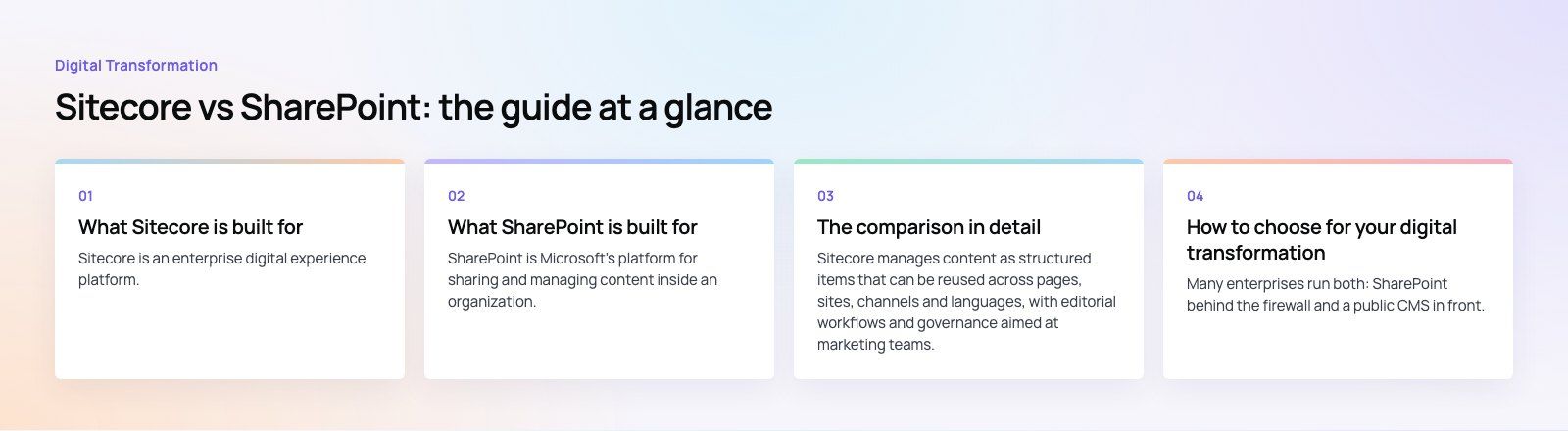
Sitecore manages content as structured items that can be reused across pages, sites, channels and languages, with editorial workflows and governance aimed at marketing teams. It is designed for content that is published to the outside world and changes often.
SharePoint manages content mainly as documents and lists. Its version control, metadata, permissions and approval features are excellent for policies, contracts, reports and project files. It can host pages, but those pages are intended for internal communication rather than a public brand site.
Digital experience and personalization
This is the clearest difference. Personalization, testing and analytics around the visitor are central to Sitecore. SharePoint can target news and navigation to audiences inside your organization, but it has no real tooling for personalizing a public website or measuring marketing campaigns.
Customization and scalability
Both platforms scale to very large organizations. Sitecore gives developers deep control over the site, data model and front end, which suits complex public estates but needs experienced specialists. SharePoint is customized through the SharePoint Framework, Power Apps and Power Automate. That route is faster for internal tools, but you work within Microsoft's design and hosting rules.
Marketing automation
Sitecore's products connect to CRM systems and customer data platforms, so a visitor's behavior on the site can feed campaigns, segments and reporting. SharePoint has no marketing automation of its own. Marketing teams on Microsoft tools usually pair a public CMS with Dynamics 365 Customer Insights or another marketing platform.
Total cost of ownership
Rather than comparing list prices, which change and depend on negotiation, compare the drivers of total cost:
- Licensing: Sitecore is licensed separately and sits at the enterprise end of the market. SharePoint Online comes with most Microsoft 365 business and enterprise plans many companies already pay for.
- Implementation: a Sitecore build is a substantial development project. A SharePoint intranet can start from Microsoft's templates, though a well designed one still takes real work.
- Skills: Sitecore developers are specialists and harder to find. SharePoint and Power Platform skills are more common.
- Hosting and upgrades: cloud products reduce upgrade projects on both sides, but older self hosted Sitecore installations carry upgrade and infrastructure costs.
- Content operations: the people who create, approve and maintain content cost more over time than the software.
How to choose for your digital transformation
Choose Sitecore if
- You run large public websites across several brands, regions or languages.
- Personalization and marketing measurement are central to your goals.
- You have, or can fund, an experienced implementation and support team.
- Your content must flow into CRM and customer data systems.
Choose SharePoint if
- The goal is better internal collaboration, document control or an intranet.
- Your organization already runs on Microsoft 365 and Teams.
- You want to automate approvals and internal processes with the Power Platform.
- Compliance, retention and permissions on documents are the main concerns.
Consider using both, or neither
Many enterprises run both: SharePoint behind the firewall and a public CMS in front. They do not compete in that setup. It is also worth asking whether you need an enterprise DXP at all. For many mid sized companies, a headless CMS with a Next.js front end, or a well built WordPress site, covers the public website at a lower total cost, while SharePoint handles internal content. A short platform fit review can settle that before you commit to licenses.
Mistakes to avoid
- Using SharePoint as a public website. Microsoft retired public website features in SharePoint Online years ago. It is not designed for that job.
- Buying a DXP for features you will not use. Personalization only pays off if you have the content and people to run it.
- Treating migration as a copy job. Moving old content and broken structures into a new platform repeats old problems. Audit, clean and restructure first.
- Ignoring governance. Both platforms degrade without clear owners, naming rules and permission policies.
- Leaving legacy workflows in place. Retired SharePoint workflows should be rebuilt in Power Automate rather than patched.
Codeeo's team of 80+ across Dubai, Riyadh and Karachi has delivered 200+ projects across the UAE and the US, from public websites to internal systems. If you are planning an intranet or modernizing SharePoint, see our Microsoft 365 services and Power Platform developers. For the public side, our web development team builds headless and CMS driven sites, and our site migration service moves content without losing search rankings.
Frequently asked questions
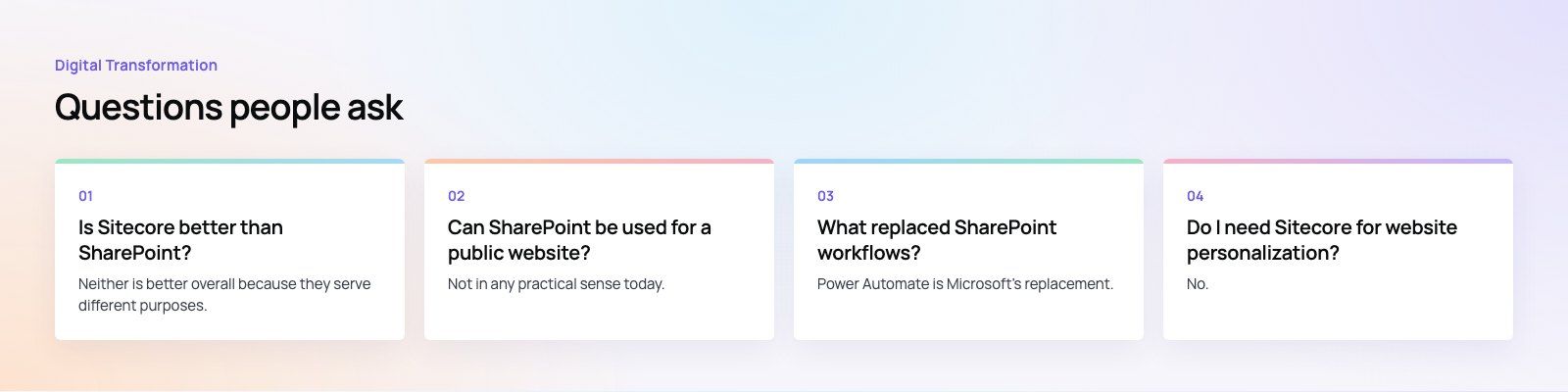
Neither is better overall because they serve different purposes.
Sitecore is built for public websites, personalization and digital marketing. SharePoint is built for internal documents, intranets and collaboration within Microsoft 365. A company that needs both a strong customer website and an intranet will often use a web CMS such as Sitecore for the first and SharePoint for the second.
Digital TransformationHow Digital Transformation Is Reshaping BusinessesFive ways digital transformation is changing operations, customer experience, data, business models and work, plus the challenges and a practical roadmap. Digital TransformationStrategic Human Resource Management: Aligning HR With GoalsWhat strategic human resource management means, the components of a strategic HR model, and a six step process for aligning HR with business goals.
 Digital TransformationBest CRM for Small Businesses: 10 Options and How to ChooseTen CRM platforms that suit startups and small teams, from HubSpot and Zoho to Kommo and NetHunt, with a comparison table and a practical way to choose.
Tell us what the business needs. We will tell you what to build first.
Schedule a free consultation and get a written recommendation, with costs, before you commit to anything.
Get in touchPROVEN RESULTS
4.7 / 5verified reviews on Google