 AIPredictive HR Analytics: How to Forecast Workforce TrendsHow predictive HR analytics forecasts hiring, turnover and skills needs, how to start with your own data, and when to build a custom tool or buy one.
What Is Microsoft 365 Copilot and How Does It Work?
What Microsoft 365 Copilot does in Word, Excel, Outlook and Teams, how it uses your company data, which version you need and how to prepare for rollout.
Microsoft 365 Copilot is the AI assistant built into Word, Excel, PowerPoint, Outlook, Teams and the Copilot app. It drafts, summarizes and analyzes using a large language model, and with the paid add-on it also grounds its answers in your organization's own emails, files, meetings and chats through Microsoft Graph, only showing each person what they already have permission to see.
That last point is what separates it from a general chatbot, and it is also where most rollouts succeed or stall. This guide explains what Copilot is in 2026, how it works under the hood, which version your staff actually get, and what to fix in your tenant before you switch it on.
What Microsoft 365 Copilot is, and what it is not
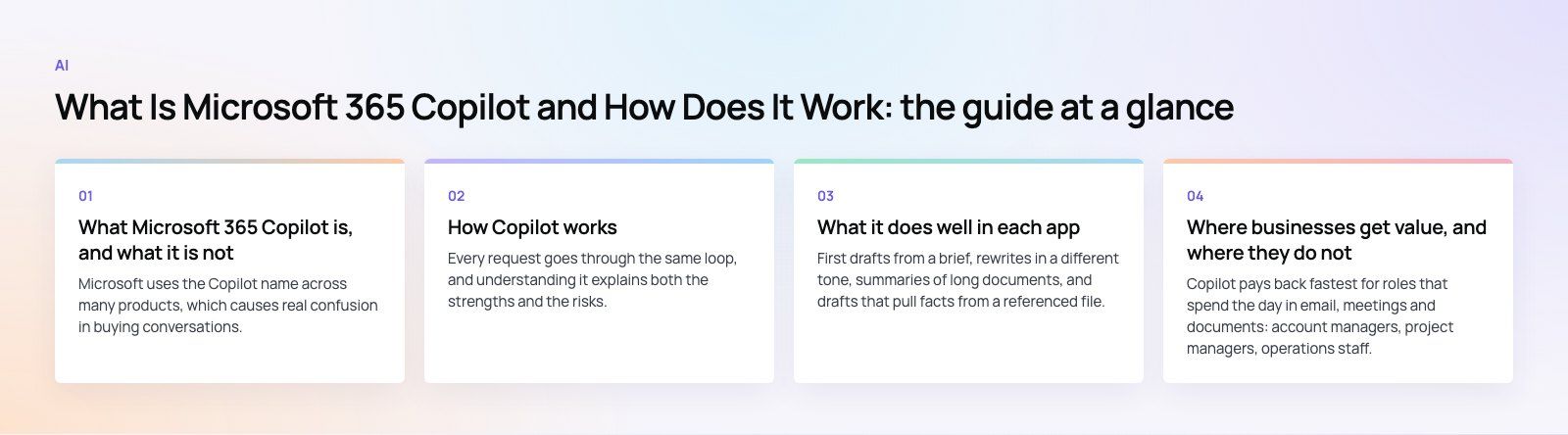
Microsoft uses the Copilot name across many products, which causes real confusion in buying conversations. In the Microsoft 365 context there are three experiences worth separating.
Copilot Chat
A secure AI chat included with eligible Microsoft 365 work and school accounts. It answers mainly from the public web. It can work with company content, but only content you hand it directly by uploading a file, pasting text or using it inside an open email or Teams conversation.
Copilot inside the Office apps
Drafting in Word, formulas and analysis in Excel, slides from a prompt in PowerPoint, thread summaries in Outlook and meeting recaps in Teams. Microsoft now offers a standard level of this inside the apps for some licensed users, with the full experience and priority access reserved for the add-on.
Microsoft 365 Copilot with the add-on license
The full product. It pulls context automatically from Microsoft Graph, so you can ask "what did the client agree in last week's call and which files did they send" without uploading anything. It also opens up agents that work over company data and the admin analytics that come with them.
It is not GitHub Copilot (a coding assistant), Security Copilot (for security teams) or Copilot Studio (a low code tool for building your own agents). Those are licensed separately. Microsoft's own Copilot overview on Microsoft Learn (updated October 2026) is the best place to confirm which tier a given user holds, because the names and bundles change often.
| Experience | Grounded in | Works inside apps | Best for |
|---|---|---|---|
| Copilot Chat | Web, plus files you supply | Chat, Outlook and Teams side panel | Research, rewriting, quick drafts |
| Standard in-app access | Web, plus the open document | Word, Excel, PowerPoint, OneNote | Light drafting and analysis |
| Microsoft 365 Copilot add-on | Web and Microsoft Graph work data | All Microsoft 365 apps, with priority | Teams that live in email, meetings and shared files |
How Copilot works
Every request goes through the same loop, and understanding it explains both the strengths and the risks.
- You write a prompt in an app or in the Copilot chat.
- Copilot gathers context. With the add-on, it searches Microsoft Graph and a semantic index of your tenant for relevant emails, files, meetings and people. Without it, it uses the web and whatever you supplied.
- Permissions are applied. Copilot only retrieves content the signed in user can already open. It does not bypass SharePoint, OneDrive or Teams permissions.
- The model generates a response using the prompt plus the retrieved context. Microsoft routes simple requests to a fast model and complex ones to a deeper reasoning model.
- The answer returns to the app with references to the source files so the user can check them.
Prompts and responses for work accounts are covered by Microsoft's enterprise data protection terms, the same contractual commitments that apply to Exchange email and SharePoint files. For organizations in the EU, traffic stays inside the EU Data Boundary.
What it does well in each app
Word
First drafts from a brief, rewrites in a different tone, summaries of long documents, and drafts that pull facts from a referenced file. It is strongest when you point it at a source document rather than asking it to invent content.
Excel
Explaining a table, suggesting formulas, building charts and spotting trends. It works best on clean, well structured tables with clear headers. Messy sheets with merged cells give weak results.
PowerPoint
Building a deck from a Word document or a prompt, summarizing a long presentation and applying formatting changes across slides. Expect to edit the output; it gives you structure, not a finished pitch.
Outlook and Teams
This is where most people feel the time saving. Thread summaries, reply drafts, meeting recaps, transcripts and action item lists remove a lot of routine follow up. Meeting features depend on transcription being enabled.
Where businesses get value, and where they do not
Copilot pays back fastest for roles that spend the day in email, meetings and documents: account managers, project managers, operations staff, HR and finance teams preparing reports. It helps less for people whose work sits in a separate line of business system that Microsoft Graph cannot see.
That gap is fixable. Microsoft Graph connectors and Copilot Studio agents can bring data from a CRM, ERP or ticketing tool into scope. If your customer records already live in Dynamics 365 or on Dataverse, Copilot has far more to work with than if they sit in spreadsheets on a shared drive.
One issue we often see is leaders judging Copilot after a week of generic prompts. The real gains come once teams build a small library of prompts tied to their own recurring tasks, such as a weekly client status summary or a standard proposal outline.
Before you switch it on: a readiness checklist
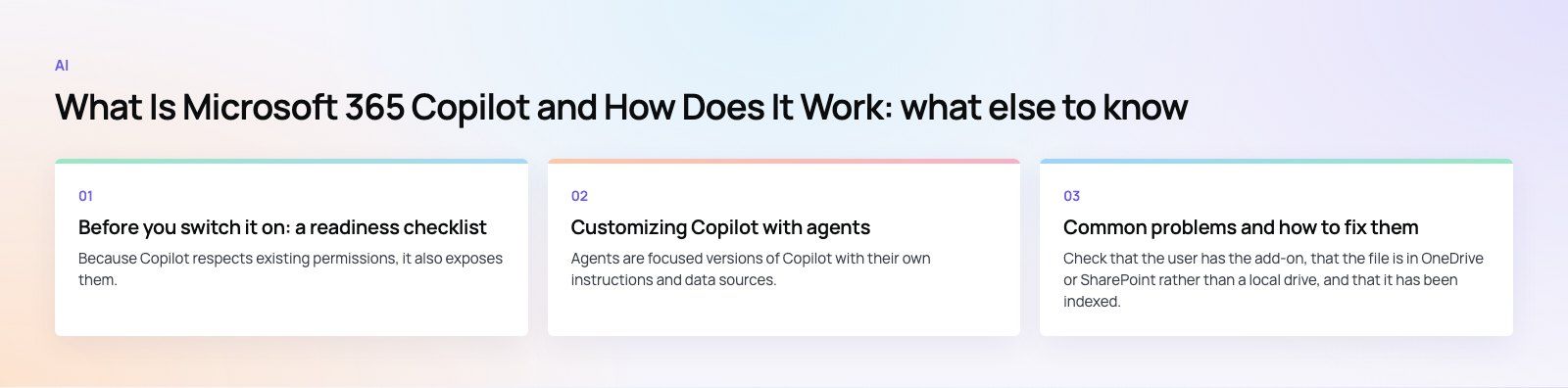
Because Copilot respects existing permissions, it also exposes them. If a salary spreadsheet is shared with "everyone in the company", Copilot can surface it to anyone who asks the right question. Fix this first.
- Audit oversharing. Review SharePoint sites and Teams with organization wide access. Microsoft provides SharePoint Advanced Management and restricted content discovery for this.
- Apply sensitivity labels. Use Microsoft Purview to label confidential content so it is handled correctly in prompts and responses.
- Clean up stale content. Old drafts and abandoned sites dilute answers. Archive what nobody needs.
- Check identity and licensing. Users must sign in with their Microsoft Entra work account, not a personal account, to get enterprise data protection.
- Allow the network endpoints. Proxies and firewalls must allow the Copilot domains, or users see failures that look like bugs.
- Pick a pilot group. Start with 20 to 50 people across a few roles, measure, then expand.
Customizing Copilot with agents
Agents are focused versions of Copilot with their own instructions and data sources. A simple agent might answer HR policy questions from a single SharePoint library. A more advanced one, built in Copilot Studio, can call APIs, look up a customer in your CRM and create a task.
Agents that only use instructions and public websites come with Copilot Chat. Agents that reach into organizational data need the add-on or pay as you go billing. For anything that writes to business systems, treat it as a software project with testing, access control and logging, which is where Power Platform developers earn their keep.
Common problems and how to fix them
"Copilot can't find my file"
Check that the user has the add-on, that the file is in OneDrive or SharePoint rather than a local drive, and that it has been indexed. Newly uploaded files can take a little time to appear.
Answers feel generic
Name the source. "Summarize the risks in the attached contract" beats "what are the risks". Give a role, a goal, the source and the format you want.
Copilot surfaced something it should not have
This is a permissions problem, not a Copilot problem. Remove the broad access on the source file or site, then label it.
Low adoption after launch
Run short role based sessions with real tasks, share a prompt library and use the Copilot usage reports in the admin center to see who needs help.
How to decide if your team needs the add-on
Start everyone on Copilot Chat, which costs nothing extra for eligible accounts, and watch how it gets used. Then license the add-on for the roles that spend most of their time in Outlook, Teams and shared documents and would benefit from automatic grounding in company data. Cost depends on the number of seats, whether you buy annually or monthly, and how much agent usage you add on top, so model it per role rather than across the whole company.
If you want help preparing your tenant, tightening permissions or connecting your line of business data, our Microsoft 365 team works across Dubai, Riyadh and Karachi and can scope a pilot with you. You can also talk to our Dynamics 365 consultants about bringing CRM data into Copilot, or contact us to start.
Frequently asked questions
No.
Copilot Chat is included with eligible Microsoft 365 work accounts and answers mainly from the web, plus any files you upload or have open. Microsoft 365 Copilot is a paid add-on that also reads your organization's emails, files, meetings and chats through Microsoft Graph automatically, with deeper integration in Word, Excel, PowerPoint, Outlook and Teams, and priority access during busy periods.
AIPredictive HR Analytics: How to Forecast Workforce TrendsHow predictive HR analytics forecasts hiring, turnover and skills needs, how to start with your own data, and when to build a custom tool or buy one. AIHow Dubai Police Uses AI to Improve Public ServicesHow Dubai Police uses AI for minor accident reports, vehicle history checks and the Amna virtual officer, and what UAE businesses can learn from it.
 AIHow to Add a Chatbot to Your Website in 5 StepsAdd a chatbot to your website in five steps: choose its job, set KPIs, map users and flows, build and install the script, then target and improve it.
Tell us what the business needs. We will tell you what to build first.
Schedule a free consultation and get a written recommendation, with costs, before you commit to anything.
Get in touchPROVEN RESULTS
4.7 / 5verified reviews on Google