 E-Commerce10 Features of a High-Converting Ecommerce WebsiteThe ten features that turn store visitors into buyers, from product pages and checkout to speed, mobile design, social proof and ongoing testing.
What Is Shopify Hydrogen and Does Your Store Need It?
Shopify Hydrogen is a toolkit for headless storefronts, not an App Store app. What it is, how it compares with a theme, the trade offs and who it suits.
Shopify Hydrogen is Shopify's toolkit for building headless storefronts: a custom front end, written in code, that pulls products, carts and checkout from Shopify through its Storefront API. It is not an app you install from the Shopify App Store. It suits brands that have outgrown what a theme can do and have developers to build and maintain a custom storefront.
This guide explains what Hydrogen is, how it differs from a normal Shopify theme, where it helps a business, what it costs in effort, and how to decide whether you need it.
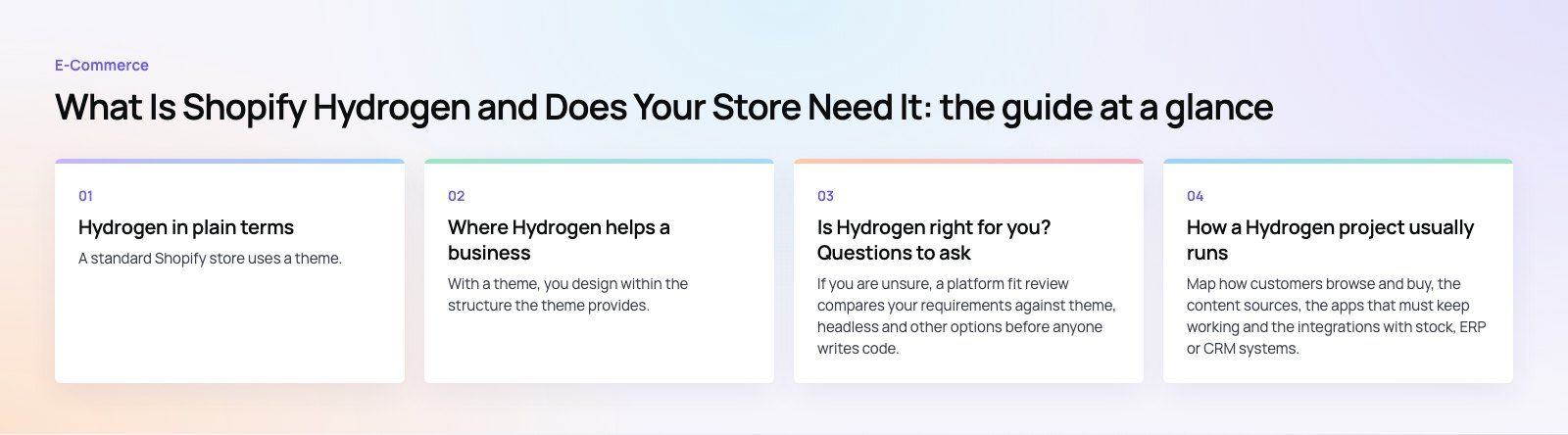
Hydrogen in plain terms
A standard Shopify store uses a theme. Shopify renders the pages, and you customize them with the theme editor, Liquid templates and apps. In a headless setup, Shopify still handles products, inventory, customers, orders and checkout, but the storefront that shoppers see is a separate application built by your developers.
Hydrogen is Shopify's own set of tools for building that separate application. According to Shopify's developer documentation, Hydrogen adds Shopify specific pieces such as the Storefront API client, cart handling and collection filtering to a web framework. Its main template uses React Router 7, and the docs also describe support for other frameworks such as Next.js, Nuxt, Astro and SvelteKit.
What Oxygen is
Oxygen is Shopify's hosting for Hydrogen storefronts. A store built on the React Router template can be deployed to Oxygen, so the front end runs on Shopify's infrastructure rather than on a separate host you manage. You can also deploy elsewhere, depending on the framework you choose.
A common misunderstanding: Hydrogen apps
Older articles often talk about "Hydrogen apps" as if they were plug ins from the App Store. They are not. A Hydrogen storefront is a custom web application that your team builds and owns. Regular Shopify apps can still work alongside it, but only if they expose data through APIs; apps that inject code into a theme will not appear on a headless storefront automatically.
Theme vs Hydrogen storefront
| Factor | Shopify theme | Hydrogen storefront |
|---|---|---|
| Who builds it | Theme developer or store owner with the editor | Developers comfortable with React and APIs |
| Design freedom | High within theme limits | Almost complete |
| App compatibility | Most App Store apps work directly | Apps need API support or custom integration |
| Content editing | Theme editor for merchants | Depends on how the build connects to a CMS or Shopify metaobjects |
| Launch time | Days to weeks | Weeks to months |
| Ongoing effort | Low | Continuous developer involvement |
| Best for | Most stores | Brands with complex experiences and in house or partner developers |
Where Hydrogen helps a business
Full control of the shopping experience
With a theme, you design within the structure the theme provides. With Hydrogen, you design the experience first and build it. That matters for product configurators, guided selling flows, rich editorial content mixed with shopping, or interfaces that do not fit a standard product and collection layout.
Performance you control
Because developers decide what loads on each page, a well built headless storefront can be very fast. Server rendering, caching and streaming are part of the toolkit. The opposite is also true: a poorly built headless store can be slower than a good theme. Speed comes from the build quality, not from the label. Our Core Web Vitals work often starts by measuring exactly where time is lost.
Content from more than one source
A headless storefront can combine Shopify product data with content from a headless CMS, a recipe database, a store locator or an internal system. That is useful for brands whose content is as important as their catalog.
One commerce backend, several front ends
Some businesses run a web store, an app and in store screens from the same product and order data. A headless approach lets each front end use the same Shopify backend through the API.
The trade offs
- More development effort. Features that come free with a theme, such as search, filters, account pages and analytics, must be built or wired in.
- App limitations. Many App Store apps rely on theme code. Reviews, loyalty and upsell tools need API based versions or custom integration.
- Merchant editing. Marketing teams used to the theme editor need a content workflow designed for them, or every change becomes a developer ticket.
- Maintenance. Framework updates, dependency upgrades and Shopify API version changes need regular attention.
- Skills. You need developers who know React, GraphQL and Shopify's APIs, either in house or through a partner.
Is Hydrogen right for you? Questions to ask
- What can your current theme not do? Write down the specific experiences you cannot deliver today. If the list is short, theme customization is cheaper.
- Do you have developers for the long term? A headless storefront is a product, not a one time project.
- Which apps do you depend on? Check each one for API support before you commit.
- Who edits content? Plan how marketing will update pages, banners and campaigns without code.
- How will you measure success? Agree targets for speed, conversion and content velocity before the build starts.
If you are unsure, a platform fit review compares your requirements against theme, headless and other options before anyone writes code.
How a Hydrogen project usually runs
Discovery
Map how customers browse and buy, the content sources, the apps that must keep working and the integrations with stock, ERP or CRM systems.
Architecture
Choose the framework and hosting, decide where content lives, and plan caching and search. Decide which features come from Shopify, which from apps, and which you will build.
Design and build
Design the key templates, then build them as components. Connect cart and checkout through Shopify, and wire in analytics and consent from the start.
Testing and launch
Test on real devices and slow connections, check every redirect from the old store, and confirm that search engines can read rendered pages. Launch with monitoring in place.
Ongoing work
Plan regular updates for the framework, dependencies and Shopify API versions, plus a backlog of improvements based on real customer data.
Security and compliance
Checkout and payment data stay on Shopify, which reduces your exposure. The storefront itself still needs care: keep API tokens out of client code where they should not be, handle customer account data properly, and respect privacy rules such as consent for tracking in the markets you sell to.
Hydrogen is a strong option for brands that need a storefront a theme cannot deliver and have the development capacity to run it. For most stores, a well built theme is still the faster and cheaper route. Our headless commerce team builds Hydrogen and other headless storefronts, and our Shopify developers and React developers can help you decide which path fits.
Frequently asked questions
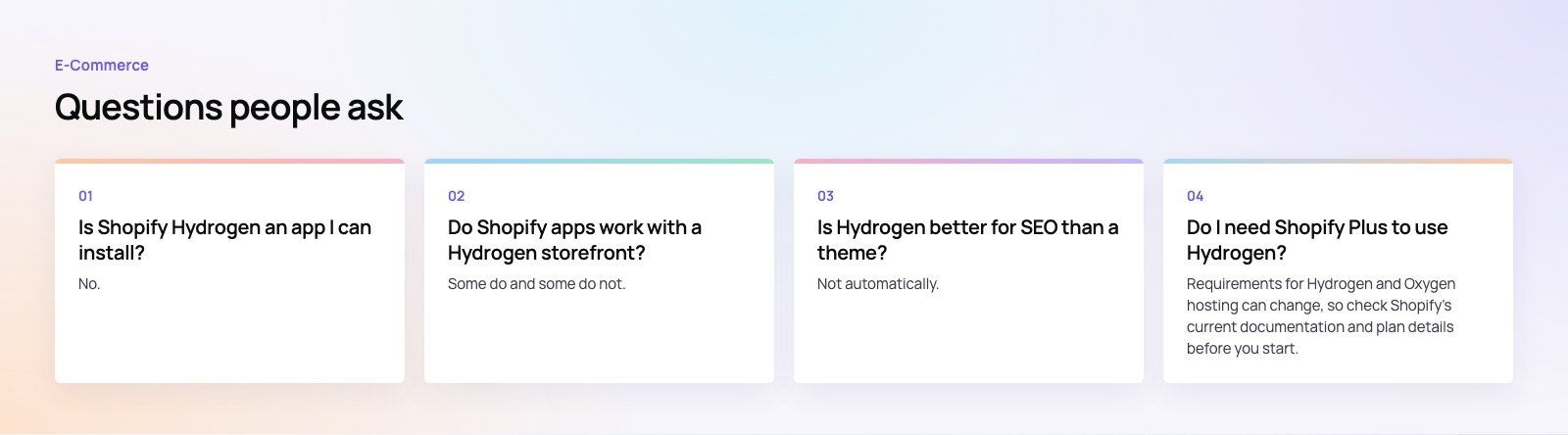
No.
Hydrogen is a developer toolkit for building a custom storefront, not an App Store app. Developers use it to write a web application that reads products, carts and customer data from Shopify through the Storefront API. Checkout still runs on Shopify. If you are not planning a custom storefront built in code, you do not need Hydrogen.
E-Commerce10 Features of a High-Converting Ecommerce WebsiteThe ten features that turn store visitors into buyers, from product pages and checkout to speed, mobile design, social proof and ongoing testing. E-CommerceBenefits of Using a CMS for Ecommerce WebsitesHow a CMS helps online stores manage products, SEO, growth and security, how it compares with a custom build, and how to choose between WooCommerce, Shopify and headless.
 E-CommerceEcommerce Website Development: 9 Elements Every Store NeedsThe nine parts every online store needs, from catalog data and search to checkout, security, operations and analytics, with what to decide before you build.
Tell us what the business needs. We will tell you what to build first.
Schedule a free consultation and get a written recommendation, with costs, before you commit to anything.
Get in touchPROVEN RESULTS
4.7 / 5verified reviews on Google