 Web DevelopmentWordPress Website Cost in Saudi Arabia: What Shapes Design, Development and Maintenance CostsWhat shapes the cost of a WordPress website in Saudi Arabia: design, plugins, Arabic and RTL, WooCommerce, hosting, security and maintenance.
Enterprise Website Security in Saudi Arabia: Governance, Monitoring and Risk
Enterprise website security for Saudi organisations: ownership, access control, patching, monitoring, incident response, backups and NCA context.
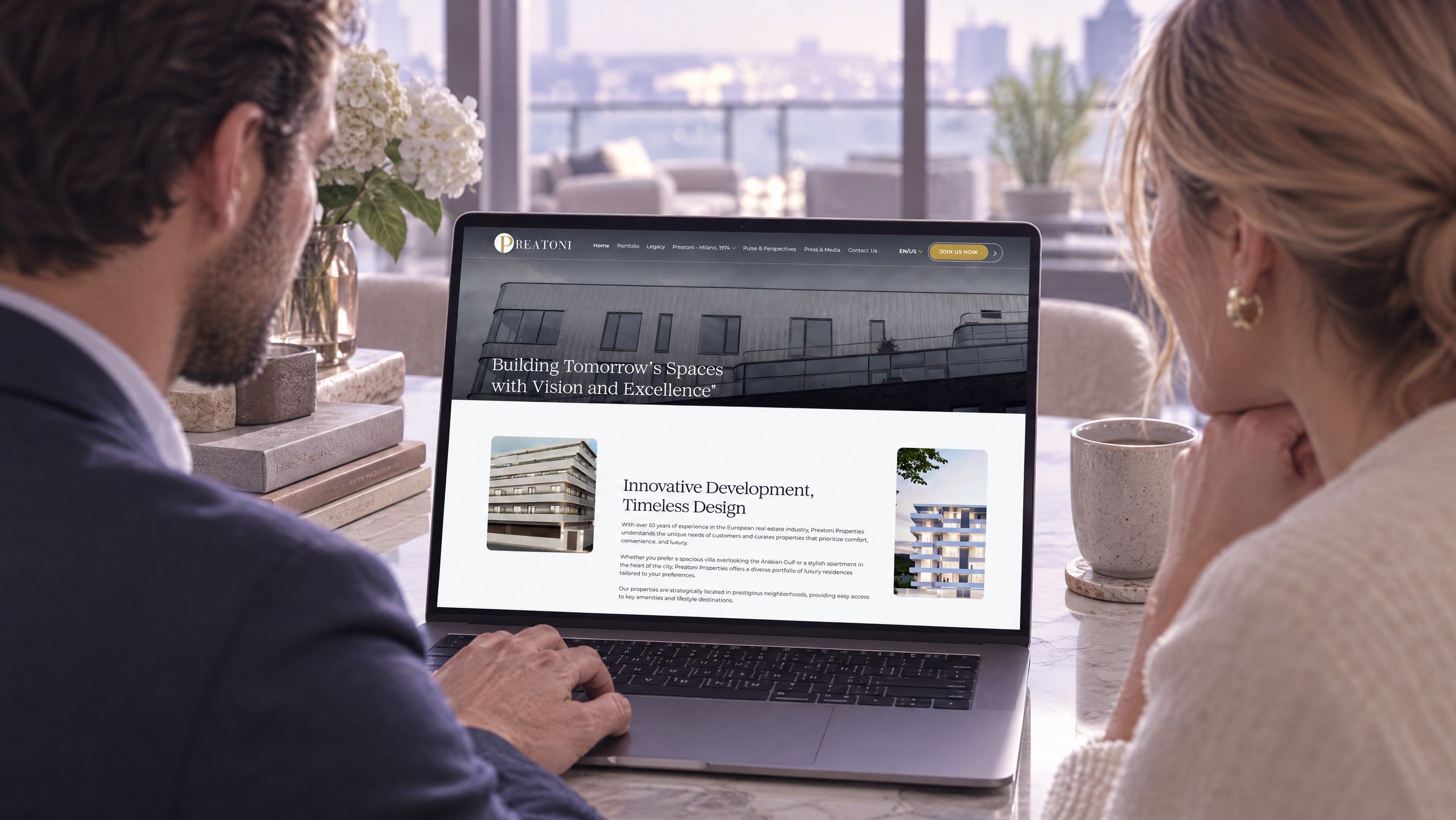
Strong website security Saudi Arabia enterprises can defend is built on governance, not on scans alone: a named owner, secure delivery practices, tight access control, a web application firewall with disciplined patching, continuous monitoring, a tested incident response plan, reliable backups and careful management of suppliers. Vulnerability scans are useful, but they only show a moment in time. This guide explains how Saudi organisations can turn website security into an ongoing practice that holds up to board scrutiny, customer expectations and national cybersecurity controls.
Why scans are not a security programme
Many organisations run an automated scan once a year, fix the red items and consider the website secure. The problem is that websites change constantly. New plugins are installed, marketing adds tracking scripts, developers push updates, staff join and leave, and suppliers gain access to servers. Each change can introduce risk the next scan will not see for months.
Enterprise website security treats the website as a living system with an owner, rules and routines. Scans become one input among many, alongside access reviews, monitoring alerts, patch records and supplier checks. That shift from event to practice is what separates organisations that recover quickly from incidents from those that discover them weeks later.
What is at stake
- Customer and employee personal data protected under the Personal Data Protection Law.
- Payment flows and the trust of payment partners.
- Brand reputation if the site is defaced, redirected or used to spread malware.
- Search visibility if search engines flag the site as compromised.
- Regulatory and contractual obligations, particularly for government entities and regulated sectors.
Website security Saudi Arabia boards can trust starts with ownership
Security fails most often where ownership is unclear. Marketing owns the content, IT owns the servers, an agency owns the code and nobody owns the risk. Fix that first.
Assign a single accountable owner
Name one person who is accountable for the security of each public website and web application. They do not need to do every task, but they must know who does, approve risk decisions and report status to leadership.
Keep an asset register
List every domain, subdomain, landing page, microsite, CMS, plugin, API and third party script. Forgotten campaign sites and old staging environments are a common entry point for attackers. If it is not on the register, it is not being protected.
Set policies people can follow
Short, practical policies work better than long documents nobody reads. Cover who can publish, who can install plugins or scripts, how passwords and multi factor authentication are managed, and how changes are approved.
| Area | Key question | Typical owner |
|---|---|---|
| Governance | Who is accountable for website risk? | CIO or information security lead |
| Secure delivery | How is code reviewed, tested and deployed? | Development team or partner |
| Access control | Who can log in, and is access reviewed? | IT and website manager |
| Protection | Is there a WAF, and are patches applied promptly? | IT operations or hosting partner |
| Monitoring | Who sees alerts, and how fast do they respond? | Security operations |
| Recovery | Can the site be restored, and has that been tested? | IT operations |
| Suppliers | What access do agencies and vendors have? | Procurement and security |
Secure delivery: building security into every release
Web application security starts long before a site goes live. The way code is written, reviewed and deployed determines how many weaknesses reach production.
- Separate environments. Keep development, staging and production apart, with production data never copied into test systems without masking.
- Code review. Every change is reviewed by a second developer before release.
- Dependency checks. Libraries, frameworks and plugins are checked for known vulnerabilities as part of the build.
- Secrets management. API keys and passwords live in a secure vault, never in code repositories.
- Input validation. Forms, search boxes and APIs validate and sanitise everything they receive.
- Controlled deployment. Releases follow a documented process with rollback steps.
When you hire a development partner, ask how they handle each of these. A team that builds custom software and enterprise websites should be able to describe its process clearly.
Access control and identity
Stolen or weak credentials remain one of the most common ways into a website. Access control is simple in principle and often neglected in practice.
- Enforce multi factor authentication for every admin, CMS, hosting and DNS account.
- Give each person their own account; never share logins between staff or with agencies.
- Apply least privilege, so editors can edit content but cannot install plugins or change settings.
- Remove access the same day someone leaves or a supplier contract ends.
- Review all accounts on a regular schedule and record the review.
- Protect domain registrar and DNS accounts with the same care as the website itself.
WAF, patching and hardening
Web application firewall
A web application firewall filters malicious traffic before it reaches your site, blocking common attacks, bots and abusive request patterns. It is not a replacement for secure code, but it reduces exposure and buys time when a new vulnerability is announced.
Patching discipline
Content management systems and plugins are frequent targets because their vulnerabilities are publicly listed. Agree target times for applying security updates based on severity, test updates on staging, and keep a record of what was patched and when. Sites built on WordPress benefit from a lean plugin list, because each plugin adds code that must be maintained.
Hardening
Remove unused plugins, themes and accounts. Disable file editing from the admin panel. Set secure HTTP headers, enforce HTTPS everywhere, and limit which third party scripts can run on your pages. Each third party script is code from another organisation running with your customers' trust.
Monitoring and performance together
Monitoring tells you something is wrong before customers or attackers tell you. Good monitoring watches uptime, error rates, file changes, login attempts, unusual traffic and certificate expiry, and sends alerts to people who will act on them.
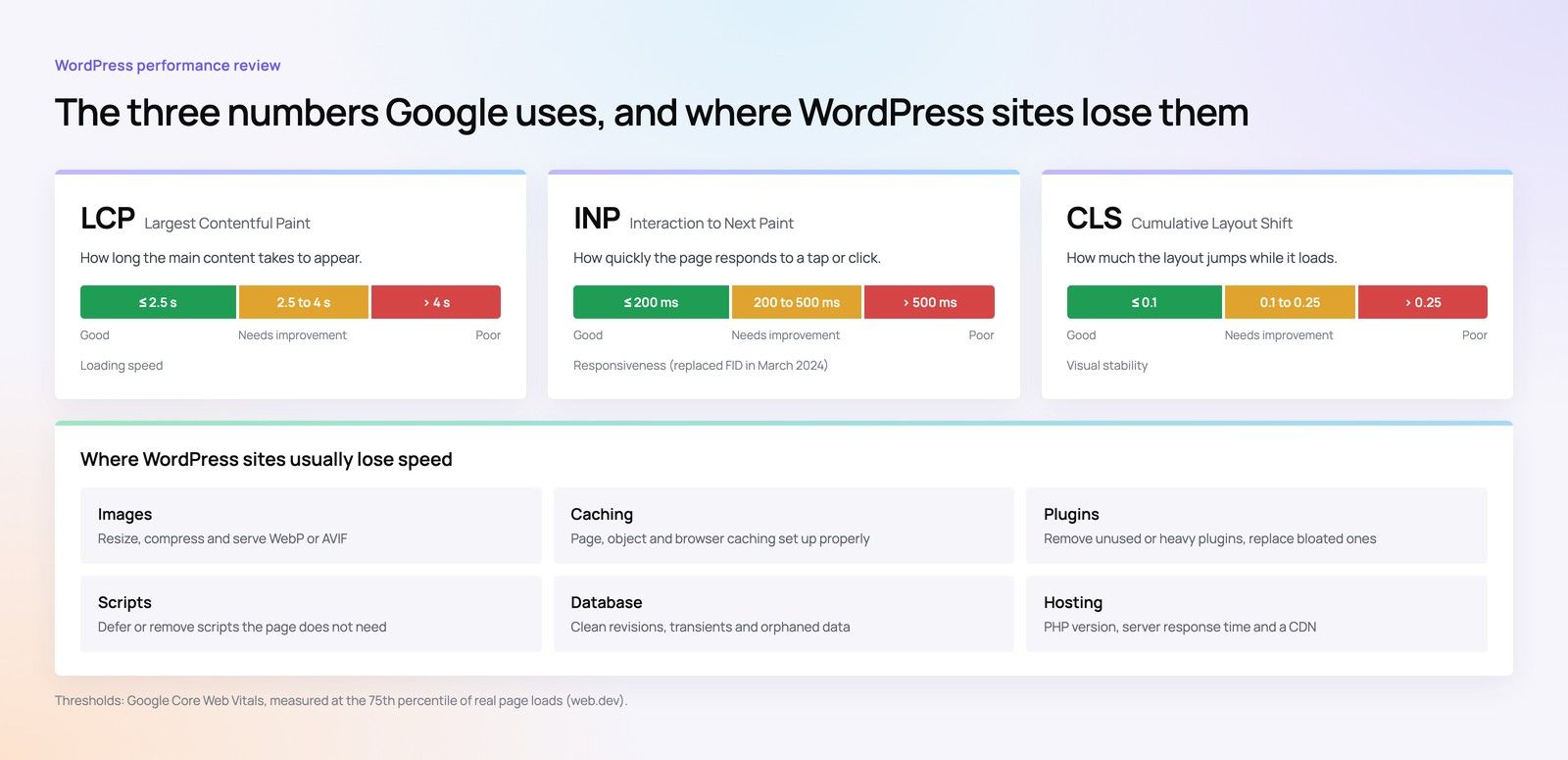
Performance monitoring belongs in the same view. A sudden slowdown can signal an attack, a compromised script or a failing server, and security tools that add heavy scripts can damage user experience. Watching both together gives a fuller picture of site health. Our Core Web Vitals service covers the performance side.
Incident response
Every organisation will face a security incident eventually. The difference is whether the response is planned or improvised.
A simple incident response plan
- Detect. Define what counts as an incident and how alerts reach the response team.
- Contain. Isolate affected systems, revoke compromised credentials and block malicious traffic.
- Assess. Establish what happened, what data may be affected and which users or partners are involved.
- Notify. Follow legal and contractual obligations for notifying regulators, partners and affected individuals. Confirm these obligations with counsel in advance.
- Recover. Restore clean systems from trusted backups and confirm the weakness is fixed.
- Learn. Review the incident, update controls and share lessons with the team.
Keep contact details for your hosting provider, development partner, legal adviser and communications team in the plan, and run a short exercise at least once a year so everyone knows their role.
Backups and recovery
Backups only matter if they restore. Many organisations discover during an incident that their backups were incomplete, corrupted or stored on the same server that was compromised.
- Back up files, databases and configuration on a regular schedule matched to how often content changes.
- Keep at least one copy in a separate location that attackers cannot reach from the website server.
- Encrypt backups and control who can access them.
- Test restoration on a schedule, and record how long it takes.
- Consider where backups are stored in light of data residency requirements; confirm with counsel.
Recovery planning also matters during platform changes. If you are moving hosts or rebuilding, our site migration team plans backups and rollback as part of the move.
Supplier risk
Agencies, hosting companies, plugin developers and marketing tools all touch your website. Each one extends your attack surface.
- Include security requirements in contracts, including access rules, patching responsibilities and incident notification.
- Give suppliers individual accounts with the minimum access they need, and remove it when work ends.
- Ask suppliers how they protect their own systems and staff accounts.
- Review which third party scripts and services collect data on your site, and why.
- Agree clear support and response expectations; our guide to website maintenance SLAs in Saudi Arabia explains what to include.
NCA cybersecurity controls, described generally
The National Cybersecurity Authority issues cybersecurity controls and frameworks that apply to government entities and certain critical and regulated organisations, and many private companies use them as a reference. They generally cover governance, asset management, identity and access, protection of systems and data, monitoring, incident management, resilience and third party risk. The areas in this guide map naturally to those themes.
Planning website security Saudi Arabia regulators would recognise starts with scope. Which controls apply to your organisation, and how compliance is assessed, depends on your sector and status. Read the official material at nca.gov.sa and confirm your obligations with your compliance team, counsel or the regulator. For the privacy side, our PDPL and NCA website checklist is a useful companion.
Website security audit checklist
Use this list as the basis for an internal website security audit, or share it with your development partner.
- A named owner is accountable for each website and web application.
- An up to date register lists all domains, subdomains, systems, plugins and scripts.
- Multi factor authentication is enforced on every admin, hosting, DNS and registrar account.
- Access is reviewed regularly and removed promptly for leavers and former suppliers.
- Code is reviewed and dependencies are checked before each release.
- A web application firewall is active and its rules are reviewed.
- Security patches follow agreed target times and are recorded.
- Monitoring covers uptime, errors, file changes, logins and certificates, with named responders.
- An incident response plan exists, includes legal notification steps and has been exercised.
- Backups are stored separately, encrypted and tested by restoration.
- Supplier contracts include security and incident notification terms.
A structured website audit can give you an outside view of where your site stands today.
How Codeeo helps Saudi organisations with website security
Codeeo builds and maintains websites and web applications with secure delivery, access control, patching and monitoring built into how we work. We have delivered more than 200 projects across the UAE and the US, and our team of 80+ works across Dubai, Riyadh and Karachi. Clients rate us 4.7 from 23 Google reviews.
Organisations in Riyadh can meet our team in person at our office to review their website estate and security practices. Teams in Jeddah, Dammam and elsewhere in the Kingdom work with us through video calls. We can review your current site, harden it, set up monitoring and backups, or rebuild it on a more secure foundation.
To discuss website security for your organisation, contact Codeeo.
Frequently asked questions
No.
A scan shows weaknesses at one moment, but websites change constantly through updates, new plugins, new scripts and staff changes. Combine scans with clear ownership, secure release practices, access reviews, a web application firewall, prompt patching, continuous monitoring and tested backups. Together these turn security into an ongoing practice rather than an annual event.
Web DevelopmentWordPress Website Cost in Saudi Arabia: What Shapes Design, Development and Maintenance CostsWhat shapes the cost of a WordPress website in Saudi Arabia: design, plugins, Arabic and RTL, WooCommerce, hosting, security and maintenance. Web DevelopmentWordPress vs Webflow for Saudi Businesses: An Honest ComparisonWordPress or Webflow? An honest comparison for Saudi businesses: Arabic and RTL, CMS needs, ecommerce, SEO, ownership and team skills.
 Web DevelopmentAI Plugins for WordPress: What They Do Well and Where to Be CarefulWhat AI plugins for WordPress do well, where to be careful with privacy and speed, and when a custom AI integration is the better option.
Tell us what the business needs. We will tell you what to build first.
Schedule a free consultation and get a written recommendation, with costs, before you commit to anything.
Get in touchPROVEN RESULTS
4.7 / 5verified reviews on Google