 App DevelopmentMobile App Development Cost in Saudi Arabia: What Drives the PriceWhat drives the cost of building a mobile app in Saudi Arabia: features, platforms, native vs Flutter, backend, integrations, Arabic and upkeep.
Native vs Cross Platform App Development: Which Fits Your Saudi Business
Native or Flutter and React Native? How Saudi businesses choose: performance, cost drivers, speed to market, Arabic RTL support and upkeep.

In the native vs cross platform decision, most Saudi businesses are well served by a cross platform framework such as Flutter or React Native, which lets one team ship a single codebase to iPhone and Android. Native development in Swift and Kotlin still wins when the app depends on heavy device features, demanding graphics, platform specific experiences or very tight performance. The right answer depends on what the app must do, how fast it must launch and who will maintain it for the next five years.
This guide is written for business owners, product leads and IT managers in Riyadh, Jeddah and Dammam who are about to brief an app project. It explains what each approach actually means, how they compare on performance, budget drivers, speed to market, Arabic and right to left support, device access and long term maintenance, and when each one is the better fit.
What native and cross platform actually mean
Native development
A native app is built separately for each platform using the tools that Apple and Google provide. iPhone and iPad apps are written in Swift, usually with SwiftUI or UIKit. Android apps are written in Kotlin, usually with Jetpack Compose. Each platform gets its own codebase, and often its own developers.
The benefit is direct access to everything the operating system offers, on the day it is released, with the platform's own interface components and performance tools. The cost is that most features are built twice, tested twice and maintained twice.
Cross platform development
A cross platform app is built once in a shared framework and compiled or bridged to run on both iOS and Android. The two frameworks most teams choose today are:
- Flutter: from Google, written in Dart. Flutter draws its own interface rather than using the platform's built in components, which gives very consistent visuals across devices.
- React Native: from Meta, written in JavaScript or TypeScript. React Native renders real platform components, and suits teams that already work with React on the web.
Both frameworks can call native code when needed, so a cross platform app is not cut off from the device. The difference is how much of the app lives in shared code and how much needs platform specific work.
Native vs cross platform: the comparison that matters
The table below summarises how the two approaches usually compare. It describes typical patterns rather than fixed rules, because a well built cross platform app will outperform a poorly built native one.
| Factor | Native (Swift, Kotlin) | Cross platform (Flutter, React Native) |
|---|---|---|
| Codebases | Two, one per platform | One shared codebase, with small platform specific parts |
| Performance | Highest ceiling, best for graphics, heavy processing and complex animation | Close to native for most business apps; can need tuning for demanding screens |
| Speed to market | Slower, as features are built for each platform | Faster, as most features are built once |
| Budget drivers | Two teams or two skill sets, double testing | One team, shared testing, some native work for edge cases |
| Device features | Full and immediate access to new operating system features | Wide access through plugins; newest features may need custom native code |
| Arabic and RTL | Strong built in support on both platforms | Strong support in both frameworks, with some care needed for mixed content |
| Look and feel | Feels exactly like the platform | Flutter is consistent across platforms; React Native uses platform components |
| Maintenance | Two codebases to update with each operating system release | One codebase, plus framework upgrades to manage |
Performance: when it really matters
For most business apps, such as ordering, booking, loyalty, field service, internal tools and customer portals, users will not notice a difference between a well built Flutter app and a native one. These apps spend most of their time waiting for data from a server, and the interface is lists, forms and images.
Performance becomes the deciding factor when the app does heavy work on the device itself. Examples include augmented reality, real time video processing, complex maps with many moving layers, advanced camera features, games and apps that process large data sets offline. In those cases native code gives developers the most control over memory, threads and graphics, and that control is often worth the extra cost.
Flutter vs native on smoothness
Flutter renders its own interface, which means animations and transitions behave the same on every device and are generally smooth. The trade off is a larger app size and a framework layer between the app and the system. In a Flutter vs native comparison for a typical commerce or service app, Flutter is usually more than good enough; for graphics heavy or hardware heavy features, native still holds the edge.
Budget drivers and speed to market
Cost is often the first question Saudi buyers ask, but the useful question is what drives cost. With native development, every screen, feature and bug fix is done twice, and you need people skilled in both Swift and Kotlin. Testing doubles as well. With cross platform development, most of the work is shared, so one team can deliver both apps.
Speed to market follows the same logic. If you need to launch on both stores together, for example to support a marketing campaign or a retail opening, a shared codebase usually gets there sooner. If you can launch on one platform first and add the second later, native becomes more practical. Many Saudi consumer apps cannot afford that sequencing, because customers use both iPhone and Android in large numbers and expect to find the app on whichever device they carry.
The hidden budget item is integration. Payments, maps, delivery tracking, CRM, ERP and government services take time whichever approach you choose. A detailed scope that lists every integration gives a far better estimate than the framework choice alone. Our payment integration team regularly scopes mada, Apple Pay and STC Pay flows for mobile, and our guide to API integration for Saudi business websites explains the planning in more detail.
Arabic and right to left support
Arabic first design is not optional for most Saudi audiences, and it is one of the areas where the native vs cross platform choice matters less than people think. Both iOS and Android have mature right to left support. Flutter handles text direction through its layout system and supports Arabic fonts and mirrored layouts well. React Native supports right to left layouts too, although switching direction at runtime can require an app restart, so the language switch flow needs planning.
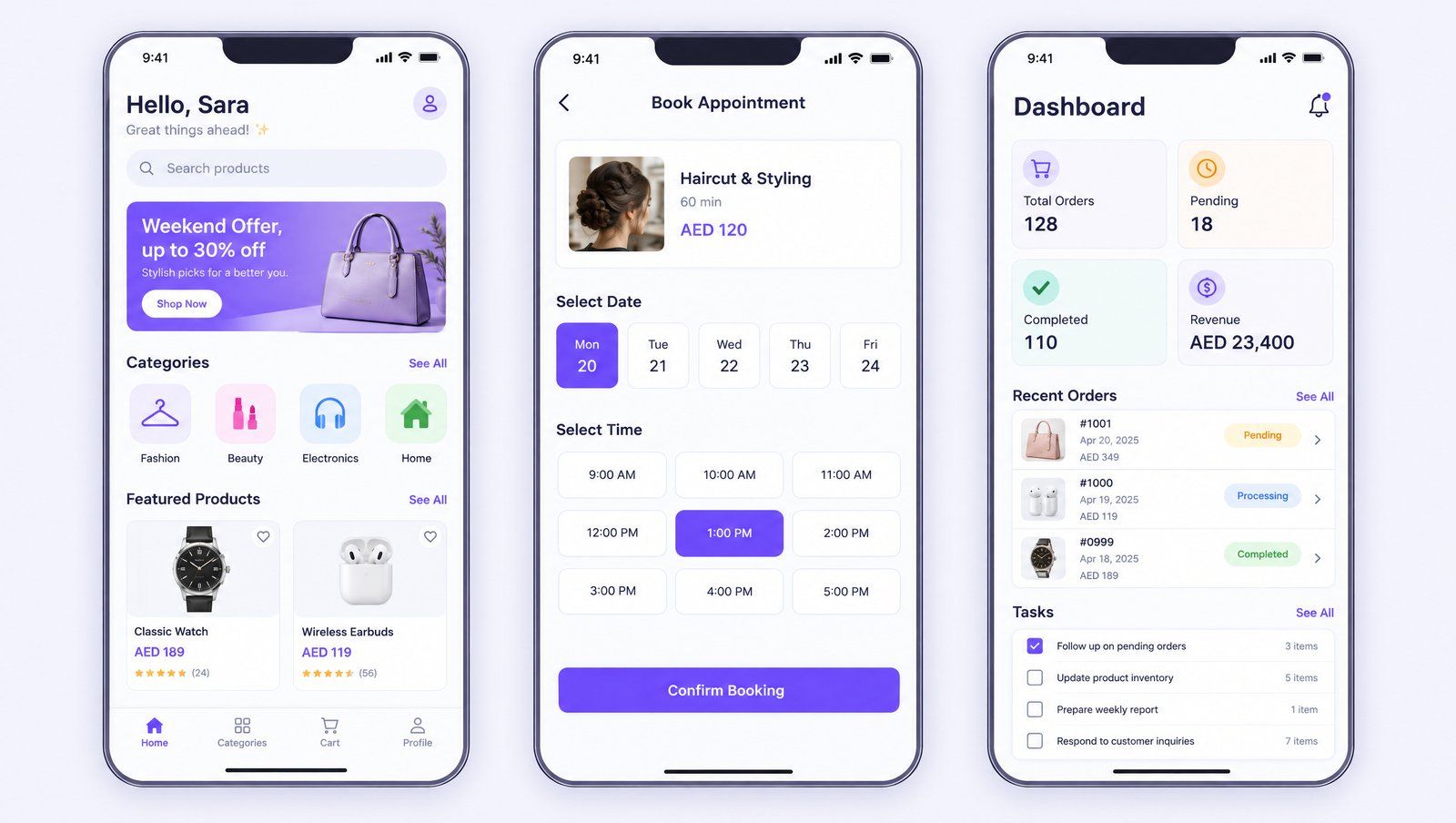
Whichever approach you choose, these details decide whether the Arabic experience feels right:
- Layouts mirror fully, including icons that imply direction such as back arrows and progress bars.
- Arabic fonts are chosen for legibility on small screens, with correct line height.
- Mixed content, such as English brand names, phone numbers and prices inside Arabic sentences, displays in the correct order.
- Numbers follow a deliberate choice of Western or Arabic Indic digits, applied consistently.
- Dates support the Hijri calendar where your customers expect it.
- Text is written in Arabic by native writers, not machine translated from English.
These are design and content decisions as much as engineering ones. Good app interface design plans both languages from the first wireframe.
Device features and integrations
Both Flutter and React Native have large plugin ecosystems for camera, location, push notifications, biometrics, payments and file storage. For common features, you will rarely need to write native code. Where things get harder:
- New operating system features, such as new widget types or system integrations, reach native tools first. Cross platform plugins can lag.
- Specialised hardware, such as Bluetooth devices, payment terminals or scanners used in retail and logistics, may need custom native modules.
- Background processing, for example location tracking for delivery drivers, has strict rules on both platforms and often needs native work.
- Wallet passes and deep platform integrations are usually simpler natively.
The practical approach is to list every device feature the app needs before choosing. If most are standard, cross platform is a safe choice. If several depend on specialised hardware or the newest system features, native deserves a serious look.
React Native vs Flutter: choosing between the two
Once cross platform is the direction, the next question is usually React Native vs Flutter. Both are mature and widely used. The decision often comes down to team skills and design goals rather than capability.
- Choose React Native if your organisation already has a React web team, you want to share logic or developers between web and mobile, or you prefer platform components that look native on each device.
- Choose Flutter if you want a highly custom, brand led interface that looks identical on both platforms, strong animation support, and a single toolkit that also targets web and desktop when needed.
Either framework can deliver a strong Saudi app. What matters more is the team's experience with the chosen tool, its testing discipline and how well the architecture separates the interface from business logic.
Maintenance and the long view
An app is maintained for far longer than it takes to build. Apple and Google release major operating system updates every year, change store policies and deprecate older APIs. Each change requires updates.
With native development, the team updates two codebases. With cross platform development, the team updates one codebase and also upgrades the framework itself, which occasionally involves breaking changes. Both are manageable with a regular maintenance plan. The real risk is an app built by a team that then disappears, leaving code that nobody else understands. Ask any supplier how they document architecture, how they manage dependencies and how they would hand the project over.
When each approach wins
Native is usually the better fit when
- The core experience depends on graphics, augmented reality, advanced camera or video.
- The app relies on specialised hardware or deep system integration.
- Performance on lower end devices is critical and every frame counts.
- You can staff and fund two platform teams for the life of the product.
Cross platform is usually the better fit when
- The app is a commerce, booking, service, loyalty or internal business tool.
- You need to launch on iOS and Android together.
- You want one team and one codebase to manage.
- The device features you need are well covered by existing plugins.
There is also a hybrid route: a cross platform app with native modules for the few features that need them. Many successful apps work this way.
Step by step: making the decision
- Write down the top ten user tasks the app must support, in priority order.
- List every device feature and integration, including payments, maps, notifications and any hardware.
- Decide whether launching on both platforms at the same time is essential.
- Check your in house skills and who will maintain the app after launch.
- Agree the Arabic and English requirements, including right to left layout, fonts and Hijri dates.
- Ask suppliers to recommend an approach and explain the trade offs for your list specifically.
- Prototype the hardest screen or feature first to confirm the choice before committing fully.
How Codeeo helps Saudi businesses with mobile app development
Codeeo has delivered 200+ projects across the UAE and the US, with a team of 80+ across Dubai, Riyadh and Karachi, and is rated 4.7 from 23 Google reviews. Our mobile app development team builds native and cross platform apps, and we recommend the approach after reviewing your feature list, integrations and maintenance plans rather than before.
We design Arabic and English from the start, plan the backend and integrations alongside the app, and can extend the work into custom software or marketplace apps where the product needs it. You can see examples of our work in our case studies. For app development in Riyadh, clients can meet the team at our Riyadh office; elsewhere in the Kingdom we work over video calls. Contact Codeeo to talk through your app idea and the right way to build it.
Frequently asked questions
Yes, for most business apps.
Commerce, booking, loyalty, service and internal apps built with Flutter or React Native perform well and are used widely. Cross platform falls short mainly for graphics heavy, hardware heavy or performance critical features, and even then a hybrid approach with native modules often solves the problem without building two complete apps.
App DevelopmentMobile App Development Cost in Saudi Arabia: What Drives the PriceWhat drives the cost of building a mobile app in Saudi Arabia: features, platforms, native vs Flutter, backend, integrations, Arabic and upkeep. App DevelopmentDesigning Marketplaces Two Audiences Will Love: A Guide for Saudi FoundersHow to design a two sided marketplace in Saudi Arabia: cold start, trust and verification, payments and payouts, Arabic UX and admin tools.
 App DevelopmentFood Delivery Apps in Dubai: A 2026 Guide for RestaurantsWho runs food delivery in Dubai in 2026, which apps left, and when a restaurant should build its own ordering app instead of relying on aggregators.
Tell us what the business needs. We will tell you what to build first.
Schedule a free consultation and get a written recommendation, with costs, before you commit to anything.
Get in touchPROVEN RESULTS
4.7 / 5verified reviews on Google