 E-CommerceSquare WooCommerce Integration: A Step by Step Setup GuideHow to connect Square to WooCommerce with the official plugin, choose a system of record, test in sandbox and fix the sync problems stores hit most often.
Liquor Store POS Systems: Key Features and Benefits
What a liquor store POS system should do: age verification, case and bottle inventory, reordering, reporting and compliance, plus how to choose one.
A point of sale system for a liquor store is the software and hardware that rings up sales, verifies customer age, tracks every bottle and case in stock, and produces the reports a store needs for taxes and compliance. The right system speeds up checkout, cuts shrinkage and turns sales data into better buying and pricing decisions. A generic retail register usually falls short because liquor stores have specific needs: ID checks, case breaks, large catalogs and state rules.
This guide covers the challenges liquor retailers face, the features that matter most, the benefits to expect and how to choose and roll out a system.
The challenges of running a liquor store
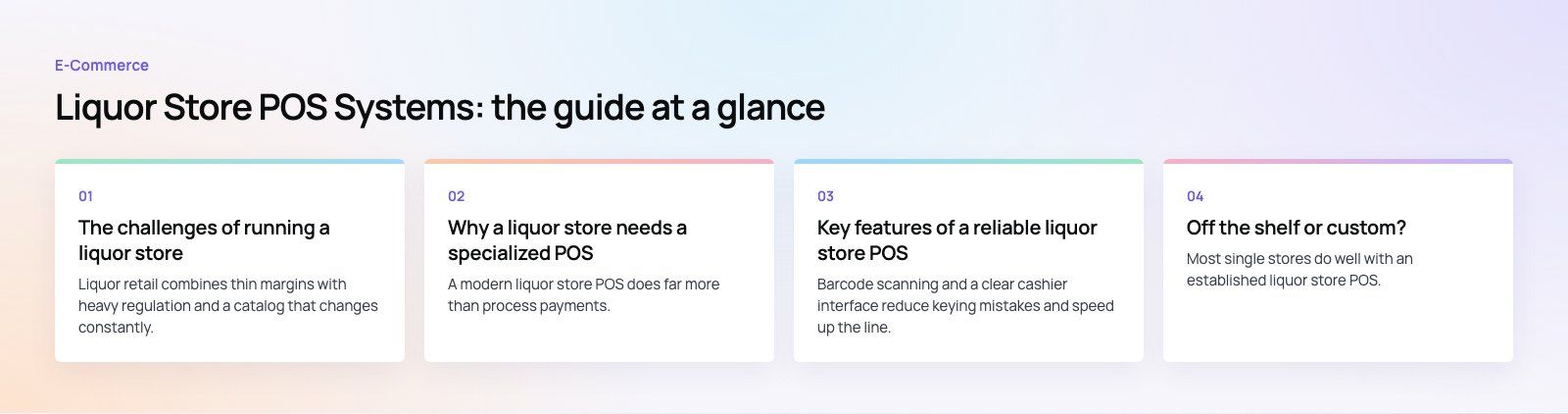
Liquor retail combines thin margins with heavy regulation and a catalog that changes constantly. These are the pressures most owners describe.
| Challenge | Why it is hard |
|---|---|
| Age verification | Every restricted sale needs a reliable ID check, and a single mistake can put the license at risk |
| Inventory | Thousands of products, sizes and vintages, sold by the bottle and by the case, are easy to miscount |
| Regulatory compliance | Licensing, sales hours, taxes and reporting rules vary by state and sometimes by county |
| Cash flow and theft | High value, easily concealed products make shrinkage a constant risk |
| Customer loyalty | Shoppers can buy the same bottle at a grocery chain or online, so repeat business has to be earned |
In the United States, retail alcohol sales are licensed and regulated by each state, while the federal Alcohol and Tobacco Tax and Trade Bureau oversees producers, importers and wholesalers. That split is why a POS system for liquor stores has to be configurable rather than built around one set of rules.
Why a liquor store needs a specialized POS
A modern liquor store POS does far more than process payments. It connects checkout, stock, staff, customers and reporting in one place, so each sale updates inventory, feeds reports and builds a customer record at the same moment.
Streamlined operations
The system automates routine tasks: stock counts, purchase orders, shift reports and staff scheduling. Less manual work means fewer errors and more staff time on the shop floor.
Data you can act on
Sales history shows which products move, which sit on the shelf and how demand shifts across seasons and holidays. That information guides buying, pricing and promotions.
Better customer service
Faster checkout, loyalty rewards and targeted offers give regulars a reason to come back rather than pick up a bottle elsewhere.
Integration with other systems
A good system connects to ID scanners, accounting software, an online store and delivery platforms, and exports the reports tax and licensing authorities ask for.
Key features of a reliable liquor store POS
Fast checkout with fewer errors
Barcode scanning and a clear cashier interface reduce keying mistakes and speed up the line. Look for quick lookup by name, brand or size for items without a readable barcode, and support for mix and match discounts, such as a price for any six bottles of wine, applied automatically.
Built-in age verification
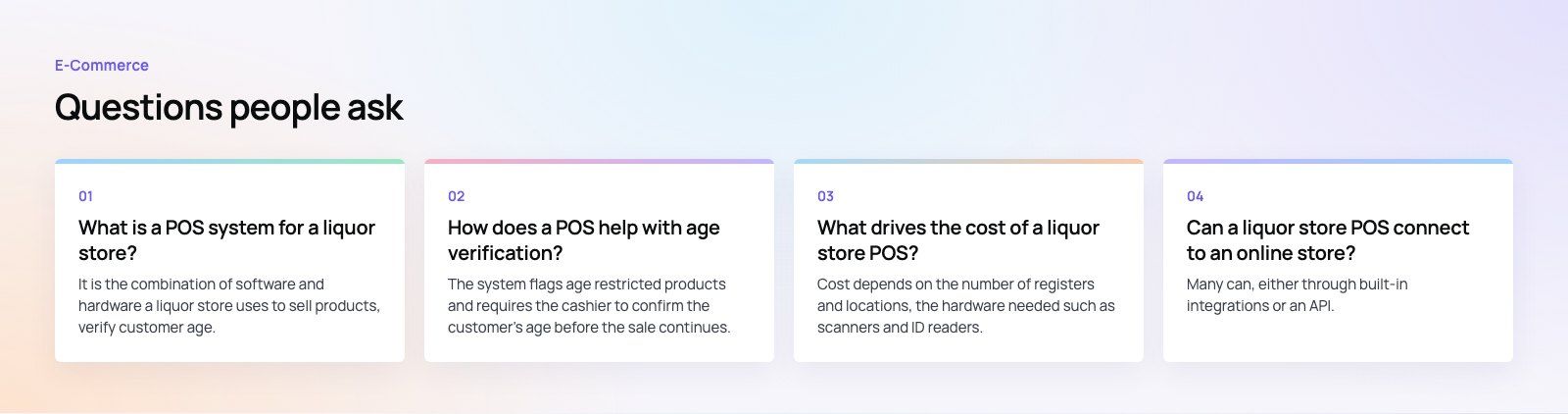
The system should flag every age restricted item and prompt the cashier to check ID before the sale can continue. Many systems work with scanners that read the barcode on a driver's license and calculate the customer's age automatically, which removes mental arithmetic at a busy register. Look for a log of each verification, which helps if a sale is ever questioned.
Bottle and case level inventory
Liquor stores buy by the case and often sell by the bottle. The POS should link the two, so selling a single bottle from a case updates both counts correctly. This case break handling is one of the clearest differences between a liquor store POS and general retail software.
Real time stock tracking and shrinkage control
Every sale, return and delivery should update stock instantly. Comparing expected and counted stock reveals shrinkage early, whether from theft, breakage or receiving mistakes. Role based permissions and void and refund reports show who did what at the register.
Automated reordering
Set minimum stock levels for each product and the system can raise purchase orders automatically when stock drops below them. This prevents stockouts on popular items and reduces the overstock that ties up cash on slow sellers.
Sales reporting and insights
Reports should show best sellers, slow movers, margins by category and sales by hour and day. These help you adjust the product mix, set prices and plan staffing around busy periods.
Customer profiles and loyalty
Customer records let you track purchase history, segment shoppers by preference and send targeted promotions, for example to wine buyers when a new vintage arrives. Points, member pricing and birthday offers all encourage repeat visits. Make sure any marketing respects consent and privacy rules.
Secure payments
The system should support chip cards, contactless and mobile wallets through a processor that meets the PCI Security Standards for card data. Integrated payments also reduce reconciliation errors at the end of each day.
Compliance reporting
Look for configurable tax rules, sales hour restrictions that block restricted items outside permitted times, and exportable reports for the authorities in your state. Rules change, so the vendor or your developer must be able to update them.
Benefits of the right POS for a liquor store
Higher profitability and efficiency
- Automation frees staff from manual counts and paperwork, so they can help customers.
- Tighter inventory control reduces overstock, shrinkage and lost sales from empty shelves.
- Sales and margin data support smarter pricing and buying.
A better customer experience
- Shorter lines and fewer pricing mistakes at checkout.
- Loyalty rewards and relevant offers that build repeat business.
- Accurate stock information, so staff can tell a customer whether a product is available.
Simpler compliance
- Consistent age checks with a record of each verification.
- Automatic tax calculation and reports ready for filing.
- Sales hour and product restrictions enforced by the system rather than by memory.
How to choose a liquor store POS
- List your must haves. Age verification, case breaks, mix and match pricing and state reporting are usually non negotiable.
- Check catalog size and speed. Ask how the system performs with your full product list and how fast new items can be added from supplier files.
- Review integrations. Confirm it connects to your accounting software, payment processor, online store and any delivery partners you use.
- Plan for more locations. If you may open a second store, check multi location inventory, transfers and central reporting.
- Look at hardware. Scanners, ID readers, receipt printers and cash drawers must be supported and replaceable.
- Understand the total cost. Compare subscription, hardware, payment processing and support terms, not just the headline fee, and read the contract length and exit terms.
- Test before you commit. Run a demo or trial with real products and your busiest checkout scenarios.
Off the shelf or custom?
Most single stores do well with an established liquor store POS. A custom build or custom integration makes sense when you run several locations with different rules, sell heavily online, need deep links to an ERP or accounting system, or want reporting the packaged products cannot provide. A common middle path is to keep a standard POS and add custom integrations around it.
Tips for a smooth rollout
- Clean up product data before migration: remove duplicates, fix sizes and confirm barcodes.
- Do a full stock count just before go live so the new system starts accurate.
- Train staff on age verification and refunds first, since those carry the most risk.
- Run the old and new systems side by side for a short period if possible.
- Review reports after the first few weeks and adjust reorder points.
If you need a POS connected to an online store, an ERP or custom reporting, Codeeo's custom software and payment integration teams build those links for retail and ecommerce businesses. For stores that also sell online, our work on Clock Springs Australia, a parts store with thousands of products, shows how a large catalog can stay organized, and Business Central or Odoo can sit behind the store for accounting and stock.
Frequently asked questions
It is the combination of software and hardware a liquor store uses to sell products, verify customer age, manage inventory and report sales.
Unlike a basic cash register, it records every transaction, updates stock automatically, handles case and bottle counts, and produces reports for taxes and licensing. Most modern systems run in the cloud and connect to payments, accounting and online sales.
E-CommerceSquare WooCommerce Integration: A Step by Step Setup GuideHow to connect Square to WooCommerce with the official plugin, choose a system of record, test in sandbox and fix the sync problems stores hit most often. E-CommerceDo You Need a Business License to Dropship in the US?Do you need a business license to dropship? What US sellers need: a local business license, a state seller's permit, an EIN, and when you might not need one.
 E-CommerceDo You Need a Business License to Sell Online in the US?Most US online sellers need a local business license, a sales tax permit or both. Learn which licenses apply, common seller scenarios and how to check your state.
Tell us what the business needs. We will tell you what to build first.
Schedule a free consultation and get a written recommendation, with costs, before you commit to anything.
Get in touchPROVEN RESULTS
4.7 / 5verified reviews on Google