 Software DevelopmentSQL vs NoSQL Databases: Differences and How to ChooseHow SQL and NoSQL databases differ in data model, schema, scaling and consistency, where each one fits, and five questions to choose for your project.
CodeeoInsightsSoftware Development
API Documentation: How to Write It and Keep It Up to Date
What good API documentation includes, how to write it so developers can use it, and the habits that stop it drifting out of date after release.
Good API documentation tells a developer what the API does, how to authenticate, what every endpoint accepts and returns, and what happens when something fails. You write it from a machine readable specification, add human explanation and working examples on top, and keep it current by generating it from the same source the code uses and reviewing it with every release.
That sounds simple, and the principle is. The hard part is discipline: most documentation starts accurate and drifts out of date within a few releases. This guide covers what to include, how to write it so people can actually use it, and how to stop it rotting.
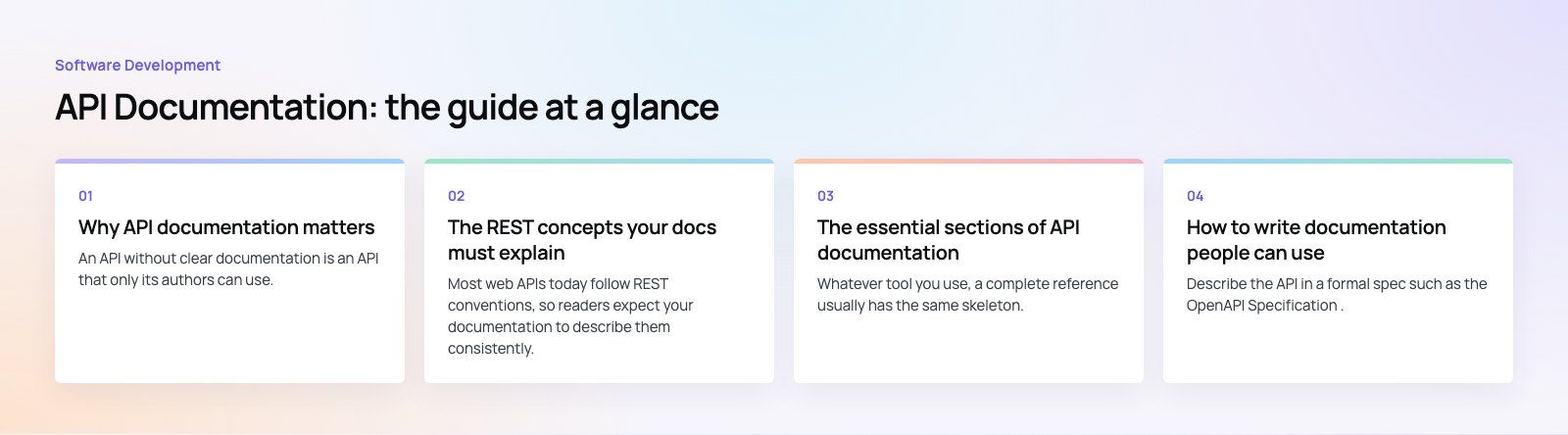
Why API documentation matters
An API without clear documentation is an API that only its authors can use. Every question a developer cannot answer from the docs becomes a support ticket, a Slack message or, worse, a wrong guess that ships to production.
- Fewer support requests. When the answer is on the page, people stop asking your engineers.
- Faster integration. Partners and internal teams get to a first successful call in minutes rather than days.
- Higher adoption. For a public or partner API, the documentation is often the first thing an evaluator reads. Confusing docs lose the deal before anyone writes code.
- Safer changes. A documented contract makes it obvious when a change will break someone.
Documentation is also a design check. If an endpoint is hard to explain, it is usually hard to use, and writing the docs early surfaces that before customers do.
The REST concepts your docs must explain
Most web APIs today follow REST conventions, so readers expect your documentation to describe them consistently. At a minimum, cover four things.
HTTP methods
State which methods each resource supports and what each one does. GET reads, POST creates, PUT or PATCH updates, DELETE removes. If your API bends these rules, say so plainly.
Status codes
List the codes each endpoint can return and what they mean in your context. The definitions live in the HTTP semantics standard, RFC 9110, but readers need to know that your 409 means "an order with this reference already exists", not just "conflict".
Request and response formats
Show the content type (almost always JSON now), every field, its type, whether it is required, and an example payload. Examples matter more than field tables; developers copy them.
Error handling
Document the shape of an error response once, then reference it everywhere. Include a machine readable error code, a human message and, where useful, a pointer to the field that failed validation.
The essential sections of API documentation
Whatever tool you use, a complete reference usually has the same skeleton.
| Section | What it should answer |
|---|---|
| Introduction | What the API is for, who it is for, and what you can build with it |
| Quick start | The shortest path from zero to one successful call |
| Base URL and environments | Production and sandbox addresses, and how they differ |
| Authentication and authorization | How to get credentials, how to send them, and what scopes or roles exist |
| Endpoints | Path, method, parameters, request body, response body, errors and an example for each |
| Rate limits | How many requests are allowed, how limits are reported, and what to do when you hit one |
| Pagination and filtering | How lists are paged, sorted and filtered |
| Webhooks or events | What is sent, when, how to verify it and how retries work |
| Versioning and changelog | The current version, what changed, and what is deprecated |
The quick start is the section teams most often skip and the one readers value most. Make it copy and paste runnable.
How to write documentation people can use
Start from a specification
Describe the API in a formal spec such as the OpenAPI Specification. The spec becomes the single source of truth: you can render reference pages from it, generate client libraries, validate requests in tests and mock the API before the back end is finished.
Write for a developer in a hurry
- Lead each endpoint with one sentence on what it does and when to use it.
- Use plain words. Explain domain terms the first time they appear.
- Show a realistic request and response, not placeholder values like "string".
- Put examples in the languages your audience actually uses, usually cURL plus one or two SDKs.
Add the guides a reference cannot give
Reference pages answer "what does this endpoint do". Guides answer "how do I take a payment" or "how do I sync orders nightly". A short set of task based guides, each linking into the reference, removes most of the confusion readers hit.
Be consistent
Use the same naming, the same layout per endpoint, the same date format and the same error shape throughout. Inconsistency makes readers wonder whether a difference is meaningful.
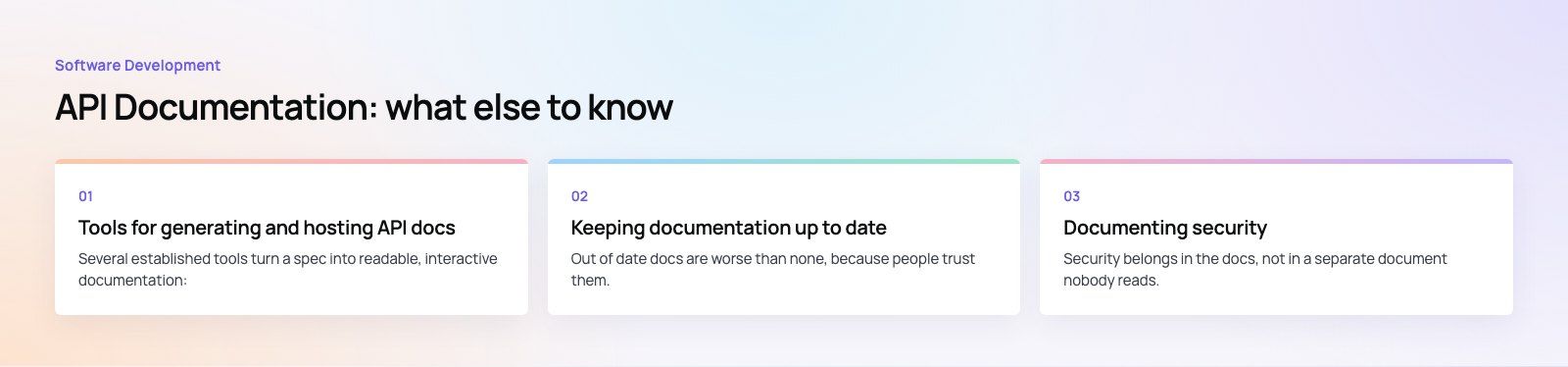
Tools for generating and hosting API docs
Several established tools turn a spec into readable, interactive documentation:
- Swagger UI renders an OpenAPI file as interactive pages where readers can try requests in the browser.
- Redoc renders OpenAPI as a clean three panel reference that reads well for long APIs.
- Postman lets teams publish documentation directly from collections they already use for testing.
The tool matters less than the habit. Pick one that reads your spec directly so the docs and the code cannot quietly diverge.
Keeping documentation up to date
Out of date docs are worse than none, because people trust them. Three habits keep them honest.
- Generate from source. Keep the spec in the same repository as the code, or generate it from code annotations, so a change to an endpoint and a change to its docs land in the same pull request.
- Test against the docs. Run contract tests that check real responses match the documented schema. A failing test is the cheapest way to catch drift.
- Review on a schedule. Add "docs updated" to your release checklist, and have someone outside the team try the quick start every few months. Fresh eyes find the gaps.
Version control the docs alongside the code so you can always show what the documentation said for a given release.
Documenting security
Security belongs in the docs, not in a separate document nobody reads. Cover:
- Authentication. Which scheme you use (API keys, OAuth 2.0 as defined in RFC 6749, or signed tokens), how to obtain credentials, how to rotate them and how long tokens live.
- Authorization. Which roles or scopes grant access to which endpoints, and what a caller sees when they lack permission.
- Transport. That all traffic must use HTTPS, and whether you require anything further such as request signing.
- Input rules. Field lengths, allowed characters and formats, so integrators validate on their side too.
- Rate limits. The headers you return, and the status code you send when a client is over the limit.
Never put real credentials in examples. Use clearly fake values and say so.
Documenting versions and deprecation
APIs change. Versioning lets you change them without breaking the people already integrated. Your documentation should state:
- The version scheme. Whether the version sits in the URL, a header or a date, and how numbers change. Many teams borrow the rules of Semantic Versioning for their SDKs.
- The deprecation policy. How much notice you give before removing something, and how you announce it.
- Migration guides. For each breaking change, what to change on the client side, with before and after examples.
- A changelog. Dated, plain language entries for every release.
Keep the documentation for older supported versions available. Removing it while clients still depend on that version simply moves the questions to your support inbox.
Common mistakes to avoid
- Documenting only the happy path and ignoring errors.
- Examples that no longer work because a field was renamed.
- Assuming readers know your internal terminology.
- Hiding authentication setup several clicks away from the quick start.
- Letting each engineer document their endpoints in a different style.
If you are building an API, or inheriting one with thin documentation, our custom software team designs specifications first and keeps the docs in the same pipeline as the code. For an outside view of an existing system, a codebase review is a quick way to find where the contract and the documentation have drifted apart. You can also see how we approach web development projects with integrations at their core, or talk to us about your API.
Frequently asked questions
REST API documentation is the reference and guide set that explains how to use an API built on REST conventions.
It describes the base URL, authentication, every endpoint with its method, parameters, request and response bodies, the status codes and errors returned, rate limits and versioning. Good documentation also includes a quick start and task based guides with runnable examples.
Software DevelopmentSQL vs NoSQL Databases: Differences and How to ChooseHow SQL and NoSQL databases differ in data model, schema, scaling and consistency, where each one fits, and five questions to choose for your project. Software DevelopmentOpen Source Apps: Examples, Licenses and How to Build Your OwnWhat makes an app open source, well known examples, the steps to build your own, how to pick MIT, Apache or GPL, and when to customize instead.
 Software DevelopmentHow an Online HR Portal Improves Employee ExperienceWhat an online HR portal does, how self service improves employee experience, which features matter, and whether to buy, configure or build one.
Tell us what the business needs. We will tell you what to build first.
Schedule a free consultation and get a written recommendation, with costs, before you commit to anything.
Get in touchPROVEN RESULTS
4.7 / 5verified reviews on Google