 Software DevelopmentSQL vs NoSQL Databases: Differences and How to ChooseHow SQL and NoSQL databases differ in data model, schema, scaling and consistency, where each one fits, and five questions to choose for your project.
CodeeoInsightsSoftware Development
Open Source Apps: Examples, Licenses and How to Build Your Own
What makes an app open source, well known examples, the steps to build your own, how to pick MIT, Apache or GPL, and when to customize instead.
Open source apps are applications whose source code is published under a license that lets anyone read, use, modify and share it. You can build your own by choosing a platform, using open tools and frameworks, picking a license such as MIT, Apache 2.0 or GPL, and publishing the code where others can contribute. This guide covers why teams choose open source, well known examples, the steps to build one and the decisions that are hard to change later.
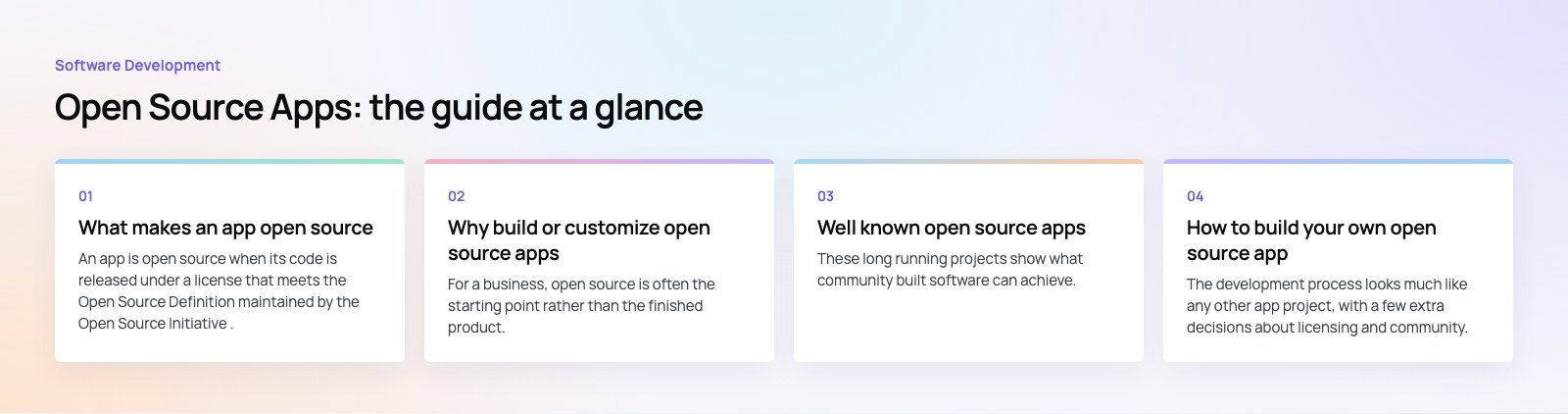
What makes an app open source
An app is open source when its code is released under a license that meets the Open Source Definition maintained by the Open Source Initiative. Publishing code on a public repository is not enough by itself. Without a license, the default copyright rules apply and nobody else has clear permission to reuse it.
Open source is also different from free to download. Many free apps are closed source, and many open source apps are sold, supported or hosted commercially. The license, not the price, defines it.
Why build or customize open source apps
| Benefit | What it means in practice | The trade off |
|---|---|---|
| Customization | You can change any part of the app to fit your workflow | Custom changes must be maintained when the upstream project updates |
| Transparency | Anyone can inspect the code for security and privacy issues | Inspection only helps if someone actually reviews it |
| Community support | Contributors fix bugs, write docs and answer questions | Community help is not a support contract with response times |
| Lower licensing cost | No per seat license fees for the software itself | Hosting, development and maintenance still cost time and money |
| No vendor lock in | You can host it yourself or move providers | You take on responsibility for updates and uptime |
For a business, open source is often the starting point rather than the finished product. A team takes a mature open source app or framework and builds its own features on top, which is faster than writing everything from scratch.
Well known open source apps
These long running projects show what community built software can achieve. All are actively maintained in 2026.
- Firefox. A web browser from Mozilla, known for privacy features and extensions.
- LibreOffice. A free office suite with a word processor, spreadsheets and presentations.
- VLC media player. A media player from the VideoLAN project that plays a very wide range of formats.
- Audacity. An audio editor and recorder used for podcasts, music and voice work.
- GIMP. An image editor for photo retouching, composition and graphic work.
Behind the apps you use every day, open source also runs much of the stack developers build on: Linux, the major web browsers' engines, programming languages, databases and mobile frameworks such as Flutter and React Native.
How to build your own open source app
The development process looks much like any other app project, with a few extra decisions about licensing and community.
1. Define the problem and the audience
Write down who the app is for and the one job it does better than existing options. Search for existing open source projects first. Contributing to one that already solves most of the problem is often wiser than starting a competitor.
2. Choose the platform
Decide whether you are building for the web, iOS, Android or several. A web app reaches everyone through a browser. Cross platform frameworks such as Flutter or React Native let one codebase target iOS and Android. Native development gives the most control over device features.
3. Set up the development environment
Pick tools your future contributors will already know: a common editor such as Visual Studio Code, the official SDKs for your platform, Git for version control and a public repository host. Add a one command setup so newcomers can run the app locally within minutes.
4. Design before you code
Sketch wireframes and the main user flows. In an open project, publishing early designs invites feedback before code makes changes expensive.
5. Write the code in the open
Commit often, keep functions small and write tests from the start. Use issues to plan work and pull requests to review it, even if you are the only developer for now. That history becomes documentation for whoever joins later.
6. Test and debug
Set up automated tests that run on every pull request. Test on real devices and in the browsers your users rely on, and include accessibility checks. Public projects get bug reports from many environments, so clear reproduction steps in your issue template save time.
7. Choose a license
Pick the license before the first public release, because changing it later requires agreement from contributors. GitHub's Choose a License site explains the common options in plain language.
| License | Type | Good fit when |
|---|---|---|
| MIT | Permissive | You want the widest reuse, including in closed source products |
| Apache 2.0 | Permissive with patent terms | You want permissive reuse plus an explicit patent grant |
| GPL | Copyleft | You want modified versions that are distributed to stay open |
| AGPL | Network copyleft | You want the same rule to apply when the app is offered as a hosted service |
Check that every library you include has a license compatible with yours, and check the distribution terms of any app store you plan to publish in. If the app matters commercially, get legal advice on the choice.
8. Publish and promote
Release the code with a clear README, contribution guidelines, a code of conduct and a changelog. Publish builds to the relevant app stores or package registries. Then tell people: write about why you built it, share it in communities where your users gather and respond to the first issues quickly.
Tips for a healthy open source project
- Document as you go. Setup instructions, architecture notes and examples matter as much as code.
- Label good first issues. Small, well described tasks help newcomers make their first contribution.
- Contribute before you create. Working on an existing project teaches you how maintainers review code and run releases.
- Welcome feedback. Treat bug reports and feature requests as free research.
- Plan for security. Publish a security policy that tells people how to report vulnerabilities privately.
- Keep dependencies updated. Automated dependency updates reduce the risk of known vulnerabilities.
The community factor
The real advantage of open source is people. A healthy community catches bugs you would miss, adds features you had not thought of and keeps the project alive when the original authors move on. Communities form around projects that are easy to understand, respectful in discussion and quick to respond. Without that, an open repository is simply public code.
When a business should customize open source instead
Many businesses do not need to publish a new open source app. They need an existing open source platform shaped around their process: a self-hosted CMS, an ERP such as Odoo, or a mobile app built on open frameworks. The questions to ask are whether the base project is actively maintained, whether its license permits your use, how you will apply upstream security updates and who will own the custom code.
That decision often includes integrating several systems at once. In the Runvse project, the product combines a mobile app, an API and the microcontroller firmware that talks to the vehicle, and each part has to be maintained alongside the others.
If you want to build an app on open frameworks or customize an existing open source platform, Codeeo's mobile app development and custom software teams can help, and a product scoping session is a practical first step. Already have code? A codebase review checks its health before you build more on it.
Frequently asked questions
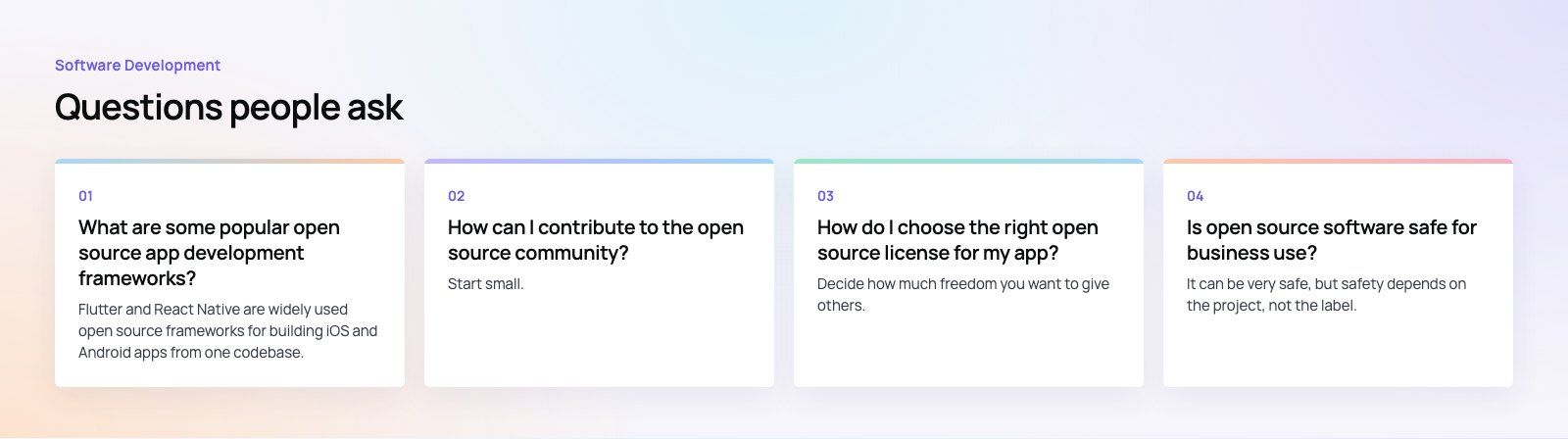
Flutter and React Native are widely used open source frameworks for building iOS and Android apps from one codebase.
Ionic builds mobile apps with web technologies. On the web, React, Vue and Angular are the main open source front end options. Each has an active community, extensive documentation and many plugins, so the right choice depends mostly on your team's existing skills.
Software DevelopmentSQL vs NoSQL Databases: Differences and How to ChooseHow SQL and NoSQL databases differ in data model, schema, scaling and consistency, where each one fits, and five questions to choose for your project. Software DevelopmentHow an Online HR Portal Improves Employee ExperienceWhat an online HR portal does, how self service improves employee experience, which features matter, and whether to buy, configure or build one.
 Software DevelopmentSoftware Development Trends Worth Acting On in 2026The software development trends that matter in 2026, from AI and cloud native to cross-platform apps, FinOps and supply chain security, and when to act.
Tell us what the business needs. We will tell you what to build first.
Schedule a free consultation and get a written recommendation, with costs, before you commit to anything.
Get in touchPROVEN RESULTS
4.7 / 5verified reviews on Google