 Software DevelopmentSQL vs NoSQL Databases: Differences and How to ChooseHow SQL and NoSQL databases differ in data model, schema, scaling and consistency, where each one fits, and five questions to choose for your project.
CodeeoInsightsSoftware Development
How an Online HR Portal Improves Employee Experience
What an online HR portal does, how self service improves employee experience, which features matter, and whether to buy, configure or build one.
An online HR portal improves employee experience by giving people one place to handle their own HR tasks, such as checking payslips, requesting leave, updating details and finding policies, without emailing HR and waiting. It also frees HR teams from repetitive admin so they can spend time on onboarding, development and retention. The portals that work are simple, mobile friendly, secure and connected to the systems the company already uses.
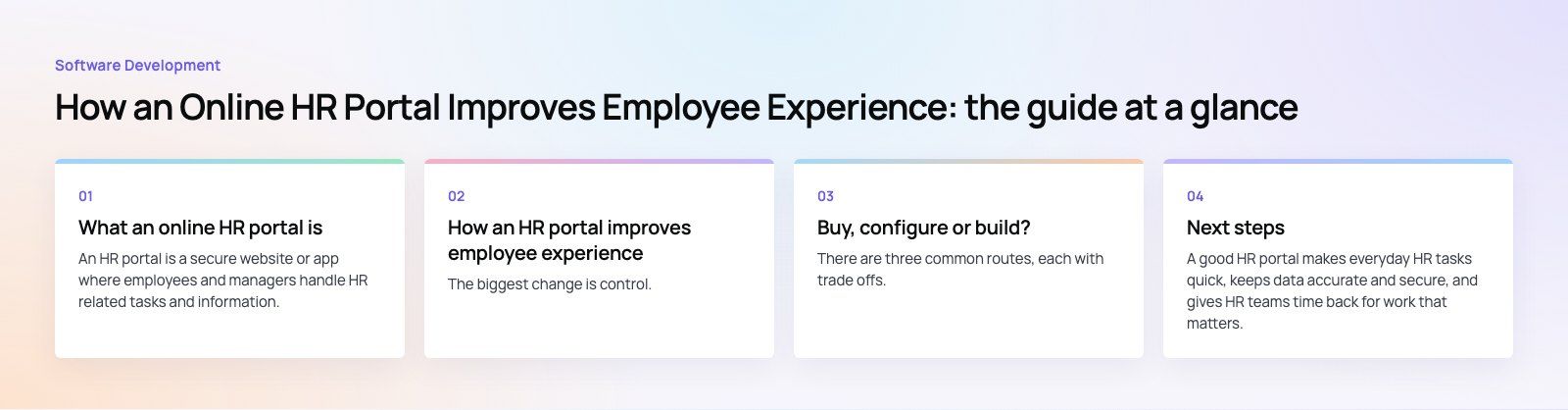
What an online HR portal is
An HR portal is a secure website or app where employees and managers handle HR related tasks and information. Early versions were little more than a digital filing cabinet for employee records. Modern portals are closer to an internal front door: self service, approvals, documents, announcements and feedback, all behind a single login.
A typical portal covers:
- Payslips, tax documents and benefits information
- Leave requests, balances and approvals
- Personal details, emergency contacts and bank information
- Policies, handbooks and training material
- Company news, announcements and surveys
- Onboarding and offboarding checklists
How an HR portal improves employee experience
Self service instead of waiting
The biggest change is control. Employees can update their information, request time off and download documents whenever they need to, including outside office hours. Small tasks that used to take an email thread and two days now take two minutes. That reduces frustration and signals that the company respects people's time.
Less admin for HR
Routine requests, data entry and document chasing consume a large share of HR time. A portal automates approvals, reminders and record updates, and it cuts the manual mistakes that come from retyping information. HR staff can then focus on work that actually affects engagement, such as onboarding, manager support and development.
A single source of truth for data
When employee records, reviews and training history live in one system, they stay consistent. There is no question about which spreadsheet is current. HR and leadership can trust the numbers they use for headcount planning, succession and reporting.
Support across the employee lifecycle
A portal can guide each stage of employment: offer acceptance and document collection, first week onboarding tasks, goal setting and reviews, internal moves and finally offboarding. Templates and automated steps make each stage consistent, so new starters in one team get the same quality of welcome as those in another.
Better internal communication
Announcements, policy updates, surveys and polls can all run through the portal. Employees find what changed in one place rather than searching old emails, and HR can see who has read important notices. Short surveys give leaders a regular read on how people feel.
A stronger employer brand
A portal that shows internal job openings, training programs and recognition makes growth visible. Current employees can see a future inside the company, and new hires get a positive first impression of how organized it is.
Easier compliance
Payroll, leave and contract rules vary by country, and mistakes are costly. A portal helps by applying rules consistently, keeping a dated record of approvals and storing documents so they can be found quickly during an audit. It does not replace legal advice, but it removes many of the manual errors that cause compliance problems.
Safer employee data
HR data is among the most sensitive information a company holds. A well built portal uses role based access so employees see only their own records and managers see only their teams, encryption in transit and at rest, single sign on and a full audit trail. Frameworks such as the NIST Cybersecurity Framework are a useful reference when reviewing these controls.
Features to look for
| Feature | Why it matters | Question to ask |
|---|---|---|
| Mobile access | Many employees, especially field and shift staff, do not sit at a desk | Does it work well on a phone, not just technically load? |
| Single sign on | One login reduces friction and support tickets | Does it connect to our existing identity provider? |
| Payroll integration | Payslips and leave balances must match payroll exactly | Is data synced automatically or exported by hand? |
| Configurable workflows | Approval chains differ between companies and teams | Can HR change workflows without a developer? |
| Multiple languages | Diverse workforces need content they can read comfortably | Are right to left languages such as Arabic supported? |
| Accessibility | Every employee should be able to use it | Does it meet WCAG 2.2 guidelines? |
| Reporting | HR needs trends, not just records | Can we export data to our analytics tools? |
Buy, configure or build?
There are three common routes, each with trade offs.
- Off the shelf HR software. Fastest to launch and good for standard needs. The trade off is that your processes have to fit the product.
- Configure a platform you already own. Companies on Microsoft often build an HR portal on Microsoft 365 and SharePoint, with approvals and forms built in Power Platform. This reuses licenses and logins people already have.
- Build a custom portal. Right when you have unusual workflows, need to connect several systems, or want the portal to be part of a wider internal product. Custom software takes longer but fits exactly.
Many companies combine routes: an HR suite for payroll and records, plus a custom front end or mobile app that brings everything employees need into one simple place.
How to roll out an HR portal well
- Start with the top requests. Look at what employees ask HR most often and make those tasks the first features.
- Clean the data first. Migrating messy records into a new system only moves the mess.
- Connect the key systems. Payroll, identity and time tracking integrations are what make self service accurate. Services such as Azure integration help when systems do not talk to each other.
- Pilot with one team. Fix the rough edges before a company wide launch.
- Train managers. If managers keep approving leave by email, the portal will never become the default.
- Measure adoption. Track logins, completed requests and the drop in HR emails, then improve.
Common mistakes
- Launching a desktop only portal for a mobile workforce.
- Copying every old paper process into digital form instead of simplifying it.
- Leaving payroll unconnected, so balances and payslips disagree.
- Giving broad access rights "for now" and never tightening them.
Next steps
A good HR portal makes everyday HR tasks quick, keeps data accurate and secure, and gives HR teams time back for work that matters. Start with the requests employees make most, connect the systems behind them and design for the phone first.
Codeeo has delivered 200+ projects across the UAE and the US, including portals, admin systems and mobile apps. If you are weighing up an HR portal, our product scoping session is a practical first step, or see our custom software development service.
Frequently asked questions
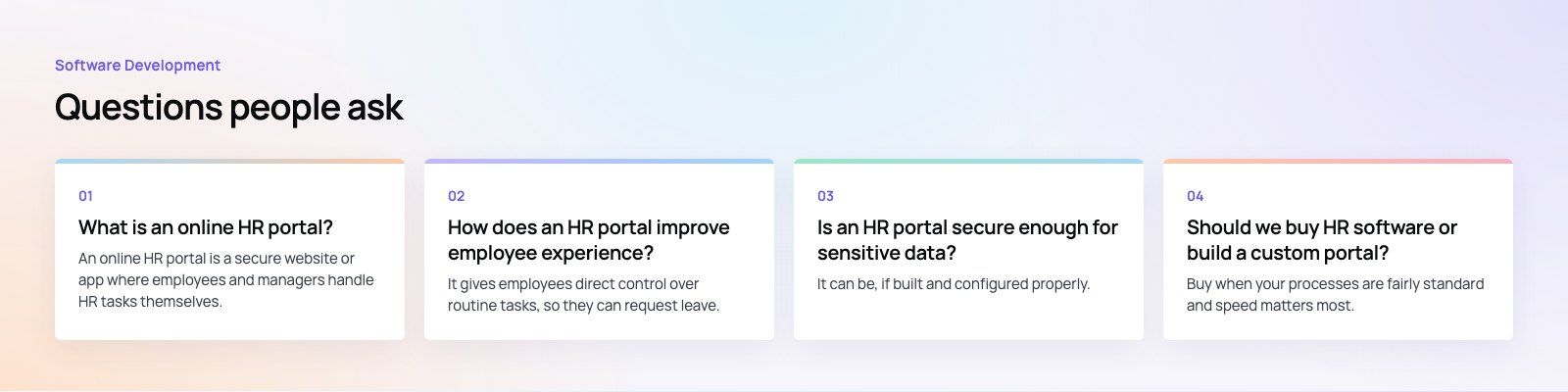
An online HR portal is a secure website or app where employees and managers handle HR tasks themselves.
Typical features include payslips, leave requests and balances, personal details, policies, training material, announcements and onboarding checklists. It replaces email and paper requests with self service, which saves time for both employees and the HR team while keeping records consistent.
Software DevelopmentSQL vs NoSQL Databases: Differences and How to ChooseHow SQL and NoSQL databases differ in data model, schema, scaling and consistency, where each one fits, and five questions to choose for your project. Software DevelopmentOpen Source Apps: Examples, Licenses and How to Build Your OwnWhat makes an app open source, well known examples, the steps to build your own, how to pick MIT, Apache or GPL, and when to customize instead.
 Software DevelopmentSoftware Development Trends Worth Acting On in 2026The software development trends that matter in 2026, from AI and cloud native to cross-platform apps, FinOps and supply chain security, and when to act.
Tell us what the business needs. We will tell you what to build first.
Schedule a free consultation and get a written recommendation, with costs, before you commit to anything.
Get in touchPROVEN RESULTS
4.7 / 5verified reviews on Google