 Cloud TechnologyCloud Based HR and Payroll Systems: Benefits and How to ChooseHow cloud based HR and payroll systems streamline operations, the core features to expect, cloud versus on premise, and how to choose and migrate safely.
CodeeoInsightsCloud Technology
Azure Migration Steps: A Practical Five Step Guide
The five Azure migration steps, from planning and assessment to cutover and optimization, with the Microsoft tools that help at each stage.
An Azure migration follows five steps: plan the strategy, assess what you run today, choose the right Azure services, execute the migration in waves, and then monitor and optimize. Microsoft's free Azure Migrate service supports discovery, assessment and much of the move itself. Most problems come from skipping the assessment or moving everything at once, not from the tools.
This guide walks through each step, the Microsoft tools that help, the main migration strategies, and the mistakes that cause delays and surprise costs.
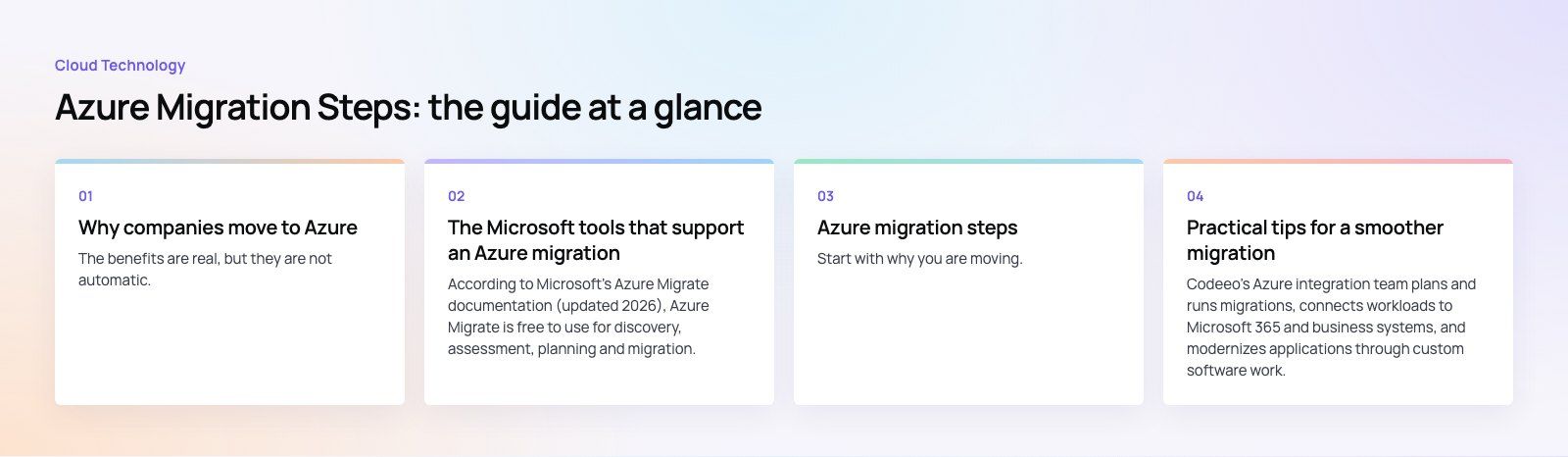
Why companies move to Azure
- Scalability: add or remove capacity as demand changes instead of buying hardware for the peak.
- Flexibility: run virtual machines, containers, managed databases, serverless functions or platform services, depending on the workload.
- Cost control: move from buying servers upfront to paying for what you use, with reservations and right sizing to keep bills in check.
- Security and compliance tooling: identity, encryption, policy and threat protection services built into the platform.
- Resilience and reach: data centers in many regions, with backup and disaster recovery options that are hard to match on premises.
The benefits are real, but they are not automatic. A server copied to Azure unchanged and left running at full size can cost more than it did in your own rack. The steps below are how you get the benefits without that trap.
The Microsoft tools that support an Azure migration
| Tool | What it does | When to use it |
|---|---|---|
| Azure Migrate | Discovers servers, databases and web apps, assesses readiness and cost, maps dependencies and migrates servers | The hub for almost every migration project |
| Azure Database Migration Service | Moves databases to Azure SQL, SQL Managed Instance or SQL Server on Azure VMs | Database moves, especially at scale or with minimal downtime |
| Azure Site Recovery | Replicates servers to Azure for disaster recovery | Protecting workloads and keeping a failover option |
| Azure Data Box | Physical devices for shipping large data sets to Azure offline | When the network is too slow for the data volume |
| Azure App Service Migration Assistant | Assesses and moves .NET and PHP web apps to App Service | Web apps that can run on a managed platform |
According to Microsoft's Azure Migrate documentation (updated 2026), Azure Migrate is free to use for discovery, assessment, planning and migration, though partner tools inside it may charge. One older tool is gone: Microsoft retired the Data Migration Assistant on July 16, 2025, so use Azure Migrate assessments and the Database Migration Service for SQL Server instead.
Azure migration steps
Step 1: Plan your migration strategy
Start with why you are moving. Common goals are closing a data center, ending a hardware refresh cycle, improving resilience, or modernizing applications. Write the goal down, because it decides which workloads move first and how far you change them.
Then pick a strategy for each workload. Microsoft's Cloud Adoption Framework describes several options, which usually come down to:
- Rehost (lift and shift): move the server as it is to an Azure VM. Fastest, least change.
- Replatform: make small changes to use managed services, such as moving a database to Azure SQL.
- Refactor or rearchitect: change the application to use containers, serverless or platform services.
- Rebuild or replace: rewrite the application, or retire it in favor of a SaaS product.
- Retire or retain: switch off what nobody uses, and keep on premises what cannot move yet.
Agree owners, a timeline, a budget envelope and a rollback approach before any server moves.
Step 2: Assess your current environment
Deploy the Azure Migrate appliance, or import an inventory, to discover servers, databases and web apps. Let it collect performance data for long enough to capture normal peaks, such as month end processing.
Use the assessment to check:
- Readiness: which workloads can run in Azure as they are and which have blockers, such as unsupported operating systems.
- Right sizing: what size of VM or database each workload actually needs, based on real usage rather than current hardware.
- Dependencies: which servers talk to each other, so applications move together instead of breaking halfway.
- Cost: an estimate of running each workload in Azure, which feeds the business case.
Do not skip licensing. Check which software licenses can move to Azure and what changes on the new platform.
Step 3: Choose the right Azure services and design the landing zone
Pick a target for each workload: virtual machines, Azure Kubernetes Service or Container Apps, App Service, Azure Functions, and managed databases such as Azure SQL. Choose storage to match the data, such as Blob Storage for objects, Azure Files for shared file systems, and managed disks for VMs.
Before the first workload moves, build a landing zone: the subscriptions, resource groups, virtual networks, connectivity back to your offices, identity with Microsoft Entra ID, naming and tagging rules, and Azure Policy guardrails. Getting this foundation right is far easier than fixing it after hundreds of resources exist.
Step 4: Execute the migration in waves
Group workloads into waves based on dependencies and risk. Start with a low risk application to prove the process, then move to more important systems.
For each wave:
- Replicate servers or data to Azure with Azure Migrate, the Database Migration Service or Data Box.
- Run a test migration in an isolated network and have application owners check it.
- Agree a cutover window and communicate it to users.
- Cut over: final sync, switch DNS or connection strings, and confirm the application works.
- Keep the source systems available for a set period so you can roll back if needed.
Step 5: Monitor, secure and optimize
Once workloads run in Azure, the work changes from moving to running well:
- Use Azure Monitor and Log Analytics for performance, logs and alerts.
- Use Microsoft Defender for Cloud, formerly Azure Security Center, for security posture and threat protection.
- Set up Azure Backup and, where needed, Site Recovery for disaster recovery, and test restores.
- Review costs regularly with Cost Management: right size VMs, shut down idle resources, and use reservations or savings plans for steady workloads.
- Decommission the old on premises hardware once you are confident, so you stop paying twice.
Common Azure migration mistakes
- Moving without dependency mapping, then discovering an application still calls a server left on premises.
- Copying hardware sizes instead of right sizing from real usage, which inflates the bill.
- Skipping the landing zone and ending up with inconsistent networks, names and permissions.
- Big bang cutovers where everything moves in one weekend with no tested rollback.
- Forgetting operations: no monitoring, backup or cost alerts until something goes wrong.
- Leaving business owners out, so testing misses the workflows people rely on.
Practical tips for a smoother migration
- Involve application owners, security and finance from the first planning meeting.
- Clean up first: retire unused servers and data before you pay to move them.
- Prove the process with a pilot wave and write down what you learn.
- Keep security and compliance requirements in the landing zone design, not as an afterthought.
- Plan modernization as a second phase if time is tight: rehost now, refactor the systems that will benefit most later.
- Bring in experienced help for complex databases, legacy applications or tight cutover windows.
Codeeo's Azure integration team plans and runs migrations, connects workloads to Microsoft 365 and business systems, and modernizes applications through custom software work. If you are moving websites as part of the change, our site migration service covers redirects and SEO. Start with a codebase review to see which applications are ready to move as they are and which need changes first.
Frequently asked questions
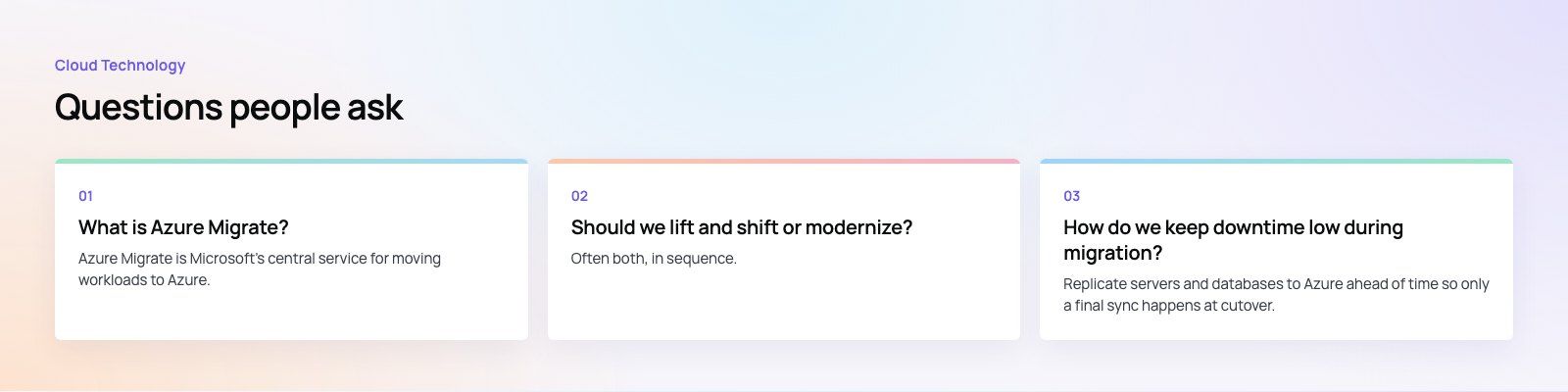
Azure Migrate is Microsoft's central service for moving workloads to Azure.
It discovers on premises and other cloud servers, databases and web apps, assesses their readiness, right sizing and running cost in Azure, maps dependencies between servers, and migrates servers to Azure. Microsoft describes it as free to use, although some partner tools that plug into it may charge for their services.
Cloud TechnologyCloud Based HR and Payroll Systems: Benefits and How to ChooseHow cloud based HR and payroll systems streamline operations, the core features to expect, cloud versus on premise, and how to choose and migrate safely. Cloud TechnologyHow Cloud Computing Supports Digital TransformationThe real business benefits of cloud computing in digital transformation, the challenges to plan for, what to move first and how to measure progress.
 Cloud TechnologyScalability in Cloud Computing: Types, Building Blocks and MistakesWhat scalability in cloud computing means, vertical vs horizontal scaling, how it differs from elasticity, and how to build applications that grow smoothly.
Tell us what the business needs. We will tell you what to build first.
Schedule a free consultation and get a written recommendation, with costs, before you commit to anything.
Get in touchPROVEN RESULTS
4.7 / 5verified reviews on Google