 Cloud TechnologyCloud Based HR and Payroll Systems: Benefits and How to ChooseHow cloud based HR and payroll systems streamline operations, the core features to expect, cloud versus on premise, and how to choose and migrate safely.
CodeeoInsightsCloud Technology
How Cloud Computing Supports Digital Transformation
The real business benefits of cloud computing in digital transformation, the challenges to plan for, what to move first and how to measure progress.
Cloud computing supports digital transformation by giving a business computing power, storage and software on demand, so it can launch, scale and change systems far faster than with servers it owns. The cloud itself does not transform anything; it removes the hardware and capacity limits that slow change. The gains come when a business uses that flexibility to rework processes, connect data and ship better digital services to customers and staff.
This article looks at the business benefits the cloud genuinely delivers, where the common challenges sit, which workloads to move first, and how to tell whether the effort is paying off.
What cloud computing actually means
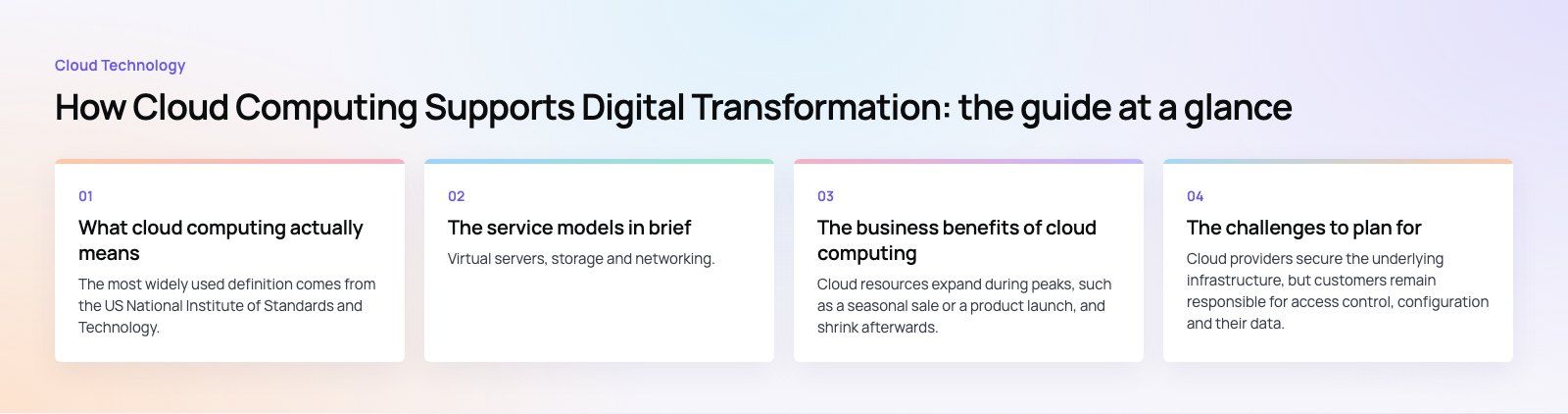
The most widely used definition comes from the US National Institute of Standards and Technology, whose SP 800-145 (2011) describes cloud computing through five characteristics: on-demand self-service, broad network access, resource pooling, rapid elasticity and measured service. In plain terms, you request resources when you need them, reach them from anywhere, share large provider infrastructure, scale up or down quickly and pay according to use.
| Aspect | Traditional on-premise IT | Cloud computing |
|---|---|---|
| Access | Mostly tied to the office network | Available securely from anywhere |
| Capacity | Fixed by the hardware you bought | Scales up or down on demand |
| Spending | Large upfront purchases and refresh cycles | Ongoing, usage-based operating costs |
| Infrastructure | Physical servers your team maintains | Virtual resources the provider maintains |
| Speed of change | Weeks or months to add capacity | Minutes to provision new environments |
The service models in brief
Infrastructure as a Service (IaaS)
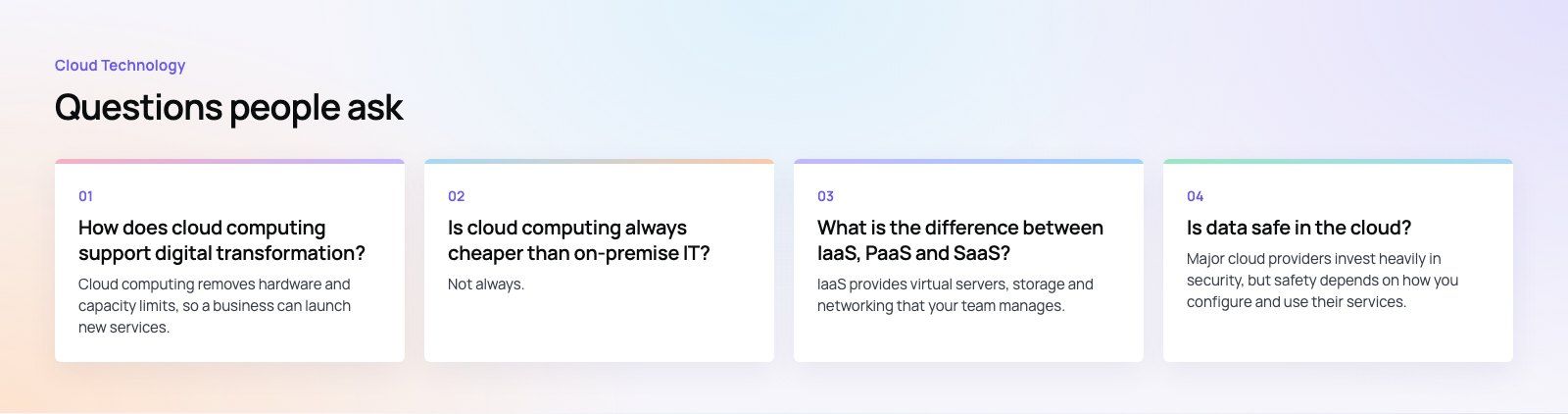
Virtual servers, storage and networking. It gives the most control and the most responsibility: your team still manages operating systems, patching and much of the security.
Platform as a Service (PaaS)
Managed platforms for running applications and databases. Developers deploy code without managing servers, which shortens delivery time for new applications.
Software as a Service (SaaS)
Complete applications delivered over the internet, such as email, collaboration, CRM and accounting tools. Nothing to install or maintain; the trade-off is less control over how the software works.
Most businesses use a mix. Moving office productivity to SaaS, such as Microsoft 365, is often the first visible step, while custom applications move to PaaS or IaaS later.
The business benefits of cloud computing
Flexibility and scalability
Cloud resources expand during peaks, such as a seasonal sale or a product launch, and shrink afterwards. A business no longer has to buy hardware for its busiest day of the year and leave it idle the rest of the time. This elasticity also lets small teams run services that once needed a data center.
Cost control, with discipline
The cloud shifts spending from large capital purchases to operating costs that track usage. That can lower total cost, but only with active management. Idle resources, oversized servers and forgotten test environments are the usual reasons cloud bills grow faster than expected.
Collaboration and remote work
Shared documents, cloud applications and secure access from any device let teams in different offices and countries work on the same information in real time. Decisions speed up because people stop emailing copies of files around.
Faster delivery of new products
Developers can create test environments in minutes, try new services and release updates more often. Managed services for databases, messaging, storage and AI remove a large amount of setup work, so teams spend more time on features customers notice.
Products that combine a mobile app, web portals and an API depend on this kind of platform. Our Purpose Payment case study describes a payments app where every purchase sends a share to the customer's chosen charity, with the app, portals and API built to work together.
Disaster recovery and continuity
Data can be replicated across locations and restored quickly after a hardware failure, cyberattack or outage. Cloud-based recovery is usually simpler and cheaper to set up than running a second physical site, though it still needs regular testing.
Better use of data
When systems live in the cloud, joining their data becomes easier. Sales, finance and operations data can feed shared dashboards in tools such as Power BI, giving managers one view instead of several conflicting spreadsheets.
The challenges to plan for
Security and compliance
Cloud providers secure the underlying infrastructure, but customers remain responsible for access control, configuration and their data. Misconfigured storage and weak identity controls cause many cloud incidents. Regulated businesses must also check where data is stored and which rules apply, such as PCI DSS for card data, HIPAA for US health data or GDPR for EU personal data.
Cost management
Without tagging, budgets and regular reviews, spending drifts. Assign owners to resources, set alerts, rightsize servers and switch off what is not needed.
Vendor lock-in
Deep use of one provider's proprietary services can make switching expensive later. Using containers, open standards and well-documented integrations keeps options open. A multi-cloud or hybrid approach can help, though it adds complexity of its own.
Migration and integration
Moving existing systems and data takes careful planning to avoid downtime and data loss. Cloud services also need to connect with systems that stay on premise, which raises questions about synchronization, latency and security. Our Azure integration work deals with exactly these connections.
Skills and change management
Cloud platforms need skills many teams do not yet have, from architecture to security to cost management. Training takes time, and some staff will adapt faster than others. Explaining why the change matters and involving teams early reduces resistance.
Performance and reliability
Even large providers have outages. Read service level agreements, design important systems to tolerate failure, and keep a tested contingency plan.
Which workloads to move first
- Email, files and collaboration. Low risk, quick benefit and familiar to staff.
- Backups and disaster recovery. Improves resilience without changing day-to-day work.
- New applications. Build new products cloud-native from the start rather than migrating later.
- Development and test environments. Gives developers speed and lets the team learn the platform safely.
- Core business systems. Move ERP, CRM and line-of-business applications once the team has experience and a clear plan.
How to measure whether it is working
- Delivery speed: how long it takes to release a new feature or launch a new service.
- Reliability: uptime, incident count and time to recover.
- Cost per outcome: cloud spend compared with transactions, customers or revenue, not just the monthly total.
- Adoption: whether staff actually use the new tools and processes.
- Customer impact: faster service, fewer errors and better digital experiences.
Cloud computing gives a business the room to change, but transformation comes from what you build and how you work on top of it. Codeeo's custom software team designs and builds cloud applications and integrations, and a codebase review is a useful first step if you are deciding how an existing system should move.
Frequently asked questions
Cloud computing removes hardware and capacity limits, so a business can launch new services, scale on demand and connect data across systems much faster.
That speed and flexibility make it practical to redesign processes and build better digital experiences. The cloud is an enabler; the transformation comes from changing how the business operates and serves customers.
Cloud TechnologyCloud Based HR and Payroll Systems: Benefits and How to ChooseHow cloud based HR and payroll systems streamline operations, the core features to expect, cloud versus on premise, and how to choose and migrate safely. Cloud TechnologyAzure Migration Steps: A Practical Five Step GuideThe five Azure migration steps, from planning and assessment to cutover and optimization, with the Microsoft tools that help at each stage.
 Cloud TechnologyScalability in Cloud Computing: Types, Building Blocks and MistakesWhat scalability in cloud computing means, vertical vs horizontal scaling, how it differs from elasticity, and how to build applications that grow smoothly.
Tell us what the business needs. We will tell you what to build first.
Schedule a free consultation and get a written recommendation, with costs, before you commit to anything.
Get in touchPROVEN RESULTS
4.7 / 5verified reviews on Google