 Cloud TechnologyCloud Based HR and Payroll Systems: Benefits and How to ChooseHow cloud based HR and payroll systems streamline operations, the core features to expect, cloud versus on premise, and how to choose and migrate safely.
CodeeoInsightsCloud Technology
Scalability in Cloud Computing: Types, Building Blocks and Mistakes
What scalability in cloud computing means, vertical vs horizontal scaling, how it differs from elasticity, and how to build applications that grow smoothly.
Scalability in cloud computing is the ability of a system to handle more (or less) work by adding or removing resources, without a redesign and without degrading the user experience. In practice it comes in two forms: vertical scaling, which gives a machine more power, and horizontal scaling, which adds more machines. The cloud makes both fast, but your application has to be built to take advantage of them.
This guide explains the types of scalability, how it differs from elasticity, the building blocks that make an application scalable, and the mistakes that stop systems from growing smoothly.
What scalability means in the cloud
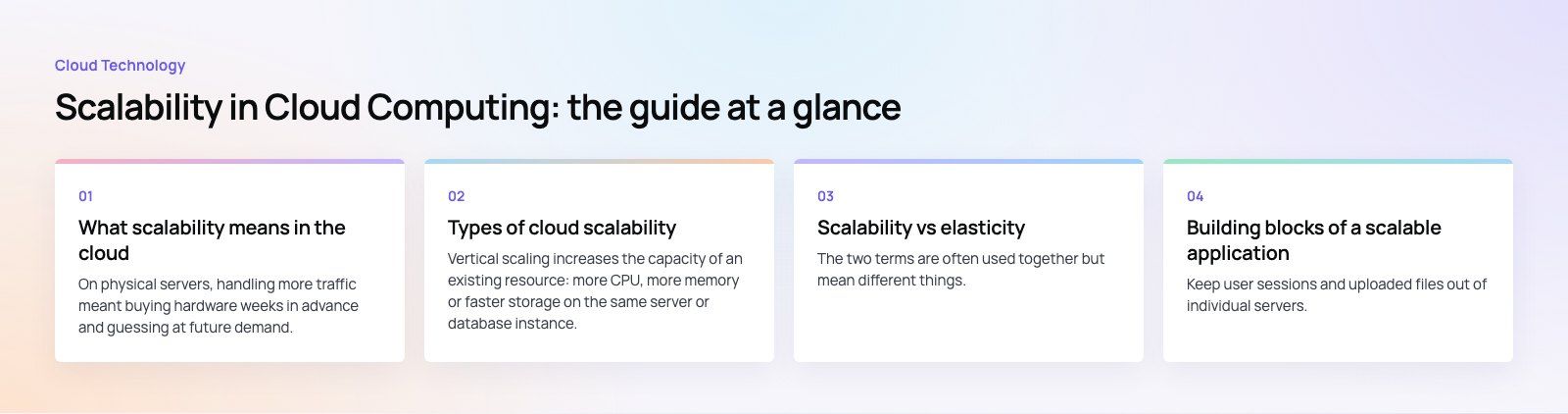
On physical servers, handling more traffic meant buying hardware weeks in advance and guessing at future demand. In the cloud, compute, storage and network capacity are available on demand, so a system can grow when demand rises and shrink when it falls. You pay for what you use rather than for peak capacity that sits idle most of the time.
Scalability is a property of the whole system, not just the hosting. A cloud server can be resized in minutes, but if your application keeps session data in local memory or relies on one database that cannot grow, adding servers will not help.
Types of cloud scalability
Vertical scaling (scale up)
Vertical scaling increases the capacity of an existing resource: more CPU, more memory or faster storage on the same server or database instance. It is simple and needs no change to the application, which makes it a good first step. Its limits are the largest instance size available and the fact that one large machine is still a single point of failure. Resizing often requires a brief restart.
Horizontal scaling (scale out)
Horizontal scaling adds more instances and spreads the work across them, usually behind a load balancer. It can grow much further than vertical scaling and improves resilience, because losing one instance does not take the service down. The trade off is that the application must be designed for it, with no state held on individual servers.
Diagonal scaling
Many systems combine both: scale up to a sensible instance size, then scale out by adding more of them. This balances simplicity and resilience.
| Factor | Vertical scaling | Horizontal scaling |
|---|---|---|
| How it works | Bigger machine | More machines |
| Application changes | Usually none | Must be stateless or share state externally |
| Upper limit | Largest available instance | Very high |
| Resilience | Single point of failure | Survives the loss of instances |
| Downtime to scale | Often a restart | Usually none |
| Good for | Databases, legacy apps, quick fixes | Web and API tiers, workers, high traffic apps |
Scalability vs elasticity
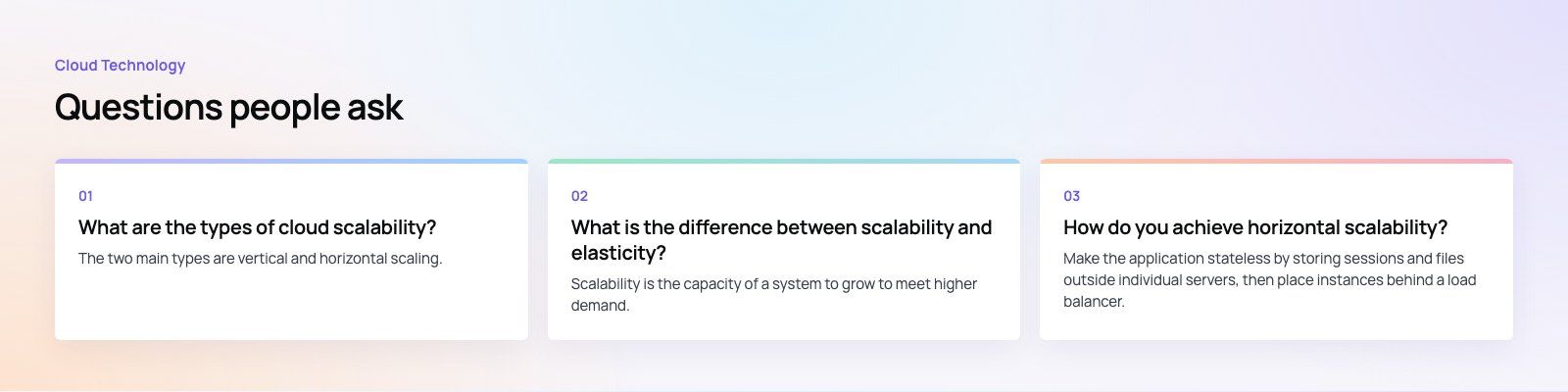
The two terms are often used together but mean different things. Scalability is the ability to grow to meet higher demand. Elasticity is the ability to do that automatically and in both directions, adding resources when load rises and removing them when it falls. Auto scaling services, such as Amazon EC2 Auto Scaling or the Kubernetes Horizontal Pod Autoscaler, provide elasticity by watching metrics such as CPU or request rate and adjusting capacity.
Why scalability matters to a business
- Cost control. Paying for capacity only when you need it avoids running peak sized infrastructure all year.
- Performance under load. Sales, campaigns, launches and seasonal peaks do not slow the site or app down.
- Reliability. Horizontally scaled systems keep running when individual servers fail.
- Reach. Cloud providers run data centers in many regions, so you can place services closer to your users for lower latency.
- Speed of change. New products and features can be launched without waiting for hardware.
Building blocks of a scalable application
Stateless application servers
Keep user sessions and uploaded files out of individual servers. Store sessions in a shared cache or database and files in object storage, so any instance can handle any request.
Load balancing
A load balancer spreads traffic across healthy instances and removes failed ones from rotation. It is what makes horizontal scaling invisible to users.
Caching
Caches at the edge (a CDN), in the application and in front of the database cut repeated work. Often, caching is the cheapest scalability improvement available.
Database scaling
The database is usually the hardest part to scale. Common techniques include read replicas for read heavy workloads, connection pooling, partitioning or sharding large datasets, and choosing managed database services that can resize with less effort. Microsoft's guidance on scaling and partitioning covers these patterns in detail.
Queues and background workers
Move slow tasks such as sending emails, generating reports or processing images onto a queue, and let separate workers handle them. The user gets a fast response, and the workers scale on their own.
Monitoring and alerts
You cannot scale what you cannot see. Track response times, error rates, queue lengths and resource use, and set alerts before limits are reached.
When to invest in scalability
Not every system needs to handle huge traffic from day one. Signs that it is time to plan properly include:
- Slowdowns or errors during campaigns, sales or busy hours.
- Servers that run near full capacity most of the day.
- Manual intervention needed whenever traffic grows.
- Plans to enter new markets, add AI features or integrate new systems that will add load.
- Several disconnected systems built for different locations or teams, each with its own infrastructure and data.
Common scalability mistakes
- Scaling the web tier but not the database. More app servers only move the bottleneck if every request still hits one database.
- Keeping state on servers. Local sessions or file uploads break as soon as a second instance is added.
- No load testing. Teams discover limits on their busiest day instead of in a controlled test.
- Auto scaling without limits. Without maximums and budget alerts, a bug or an attack can scale your bill as well as your servers.
- Overbuilding early. Designing for millions of users before you have thousands adds cost and complexity you may never need.
Planning for growth
Codeeo has delivered more than 200 projects across the UAE and the US, including custom software, mobile apps and Azure cloud integrations. If your platform slows down under load, our speed optimisation and codebase review quick starts are practical ways to find the real bottleneck before spending more on infrastructure.
Frequently asked questions
Scalability in cloud computing is the ability of a system to handle a growing or shrinking workload by adding or removing resources such as compute, memory, storage or instances.
A scalable system keeps performance steady as demand changes, without needing a redesign. The cloud makes those resources available on demand, but the application must be built to use them.
Cloud TechnologyCloud Based HR and Payroll Systems: Benefits and How to ChooseHow cloud based HR and payroll systems streamline operations, the core features to expect, cloud versus on premise, and how to choose and migrate safely. Cloud TechnologyHow Cloud Computing Supports Digital TransformationThe real business benefits of cloud computing in digital transformation, the challenges to plan for, what to move first and how to measure progress.
 Cloud TechnologyAzure Migration Steps: A Practical Five Step GuideThe five Azure migration steps, from planning and assessment to cutover and optimization, with the Microsoft tools that help at each stage.
Tell us what the business needs. We will tell you what to build first.
Schedule a free consultation and get a written recommendation, with costs, before you commit to anything.
Get in touchPROVEN RESULTS
4.7 / 5verified reviews on Google