 Cloud TechnologyHow Cloud Computing Supports Digital TransformationThe real business benefits of cloud computing in digital transformation, the challenges to plan for, what to move first and how to measure progress.
CodeeoInsightsCloud Technology
Cloud Based HR and Payroll Systems: Benefits and How to Choose
How cloud based HR and payroll systems streamline operations, the core features to expect, cloud versus on premise, and how to choose and migrate safely.
A cloud based HR and payroll system is web software, hosted by the vendor or in your own cloud tenant, that runs employee records, payroll, leave, attendance and HR reporting in one place, accessible securely from any device. It streamlines operations by automating calculations and approvals, giving employees self service, and keeping a single accurate record that HR, finance and managers all share. The main decisions are which features you need, how it connects to your other systems and how it handles local payroll rules.
What a cloud HR and payroll system does
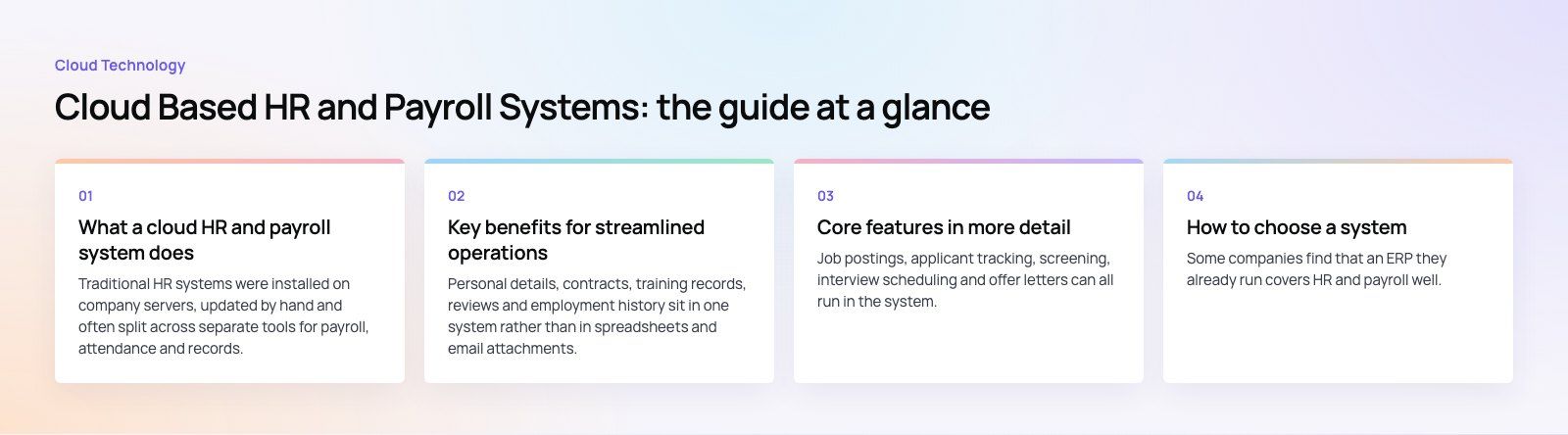
Traditional HR systems were installed on company servers, updated by hand and often split across separate tools for payroll, attendance and records. A cloud system replaces that with one service accessed through a browser or mobile app. The vendor or your cloud provider handles hosting, updates and backups, and new features arrive without a reinstall.
Most systems cover the same core areas:
- Employee records and document storage
- Payroll calculation, payslips and statutory deductions
- Leave, attendance and time tracking
- Recruitment and onboarding
- Performance reviews and goals
- Reporting and analytics
Key benefits for streamlined operations
Centralized, secure data
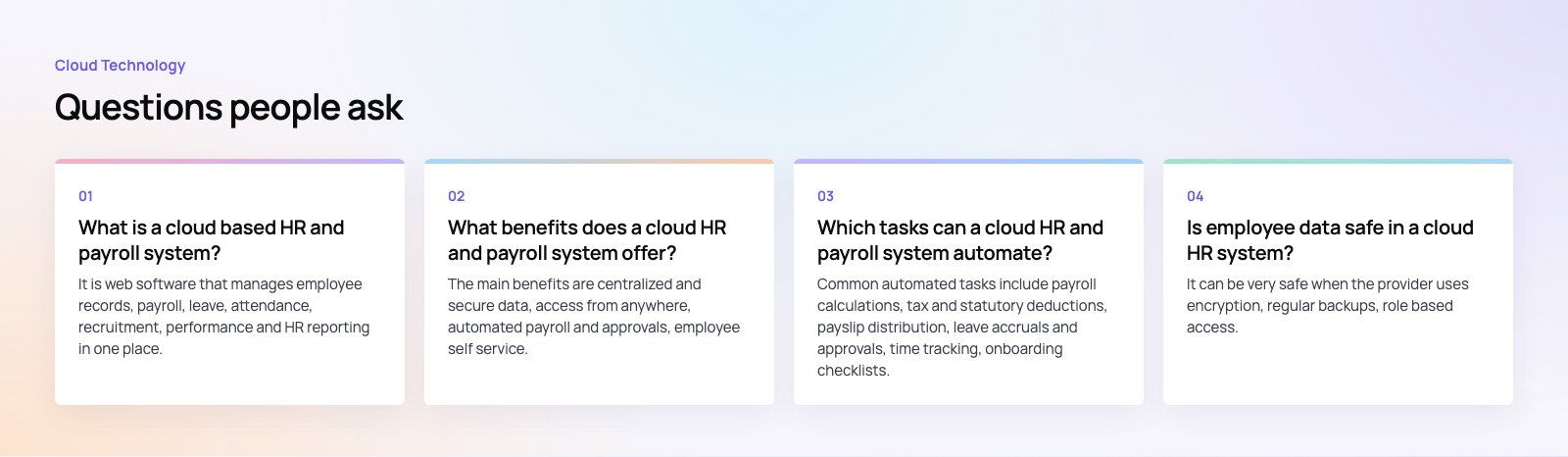
Personal details, contracts, training records, reviews and employment history sit in one system rather than in spreadsheets and email attachments. Good providers encrypt data, back it up regularly and control access by role. When reviewing a provider's security, a framework such as the NIST Cybersecurity Framework gives you a structured list of questions to ask.
Access from anywhere
HR staff, managers and employees can work from the office, from home or on the move, as long as they have a secure connection. That matters for distributed teams and for frontline staff who rarely sit at a desk.
Automated processes
Payroll calculations, tax and statutory deductions, leave accruals, approval routing and reminders can all be automated. Automation cuts manual errors and frees HR and finance teams from repetitive work at every pay cycle.
Scalability
Cloud systems grow and shrink with your headcount. Adding a new office, entity or team is usually configuration rather than a new installation, and you are not left maintaining hardware sized for a peak you no longer need.
Employee self service
Employees can view payslips, update personal information, check leave balances, submit time off requests and read company policies themselves. This reduces HR queries and gives people faster answers.
Compliance support
Payroll and employment rules differ by country and change regularly. A good system keeps statutory calculations up to date and keeps a dated record of every change and approval. Local requirements matter: in the UAE, for example, private sector employers must pay wages through the Wage Protection System, so a payroll tool used there needs to produce compliant salary files. Always confirm a provider supports the rules in every country where you employ people.
Integration with other systems
HR and payroll data feeds accounting, identity, project and reporting tools. A cloud system with good APIs can sync automatically with your finance system, your single sign on provider and your analytics, so nobody exports and re imports spreadsheets.
Lower running overhead
There is no server hardware to buy or maintain, and updates are handled for you. Cost depends on the number of employees, the modules you use, the countries you pay in and how much integration work is needed, so compare total cost over several years rather than the headline subscription.
Core features in more detail
Recruitment and applicant tracking
Job postings, applicant tracking, screening, interview scheduling and offer letters can all run in the system. Many tools parse CVs automatically so recruiters can review candidates faster, and successful hires flow straight into onboarding without retyping their details.
Performance management
Managers can set goals, run reviews and record ongoing feedback in one place. Over time, performance data helps inform decisions about training, rewards and promotions, and it gives employees a clearer view of their own progress.
Attendance and time management
Employees log hours, request time off and record overtime, often through a mobile app. Many systems connect to biometric or badge devices, and approved hours flow directly into payroll.
Reporting and analytics
Real time reports on headcount, turnover, absence, payroll cost and other metrics help HR and leadership spot trends and make decisions based on data. If your company already uses Microsoft tools, connecting HR data to Power BI is a common way to build richer dashboards.
Cloud versus on premise at a glance
| Factor | Cloud based | On premise |
|---|---|---|
| Setup | Configure and go live, no hardware | Servers, installation and maintenance |
| Updates | Handled by the provider | Planned and applied by your team |
| Access | Any device with a secure connection | Usually office network or VPN |
| Scaling | Adjust users and modules as needed | Limited by installed capacity |
| Data control | Depends on provider and hosting region | Fully in your own environment |
| Integration | Usually through modern APIs | Often custom and harder to maintain |
How to choose a system
- List your countries and pay rules. Payroll compliance is the hardest part to fix later.
- Map your integrations. Accounting, identity, time tracking and reporting should all connect cleanly. Our Azure integration work often starts here.
- Check data residency and security. Ask where data is stored, who can access it and how breaches are handled.
- Test the employee experience. Try the mobile app as an ordinary employee would.
- Plan the migration. Clean your data before moving it, and run parallel payrolls for at least one cycle.
Some companies find that an ERP they already run covers HR and payroll well. Odoo and Business Central both have HR capabilities or extensions worth comparing before you buy a separate tool.
Common mistakes
- Choosing on features alone without checking local payroll compliance.
- Migrating unclean data and then distrusting every report.
- Skipping a parallel payroll run before switching over.
- Leaving finance and HR integrations as manual exports.
Final thoughts
A cloud based HR and payroll system brings records, pay, time and reporting into one secure, scalable service, and gives employees self service they will actually use. Choose on compliance, integration and usability first, then features.
Codeeo's team of 80+ across Dubai, Riyadh and Karachi connects HR, payroll and finance systems and builds the portals around them. See our custom software development service or talk to us about your setup.
Frequently asked questions
It is web software that manages employee records, payroll, leave, attendance, recruitment, performance and HR reporting in one place, hosted in the cloud rather than on your own servers.
Staff access it through a browser or mobile app. The provider handles hosting, updates and backups, while your team configures the rules, workflows and integrations that fit your organization.
Cloud TechnologyHow Cloud Computing Supports Digital TransformationThe real business benefits of cloud computing in digital transformation, the challenges to plan for, what to move first and how to measure progress. Cloud TechnologyAzure Migration Steps: A Practical Five Step GuideThe five Azure migration steps, from planning and assessment to cutover and optimization, with the Microsoft tools that help at each stage.
 Cloud TechnologyScalability in Cloud Computing: Types, Building Blocks and MistakesWhat scalability in cloud computing means, vertical vs horizontal scaling, how it differs from elasticity, and how to build applications that grow smoothly.
Tell us what the business needs. We will tell you what to build first.
Schedule a free consultation and get a written recommendation, with costs, before you commit to anything.
Get in touchPROVEN RESULTS
4.7 / 5verified reviews on Google