 Software DevelopmentSQL vs NoSQL Databases: Differences and How to ChooseHow SQL and NoSQL databases differ in data model, schema, scaling and consistency, where each one fits, and five questions to choose for your project.
CodeeoInsightsSoftware Development
Back-End Development Explained: Servers, Databases and APIs
A plain guide to back-end development: how servers, databases and APIs handle each request, the main stacks to choose from, and the security basics.
Back-end development is the server side of a website or app: the code, databases and APIs that store data, apply business rules and send the right information to the screen the user sees. Servers receive requests and run the logic, databases keep the data safe and searchable, and APIs let the front end, mobile apps and other systems talk to each other. Security runs through all three.
This introduction explains each part in plain terms, how they fit together in a single request, the main technology choices, and what to think about when you plan the back end of your own product.
What happens when a user clicks a button
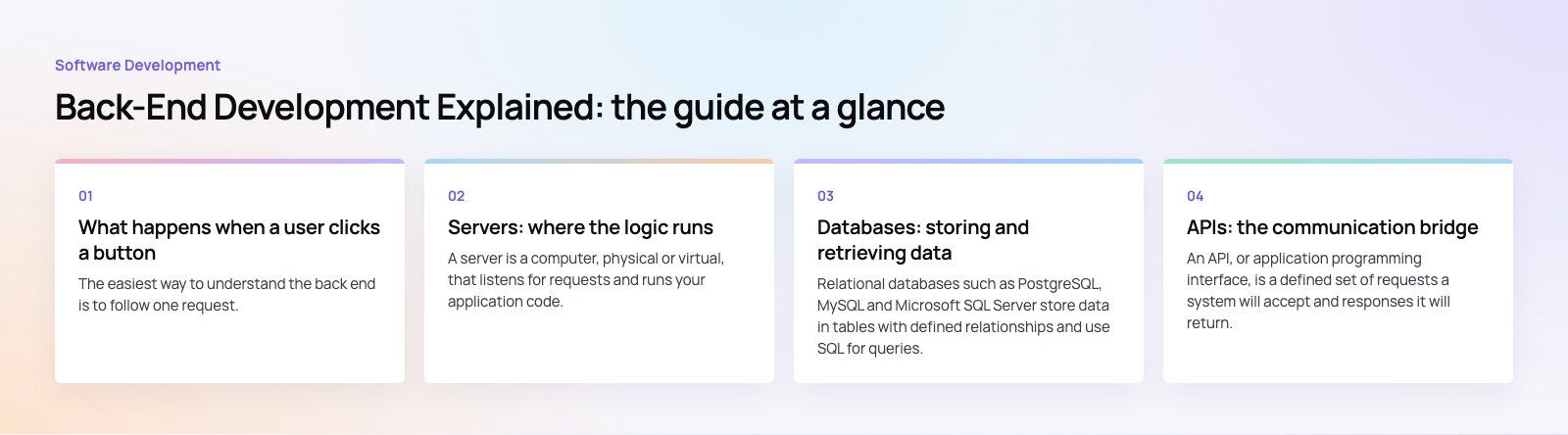
The easiest way to understand the back end is to follow one request. Say a customer taps "Book now" in a booking app:
- The app sends an HTTP request to an API endpoint, with the booking details and a token showing who the user is.
- A web server receives the request and passes it to the application code.
- The application checks the token, validates the input and applies business rules: is the slot still free, is the price correct, is the user allowed to book.
- It reads and writes data in the database, ideally inside a transaction so a half finished booking never gets saved.
- It may call other services, such as a payment gateway or an email provider.
- It sends a response back, usually as JSON, and the app updates the screen.
All of that happens in a fraction of a second, and none of it is visible to the user. That is the back end. The MDN overview of HTTP is a good reference for how these requests and responses are structured.
Servers: where the logic runs
What a server does
A server is a computer, physical or virtual, that listens for requests and runs your application code. In practice the term covers two layers: the web server or load balancer that accepts traffic, and the application runtime, such as Node.js, PHP, Python, Java or .NET, that executes your logic.
Hosting models
| Model | How it works | Best suited to |
|---|---|---|
| Virtual servers | You rent a virtual machine and manage the operating system and runtime | Teams wanting full control and predictable workloads |
| Managed platforms | The provider runs the servers; you deploy code or containers | Most web and app products that want less operations work |
| Containers | The app is packaged with its dependencies and run on an orchestrator such as Kubernetes | Larger systems with several services and steady scaling needs |
| Serverless functions | Code runs only when triggered and scales automatically | Spiky traffic, background jobs and event driven tasks |
Most products today run on cloud platforms such as AWS, Microsoft Azure or Google Cloud. If your business already uses Microsoft tools, our Azure integration work covers hosting and connecting services there.
Scaling
Servers scale vertically, by adding more power to one machine, or horizontally, by adding more machines behind a load balancer. Horizontal scaling needs the application to be stateless, which means session data lives in a shared store rather than in one server's memory.
Databases: storing and retrieving data
Relational databases
Relational databases such as PostgreSQL, MySQL and Microsoft SQL Server store data in tables with defined relationships and use SQL for queries. They enforce structure and support transactions, which makes them the default choice for orders, payments, bookings and anything where accuracy matters.
NoSQL databases
NoSQL is a broad family. Document stores such as MongoDB hold flexible JSON-like records. Key value stores such as Redis are very fast and often used for caching and sessions. Wide column and graph databases suit specific workloads such as large event logs or relationship heavy data.
Choosing between them
Many products use both: a relational database as the main source of truth, a cache for speed, and a search engine such as Elasticsearch or OpenSearch for full text search. Start with the simplest setup that fits your data. A well designed relational schema covers far more use cases than most teams expect.
Good database habits
- Design the schema around how data will be queried, not just how it looks.
- Add indexes for frequent lookups, and check slow query logs regularly.
- Use migrations so schema changes are versioned and repeatable.
- Automate backups and test that you can actually restore them.
APIs: the communication bridge
What an API is
An API, or application programming interface, is a defined set of requests a system will accept and responses it will return. Your own front end and mobile apps call your API. Your back end calls other companies' APIs for payments, maps, messaging and more.
Common API styles
- REST: resources at URLs, standard HTTP methods such as GET and POST, and JSON responses. Simple, widely understood and the most common choice.
- GraphQL: one endpoint where the client asks for exactly the fields it needs. Useful when many different screens need different shapes of data.
- gRPC: fast binary communication, mostly used between internal services.
- Webhooks: the reverse direction, where another system calls you when something happens, such as a completed payment.
Designing a good API
Keep naming consistent, version the API so changes do not break older app releases, return clear error messages, paginate long lists and document everything, ideally with an OpenAPI specification. Mobile apps make versioning especially important, because users do not all update at once.
Back-end languages and frameworks
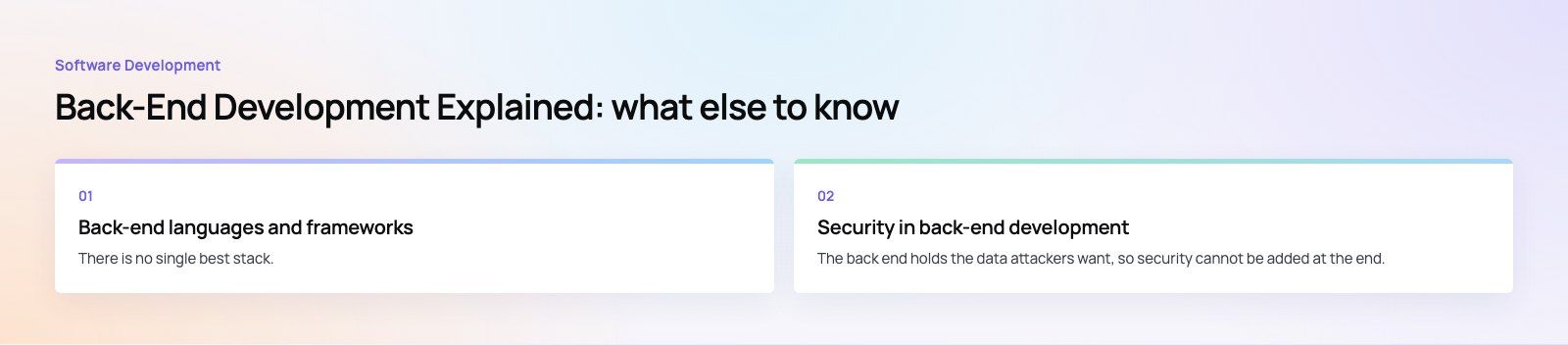
There is no single best stack. The right choice depends on your team, your existing systems and the type of product:
- Node.js with Express, Fastify or NestJS suits real time features and teams already writing JavaScript or TypeScript.
- PHP with Laravel is productive for web applications, admin panels and content heavy products.
- Python with Django or FastAPI fits data heavy work and products that use machine learning.
- Java with Spring and C# with .NET are common in large enterprises and regulated industries.
- Go is popular for high throughput services and infrastructure tools.
Pick a stack your team can hire for and maintain for years. Novelty is rarely a good reason to choose a back end.
Security in back-end development
The back end holds the data attackers want, so security cannot be added at the end. The OWASP Top 10 lists the most common web application risks and is the standard starting point. The essentials include:
- Authentication and authorization: verify who the user is, then check what they are allowed to do on every request, not just at login.
- Input validation: never trust data from the client. Use parameterized queries to prevent SQL injection.
- Encryption: HTTPS for data in transit, encryption for sensitive data at rest, and properly hashed passwords.
- Secrets management: keep API keys and passwords out of the code repository.
- Rate limiting and monitoring: slow down abuse and log enough to investigate incidents.
- Dependency updates: outdated libraries are one of the easiest ways in.
Supporting practices that keep a back end healthy
- Automated tests for business rules and API contracts, run on every change.
- CI/CD pipelines that build, test and deploy the same way every time.
- Logging, metrics and alerts so problems are spotted before customers report them.
- Caching for data that is read often and changes rarely.
- Background queues for slow tasks such as sending emails or generating reports.
Planning the back end for your product
Before choosing any technology, write down what the system must do: the main data it stores, who can see and change it, which outside systems it connects to, expected traffic and any compliance rules. That list drives the database design, the API shape and the hosting model far better than a trend article does.
Our published work shows the range. Purpose Payment needed an app, portals and an API; Spirit Check runs on a Node.js API. If you are planning a product with real business logic behind it, our custom software development team designs and builds back ends with a team of 80+ across Dubai, Riyadh and Karachi, and a codebase review is a good first step for an existing system.
Frequently asked questions
Front-end development covers everything the user sees and interacts with in the browser or app: layout, buttons, forms and animations.
Back-end development covers what happens on the server: storing data, applying business rules, handling logins and connecting to other systems through APIs. The front end asks for data and displays it; the back end decides what data to return and keeps it safe.
Software DevelopmentSQL vs NoSQL Databases: Differences and How to ChooseHow SQL and NoSQL databases differ in data model, schema, scaling and consistency, where each one fits, and five questions to choose for your project. Software DevelopmentOpen Source Apps: Examples, Licenses and How to Build Your OwnWhat makes an app open source, well known examples, the steps to build your own, how to pick MIT, Apache or GPL, and when to customize instead.
 Software DevelopmentHow an Online HR Portal Improves Employee ExperienceWhat an online HR portal does, how self service improves employee experience, which features matter, and whether to buy, configure or build one.
Tell us what the business needs. We will tell you what to build first.
Schedule a free consultation and get a written recommendation, with costs, before you commit to anything.
Get in touchPROVEN RESULTS
4.7 / 5verified reviews on Google