 E-Commerce10 Features of a High-Converting Ecommerce WebsiteThe ten features that turn store visitors into buyers, from product pages and checkout to speed, mobile design, social proof and ongoing testing.
Best WooCommerce Themes: Five Strong Options Compared
Astra, OceanWP, Storefront, Divi and Flatsome compared for WooCommerce stores, with how to choose, test and avoid common theme mistakes.
The best WooCommerce themes for most stores are Astra, OceanWP, Storefront, Divi and Flatsome. Astra and Storefront suit stores that want speed and a light footprint, OceanWP suits owners who want plenty of free options, Divi suits teams who want visual design control, and Flatsome suits stores that want a polished shop layout out of the box. The right pick depends on your catalog, your page builder and who will maintain the site.
This guide compares those five themes, explains what each one is good at, and gives a simple process for choosing and testing a theme before you commit.
What makes a WooCommerce theme good
A theme controls how your store looks, but it also affects speed, how easy the store is to change, and how well it plays with plugins. Before comparing names, it helps to know what to judge them on.
- Performance. A lean theme loads fewer scripts and styles. Speed affects conversions and search visibility, especially on mobile.
- WooCommerce support. Good themes style product grids, single product pages, cart, checkout and account pages properly, and keep up with WooCommerce updates.
- Customization without code. Header, footer, colors, typography and shop layouts should be adjustable from the customizer or theme options.
- Page builder compatibility. If your team uses Elementor, Beaver Builder or the block editor, the theme should work well with it.
- Maintenance and support. Regular updates, clear documentation and responsive support matter more over the life of a store than any single feature.
- Translation and RTL support. Essential if you sell in more than one language.
The best WooCommerce themes compared
| Theme | Model | Best for | Weight | Learning curve |
|---|---|---|---|---|
| Astra | Free with Pro add-on | Fast stores built with a page builder or blocks | Light | Low |
| OceanWP | Free with paid extensions | Owners who want many options in the free version | Light to medium | Low to medium |
| Storefront | Free, official WooCommerce theme | Simple stores and developers building child themes | Light | Low |
| Divi | Premium | Teams who want full visual design control | Heavier | Medium to high |
| Flatsome | Premium | Stores that want a finished shop design quickly | Medium | Medium |
Astra
Astra is a lightweight, flexible theme that has become a common default for WooCommerce builds. Its core is free, and a paid Pro add-on adds extra WooCommerce layouts and controls.
- A library of starter templates, including store designs, to get a layout running quickly.
- Works well with Elementor, Beaver Builder, Brizy and the block editor.
- Header, footer, typography and color controls in the customizer, with no code needed.
- Small default footprint, which makes it a good base for a fast store.
Watch for: the most useful shop features, such as advanced product page layouts, sit in the paid add-on. Check what you need before assuming the free version covers it.
OceanWP
OceanWP offers a generous feature set in its free version, with paid extensions for extra functionality. It is a solid pick for budget-conscious store owners who still want control over design.
- Translation ready and RTL compatible, useful for international or bilingual stores.
- A detailed theme options panel for fine-tuning the store's appearance.
- Customizable headers and footers to match your branding.
- Good compatibility with Elementor and other popular page builders.
Watch for: the number of options can feel overwhelming, and stacking several extensions adds weight. Enable only what you use.
Storefront
Storefront is the free theme from the WooCommerce team. It is minimal by design and integrates tightly with WooCommerce and its official extensions.
- Clean, uncluttered layout that puts products first.
- Reliable compatibility with WooCommerce updates and extensions.
- A sensible base for a custom child theme when a developer is building the design.
Watch for: out of the box it looks plain, and there are fewer visual options than in the other themes here. It works best when you either want simplicity or have a developer extending it.
Divi
Divi is a premium theme and visual builder in one. It suits teams who want to design every page themselves with a drag-and-drop interface.
- WooCommerce modules for product grids, carousels, cart and checkout elements.
- Global styles so changes apply across the whole store.
- A large library of prebuilt layouts and modules.
- Responsive editing for desktop, tablet and phone views.
Watch for: Divi is heavier than the lighter themes and has a steeper learning curve. Moving away from it later can also be more work, because page content is tied to its builder.
Flatsome
Flatsome is a premium theme sold through ThemeForest and built specifically for online stores. It is known for polished shop layouts and its own page builder.
- Product quick view so shoppers can check details without leaving the category page.
- A mega menu builder for large catalogs.
- A built-in page builder and a detailed theme options panel.
- Modern store layouts that look finished with little setup.
Watch for: it uses its own builder, so content is less portable, and it is less suited to teams already committed to Elementor or the block editor.
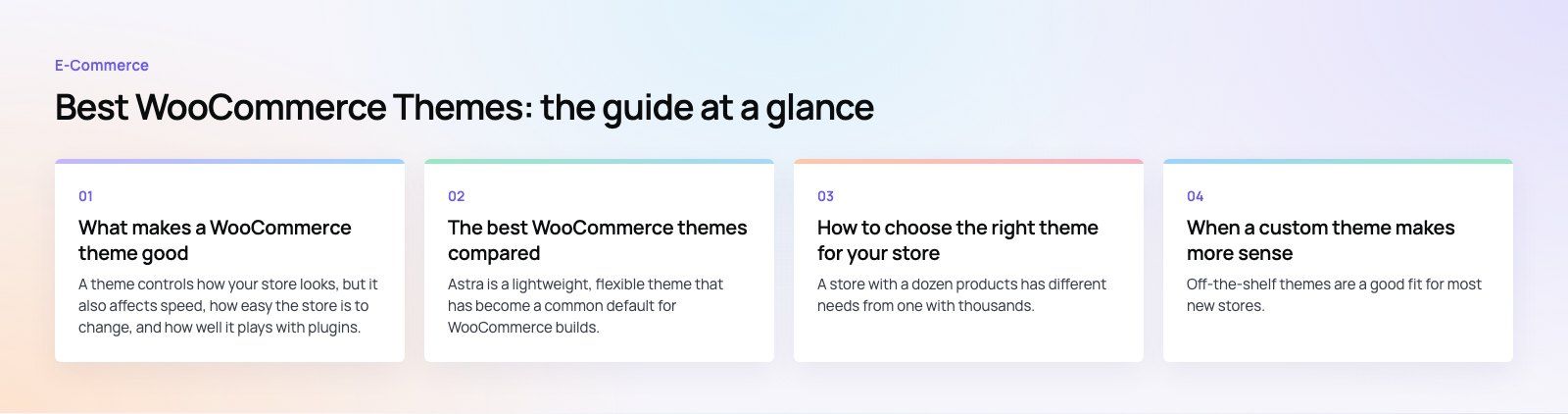
How to choose the right theme for your store
Start from the catalog
A store with a dozen products has different needs from one with thousands. Large catalogs need strong filtering, fast category pages and clear navigation. Our Clocksprings Australia case study is a good example: a WooCommerce parts store where shoppers find fitment by make and model, which puts far more weight on search and filters than on decorative layouts.
Match the theme to who maintains the store
If the owner edits pages, a theme with a familiar builder and simple options is safer. If a developer maintains the store, a lean theme like Storefront or Astra with a child theme gives more control and fewer surprises.
Check the pages that make money
Look closely at the product page, cart and checkout in each demo. These pages drive revenue, so they matter more than the homepage. A checkout teardown can show where an existing store loses buyers.
Plan for languages and markets
If you sell in Arabic or another right-to-left language, test RTL layouts early. The Ghezlan store is a bilingual WooCommerce build, so every layout had to work in two languages.
Test before you commit
- Install the shortlisted themes on a staging copy of your store, never on the live site.
- Import a realistic set of products, including variable products and long titles.
- Run speed tests on a category page and a product page, on mobile.
- Activate your essential plugins, such as payments, shipping and reviews, and check for conflicts.
- Walk through a full purchase, from search to order confirmation.
- Check how easy it is to change the header, colors and product layout without code.
When a custom theme makes more sense
Off-the-shelf themes are a good fit for most new stores. A custom theme, or a heavily customized child theme, becomes worth it when your checkout has unusual steps, when the brand needs a distinctive look, or when performance targets are strict. The Gorgeous Flower Co, for example, needed delivery dates and windows at checkout alongside loyalty points and subscriptions, which goes beyond what a theme demo provides.
A common middle path is to start with a lean theme and add custom templates only for the pages that need them. WooCommerce's theme developer handbook explains how template overrides work if you go that way.
Common mistakes when choosing a WooCommerce theme
- Choosing from the demo homepage alone and ignoring product and checkout pages.
- Installing every bundled plugin a theme recommends, which slows the store.
- Editing theme files directly instead of using a child theme, so updates wipe changes.
- Skipping mobile testing, even though many shoppers buy on their phones.
- Picking a theme tied to a builder your team does not know.
The best WooCommerce theme is the one that fits your catalog, your team and your growth plans, and stays fast as the store grows. If you want help choosing, customizing or building a theme, Codeeo's WooCommerce developers can scope the work, or you can start with a platform fit review.
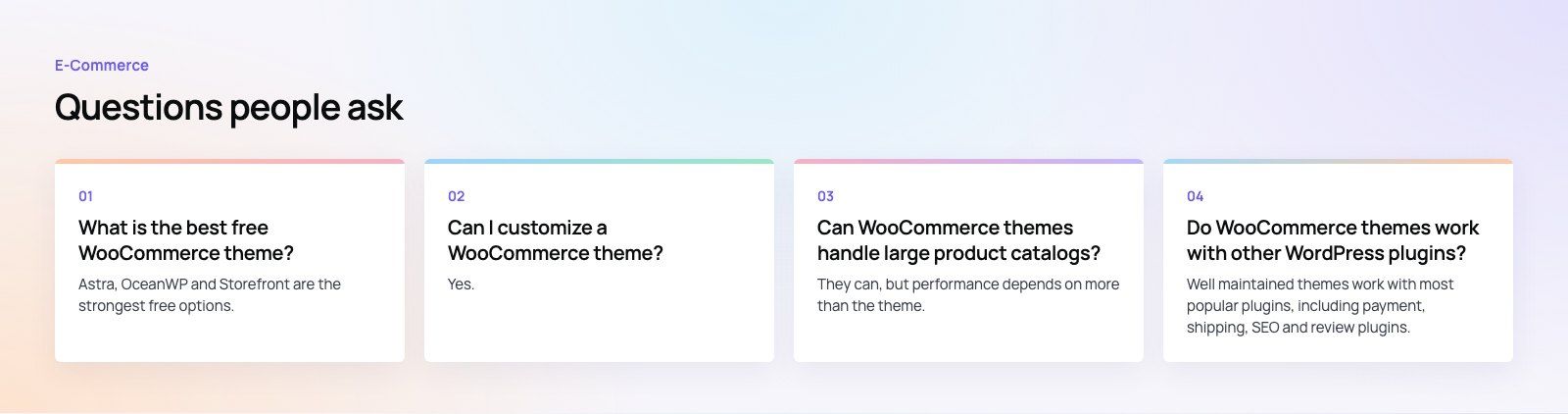
Frequently asked questions
Astra, OceanWP and Storefront are the strongest free options.
Astra is light and works with most page builders, OceanWP includes many design options in its free version, and Storefront is the official WooCommerce theme with tight compatibility. Try each on a staging site with your own products, then choose the one that is fastest and easiest for your team to manage.
E-Commerce10 Features of a High-Converting Ecommerce WebsiteThe ten features that turn store visitors into buyers, from product pages and checkout to speed, mobile design, social proof and ongoing testing. E-CommerceBenefits of Using a CMS for Ecommerce WebsitesHow a CMS helps online stores manage products, SEO, growth and security, how it compares with a custom build, and how to choose between WooCommerce, Shopify and headless.
 E-CommerceEcommerce Website Development: 9 Elements Every Store NeedsThe nine parts every online store needs, from catalog data and search to checkout, security, operations and analytics, with what to decide before you build.
Tell us what the business needs. We will tell you what to build first.
Schedule a free consultation and get a written recommendation, with costs, before you commit to anything.
Get in touchPROVEN RESULTS
4.7 / 5verified reviews on Google