 Software DevelopmentSQL vs NoSQL Databases: Differences and How to ChooseHow SQL and NoSQL databases differ in data model, schema, scaling and consistency, where each one fits, and five questions to choose for your project.
CodeeoInsightsSoftware Development
Business Application Development and Corporate Strategy
What business application development is, the B2B, B2C and internal app types, and how to decide between custom and off the shelf software.
Business application development is building software, for staff, customers or partners, that does a specific job in how your company operates: taking orders, scheduling work, approving purchases, tracking stock or serving customers. It belongs in corporate strategy because the processes that make a company different are usually the ones generic tools handle worst. The right application turns those processes into something faster, measurable and harder for competitors to copy.
This guide explains what counts as a business application, why it deserves a place in strategy rather than only in the IT budget, the main types, and how to decide between building custom software and buying an off the shelf product.
What is business application development?
A business application is any software built to support a business function. That includes a customer facing mobile app, a supplier portal, an internal approvals tool, a field service app, or a set of integrations that moves data between your ERP, CRM and online store.
Business application development is the work of designing, building, connecting and maintaining that software. It can mean configuring an existing platform, extending it with custom modules, or building a new product from scratch. The common thread is that the software is shaped around how your business actually works, instead of your team bending its process around a tool.
Why business applications belong in corporate strategy
Strategy decides where a company competes and how it wins. Software now sits under almost every part of that: how customers buy, how quickly orders ship, how managers see performance. Treating applications as a strategic lever, not a list of IT requests, changes which projects get funded and how they are judged.
Efficiency where it counts
Automating repeated tasks such as data entry, approvals, reconciliations and status updates frees people for work that needs judgment. The gain is largest in the processes that run hundreds of times a week. Start there, not with the most visible project.
Fewer costly errors
Every manual handoff is a chance for a wrong price, a missed order or a compliance slip. Applications that validate data at entry and move it between systems automatically remove whole classes of mistakes. In regulated industries that is a risk control, not just a convenience.
Better communication and collaboration
Internal apps give teams one place to see the same job, the same customer record and the same status. Field teams, warehouses and head office stop working from different spreadsheets, and remote or distributed teams can work from the same live information.
Closer customer relationships
A well built customer app or portal makes repeat business easy: saved details, order history, reordering, tracking and support in one place. It also gives you a direct channel for notifications and offers, which depends far less on paid advertising than reaching people on other platforms.
Data you can act on
When work happens inside your own applications, you collect structured data about it: where orders stall, which customers buy what, which steps take longest. That data feeds pricing, marketing and operations decisions with facts instead of guesses.
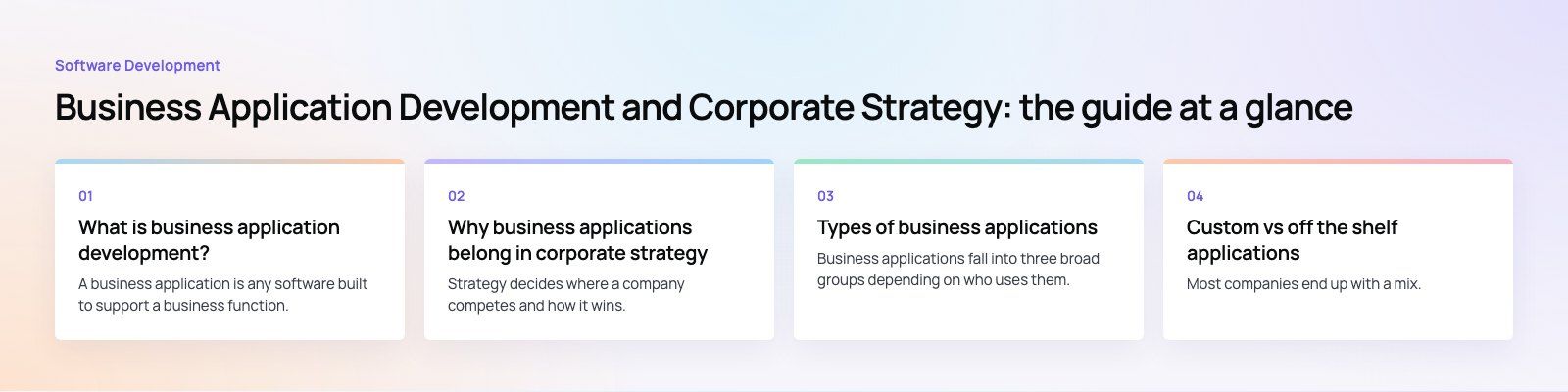
Types of business applications
Business applications fall into three broad groups depending on who uses them.
B2B applications
B2B applications connect your business with other businesses: suppliers, distributors, resellers and corporate buyers. Because they handle contracts, pricing and orders, they usually need strong access control and audit trails.
- Buy side applications support procurement: requisitions, approved supplier catalogs, negotiated pricing and approval workflows, so purchasing stays within policy without slowing down.
- Sell side applications let business customers place orders, see account specific pricing, check stock, download invoices and track deliveries.
- Marketplace applications bring many buyers and sellers together on one platform, handling listings, matching, payments and disputes.
B2C applications
B2C applications are what customers use directly: ecommerce apps, booking apps, loyalty programs, ordering and delivery apps, and self service account tools. They need the most attention to design and performance, because customers compare them with the best apps on their phone, and they need ongoing updates as feedback and expectations change.
Common B2C examples include:
- Commerce apps for browsing, buying and tracking orders.
- Loyalty apps where customers earn and redeem points, refer friends and receive offers.
- Booking and on demand apps for appointments, services, travel or deliveries.
Internal applications
Internal applications run the business behind the scenes. They often sit on top of, or alongside, core systems like ERP and CRM. Typical examples:
- HR and people systems for leave, onboarding and performance.
- Inventory and warehouse management.
- Accounting and finance workflows.
- Service management and field service scheduling.
- Reservation and resource booking.
- Demand forecasting and reporting dashboards.
- Internal communication and knowledge tools.
Custom vs off the shelf applications
Most companies end up with a mix. The question for each process is whether it is standard, where a product will do the job, or distinctive, where custom software pays back.
| Factor | Off the shelf software | Custom application |
|---|---|---|
| Upfront cost | Lower, usually a subscription | Higher, a build project |
| Time to launch | Days or weeks | Weeks to months, depending on scope |
| Fit to your process | You adapt to the product | The product follows your process |
| Integration | Limited to the vendor's connectors and APIs | Designed around your existing systems |
| Security and data control | Shared platform, vendor's controls | Your choice of hosting, access rules and audit |
| Ongoing effort | Vendor maintains it; you follow their roadmap | You need maintenance and support |
| Competitive edge | Same tool your competitors can buy | Can encode what makes you different |
When off the shelf is the better choice
Choose a product when the process is the same in every company, such as payroll, email or basic accounting, when you need something running this month, and when the vendor's way of working is close enough to yours. Configuring a good platform like an ERP or CRM is often smarter than rebuilding it.
When custom is worth it
Build when the process is a source of advantage, when you are stitching together several tools with spreadsheets and manual exports, when customers will judge you by the experience, or when licensing a product for every user and workaround costs more over time than owning the software.
The hybrid route
Many of the strongest setups combine both: a proven core system for finance and operations, with custom apps and integrations on top for the customer experience and the unusual workflows. This keeps the standard parts standard and puts development effort where it moves results.
How to fold application development into strategy
- Start from goals, not features. Tie each proposed application to a business outcome such as faster order turnaround, higher repeat purchase or lower support load.
- Map the process as it really runs. Shadow the people who do the work. The real process usually differs from the documented one.
- Scope a first release. Pick the smallest version that delivers the outcome, ship it, and learn from real use.
- Plan integrations early. Decide which system owns each record, and how data moves between them, before any screens are designed.
- Design security in. Define roles, permissions, data retention and audit needs at the start, not after launch.
- Budget for the long run. Applications need updates, monitoring and support. Fund them like a product, not a one off project.
- Measure and adjust. Track the outcome you set in step one and let it guide the next release.
Common mistakes
- Building a custom version of a commodity tool when configuration would do.
- Buying a product and then customizing it so heavily that upgrades break.
- Launching a customer app with no plan for updates, so it falls behind within a year.
- Leaving integration until the end and discovering two systems disagree on what a customer or order is.
- Measuring success by launch date instead of by the business outcome.
Codeeo's team of 80+ across Dubai, Riyadh and Karachi builds custom business software, mobile apps and integrations with platforms such as Odoo. You can see a multi app ordering platform in the Teachers Lunch case study and a technician booking marketplace in the JobIQ case study. If you are weighing build against buy, a product scoping session is a practical place to start.
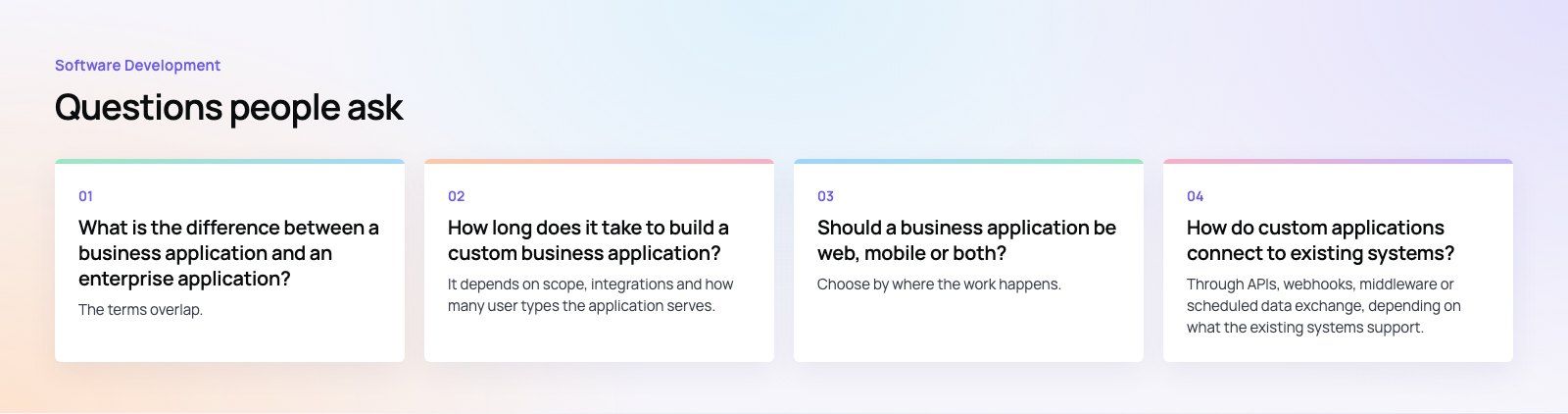
Frequently asked questions
The terms overlap.
A business application is any software that supports a business function, from a small booking tool to a full customer app. Enterprise application usually refers to large systems used across a whole organization, such as ERP, CRM or HR platforms, with many users, complex permissions and deep integrations. Many custom business applications sit on top of enterprise systems and extend them for a specific team or customer group.
Software DevelopmentSQL vs NoSQL Databases: Differences and How to ChooseHow SQL and NoSQL databases differ in data model, schema, scaling and consistency, where each one fits, and five questions to choose for your project. Software DevelopmentOpen Source Apps: Examples, Licenses and How to Build Your OwnWhat makes an app open source, well known examples, the steps to build your own, how to pick MIT, Apache or GPL, and when to customize instead.
 Software DevelopmentHow an Online HR Portal Improves Employee ExperienceWhat an online HR portal does, how self service improves employee experience, which features matter, and whether to buy, configure or build one.
Tell us what the business needs. We will tell you what to build first.
Schedule a free consultation and get a written recommendation, with costs, before you commit to anything.
Get in touchPROVEN RESULTS
4.7 / 5verified reviews on Google