 Software DevelopmentSQL vs NoSQL Databases: Differences and How to ChooseHow SQL and NoSQL databases differ in data model, schema, scaling and consistency, where each one fits, and five questions to choose for your project.
CodeeoInsightsSoftware Development
Cafeteria Point of Sale: Features, Choices and Rollout Tips
What a cafeteria point of sale system should do, how to compare options on speed, payments and inventory, and how to roll one out without slowing service.
A cafeteria point of sale system is the software and hardware that takes orders, collects payment and records every sale, so the line moves faster and the kitchen gets accurate tickets. The right one shortens queues at peak hours, cuts order mistakes, tracks stock as it sells and gives managers live numbers on what is working. This guide explains what a cafeteria POS should do, how to choose one and how to roll it out without disrupting service.
Why cafeterias need a different kind of POS
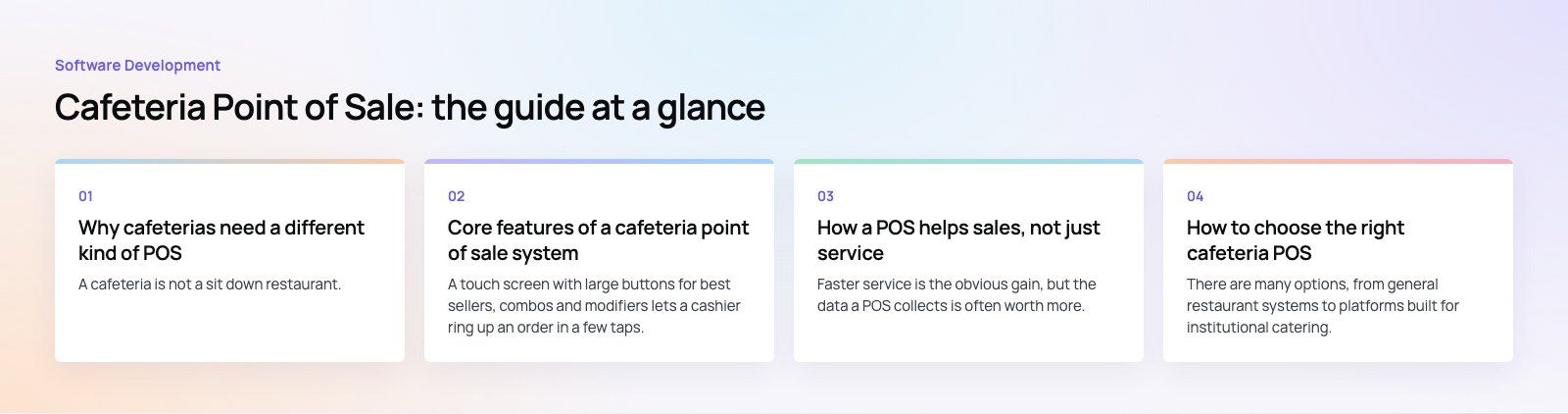
A cafeteria is not a sit down restaurant. Most of the day is quiet, then a lunch rush brings hundreds of customers to the counter within an hour. Orders are small and repetitive, many customers pay with cards, phones, staff badges or meal credits, and the menu changes with the day or the season. A system built for table service, with courses, seat numbers and split bills, adds clicks the cashier does not need.
What a cafeteria needs instead is speed at the till, simple menus that change quickly, several payment methods and a clear link between what sells and what needs reordering. Schools, hospitals, office canteens and university food courts share the same pattern, even if their payment rules differ.
The cost of the old way
Pen and paper or a basic cash register creates three problems. Orders get misheard or mistyped, so food is wasted and customers wait twice. Nobody knows stock levels until an item runs out mid service. And end of day reconciliation takes longer than it should because sales, refunds and payment types are recorded in different places.
Core features of a cafeteria point of sale system
Fast order entry and payment
A touch screen with large buttons for best sellers, combos and modifiers lets a cashier ring up an order in a few taps. Card, contactless and mobile wallet payments should run through an integrated terminal so the amount is never typed twice. Look for offline mode, which keeps the till working and queues transactions if the connection drops during the rush.
Self service kiosks and mobile ordering
Kiosks let customers browse the menu, customize an order and pay without waiting for a cashier. Mobile ordering goes a step further: customers order ahead and collect from a pickup shelf. Both move demand away from the counter at peak times. They work best when the menu is clean and the kitchen display system shows each order the moment it is placed.
Kitchen display and order accuracy
When an order is entered, it should appear on a kitchen screen or printer straight away, with modifiers and allergy notes clearly marked. This removes the handwritten ticket, which is where most mistakes start. Bump screens also show how long each order has been waiting, so the kitchen can spot delays before customers do.
Real time inventory
Inventory tracking ties each menu item to its ingredients. Every sale reduces stock, and the system alerts staff when an ingredient falls below a set level. Over time this data shows which items are wasted, which run out early and how much to prepare for each day of the week.
Central dashboard and reporting
A manager should be able to see sales by hour, item and payment type, compare sites and check staff activity from one dashboard. Cloud based systems make this available from any device. Reports should export cleanly to your accounting software so the finance team is not retyping figures.
Loyalty, meal plans and closed loop payments
Many cafeterias serve the same people every day. Loyalty points, prepaid balances, staff badge payments and meal plans for students or employees all depend on the POS knowing who the customer is. If you run a subsidized canteen, check that the system can apply different prices or allowances to different groups.
How a POS helps sales, not just service
Faster service is the obvious gain, but the data a POS collects is often worth more.
- Upselling at checkout. The screen can prompt combos, drinks or desserts. Kiosks do this consistently, which cashiers in a rush often forget.
- Menu engineering. Sales and margin data show which items earn their place and which only add prep time. Remove the slow sellers and promote the strong ones.
- Targeted offers. With loyalty data you can send offers based on what customers actually buy, rather than blanket discounts.
- Staffing. Hourly sales patterns tell you when to add a second till or open the kiosk lane.
How to choose the right cafeteria POS
There are many options, from general restaurant systems to platforms built for institutional catering. Compare them on the points that matter in your setting.
| Factor | What to check | Why it matters |
|---|---|---|
| Speed at the till | Taps per typical order, combo buttons, offline mode | Peak hour throughput depends on it |
| Payment options | Cards, contactless, wallets, badges, meal credits | Customers expect to pay their way |
| Inventory depth | Ingredient level tracking, alerts, supplier orders | Reduces waste and stockouts |
| Integrations | Accounting, payroll, loyalty, online ordering, HR systems | Avoids double entry and manual exports |
| Security | Card data handling, user roles, audit logs | Protects customers and limits fraud |
| Multi site support | Central menus, per site pricing, consolidated reports | Essential for campuses and chains |
| Support and updates | Hours of support, hardware replacement, update schedule | A down till at lunch costs real sales |
Security and card data
Any system that handles card payments must follow the standards set by the PCI Security Standards Council. In practice, choose a POS where card data is handled by a certified payment terminal and never stored in your own systems. Set user roles so cashiers cannot issue refunds or change prices without a manager.
Cost drivers
Prices vary widely, so compare on what drives the total rather than the headline subscription. The main drivers are the number of tills and kiosks, the hardware you buy or lease, payment processing terms, the modules you need (inventory, loyalty, online ordering) and the support plan. Ask every vendor for the full cost over three years, including hardware refreshes and transaction fees.
Off the shelf or custom
Most single site cafeterias are well served by a mainstream restaurant POS. A custom layer starts to make sense when you need things the market does not offer well: meal plans tied to a student or employee database, allowances by department, ordering inside an existing staff app, or reporting that combines POS data with other systems. In those cases a common approach is to keep a proven POS for the till and payments, and build custom software or an app around it through the vendor's API.
Implementation tips
Switching systems in a busy cafeteria needs planning. One issue we often see is a new POS going live on a Monday lunch with staff who have only watched a demo.
- Map your menu and modifiers first. Clean up item names, combos and prices before they go into the new system.
- Migrate and test data. Move customer balances, loyalty points and stock levels, then check them against the old records.
- Train on real orders. Run practice sessions with typical rush hour orders, refunds and voids.
- Go live at a quiet time. Launch after the lunch peak or on a slow day, with vendor support on call.
- Review after two weeks. Check speed, error rates and reports, then adjust buttons and layouts based on what staff actually tap.
- Plan for updates. Agree who installs updates, who handles hardware faults and how quickly support responds.
Common mistakes to avoid
- Choosing on price alone and discovering later that inventory or loyalty is an extra module.
- Ignoring integrations, so sales still have to be copied into accounting by hand.
- Overloading the main screen with every item instead of the twenty that make up most orders.
- Launching kiosks without updating the kitchen workflow to handle the extra orders.
- Skipping offline mode, then losing sales the first time the network drops.
A cafeteria POS works best when the till, kiosk, kitchen and back office share the same data. If you need ordering, payment or reporting that an off the shelf system cannot cover, Codeeo's team of 80+ across Dubai, Riyadh and Karachi builds payment integrations and ordering apps that connect to the systems you already run. You can see similar work in the Teachers Lunch case study, or explore our work for hospitality businesses.
Frequently asked questions
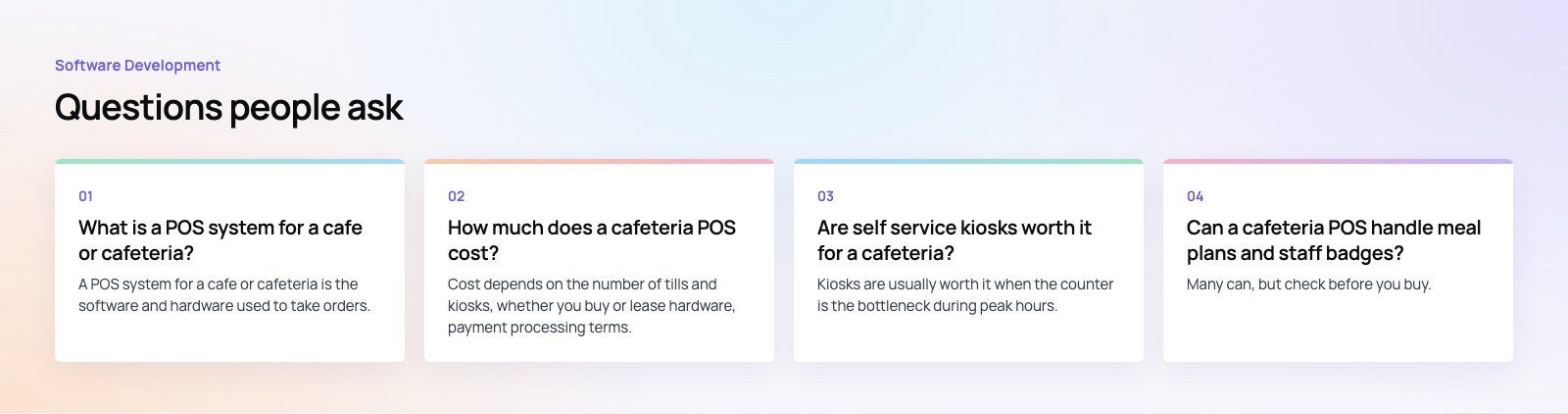
A POS system for a cafe or cafeteria is the software and hardware used to take orders, accept payment and record each sale.
Modern systems also send orders to the kitchen, track ingredient stock, manage loyalty and prepaid balances, and give managers reports on sales by item and hour. Most run in the cloud, so data is available from any device.
Software DevelopmentSQL vs NoSQL Databases: Differences and How to ChooseHow SQL and NoSQL databases differ in data model, schema, scaling and consistency, where each one fits, and five questions to choose for your project. Software DevelopmentOpen Source Apps: Examples, Licenses and How to Build Your OwnWhat makes an app open source, well known examples, the steps to build your own, how to pick MIT, Apache or GPL, and when to customize instead.
 Software DevelopmentHow an Online HR Portal Improves Employee ExperienceWhat an online HR portal does, how self service improves employee experience, which features matter, and whether to buy, configure or build one.
Tell us what the business needs. We will tell you what to build first.
Schedule a free consultation and get a written recommendation, with costs, before you commit to anything.
Get in touchPROVEN RESULTS
4.7 / 5verified reviews on Google