 Software DevelopmentSQL vs NoSQL Databases: Differences and How to ChooseHow SQL and NoSQL databases differ in data model, schema, scaling and consistency, where each one fits, and five questions to choose for your project.
CodeeoInsightsSoftware Development
Classroom Management Platforms: How Schools Should Choose
Google Classroom, Canvas, Schoology, Moodle and Teams compared, with a practical way for schools to choose and when a custom platform makes sense.
The classroom management platforms most schools shortlist are Google Classroom, Canvas, Schoology and Moodle, with Microsoft Teams for Education common in schools that already run Microsoft 365. They all handle assignments, grading and class communication, so the real decision comes down to which ecosystem your staff already use, how much course structure you need, and who will look after the platform once it is live.
This guide compares the main options, explains how to choose between them, and covers the point at which a school or education business is better served by a platform of its own.
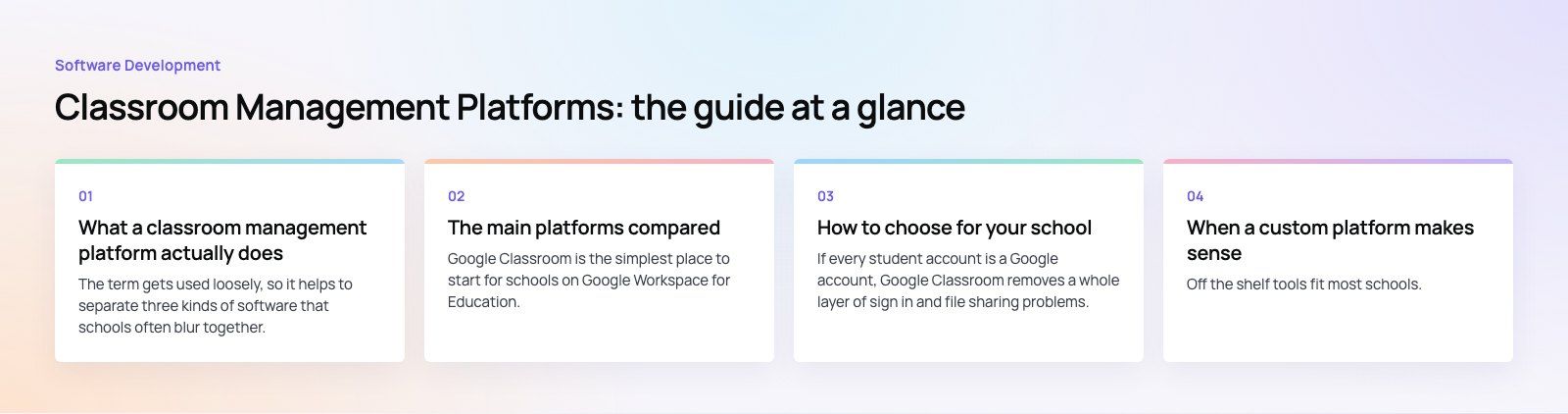
What a classroom management platform actually does
The term gets used loosely, so it helps to separate three kinds of software that schools often blur together.
- Classroom tools handle the daily rhythm of a class: posting work, collecting submissions, returning feedback and messaging students.
- Learning management systems (LMS) add structure on top: full courses, modules, quizzes, rubrics, release rules and reporting across many classes.
- Student information systems hold the official record: enrollment, timetables, attendance registers and report cards.
Most of the platforms below sit somewhere between the first two. Very few replace a student information system, so expect to connect them rather than pick one tool for everything.
The main platforms compared
Google Classroom
Google Classroom is the simplest place to start for schools on Google Workspace for Education. Teachers create a class, post assignments with Docs, Sheets or Slides attached, and students submit from the same place. Comments, announcements, a gradebook and guardian summaries cover most day to day needs.
Its strength is low friction. Its limit is structure: if you need deep course design, complex prerequisites or detailed competency reporting, teachers tend to outgrow it.
Canvas
Canvas, from Instructure, is a full LMS used widely in higher education and increasingly in schools. It is known for a clean interface, strong course building tools, rubrics, outcomes tracking and a large catalog of integrations through the LTI standard.
Canvas suits institutions that want consistent course design across departments. It needs more setup and an administrator who owns it.
Schoology
Schoology Learning is now part of PowerSchool. It combines an LMS with social features such as groups and discussion, and it fits naturally for districts that already use PowerSchool for student records, because grades and rosters can flow between the two.
Moodle
Moodle is open source, which means you can host it yourself, change it and extend it with plugins. That flexibility is the reason universities and training providers choose it. The trade off is responsibility: hosting, updates, plugin compatibility and security fall on you or on a hosting partner.
Microsoft Teams for Education
For schools on Microsoft 365, Teams combines class channels, assignments, grading and meetings. Teachers already living in Word, OneNote and Outlook usually adopt it with little training.
A note on Edmodo
Older roundups often list Edmodo. It shut down in 2022, so any school still referencing it in policy documents should update them.
Side by side
| Platform | Best fit | Setup effort | Main trade off |
|---|---|---|---|
| Google Classroom | Schools on Google Workspace that want quick adoption | Low | Limited course structure and reporting |
| Canvas | Institutions that want consistent course design | Medium | Needs an owner and admin time |
| Schoology | Districts already using PowerSchool | Medium | Value depends on the wider PowerSchool setup |
| Moodle | Universities and trainers that want control | High | You carry hosting, updates and plugins |
| Microsoft Teams for Education | Schools on Microsoft 365 | Low | Course design is less specialized than a full LMS |
How to choose for your school
1. Start from the ecosystem you already have
If every student account is a Google account, Google Classroom removes a whole layer of sign in and file sharing problems. The same logic applies to Microsoft 365 and Teams. Fighting your identity system is the most common reason a rollout stalls.
2. Decide how much structure teachers need
A primary school mostly needs to post work, collect it and talk to parents. A university department needs modules, assessment rules and outcome reports. Match the tool to the level of structure, not to the longest feature list.
3. Map the integrations before you sign
List the systems the platform must talk to: student records, timetabling, video calls, plagiarism checks, payments for courses. Ask each vendor how rosters and grades sync, and whether that sync is automatic or a manual export.
4. Check the parent and student experience
Log in as a student and as a parent on a phone. If finding today's homework takes more than a few taps, usage will drop after the first term.
5. Name an owner
Every platform needs someone who sets up terms, archives old classes, manages accounts and trains new staff. Without an owner, even the simplest tool becomes cluttered within a year.
6. Plan for data protection
Student data carries legal obligations that vary by country. Ask where data is stored, who can access it, how long it is kept and how it is deleted when a student leaves.
Mistakes schools often make
- Choosing by demo alone. A demo shows the ideal path. Run a pilot with a few real classes for several weeks.
- Running two platforms side by side. When some teachers use one tool and others use another, students and parents give up on both.
- Skipping training. A short session on the five tasks teachers do daily matters more than a full feature tour.
- Ignoring accessibility. Check that content works with screen readers and keyboard navigation, and that captions are available for video.
- Forgetting the end of year. Archiving classes, rolling students over and exporting grades should be tested before the first summer, not during it.
When a custom platform makes sense
Off the shelf tools fit most schools. A custom build makes sense when the platform is the product, for example a tutoring business, a training provider with its own assessment model, or a school group that wants classes, feedback and payments in one place under its own brand.
That was the brief behind Edsidera, a school platform Codeeo built with classes, tasks, preset feedback, exports and payments, delivered as a mobile app, a web app and a payment portal. Custom work also covers the public face of a school: the Diyafah school website was built bilingual and right to left from the start on Strapi.
If you are weighing a custom platform, signs that you have outgrown off the shelf tools include:
- You are paying for several tools and stitching them together with exports.
- Your teaching or assessment model does not fit the way the platform structures courses.
- You need payments, enrollment or reporting that the platform cannot provide.
- Your brand and the student experience matter commercially, not just operationally.
A sensible first step is a short product scoping exercise that lists roles, user flows and integrations before any design or code. It often shows that a well configured existing platform plus one or two custom pieces is enough.
If you run a school, academy or training business and want help choosing, integrating or building a learning platform, see how Codeeo works with the education sector or explore our custom software development service. With a team of 80+ across Dubai, Riyadh and Karachi and 200+ projects delivered across the UAE and the US, we can help you decide what to buy and what to build.
Frequently asked questions
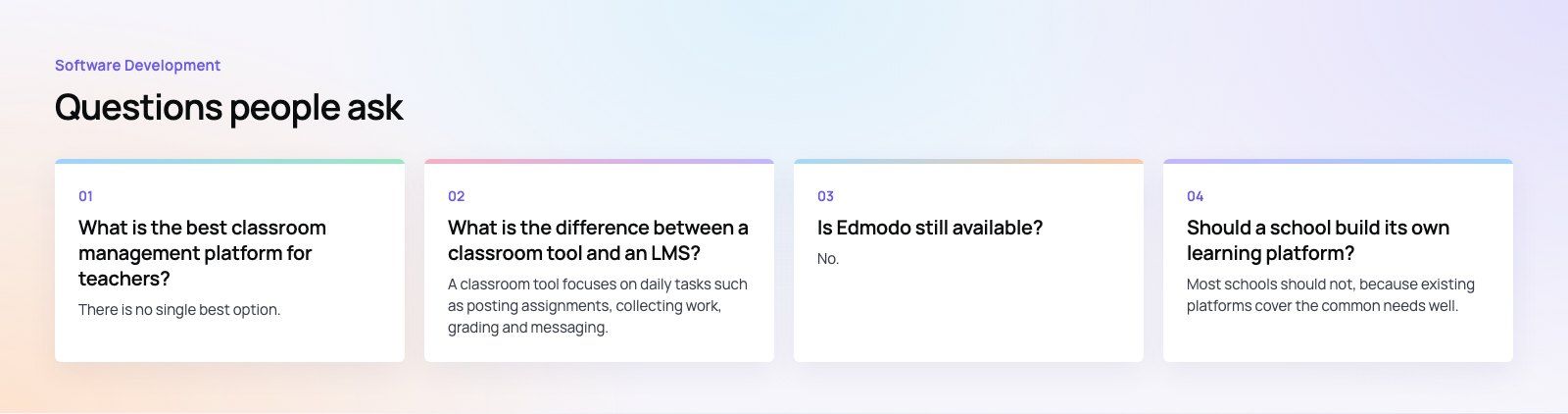
There is no single best option.
Google Classroom is easiest for schools on Google Workspace, Microsoft Teams for Education suits Microsoft 365 schools, Canvas and Schoology offer deeper course structure, and Moodle gives the most control if you can host and maintain it. The right choice is the one your staff and students can use daily without friction, connected to the systems you already run.
Software DevelopmentSQL vs NoSQL Databases: Differences and How to ChooseHow SQL and NoSQL databases differ in data model, schema, scaling and consistency, where each one fits, and five questions to choose for your project. Software DevelopmentOpen Source Apps: Examples, Licenses and How to Build Your OwnWhat makes an app open source, well known examples, the steps to build your own, how to pick MIT, Apache or GPL, and when to customize instead.
 Software DevelopmentHow an Online HR Portal Improves Employee ExperienceWhat an online HR portal does, how self service improves employee experience, which features matter, and whether to buy, configure or build one.
Tell us what the business needs. We will tell you what to build first.
Schedule a free consultation and get a written recommendation, with costs, before you commit to anything.
Get in touchPROVEN RESULTS
4.7 / 5verified reviews on Google