 Cloud TechnologyCloud Based HR and Payroll Systems: Benefits and How to ChooseHow cloud based HR and payroll systems streamline operations, the core features to expect, cloud versus on premise, and how to choose and migrate safely.
CodeeoInsightsCloud Technology
Cloud Computing in Digital Transformation: Models, Strategy, Risks
How cloud computing supports digital transformation: deployment models, IaaS, PaaS and SaaS, building a migration strategy, and the risks to manage.
Cloud computing drives digital transformation by replacing fixed, owned infrastructure with computing, storage and software you rent on demand. That lets a business launch faster, scale up or down with real usage, and use managed services such as databases, analytics and AI without building them. The benefits only arrive with a clear strategy for migration, security, skills and cost control.
This guide covers the cloud models and service types, the innovations worth paying attention to, how to build a cloud transformation strategy, and the challenges that most often derail one.
What cloud computing means in practice
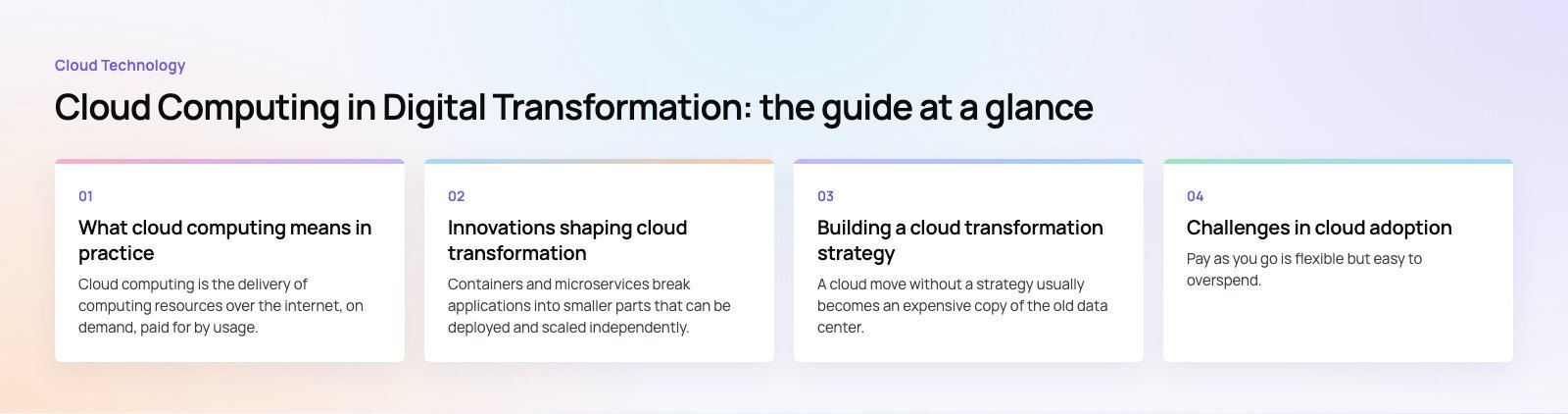
Cloud computing is the delivery of computing resources over the internet, on demand, paid for by usage. The US National Institute of Standards and Technology defines it through five characteristics: on demand self service, broad network access, resource pooling, rapid elasticity and measured service. In plain terms, your team can create a server or database in minutes, grow it when traffic spikes, and stop paying when it is no longer needed.
Deployment models
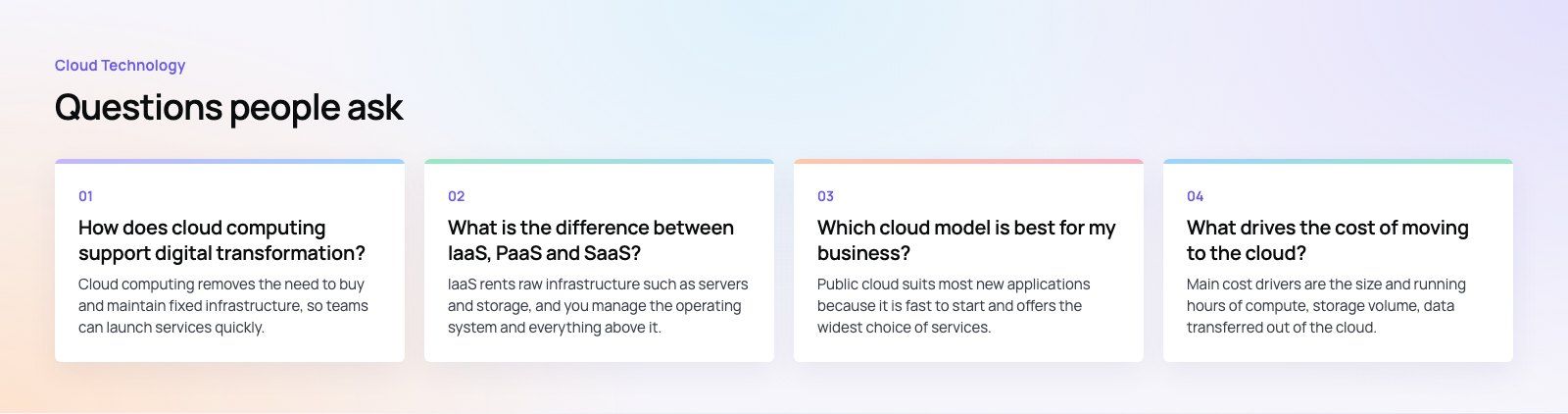
- Public cloud: shared infrastructure run by a provider and rented by many customers. Fastest to start and the widest range of managed services.
- Private cloud: infrastructure dedicated to one organization, either on premises or hosted. More control, more responsibility.
- Hybrid cloud: a mix of private and public, connected so workloads and data can move between them. Common where some systems must stay on premises.
- Multi cloud: using more than one public provider, often to match services to workloads or reduce dependence on a single vendor.
No model is best in general. The right choice depends on regulation, existing systems, the skills you have and how much variability your workloads see.
Service types compared
| Service type | What the provider manages | What you manage | Good fit for |
|---|---|---|---|
| Infrastructure as a Service (IaaS) | Physical hardware, networking, virtualization | Operating systems, runtimes, apps, data | Lifting existing servers, full control over the stack |
| Platform as a Service (PaaS) | Everything up to the runtime and managed databases | Application code and data | New applications where speed of delivery matters |
| Software as a Service (SaaS) | The whole application | Configuration, users and data | Email, CRM, ERP, collaboration and other standard functions |
| Serverless and functions | Servers, scaling and runtime | Individual functions and events | Spiky or event driven workloads, background jobs, APIs |
Innovations shaping cloud transformation
Cloud native architecture
Containers and microservices break applications into smaller parts that can be deployed and scaled independently. This makes releases more frequent and less risky, but it adds operational complexity. Many teams find a well structured modular application on a managed platform gives most of the benefit with far less overhead.
AI and machine learning as managed services
Major providers now offer hosted models, vector databases and machine learning pipelines. This is one of the strongest reasons to move data into the cloud: AI features are much easier to add when data already sits next to the services that use it.
Serverless computing
With serverless, developers write functions that run in response to events, and the provider handles servers and scaling. It suits workloads with uneven demand. Watch for cold start latency and costs that can rise quickly at sustained high volume.
Edge computing
Edge computing moves processing closer to users or devices to cut latency. Content delivery networks, IoT systems and real time apps benefit most.
Building a cloud transformation strategy
A cloud move without a strategy usually becomes an expensive copy of the old data center. A useful strategy answers these questions.
1. What are the business goals?
Faster releases, lower downtime, entering new markets, enabling analytics or AI. Each goal changes which workloads move first and how you measure success.
2. What do you have today?
Inventory applications, databases, integrations and their dependencies. Note which systems are licensed for on premises use only, which are near end of life, and which carry regulated data.
3. Which migration approach fits each workload?
- Rehost: move as is to cloud servers. Fast, but keeps old inefficiencies.
- Replatform: small changes, such as moving to a managed database.
- Refactor: redesign for cloud native services. Highest effort, highest long term benefit.
- Replace: switch to a SaaS product.
- Retire or retain: some systems should be switched off, and some should stay where they are for now.
4. How will data move safely?
Plan data migration with validation, rollback and a cutover window. Test with real volumes. For websites and applications, a structured site migration process protects search rankings and avoids broken links during the switch.
5. How will you govern security and compliance?
Define identity and access rules, encryption, logging, backup and data residency before the first workload moves. Cloud providers secure the infrastructure, but under the shared responsibility model your team still secures configuration, access and data.
6. Who will run it?
Cloud operations need skills in infrastructure as code, monitoring, security and cost management. Plan training, hiring or dedicated developers to cover gaps.
Challenges in cloud adoption
Cost control
Pay as you go is flexible but easy to overspend. Idle resources, oversized instances and data transfer charges add up. Tag resources by team, set budgets and alerts, and review usage monthly. Cost is driven mainly by compute size and hours, storage volume, data leaving the cloud and the managed services you choose.
Vendor lock in
Deep use of a provider's proprietary services makes switching harder. That is often an acceptable trade for speed, but decide it deliberately. Containers, open standards and clear data export paths keep options open.
Integration with existing systems
Cloud applications still need to talk to ERPs, CRMs and partners. Integration platforms such as Azure integration services help connect cloud and on premises systems reliably.
Skills and change management
Teams used to managing physical servers need time to learn new tools and practices. Underestimating this is one of the most common reasons migrations stall halfway.
Trends to plan for
- Hybrid and multi cloud as the default for larger organizations with mixed estates.
- FinOps practices that make engineering teams accountable for cloud spend.
- Data residency requirements pushing providers to open regional data centers and customers to choose regions carefully.
- AI workloads increasing demand for GPU capacity and managed model services.
- Security automation, with policy as code and continuous configuration scanning.
Getting started
Begin with a workload that matters but is not your most critical system, such as a reporting database, a customer portal or a new product feature. Move it, measure cost and performance, document what you learned, then build a roadmap for the rest. If you are unsure what condition your current applications are in, a codebase review before migration surfaces the issues that would otherwise follow you into the cloud.
Codeeo has delivered 200+ projects across the UAE and the US with a team of 80+ across Dubai, Riyadh and Karachi. If you are planning a cloud move or building cloud native software, our custom software development team can help with architecture, migration and integration.
Frequently asked questions
Cloud computing removes the need to buy and maintain fixed infrastructure, so teams can launch services quickly, scale with demand and pay for what they use.
It also gives access to managed databases, analytics and AI services that would be costly to build in house. Together, these let a business change processes and products faster than an on premises setup usually allows.
Cloud TechnologyCloud Based HR and Payroll Systems: Benefits and How to ChooseHow cloud based HR and payroll systems streamline operations, the core features to expect, cloud versus on premise, and how to choose and migrate safely. Cloud TechnologyHow Cloud Computing Supports Digital TransformationThe real business benefits of cloud computing in digital transformation, the challenges to plan for, what to move first and how to measure progress.
 Cloud TechnologyAzure Migration Steps: A Practical Five Step GuideThe five Azure migration steps, from planning and assessment to cutover and optimization, with the Microsoft tools that help at each stage.
Tell us what the business needs. We will tell you what to build first.
Schedule a free consultation and get a written recommendation, with costs, before you commit to anything.
Get in touchPROVEN RESULTS
4.7 / 5verified reviews on Google