 Software DevelopmentSQL vs NoSQL Databases: Differences and How to ChooseHow SQL and NoSQL databases differ in data model, schema, scaling and consistency, where each one fits, and five questions to choose for your project.
CodeeoInsightsSoftware Development
Easy to Use HR Software: What Busy Teams Should Check
What makes HR software easy to use, the payroll, leave and attendance features to test, and a simple trial plan to spot tools that create more work.
Easy to use HR software is software that employees can use without training and HR staff can run without a consultant on call. In practice that means the everyday tasks, such as requesting leave, approving it, checking a payslip and updating a document, take a few taps on a phone, and payroll pulls attendance and leave automatically. Judge ease of use by testing those tasks yourself, not by reading feature lists.
This guide covers what simple HR software should handle, how to test usability before you buy, and the warning signs that a tool will create more work than it saves.
Why ease of use matters more than feature count
Most HR platforms list similar modules. What separates them is whether people actually use them. When a leave request takes six screens, staff go back to email. When managers cannot approve from their phone, requests sit for days. When payroll needs a manual export, someone retypes data every month and mistakes follow.
A tool that is easy to use gives you the benefits HR software promises: centralized records, fewer errors, faster approvals, better compliance and reports you can trust. A hard one gives you a second system to maintain alongside the spreadsheets it was meant to replace.
What simple HR software should handle well
Payroll
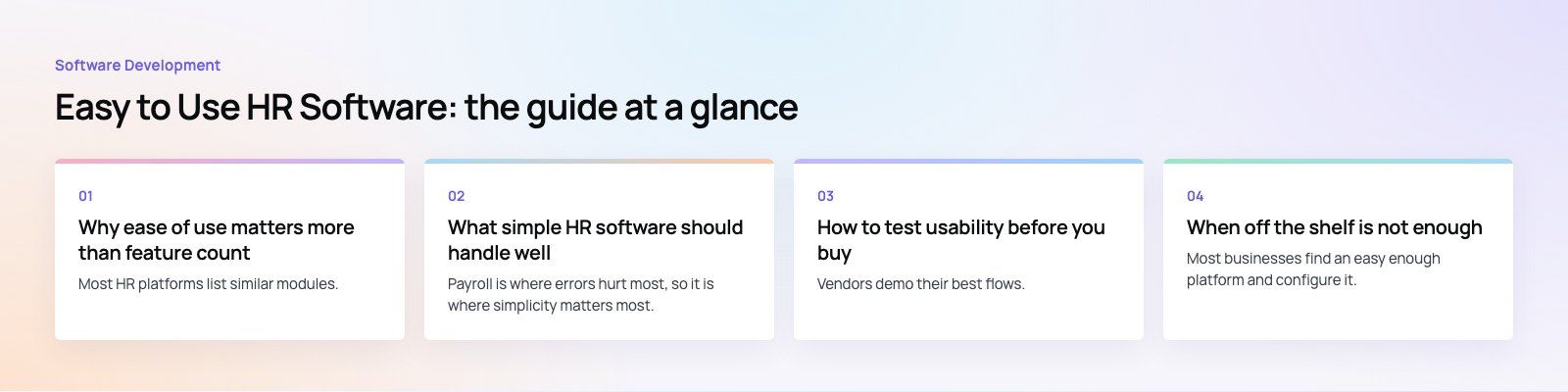
Payroll is where errors hurt most, so it is where simplicity matters most. A good system holds salary details on the employee record, takes approved hours, overtime and unpaid leave from attendance automatically, applies deductions and contributions, and produces payslips employees can download themselves. Look for:
- A clear pay run screen that shows what changed since last month
- Simple handling of corrections and one off payments
- Exports or integrations to your accounting system
- Payroll reports that finance can read without HR translating them
Time off requests
Leave is the feature employees touch most. The request should take seconds: choose the dates, see the remaining balance, add a note and submit. The manager gets a notification, approves or declines in one tap, and the team calendar updates. Behind the scenes the system should apply your leave policy, track balances and pass unpaid leave to payroll without manual steps.
Attendance management
Attendance tracking covers hours worked, breaks, late arrivals, absences and departures from scheduled shifts. Easy systems offer mobile clock in with optional location rules, simple shift schedules, alerts for missed punches and a manager view of who is in today. The most important detail is the link to payroll, so approved hours flow straight into the pay run.
Employee records and documents
Every employee should have one profile holding personal details, contract, job history and documents. Easy software lets staff update their own contact details and upload documents, and reminds HR before contracts, visas, licenses or certifications expire. Search should find any person or document in seconds.
Employee feedback
Short pulse surveys, suggestion forms and simple recognition give employees a voice without adding meetings. Keep them anonymous where honesty matters, and make sure results can be read by team without exposing individuals.
Training records
A basic training module assigns courses, records completion and flags mandatory training that is overdue. If you already use a learning platform, check that completion data reaches the employee record automatically.
How to test usability before you buy
Vendors demo their best flows. Run your own test instead, ideally during a free trial with a small group of real users.
- Pick five everyday tasks. Request leave, approve leave, clock in, download a payslip and upload a document are a good start.
- Time them on a phone. Ask an employee, a manager and an HR administrator to complete each task without help. Note where they hesitate.
- Run a sample pay run. Use realistic data, including overtime, unpaid leave and a mid month joiner, and check the results against your current payroll.
- Change a policy. Add a leave type or edit an approval chain. If this needs the vendor's support team, every future change will too.
- Pull a report. Ask for headcount by department and absence this quarter. If it takes an export and a spreadsheet, reporting will be a monthly chore.
- Check sign in. Single sign on with your company accounts and multi factor sign in remove a common source of support tickets.
- Ask about accessibility. Software that follows the W3C Web Content Accessibility Guidelines is easier for everyone, including staff using screen readers or larger text.
Signs of easy and hard HR software compared
| Area | Easy to use | Warning sign |
|---|---|---|
| Leave requests | Submitted and approved from a phone in seconds | Desktop only, or several screens per request |
| Payroll | Attendance and leave flow in automatically | Manual export and re upload each month |
| Configuration | HR can change policies and approval chains | Every change needs a vendor ticket |
| Reporting | Common reports available with filters | Data must be exported to a spreadsheet |
| Sign in | Single sign on and multi factor | Separate passwords for every user |
| Integrations | Connectors or an open API | No way to move data in or out |
| Support | Clear help content and responsive support | Answers only through paid consulting |
Common mistakes when choosing HR software
- Buying for HR only. Employees and managers are most of your users. If the app is awkward for them, adoption fails.
- Ignoring the payroll link. Payroll is where small data errors become real problems for staff.
- Migrating messy data. Clean employee records before import, or the new system starts with old mistakes.
- Turning on everything at once. Launch records, leave and attendance first, then add performance, recruitment and training once people are comfortable.
- Keeping the old route open. If staff can still email HR for leave, many will. Switch the old process off once the new one works.
When off the shelf is not enough
Most businesses find an easy enough platform and configure it. Some do not, usually because of shift based teams, staff working at client sites, several legal entities or approval rules no product handles cleanly. In those cases a custom app or portal connected to a payroll platform can give employees a simple front end while proven software handles the calculations behind it. Codeeo's Distinct project, a healthcare workforce platform with shifts, bookings and incident reports, is one example of building around a specific workforce.
Good product design is what makes these tools easy in the first place: fewer steps, clear labels, sensible defaults and screens that work on a phone.
Making the choice
Choose the HR software your employees will use without being chased, then confirm it handles payroll accurately. If no packaged tool fits your workflows, Codeeo's custom software and mobile app development teams can scope a simpler front end for your people processes. Start with a product scoping session.
Frequently asked questions
Easy HR software lets people finish common tasks quickly without training.
Employees can request leave, view payslips and update details from a phone, managers can approve in one tap, and HR can change policies without vendor help. Data flows between modules automatically, so attendance and leave reach payroll without exports, and reports are available without building spreadsheets.
Software DevelopmentSQL vs NoSQL Databases: Differences and How to ChooseHow SQL and NoSQL databases differ in data model, schema, scaling and consistency, where each one fits, and five questions to choose for your project. Software DevelopmentOpen Source Apps: Examples, Licenses and How to Build Your OwnWhat makes an app open source, well known examples, the steps to build your own, how to pick MIT, Apache or GPL, and when to customize instead.
 Software DevelopmentHow an Online HR Portal Improves Employee ExperienceWhat an online HR portal does, how self service improves employee experience, which features matter, and whether to buy, configure or build one.
Tell us what the business needs. We will tell you what to build first.
Schedule a free consultation and get a written recommendation, with costs, before you commit to anything.
Get in touchPROVEN RESULTS
4.7 / 5verified reviews on Google