 E-Commerce10 Features of a High-Converting Ecommerce WebsiteThe ten features that turn store visitors into buyers, from product pages and checkout to speed, mobile design, social proof and ongoing testing.
How Much Does an Ecommerce Website Cost? What Drives the Budget
What decides the cost of an ecommerce website: platform, design, catalog, integrations and team, plus the running and hidden costs to budget for after launch.
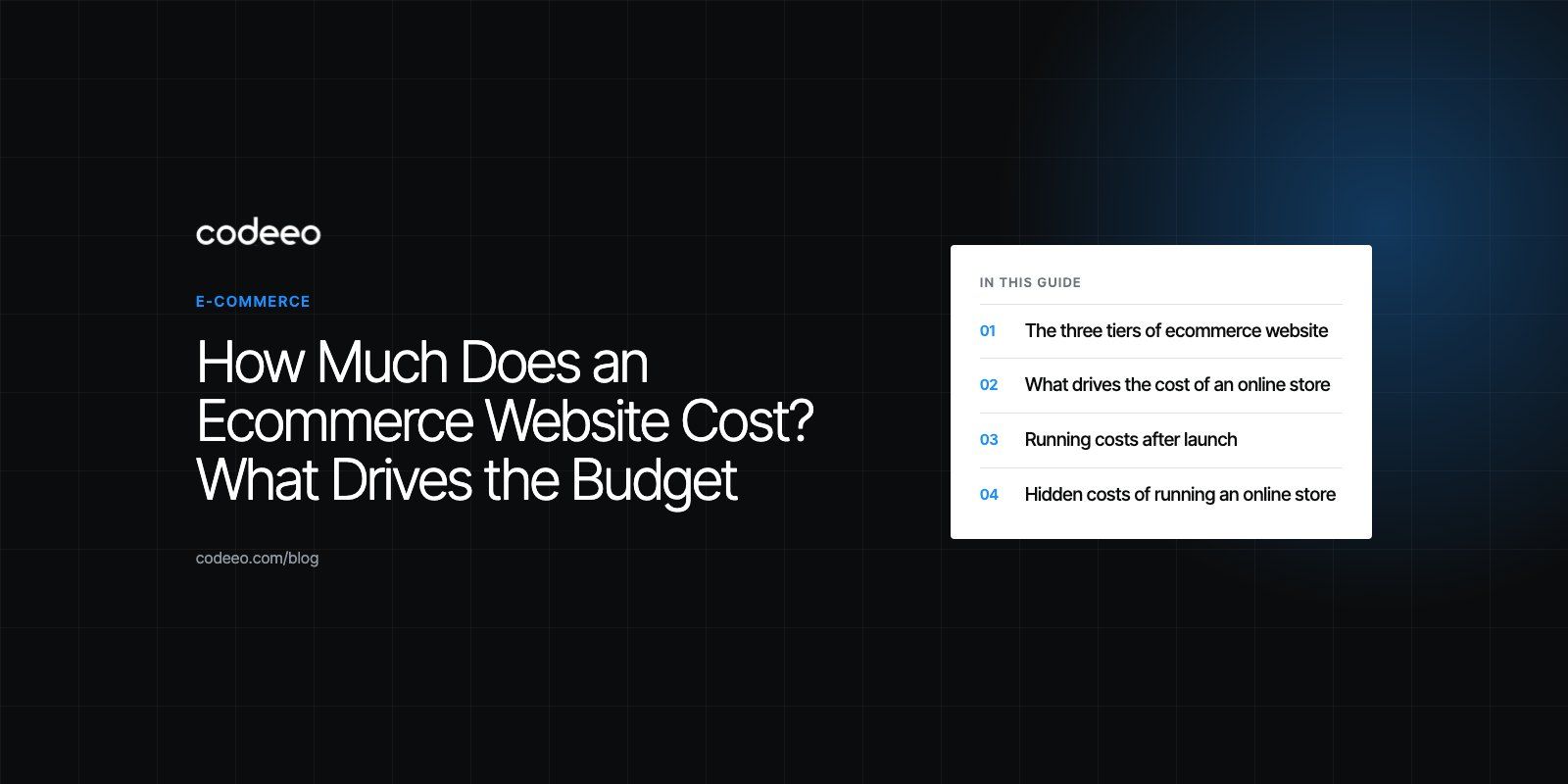
The cost of an ecommerce website depends on three things: the platform you build on, how much of the design and functionality is custom, and how many other systems the store has to connect to. A template store on a hosted platform sits at the low end, a custom designed store with integrations sits in the middle, and a fully custom build tied into ERP, CRM and warehouse systems sits at the top. After launch, you also pay every month to run, maintain and market the store.
This guide explains each cost driver, the three typical tiers, the running costs people forget, and how to spend a limited budget where it actually earns money back.
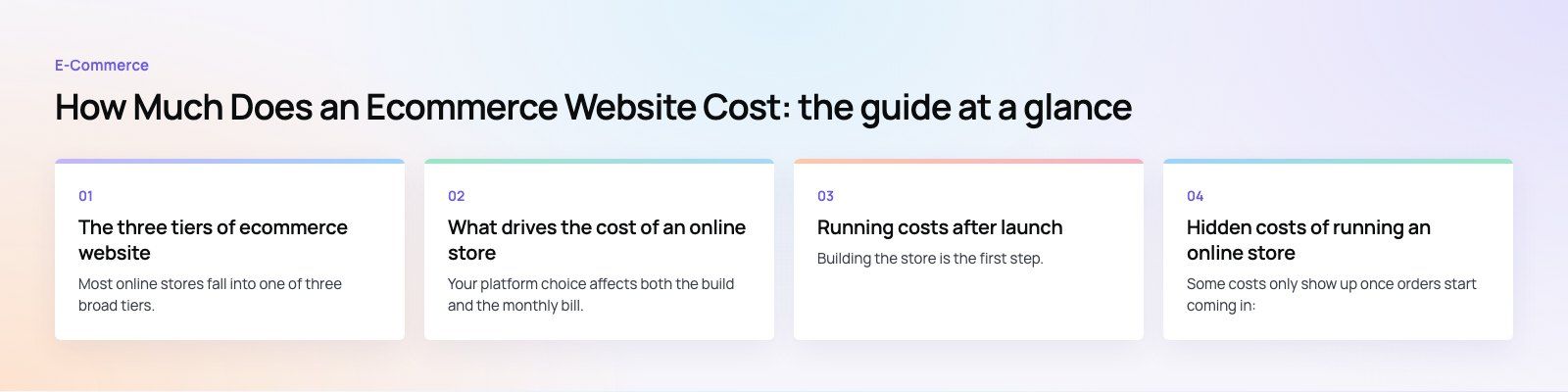
The three tiers of ecommerce website
Most online stores fall into one of three broad tiers. The tier you need is decided by your catalog, your order volume and how much your operations depend on the website.
| Tier | Typical scope | Best for | Main cost drivers |
|---|---|---|---|
| Basic store | Theme based design, simple product listings, a standard payment gateway, basic shipping rules | New brands, small catalogs, testing demand | Platform plan, theme, setup time, content |
| Mid level store | Custom design, inventory sync, reviews, email and SEO tooling, a few API integrations, speed work | Growing brands with steady orders | Design hours, apps or plugins, integration work, testing |
| Enterprise store | Custom development, ERP and CRM integration, multiple markets or currencies, advanced security, a dedicated team | High volume retailers and B2B sellers | Development team, integrations, hosting at scale, ongoing support |
Basic store
A basic store is the fastest way to start selling. You pick a hosted platform, choose a theme, add products, connect a payment gateway and set shipping zones. The work is mostly configuration and content, not code. It suits a business that wants to prove demand before investing further.
Mid level store
A mid level store looks and behaves like your brand rather than a theme. It usually adds a professional design, an inventory management system, customer reviews, marketing integrations and performance tuning. This is where most growing businesses land, because it balances cost and control.
Enterprise store
An enterprise build is shaped around operations. Orders flow into the ERP, customers sync with the CRM, stock updates come from the warehouse and pricing can differ by customer group or country. Platforms such as Shopify Plus, Adobe Commerce (Magento) or a headless commerce setup are common here.
What drives the cost of an online store
The platform
Your platform choice affects both the build and the monthly bill.
- Shopify: hosted and easy to run. You pay a monthly plan, and costs grow as you add paid apps and custom features. Current plans are listed on Shopify's pricing page.
- WooCommerce: a free plugin for WordPress that gives you full control. You still pay for hosting, a theme, premium extensions and usually a developer for setup and upkeep.
- Adobe Commerce or Magento Open Source: very flexible and suited to large catalogs, but more complex to build and maintain, so it is mostly chosen by larger businesses.
- Wix and Squarespace: drag and drop builders that work for small shops, with fewer options as you scale.
If you are unsure which fits, our platform fit review compares options against your catalog and operations before any build starts.
Design
A ready made theme is the cheapest route and fine for a first store. A custom design costs more because a designer has to plan the layout, product pages, cart and checkout around your customers. The payoff is a store that feels like your brand and converts better on mobile, where most shoppers browse. See our design service for what that process involves.
Catalog size and complexity
Ten products with no variants is a very different job from thousands of parts with fitment data, sizes, colors and bundles. Large catalogs need structured product data, good filters, fast search and a reliable import process. Each of those adds build and testing time.
For example, our Ghezlan project is a bilingual WooCommerce store for a UAE veterinary supplier where 146 products can be found by animal, product type or brand. Navigation like that has to be planned into the data model, not added later.
Features and integrations
Every feature beyond the basics adds work:
- Multiple payment methods, including buy now pay later options
- Automated shipping rates, delivery dates and tracking
- Inventory sync with a warehouse or ERP
- Customer accounts, loyalty points and subscriptions
- Email marketing, reviews and abandoned cart flows
- Multiple languages, currencies or markets
Integrations are often the largest single variable. Connecting a store to an accounting, ERP or CRM system means mapping data, handling errors and testing edge cases. Our payment integration work, for instance, covers gateways, refunds and reconciliation, not just a checkout button.
Who builds it
A freelancer, an agency and an in house team each price differently, and their location changes rates too. What matters more than the rate is whether the team has built stores like yours before, because that is what avoids rework.
Running costs after launch
Building the store is the first step. These costs come every month or every year:
- Platform or hosting: a hosted plan, or servers for a self hosted store
- Domain and SSL certificate: small but recurring
- Apps, plugins and extensions: many are billed monthly
- Maintenance: updates, security patches, bug fixes and backups
- Marketing: SEO, paid ads, email and social
Hidden costs of running an online store
Some costs only show up once orders start coming in:
- Transaction and gateway fees: payment processors charge per sale, and some charge a monthly fee too.
- Shipping and packaging: labels, boxes, carrier fees and failed deliveries add up.
- Returns and chargebacks: refunds, disputes and fraud cost both money and time.
- Customer service: someone has to answer questions and handle complaints.
- Tooling: inventory software, abandoned cart recovery and analytics tools are often paid.
Our Gorgeous Flower project is a WooCommerce florist with free same day delivery in Dubai, delivery dates and windows at checkout, loyalty points and subscriptions. Features like these make the store more useful, and they also need to be maintained and supported after launch.
How to budget for an ecommerce website
A realistic budget covers more than the website itself. Plan for each of these:
- Website development: platform, design, development and essential features.
- Product sourcing: buying or making stock before you can sell it.
- Inventory and fulfillment: storage, packing, shipping and returns.
- Marketing: SEO, social, email and paid advertising to bring the first customers.
- Customer service: people and tools to handle enquiries.
- Contingency: a buffer for the things nobody planned for.
Your budget will change as the business grows. Start with a realistic estimate and review it after the first few months of real sales data.
Ways to keep the build affordable
- Start small and expand: launch with the features that let customers buy, then add the rest once you see what they use.
- Choose function over decoration: a fast, clear store outsells a heavy, animated one.
- Use a theme first, customize later: a good theme with brand colors and photography can carry a store for a long time.
- Compare platforms properly: include apps, transaction fees and maintenance, not just the plan price.
- Track every cost: know which channels and features bring revenue and cut the ones that do not.
- Outsource the hard parts: integrations, migrations and checkout work are where mistakes cost most.
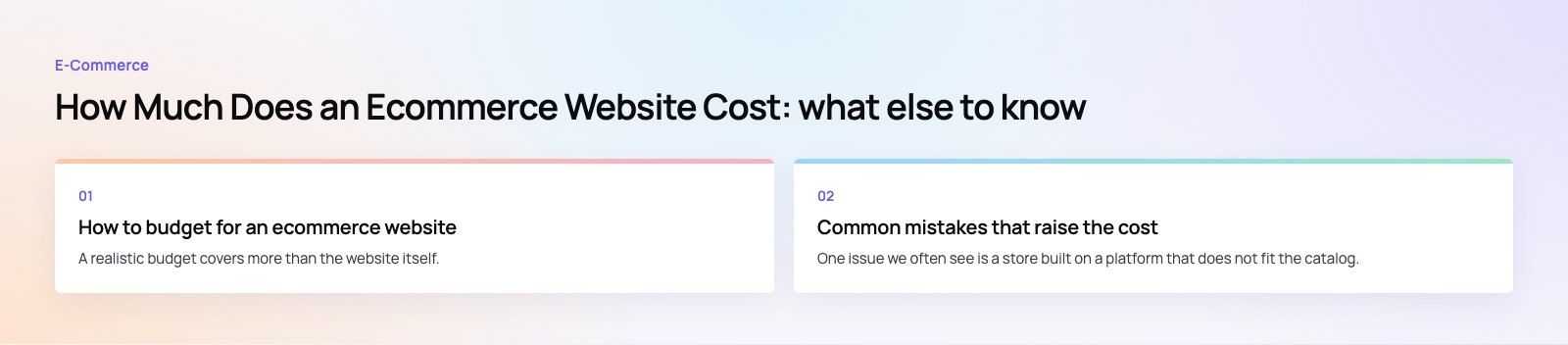
Common mistakes that raise the cost
One issue we often see is a store built on a platform that does not fit the catalog, which leads to a rebuild within a year or two. Another is skipping product data planning, so filters and search never work well. A third is ignoring mobile speed until after launch, when fixing it is slower and more expensive. Getting these decisions right at the start saves more than any discount on the build.
Getting an accurate estimate
The only reliable number comes from a scoped brief: your catalog, the features you need at launch, the systems the store must connect to and the markets you sell in. Codeeo has delivered 200+ projects across the UAE and the US, and our WooCommerce and Shopify teams can turn that brief into a clear plan. Start with our web development page or get in touch.
Frequently asked questions
The cheapest route is a hosted platform such as Shopify, Wix or Squarespace with a ready made theme.
You configure products, payments and shipping yourself, so there is little development work. The trade off is less flexibility as you grow. Plan for paid apps and transaction fees, which can make a cheap plan more expensive than it looks once orders build up.
E-Commerce10 Features of a High-Converting Ecommerce WebsiteThe ten features that turn store visitors into buyers, from product pages and checkout to speed, mobile design, social proof and ongoing testing. E-CommerceBenefits of Using a CMS for Ecommerce WebsitesHow a CMS helps online stores manage products, SEO, growth and security, how it compares with a custom build, and how to choose between WooCommerce, Shopify and headless.
 E-CommerceEcommerce Website Development: 9 Elements Every Store NeedsThe nine parts every online store needs, from catalog data and search to checkout, security, operations and analytics, with what to decide before you build.
Tell us what the business needs. We will tell you what to build first.
Schedule a free consultation and get a written recommendation, with costs, before you commit to anything.
Get in touchPROVEN RESULTS
4.7 / 5verified reviews on Google