 Cloud TechnologyCloud Based HR and Payroll Systems: Benefits and How to ChooseHow cloud based HR and payroll systems streamline operations, the core features to expect, cloud versus on premise, and how to choose and migrate safely.
CodeeoInsightsCloud Technology
How to Build a Snowflake Native App: A Practical Guide
How the Snowflake Native App Framework works: application packages, manifest, setup script, Snowflake CLI, versions and listings, step by step.
A Snowflake Native App is an application that runs inside a customer's Snowflake account, next to their data, instead of pulling that data out to an external system. You build it as an application package containing a manifest file, a setup script and your app logic, test it locally with the Snowflake CLI, then create versions and share it through a private listing or Snowflake Marketplace.
This guide explains how the Native App Framework fits together, walks through the build steps, and covers the decisions that matter before you commit to it.
What the Native App Framework is for
Most data products follow the same pattern: copy the customer's data into your platform, process it, then send results back. That raises security reviews, data transfer costs and questions about who holds what. The Native App Framework reverses the flow. The provider ships application logic, and the consumer installs it in their own Snowflake account, where it works on their data under their governance.
Typical uses include:
- Analytics products that run models or reports on a customer's data without the data leaving their account.
- Data enrichment, where a provider combines its own reference data with the consumer's records.
- Internal tools shared between business units or regions that each run their own Snowflake account.
- Connectors and utilities that automate data preparation, quality checks or reporting.
It is not a general framework for mobile or consumer apps. If your users are members of the public on phones, you still need a normal app and API. The Native App Framework is for software that belongs inside a data platform.
The building blocks
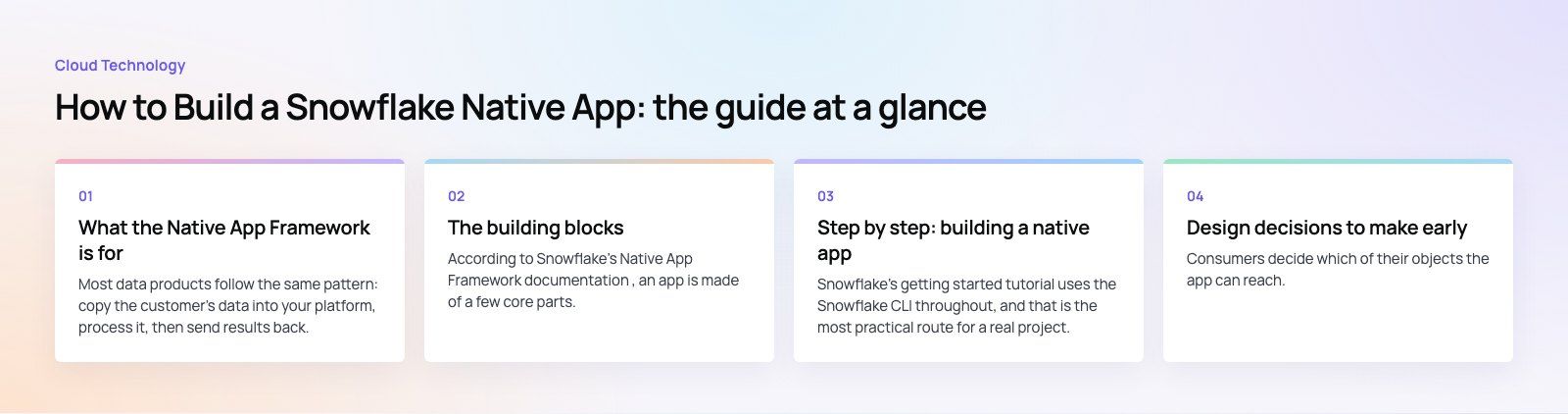
According to Snowflake's Native App Framework documentation, an app is made of a few core parts.
| Component | What it does |
|---|---|
| Application package | The provider's bundle of data content, application logic, metadata and setup script. It also tracks versions and patches. |
| Manifest file (manifest.yml) | Holds the app's configuration, points to the setup script and readme, and defines properties such as required privileges. |
| Setup script (setup_script.sql) | SQL that runs when a consumer installs or upgrades the app, creating its schemas, procedures, functions and views. |
| Project definition (snowflake.yml) | Used by the Snowflake CLI to define the application package and application object during development. |
| Streamlit interface (optional) | A Python based user interface that consumers open in Snowsight. |
| Listing | How the package reaches consumers, either privately to named accounts or publicly on Snowflake Marketplace. |
One correction to older guides: the project definition file does not hold your account password. Connection details live in the Snowflake CLI's connection configuration, ideally using key pair or another secure authentication method, and never in files committed to source control.
Step by step: building a native app
Snowflake's getting started tutorial uses the Snowflake CLI throughout, and that is the most practical route for a real project.
1. Prepare your environment
You need a Snowflake account with a role that can create application packages, the Snowflake CLI installed on your machine, and a configured connection. Add the connection with the snow connection add command and confirm it works with snow connection test. Put the project in a Git repository from day one.
2. Create the project
Run snow init with the basic app template to generate a starting structure. You get a snowflake.yml project definition at the root and an app folder containing manifest.yml, setup_script.sql and a README.md that consumers see in Snowsight.
3. Write the setup script
The setup script is the heart of the app. It creates an application role, a versioned schema for your code, and the stored procedures, user defined functions and views the app exposes. Grant access on these objects to the application role so consumers can use them. Keep the script idempotent, because it runs again on every upgrade.
4. Add application logic
Logic can be written in SQL, or in Python, Java and other languages supported by Snowpark through procedures and functions. Python files sit in the project and are referenced from the setup script. Keep heavy processing inside Snowflake so it uses the consumer's compute and never moves data outside their account.
5. Add shared data if needed
If the app relies on reference data you own, such as lookup tables or model outputs, add it to the application package and share it with the app through views. The consumer's app can read it, but they cannot copy your underlying tables directly.
6. Add a user interface
Many apps include a Streamlit interface so business users can run reports or adjust settings without writing SQL. Reference the Streamlit file from the setup script and the manifest so it appears when the consumer opens the app.
7. Run and test locally
snow app run creates the application package, uploads your files and installs the app in your own account in development mode. Call the procedures with snow sql or open the app in Snowsight to test it. Repeat this loop as you develop.
8. Create versions and publish
When the app is ready, create a version with snow app version create, then release it through a release channel and publish it. Later changes ship as new versions or patches, which lets consumers upgrade in a controlled way. If the app is meant for accounts outside your organization, the package's distribution must be set to external, which brings an automated security scan.
9. Share it through a listing
Attach the application package to a listing. A private listing shares it with specific Snowflake accounts, which suits internal tools and named customers. A Snowflake Marketplace listing reaches a wider audience and can be free or paid.
Design decisions to make early
Privileges and consumer trust
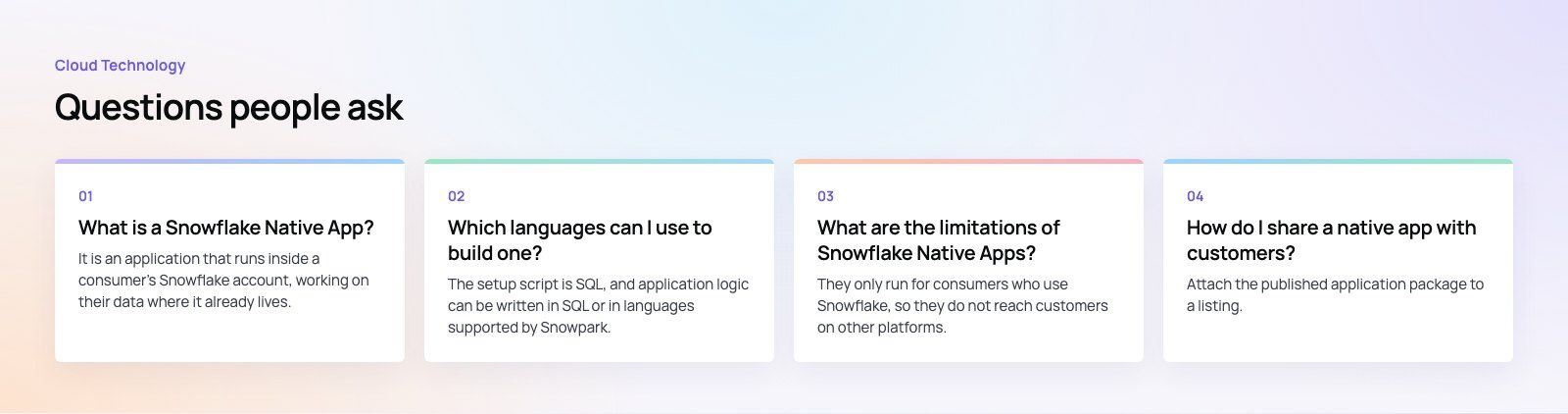
Consumers decide which of their objects the app can reach. Request only the privileges you need and explain why in the readme. Apps that ask for broad access are harder to approve in security reviews.
Versioning strategy
Use versioned schemas for code so upgrades replace logic cleanly, and keep persistent data in schemas that survive upgrades. Test upgrades from the previous version, not just fresh installs.
Cost and compute
The app runs on the consumer's warehouses, so inefficient queries cost your customers money. Profile heavy procedures and avoid scanning more data than you need.
Logging and support
You cannot log in to a consumer's account to debug. Plan for event sharing and clear error messages so you can support the app once it is installed.
When a native app is the right choice
| Situation | Native app fits? |
|---|---|
| Customers already use Snowflake and are wary of exporting data | Yes, this is the core use case |
| You sell data products or analytics to Snowflake customers | Yes, through private or Marketplace listings |
| Users are the public on mobile devices | No, build a regular app and API |
| Your customers use several different data platforms | Partly, you may need other delivery routes as well |
If you are deciding between a native app, a conventional SaaS product or a dashboard tool, a platform fit review helps settle it before you write code. For reporting needs, a Power BI build on top of Snowflake is sometimes the simpler answer.
Codeeo has delivered 200+ projects across the UAE and the US with a team of 80+ across Dubai, Riyadh and Karachi. If you are planning a data product or internal tool on Snowflake, our custom software team can help you scope and build it, or you can talk to us about your use case.
Frequently asked questions
It is an application that runs inside a consumer's Snowflake account, working on their data where it already lives.
The provider packages logic, optional shared data and a setup script into an application package, and the consumer installs it from a private listing or Snowflake Marketplace. The data stays under the consumer's control and governance throughout, which simplifies security reviews.
Cloud TechnologyCloud Based HR and Payroll Systems: Benefits and How to ChooseHow cloud based HR and payroll systems streamline operations, the core features to expect, cloud versus on premise, and how to choose and migrate safely. Cloud TechnologyHow Cloud Computing Supports Digital TransformationThe real business benefits of cloud computing in digital transformation, the challenges to plan for, what to move first and how to measure progress.
 Cloud TechnologyAzure Migration Steps: A Practical Five Step GuideThe five Azure migration steps, from planning and assessment to cutover and optimization, with the Microsoft tools that help at each stage.
Tell us what the business needs. We will tell you what to build first.
Schedule a free consultation and get a written recommendation, with costs, before you commit to anything.
Get in touchPROVEN RESULTS
4.7 / 5verified reviews on Google