 App DevelopmentCross Platform App Development: How It Saves Time and MoneyHow shared code across iOS and Android cuts build and maintenance effort, which frameworks to consider in 2026, and when native development is still the better call.
How to Make a Mobile App: From Idea to App Store
The full path to making a mobile app: validate the idea, design, choose native or cross platform, build, test, launch on both stores and maintain it.
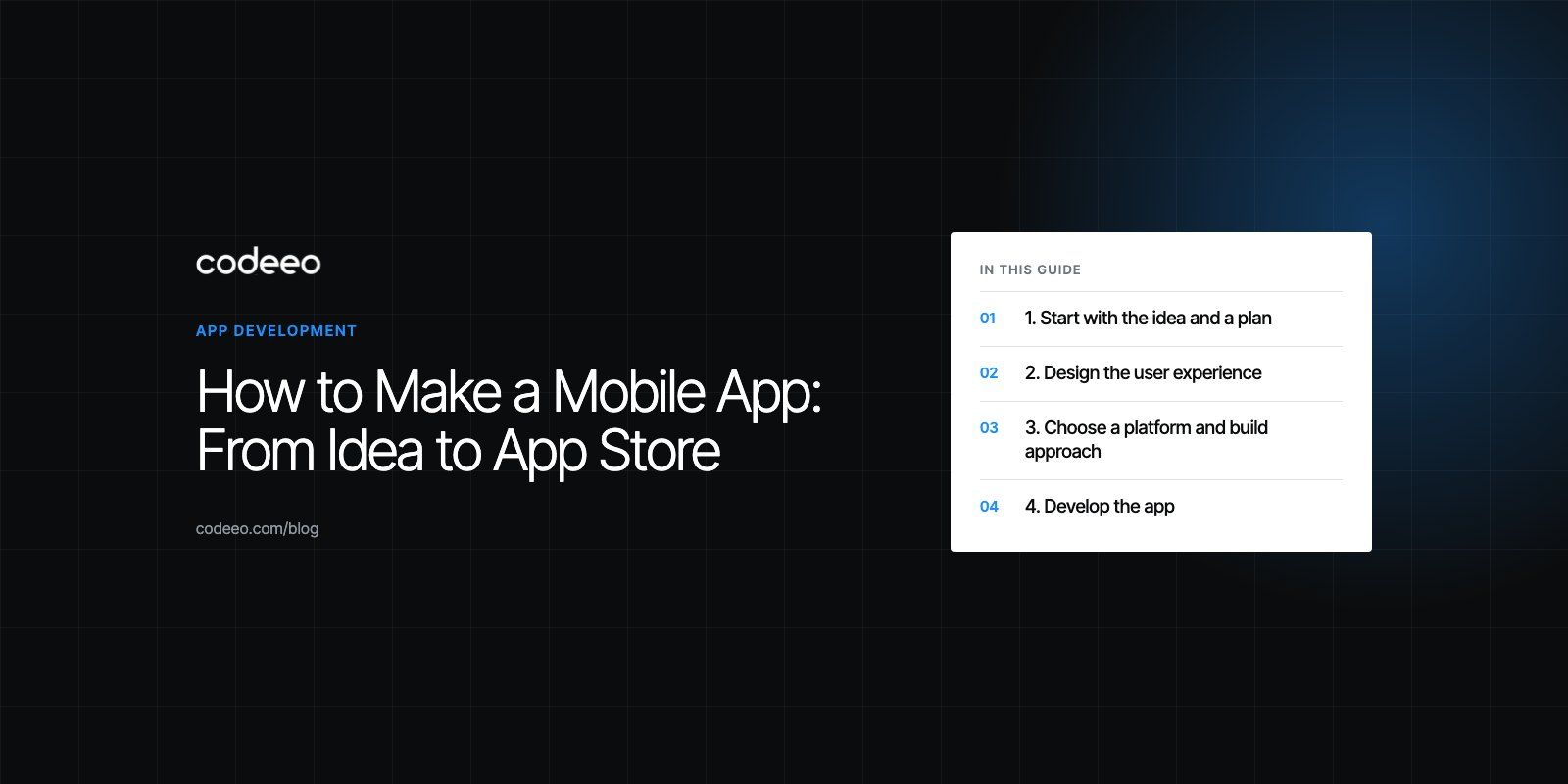
To make a mobile app, you validate an idea with real users, define a small first version, design the screens, build it natively or with a cross platform framework, test it on real devices, and submit it to the Apple App Store and Google Play. After launch, the work continues with updates, fixes and marketing. The steps are the same whether you code it yourself or hire a team; what changes is who does each one.
This guide walks through each stage from idea to app store, with the decisions that matter most and the mistakes that cost first time app owners the most time.
| Stage | What happens | Main output |
|---|---|---|
| Ideation and planning | Define the problem, audience and first version scope | A short product brief and feature list |
| Design | User flows, wireframes, then visual design | Clickable prototype |
| Development | Build the app, backend and integrations | Working builds for testing |
| Testing | Unit, integration, device and user acceptance tests | A stable release candidate |
| Launch | Store listings, review, release and promotion | Live app on both stores |
| Maintenance | Updates, OS compatibility, security, new features | A steady release rhythm |
1. Start with the idea and a plan
Good apps solve a specific problem for a specific group of people. "An app for restaurants" is a category; "an app that lets regular customers reorder their usual lunch in two taps" is a product.
Validate the problem
- Talk to potential users. Ask how they handle the problem today and what it costs them in time or money.
- Study alternatives. Download competing apps, read their reviews, and note what users complain about.
- Check the business model. Decide early whether the app earns through sales, subscriptions, in app purchases, advertising, or by supporting an existing business.
Define the first version
List every feature you want, then cut the list to the smallest set that solves the core problem. That set is your first release. Login, the main task and basic settings are often enough. Everything else goes on a later roadmap.
Write it down
A short product brief keeps everyone aligned: who the app is for, the problem it solves, the core user flows, the features in version one, the platforms, and how you will measure success. It becomes the reference when designers and developers ask questions.
2. Design the user experience
Design is where you find problems cheaply. Changing a wireframe takes minutes; changing a finished screen in code takes days.
- Map user flows. Sketch each path a user takes, from opening the app to finishing the main task.
- Build wireframes. Simple grey boxes that show layout and order, without colors or images.
- Create the visual design. Typography, color, icons and components that match your brand, using tools like Figma.
- Follow platform conventions. iOS and Android users expect certain navigation patterns and controls. Respecting them makes the app feel familiar.
- Prototype and test. Put a clickable prototype in front of five or so target users and watch where they hesitate.
- Design for accessibility. Readable text sizes, enough contrast and labels for screen readers help every user.
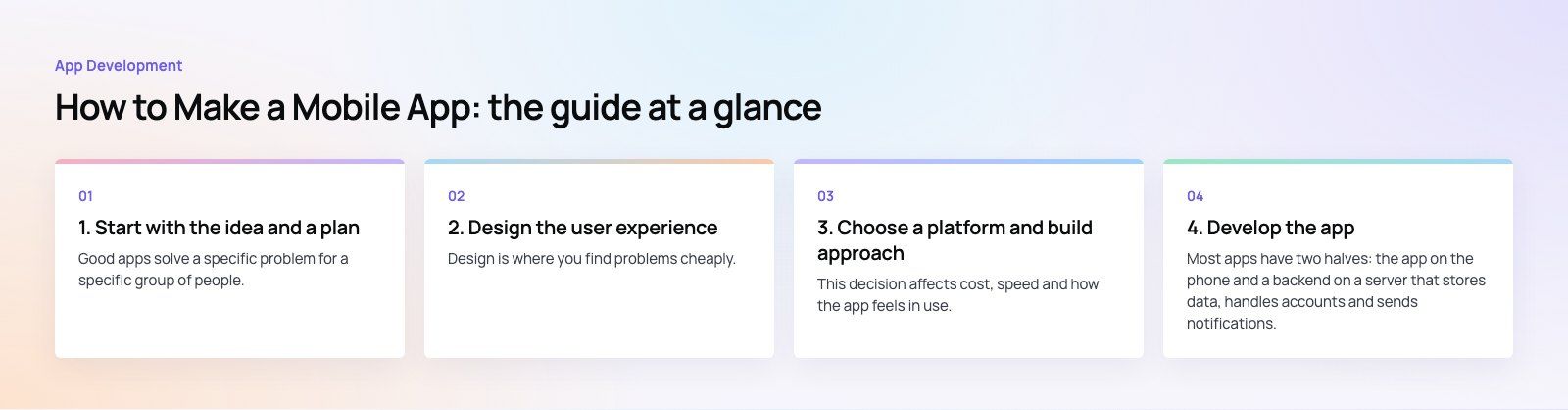
If you do not have design skills in house, a specialist UI and UX design team can turn your brief into a tested prototype before any code is written.
3. Choose a platform and build approach
This decision affects cost, speed and how the app feels in use.
| Approach | Languages and tools | Best for | Trade off |
|---|---|---|---|
| Native iOS | Swift, SwiftUI, Xcode | Apps that need the best performance or deep iOS features | Android needs a separate build |
| Native Android | Kotlin, Jetpack Compose, Android Studio | Android first markets and device specific features | iOS needs a separate build |
| Cross platform | Flutter, React Native | Most business apps that need both stores quickly | Some platform features need native code |
| Progressive web app | Web technologies | Simple tools and content that do not need store presence | Limited access to device features, especially on iOS |
For most first apps, a cross platform framework is a sensible default because one codebase serves both stores. Choose native when performance, hardware access or platform specific polish is central to the product.
4. Develop the app
The app and the backend
Most apps have two halves: the app on the phone and a backend on a server that stores data, handles accounts and sends notifications. You can build the backend yourself or use a managed service for authentication, database and storage, which speeds up a first version.
Build in short cycles
Work in one or two week iterations, each ending with a build you can install and try. Short cycles catch misunderstandings early and keep progress visible.
Integrate third party services
Maps and location, social sign in, analytics, push notifications and payments all come through APIs from outside providers. Payments need extra care: app store rules decide when you must use in app purchase and when you can use your own provider, so plan payment integration against the current store rules.
Use AI coding tools carefully
AI assistants can speed up boilerplate code, tests and documentation. They also produce confident mistakes and insecure patterns. Treat their output like code from a new junior developer: useful, but reviewed by someone experienced before it ships.
5. Test thoroughly
- Unit tests check individual functions and components.
- Integration tests check that the app, backend and third party services work together.
- Device testing covers different screen sizes, OS versions, slow networks and low battery states.
- User acceptance testing puts the app in front of real users through TestFlight on iOS and testing tracks on Google Play.
- Security checks confirm that data is encrypted in transit, secrets are not stored in the app, and access rules are enforced on the server.
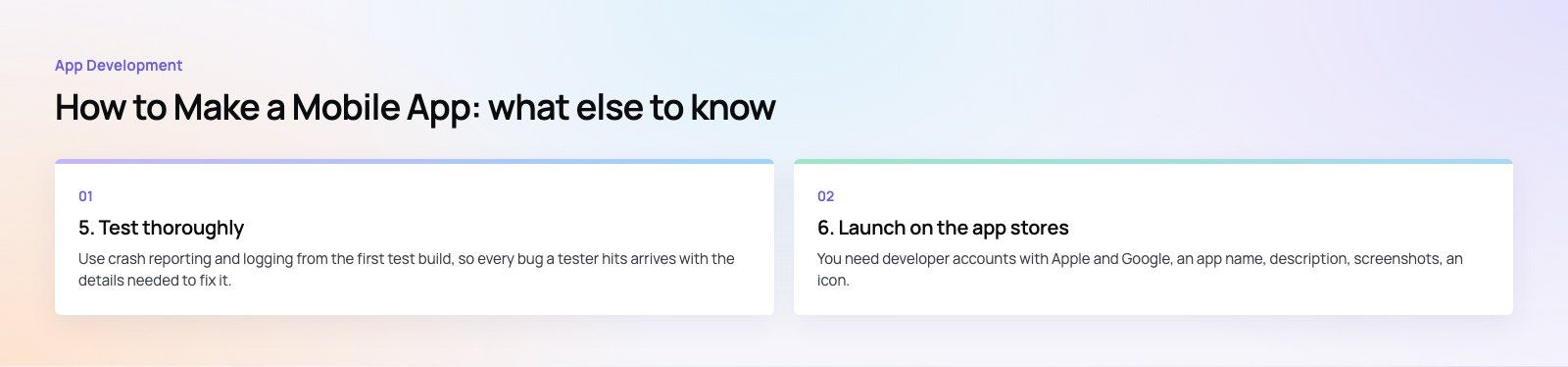
Use crash reporting and logging from the first test build, so every bug a tester hits arrives with the details needed to fix it.
6. Launch on the app stores
Prepare the store listings
You need developer accounts with Apple and Google, an app name, description, screenshots, an icon, a privacy policy and accurate privacy disclosures about the data you collect. App store optimization starts here: a clear name, relevant keywords and screenshots that show the main benefit help people find and install the app.
Pass review
Both stores review apps before release. Read Apple's App Store Review Guidelines early, because they cover payments, privacy, login options and content rules that can shape your design. Google Play has its own policies and a target API level requirement that new apps and updates must meet. Rejections are common for first submissions and usually come down to missing information, broken login for the reviewer, or unclear data use.
Promote the launch
A store listing alone rarely brings users. Plan how people will hear about the app: your website, email list, social channels, partners and paid campaigns. If the app supports an existing business, promote it at every customer touchpoint.
7. Maintain and improve
Launch is the start of the product, not the end of the project.
- Watch the numbers. Track installs, retention, crashes, ratings and the main task completion rate.
- Read reviews and feedback. Users will tell you what to fix and what to build next.
- Keep up with OS releases. Apple and Google update their systems every year, and apps must be tested and often updated to stay compatible and meet store requirements.
- Patch security issues quickly. Keep libraries current and review dependencies for known vulnerabilities.
- Release on a rhythm. Regular small updates are safer than rare large ones.
For a sense of how features grow over time, our Meecon event app case study shows an app with an admin built in so organizers can edit content on the day, and Book My Trip covers a booking flow with OTP sign in.
If you would like a team to take your idea through every stage, Codeeo's mobile app development service covers design, build, testing and store launch, and a product scoping session is the quickest way to turn an idea into a clear first version.
Frequently asked questions
The main stages are ideation and planning, user experience and visual design, development of the app and its backend, testing and quality assurance, launch on the App Store and Google Play, and ongoing maintenance.
Each stage produces something concrete, from a product brief and prototype to test builds and a live app, and skipping the early stages usually makes the later ones slower.
App DevelopmentCross Platform App Development: How It Saves Time and MoneyHow shared code across iOS and Android cuts build and maintenance effort, which frameworks to consider in 2026, and when native development is still the better call. App DevelopmentHow to Plan an App Development Project From Start to FinishA step by step plan for an app project: define users and goals, scope an MVP, choose platforms, design, build the team, phase the timeline, test and launch.
 App DevelopmentMust Have Features of an HR Management AppThe features an HR management app needs, from onboarding and self service to payroll, performance and analytics, plus when to buy or build.
Tell us what the business needs. We will tell you what to build first.
Schedule a free consultation and get a written recommendation, with costs, before you commit to anything.
Get in touchPROVEN RESULTS
4.7 / 5verified reviews on Google