 Software DevelopmentSQL vs NoSQL Databases: Differences and How to ChooseHow SQL and NoSQL databases differ in data model, schema, scaling and consistency, where each one fits, and five questions to choose for your project.
CodeeoInsightsSoftware Development
HR Learning Management System: How It Improves Employee Training
How an HR learning management system improves employee training, which features matter, how to integrate it with HR systems and how to roll it out.
An HR learning management system (LMS) is software that plans, delivers, tracks and reports on employee training in one place. It improves training by giving staff on demand courses and clear learning paths, giving managers visibility of who has completed what, and giving HR the data to prove compliance and close skill gaps. The best results come when the LMS is connected to your HR system and built around real roles, not a generic course library.
Traditional training versus an HR LMS
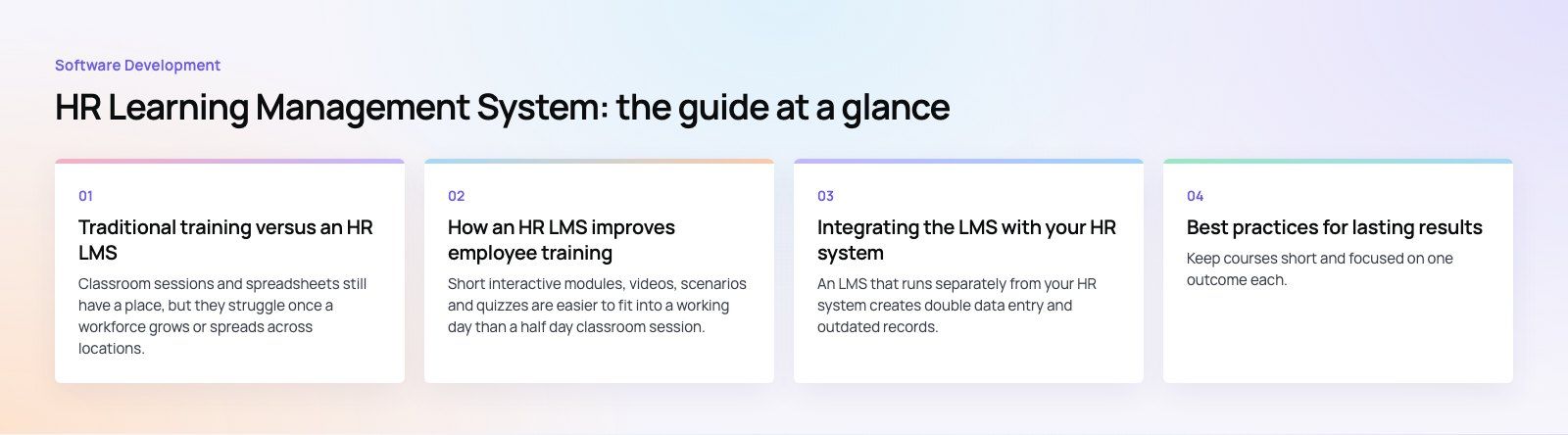
Classroom sessions and spreadsheets still have a place, but they struggle once a workforce grows or spreads across locations. The difference shows up in four areas.
| Area | Traditional training | HR learning management system |
|---|---|---|
| Delivery | Scheduled sessions, inconsistent between trainers and sites | Standardized courses available on demand, on any device |
| Administration | Paper sign in sheets, email reminders, manual records | Automated enrollment, reminders and completion records |
| Tracking | Hard to see who has finished what | Real time progress by person, team and course |
| Evidence | Little data on whether training worked | Assessment results, completion trends and reports |
How an HR LMS improves employee training
Better engagement
Short interactive modules, videos, scenarios and quizzes are easier to fit into a working day than a half day classroom session. Personalized learning paths show each employee what is relevant to their role, which makes training feel useful rather than an obligation.
Stronger knowledge retention
People forget much of a one off session. An LMS keeps materials available, so employees can revisit a procedure when they actually need it. Spaced refreshers and short follow up quizzes reinforce key points over time.
Targeted skill development
By linking courses to roles and competencies, an LMS shows where gaps exist and assigns training to fill them. New managers can follow a leadership path, while frontline staff get product or safety training specific to their site.
Lower delivery overhead
Online delivery reduces the need for venues, printed materials and travel. Automation removes much of the administrative work of scheduling, reminding and recording. Classroom sessions can then focus on the topics that genuinely benefit from being in a room together.
Consistency across teams and sites
Every employee receives the same core content and is assessed against the same standard. That matters for brand, quality and safety, especially in organizations with several branches or countries.
Compliance and risk reduction
Many industries require recurring training on topics like health and safety, data protection or anti bribery. An LMS assigns these automatically, chases overdue completions, records results and produces the reports auditors ask for.
Data for better decisions
Completion rates, assessment scores, time spent and feedback show which courses work and which need rework. Linking that data to performance and retention lets HR build a stronger case for training budgets.
Features to look for in an HR LMS
- Learning paths: sequences of courses by role, level or goal, with prerequisites.
- Course creation and content library: tools to build courses and import standard content packages.
- Assessments and certificates: quizzes, practical sign offs and certificates with expiry dates.
- Automated enrollment: rules that assign training when someone joins, changes role or moves location.
- Progress tracking and reporting: dashboards for employees, managers and HR, with exportable reports.
- Integrations: sync with your HR system, single sign on, calendars and collaboration tools.
- Mobile access: a responsive interface or app for staff who do not sit at a desk.
- Multilingual support: content and interface in the languages your workforce uses, including right to left languages such as Arabic where needed.
- Standards support: SCORM and xAPI so content and learning records can move between tools.
Integrating the LMS with your HR system
An LMS that runs separately from your HR system creates double data entry and outdated records. Integration fixes this by syncing employee details, departments, managers and job titles automatically. When someone joins, the right onboarding path is assigned. When they change role, new training follows. When they leave, their access closes.
Completion data can flow back to the HR system as well, so training history sits alongside performance reviews and career plans. Reporting tools such as Power BI can then combine learning data with turnover, performance and productivity figures.
Rolling out an HR LMS
- Set clear goals. Decide whether the priority is onboarding speed, compliance, skills development or all three.
- Map roles and required training. Build a simple matrix of which roles need which courses and how often.
- Choose the platform. Shortlist based on features, integrations, mobile experience and the effort needed to administer it.
- Prepare content. Convert existing material, retire outdated courses and fill gaps with new modules.
- Pilot with one team. Test enrollment rules, reports and the learner experience before a full launch.
- Launch and communicate. Explain to employees what is in it for them, and give managers the dashboards they need.
- Review and improve. Use completion and feedback data to refine courses every quarter.
Common mistakes
- Uploading old slide decks unchanged and calling it e-learning.
- Assigning too many courses at once, which buries the training that matters.
- Skipping integration, so records fall out of date within months.
- Ignoring managers, who are often the biggest influence on whether staff complete training.
Best practices for lasting results
Keep courses short and focused on one outcome each. Use real workplace scenarios rather than abstract theory. Add light gamification, such as progress bars or badges, where it supports motivation without distracting from content. Measure the effect of training on actual performance, not only on completion. Above all, build a culture where managers talk about learning in one to ones and recognize people who develop new skills.
Where HR learning is heading
AI features are now common in learning platforms, from recommending courses based on role and history to drafting quiz questions and summarizing long material. Skills based approaches are replacing static job descriptions, so learning paths increasingly map to skills rather than titles. Learning is also moving into the tools people already use every day, with short lessons delivered inside chat and collaboration apps. Each of these trends depends on clean employee data and good integrations.
Codeeo builds custom learning and workforce platforms and connects them to the HR and reporting systems you already run. See our work in healthcare and our Distinct case study, or talk to us about custom software development for your training program. A product scoping session is a practical place to start.
Frequently asked questions
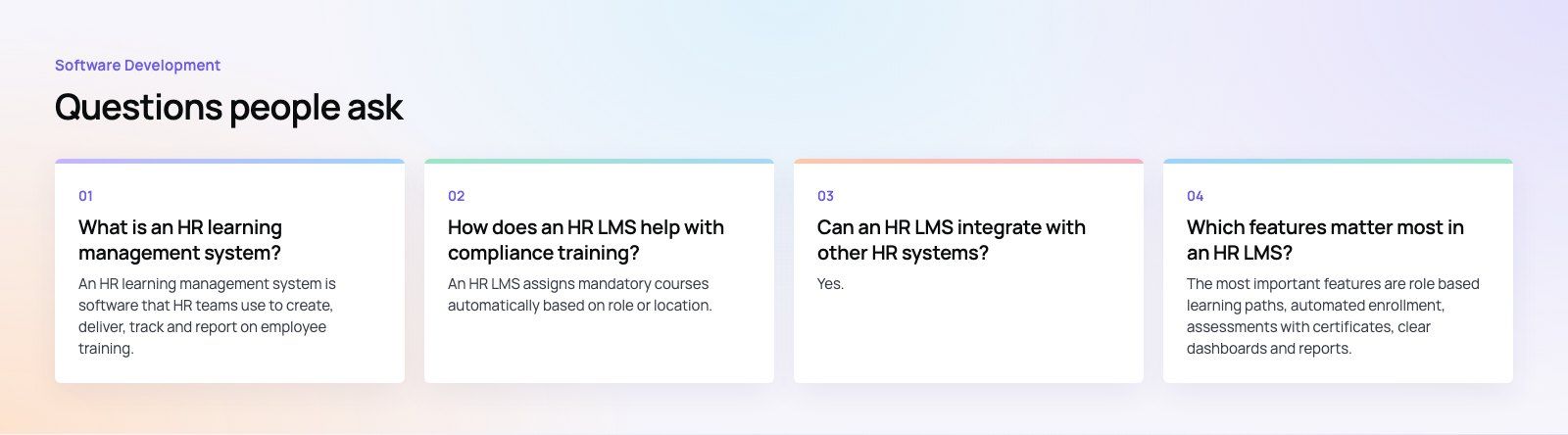
An HR learning management system is software that HR teams use to create, deliver, track and report on employee training.
It stores courses and materials centrally, assigns training by role, records completions and assessment results, and produces reports on progress and compliance. Most modern platforms run in the cloud and work on phones as well as desktops.
Software DevelopmentSQL vs NoSQL Databases: Differences and How to ChooseHow SQL and NoSQL databases differ in data model, schema, scaling and consistency, where each one fits, and five questions to choose for your project. Software DevelopmentOpen Source Apps: Examples, Licenses and How to Build Your OwnWhat makes an app open source, well known examples, the steps to build your own, how to pick MIT, Apache or GPL, and when to customize instead.
 Software DevelopmentHow an Online HR Portal Improves Employee ExperienceWhat an online HR portal does, how self service improves employee experience, which features matter, and whether to buy, configure or build one.
Tell us what the business needs. We will tell you what to build first.
Schedule a free consultation and get a written recommendation, with costs, before you commit to anything.
Get in touchPROVEN RESULTS
4.7 / 5verified reviews on Google