 Software DevelopmentSQL vs NoSQL Databases: Differences and How to ChooseHow SQL and NoSQL databases differ in data model, schema, scaling and consistency, where each one fits, and five questions to choose for your project.
CodeeoInsightsSoftware Development
Choosing a Learning Management System for a Small Company
The LMS features that matter for small teams, hosted versus open source versus custom, and a six step way to choose a platform your staff will use.
The best learning management system for a small company is the one your staff will actually open: simple to use, quick to set up, priced per active user, and able to track who finished which course. Feature lists matter less than fit. Start with the training you need to run in the next twelve months, then choose the simplest LMS that handles it well and connects to the tools you already use.
This guide walks through the features that matter most for small teams, the trade offs between hosted, open source and custom platforms, and a step by step way to choose.
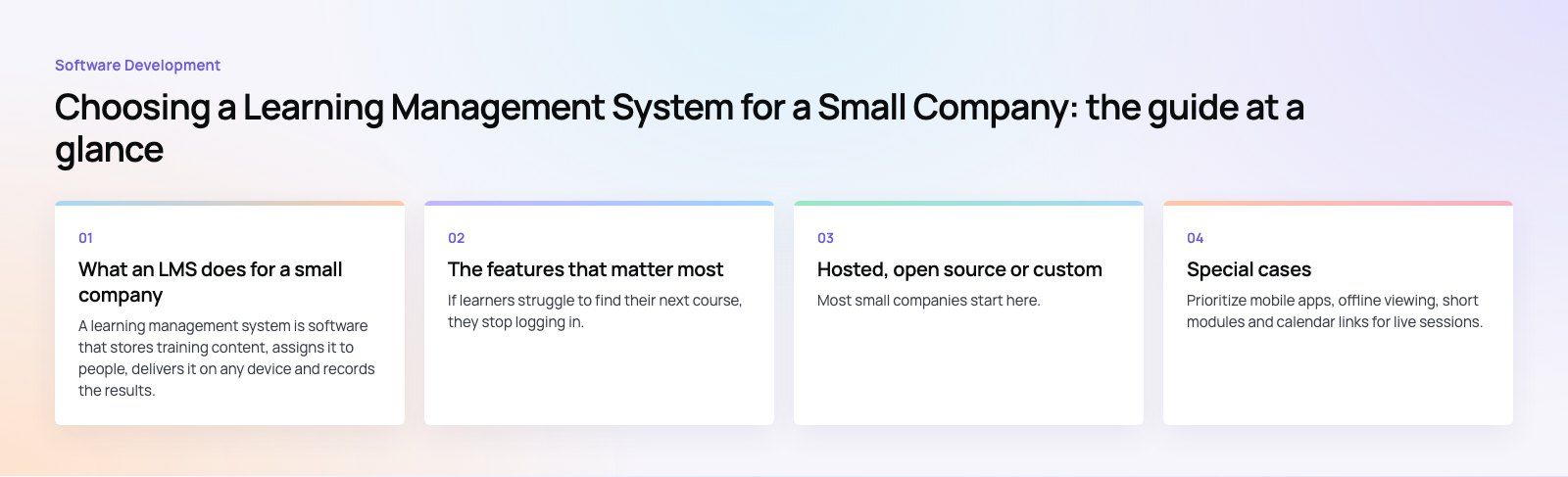
What an LMS does for a small company
A learning management system is software that stores training content, assigns it to people, delivers it on any device and records the results. For a small business, that replaces a shared drive of slide decks, a spreadsheet of who attended what, and a lot of repeated in person explanations.
The common uses are:
- Onboarding, so every new hire gets the same introduction to tools, policies and culture
- Compliance training, such as health and safety or data protection, with proof of completion
- Product and process training for sales, support and operations staff
- Customer or partner training, when you teach people outside the company how to use your product
- Skills development, so staff can grow without waiting for an external course
The features that matter most
An interface people do not need training for
If learners struggle to find their next course, they stop logging in. Look for a clean dashboard, clear progress indicators and a mobile experience that works on a phone during a commute. Admins also need a simple way to add people, assign courses and see who is behind.
Course creation and delivery
Small teams rarely have an instructional designer, so built in authoring matters. Good tools let you build a course from video, text, PDFs and short quizzes without extra software. The platform should support:
- Self paced modules people can finish in short sessions
- Live or blended sessions with attendance tracking
- Learning paths that unfold step by step, such as a 30 day onboarding plan
- Certificates issued automatically on completion
If you already own training content from an outside provider, check support for SCORM or xAPI, the common standards for packaging and tracking e-learning.
Content management
A shared library where you can tag, update and reuse materials saves hours. When a policy changes, you should be able to update one lesson and have every course that uses it pick up the change.
Reporting and analytics
At minimum, you need completion rates, quiz scores and overdue assignments by person and team. Better systems show where people drop off in a course and let you export data for audits. The real test is whether a manager can answer "is my team trained on this?" in under a minute.
Integrations
Your LMS should not become another island of data. Look for single sign on with Microsoft or Google accounts, a link to your HR system so new starters are enrolled automatically, and notifications in the chat tool your team already uses.
Engagement features
Badges, leaderboards and short challenges can lift completion, especially for optional training. Use them lightly. For compliance courses, clear deadlines and manager visibility usually matter more than points.
Feature checklist for small businesses
| Feature | Why it matters for a small team | Must have or nice to have |
|---|---|---|
| Simple learner interface | Fewer support questions and higher completion | Must have |
| Mobile access | Training fits around shifts and travel | Must have |
| Built in course builder | No separate authoring software needed | Must have |
| Completion reporting | Proof for audits and managers | Must have |
| Single sign on | One less password for staff | Must have |
| HR system integration | Automatic enrollment of new hires | Nice to have |
| SCORM or xAPI support | Reuse content bought from other providers | Nice to have |
| Gamification | Lifts optional course completion | Nice to have |
| Per active user pricing | You do not pay for inactive accounts | Must have |
Hosted, open source or custom
Hosted LMS (software as a service)
Most small companies start here. You sign up, upload content and invite staff. Updates, security and hosting are handled for you. The limits are customization and the fact that pricing usually grows with headcount.
Open source LMS
Platforms such as Moodle are free to download and very flexible. The catch is that someone has to install, host, secure, update and support them. For a small company without IT staff, the time cost can outweigh the saving on licenses unless a partner manages it.
Custom or extended platform
A custom build makes sense when training is part of your product, such as customer academies, paid courses or school platforms, or when no off the shelf system fits your workflows. It also suits companies that need deep links into their own systems. It costs more up front, so the case should rest on clear business value.
| Option | Best for | Main trade off |
|---|---|---|
| Hosted LMS | Internal training, fast setup | Less control, cost grows with users |
| Open source | Teams with technical support available | Hosting and maintenance effort |
| Custom build | Training as a product, unusual workflows | Higher initial investment |
How to choose an LMS in six steps
- List your training goals. Name the three to five programs you must run this year and who takes each one.
- Count real users. Separate staff who train monthly from those who log in once a year, since this affects pricing.
- Map your systems. Note your HR tool, identity provider and chat tool, then shortlist platforms that connect to them.
- Run a real trial. Build one actual course in each shortlisted system and ask three staff members to complete it.
- Check support and data. Ask how support works, where data is stored and how you can export everything if you leave.
- Plan the rollout. Start with onboarding, which every new hire uses, then add other programs once the habit is set.
Special cases
Remote and hybrid teams
Prioritize mobile apps, offline viewing, short modules and calendar links for live sessions. Recorded sessions with a quiz at the end work better across time zones than live only training.
Multilingual teams
If your staff work in more than one language, check that the interface, certificates and course content can each be translated, and that right to left languages such as Arabic display correctly.
Customer training
Training customers needs public sign up, branding that matches your site, and sometimes payment. Not every internal LMS handles this well, so test it specifically.
Common mistakes
- Choosing on feature count rather than on what staff will use
- Moving every old document into the LMS instead of rewriting the key courses
- Skipping manager reports, so nobody follows up on overdue training
- Ignoring how to export data before signing a contract
Codeeo has built learning platforms such as Edsidera, a school platform with classes, tasks, feedback and payments across mobile and web. If an off the shelf LMS does not fit, our custom software team can build or extend one, and a platform fit review will tell you whether you need to. See more of our education work, or ask about connecting training to Microsoft 365.
Frequently asked questions
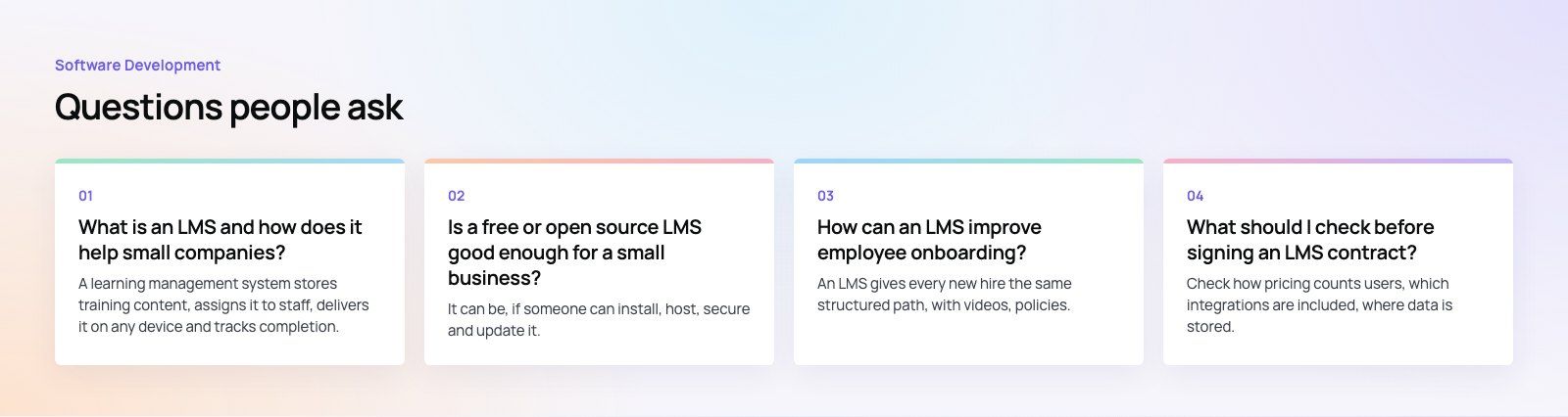
A learning management system stores training content, assigns it to staff, delivers it on any device and tracks completion.
For small companies it replaces scattered files and spreadsheets, makes onboarding consistent, provides proof of compliance training and lets people learn at their own pace without pulling managers away from their work for every session.
Software DevelopmentSQL vs NoSQL Databases: Differences and How to ChooseHow SQL and NoSQL databases differ in data model, schema, scaling and consistency, where each one fits, and five questions to choose for your project. Software DevelopmentOpen Source Apps: Examples, Licenses and How to Build Your OwnWhat makes an app open source, well known examples, the steps to build your own, how to pick MIT, Apache or GPL, and when to customize instead.
 Software DevelopmentHow an Online HR Portal Improves Employee ExperienceWhat an online HR portal does, how self service improves employee experience, which features matter, and whether to buy, configure or build one.
Tell us what the business needs. We will tell you what to build first.
Schedule a free consultation and get a written recommendation, with costs, before you commit to anything.
Get in touchPROVEN RESULTS
4.7 / 5verified reviews on Google