 Cloud TechnologyCloud Based HR and Payroll Systems: Benefits and How to ChooseHow cloud based HR and payroll systems streamline operations, the core features to expect, cloud versus on premise, and how to choose and migrate safely.
CodeeoInsightsCloud Technology
How to Migrate from AWS to Azure: A Practical Strategy
When moving from AWS to Azure makes sense, how the two clouds compare, and a five stage strategy from assessment and landing zone to waves and optimization.
Migrating from AWS to Azure is worth it when Azure fits your organization better, typically because you already run on Microsoft 365, Entra ID, SQL Server or Windows workloads, or need tighter hybrid links to on premises systems. A smooth move follows five stages: assess the AWS estate, build an Azure landing zone, choose a migration approach per workload, migrate in waves with tested rollback, then optimize cost and performance. This guide covers the decision, the comparison and each stage in turn.
Is migrating from AWS to Azure worth it?
There is no universal answer. Both platforms are mature, secure and capable of running almost any workload. The case for moving rests on your specific situation, so weigh the benefits against the cost and disruption of the move itself.
Reasons to move
- Microsoft alignment. If identity, productivity and many line of business apps already run on Microsoft, Azure simplifies sign in, governance and support.
- Licensing. Organizations with existing Windows Server and SQL Server licenses may be able to reuse them on Azure, which can change the cost picture for those workloads.
- Hybrid needs. Azure's tooling for managing on premises and cloud resources together suits companies that cannot move everything to the cloud.
- Specific services. A particular data, AI or integration service on Azure may fit your roadmap better.
Reasons to stay or wait
- Complexity. Migration takes planning, engineering time and a period of running both clouds in parallel.
- Deep AWS dependencies. Workloads built around AWS specific services, such as Lambda, DynamoDB or Step Functions, need rework rather than a simple move.
- Skills. A team fluent in AWS will need training and time to become equally effective on Azure.
- Egress and dual running costs. Moving large data sets out of AWS and paying for two environments during the transition both add to the bill.
Lock in exists on both platforms. The more managed, provider specific services you use, the harder any future move becomes, whichever cloud you are on.
AWS vs Azure at a glance
| Area | AWS | Azure |
|---|---|---|
| Typical strength | Very broad service catalog and a large ecosystem of tools and partners | Close integration with Microsoft 365, Entra ID, Windows and SQL Server |
| Identity | IAM, IAM Identity Center | Microsoft Entra ID, shared with Microsoft 365 |
| Hybrid | Outposts and hybrid services | Azure Arc and Azure Local |
| Serverless | Lambda | Azure Functions |
| Containers | EKS, ECS | AKS, Container Apps |
| Good fit for | Teams that want maximum service choice and already have AWS skills | Microsoft centric organizations and hybrid estates |
Pricing on both platforms depends heavily on region, commitment discounts and workload shape. Model your own workloads with each provider's calculator rather than relying on general claims that one is cheaper.
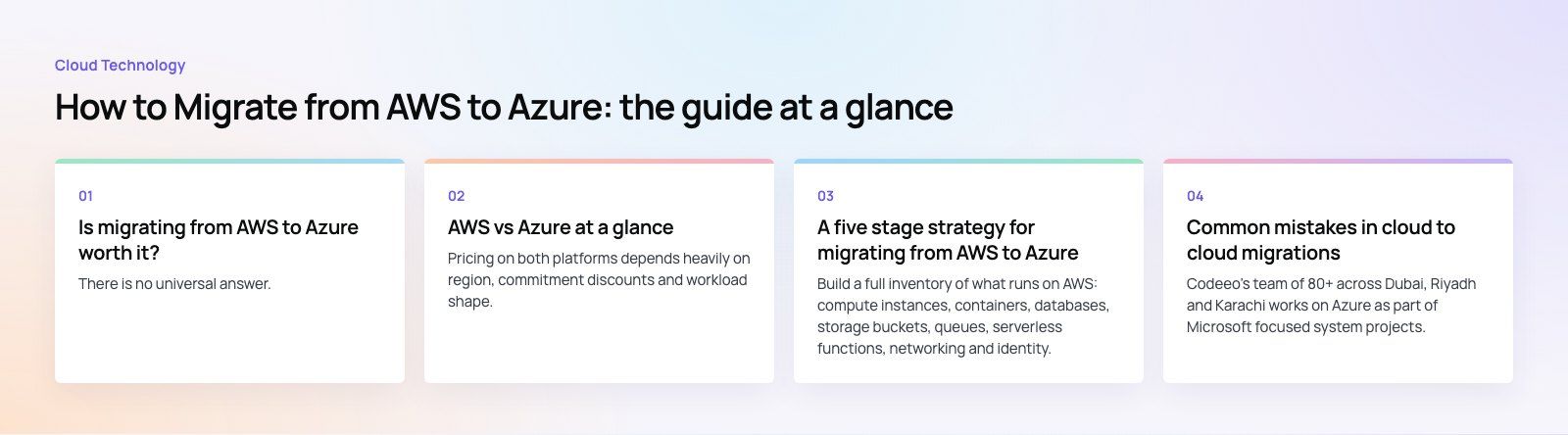
A five stage strategy for migrating from AWS to Azure
1. Assess the current AWS environment
Build a full inventory of what runs on AWS: compute instances, containers, databases, storage buckets, queues, serverless functions, networking and identity. For each workload, record its dependencies, data volume, performance baseline, compliance requirements and how much downtime the business can accept. Note which components use AWS specific services, because those decide how much rework is needed.
Microsoft's Azure Migrate provides discovery, assessment and migration tooling, and Microsoft publishes a tutorial for migrating AWS virtual machines specifically.
2. Build the Azure foundation
Before moving a single workload, set up a landing zone: subscriptions and management groups, Entra ID roles, virtual networks and connectivity back to AWS during the transition, policies, logging, backup and cost management. Microsoft's Cloud Adoption Framework describes this in detail. Getting the foundation right prevents security gaps and messy rework later.
3. Choose a migration approach per workload
Each workload gets its own approach rather than one rule for everything.
| Approach | What it means | Best for |
|---|---|---|
| Rehost | Lift and shift virtual machines with minimal changes | Stable workloads on standard operating systems, tight deadlines |
| Replatform | Small changes to use managed services, such as moving a database to a managed Azure database | Workloads where managed services cut operational effort |
| Refactor | Rework code to use Azure native services | Apps built on AWS specific services, or due for modernization anyway |
| Replace | Swap for a SaaS product | Commodity functions like email, file sharing or ticketing |
| Retire | Switch off | Unused or duplicate systems found during assessment |
4. Migrate in waves
Group workloads into waves, starting with low risk, low dependency systems so the team gains confidence. For each wave:
- Replicate data and test the workload in Azure while AWS stays live.
- Agree a cutover window, freeze changes and run a final data sync.
- Switch DNS and traffic, then monitor closely.
- Keep the AWS resources available until the rollback window has passed.
Databases need extra care. Plan replication or a short maintenance window, and test data integrity before and after cutover. Infrastructure as code with Terraform, OpenTofu or Bicep makes each environment reproducible and easier to review.
5. Optimize after migration
The first configuration in Azure is rarely the best one. Right size virtual machines from real usage, apply reserved capacity or savings plans where usage is steady, tune autoscaling, tighten network and security rules, and set budgets and alerts. Then decommission the AWS resources and close the accounts you no longer need, so you stop paying for both.
Common mistakes in cloud to cloud migrations
- Skipping the dependency map, then discovering a forgotten integration on cutover night.
- Copying the AWS design one to one instead of using the right Azure equivalents.
- Underestimating data transfer time and egress charges for large data sets.
- Leaving the team untrained until after go live.
- Forgetting to switch off the old environment.
Codeeo's team of 80+ across Dubai, Riyadh and Karachi works on Azure as part of Microsoft focused system projects. Our Azure integration services cover landing zones, migration and connecting workloads to Microsoft 365 and Dynamics 365. If your application needs rework along the way, a codebase review is a sensible first step, or you can add dedicated developers to your own team for the migration.
Frequently asked questions
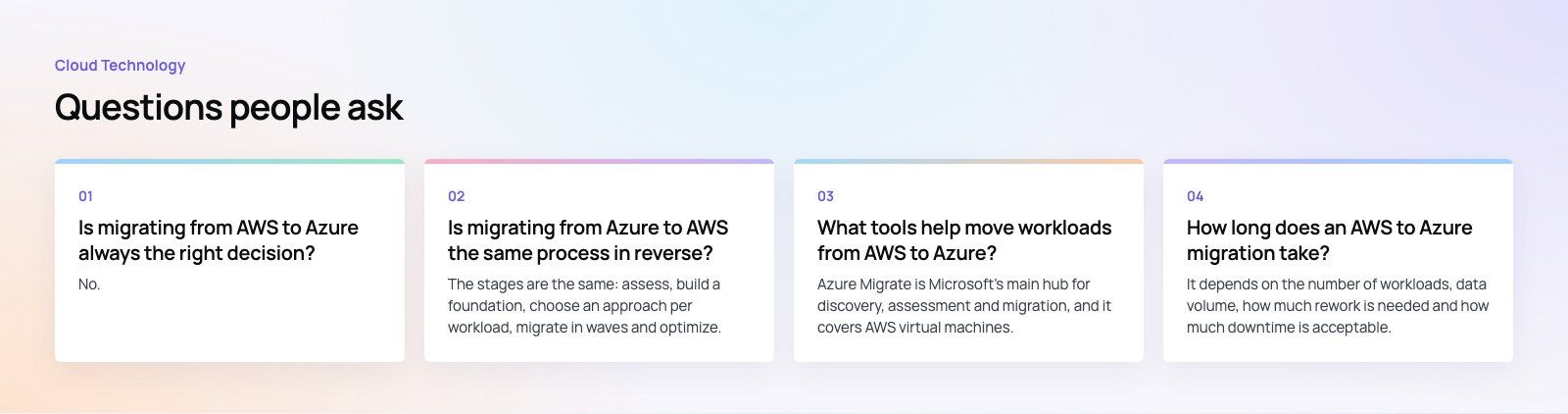
No.
It makes sense when Azure clearly fits better, for example because your organization runs on Microsoft 365 and Entra ID, has Windows and SQL Server licenses to reuse, or needs strong hybrid management. If your workloads depend heavily on AWS specific services and your team is skilled in AWS, the cost and risk of moving may outweigh the gains.
Cloud TechnologyCloud Based HR and Payroll Systems: Benefits and How to ChooseHow cloud based HR and payroll systems streamline operations, the core features to expect, cloud versus on premise, and how to choose and migrate safely. Cloud TechnologyHow Cloud Computing Supports Digital TransformationThe real business benefits of cloud computing in digital transformation, the challenges to plan for, what to move first and how to measure progress.
 Cloud TechnologyAzure Migration Steps: A Practical Five Step GuideThe five Azure migration steps, from planning and assessment to cutover and optimization, with the Microsoft tools that help at each stage.
Tell us what the business needs. We will tell you what to build first.
Schedule a free consultation and get a written recommendation, with costs, before you commit to anything.
Get in touchPROVEN RESULTS
4.7 / 5verified reviews on Google