 App DevelopmentCross Platform App Development: How It Saves Time and MoneyHow shared code across iOS and Android cuts build and maintenance effort, which frameworks to consider in 2026, and when native development is still the better call.
10 Mobile App Development Challenges for the Enterprise
Ten challenges that derail enterprise mobile apps, from platform choice and integrations to security, app store reviews and adoption, and how to handle each one.
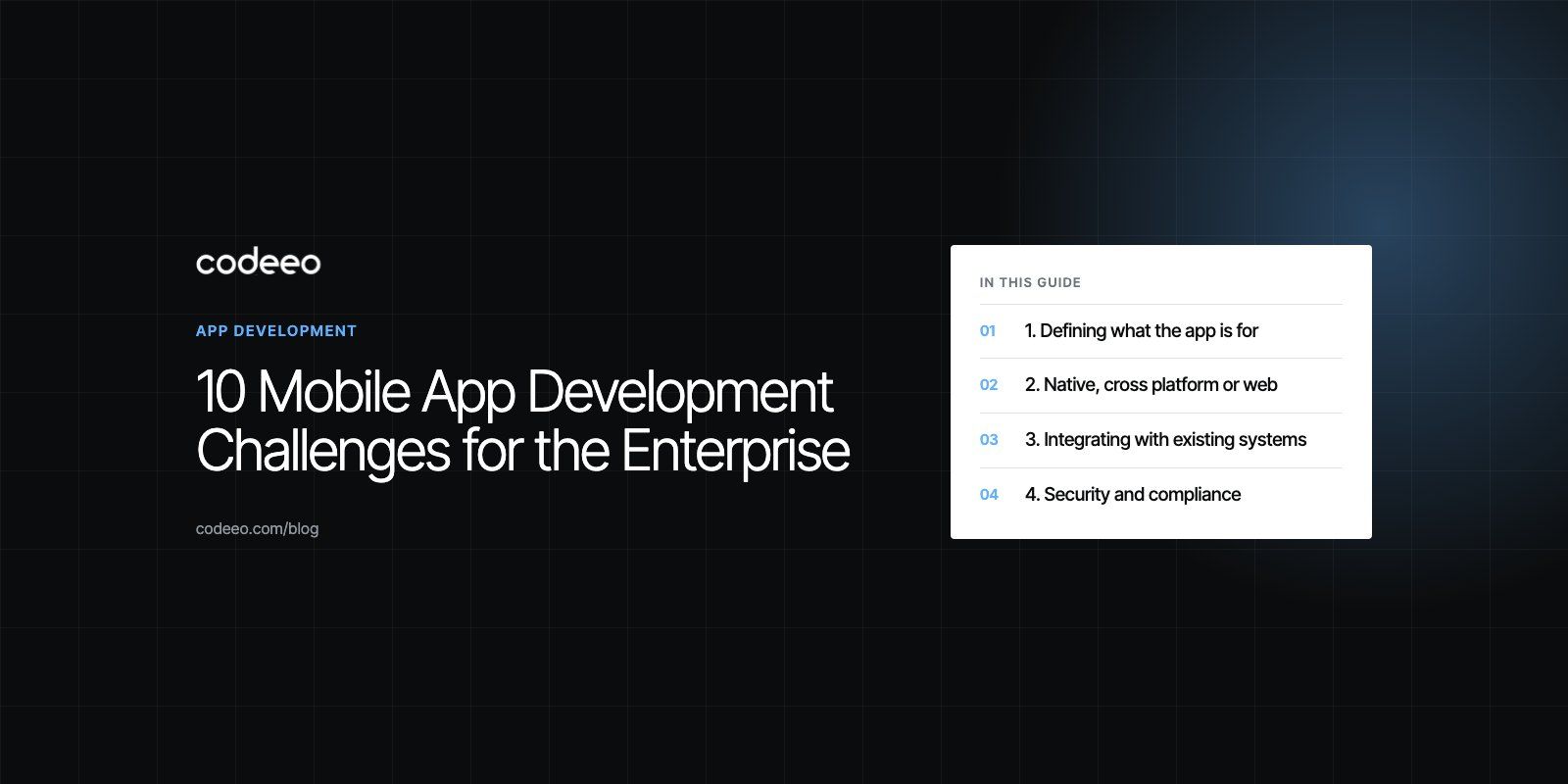
The biggest mobile app development challenges for an enterprise are rarely about writing code. They are about choosing the right platform approach, keeping scope under control, protecting data, integrating with existing systems and getting people to actually use the app once it ships. Most failed enterprise apps fail on one of those points, so planning for them early is the best protection you have.
Below are ten challenges that come up again and again on business app projects, with practical ways to handle each one.
1. Defining what the app is for
Enterprise apps often start with a long wish list from several departments. Without a single, clear purpose, the app becomes a container for everyone's requests and does none of them well.
How to handle it: write one sentence describing who the app is for and the main job it does for them. Every feature should support that job. Run a short product scoping phase before design starts, so the first release is defined by user outcomes rather than a feature count.
2. Native, cross platform or web
You can build separate native apps for iOS and Android, one cross platform app using a framework such as Flutter or React Native, or a progressive web app that runs in the browser. Each choice affects speed, cost, hiring and how much of the device you can use.
| Approach | Strengths | Trade offs | Good fit |
|---|---|---|---|
| Native (Swift, Kotlin) | Best performance and full access to device features | Two codebases and two skill sets | Apps with heavy hardware use, media or complex animation |
| Cross platform (Flutter, React Native) | One shared codebase, faster delivery on both stores | Some platform specific work still needed | Most business, booking and commerce apps |
| Progressive web app | No app store, instant updates, one codebase with the website | Limited device access, especially on iOS | Internal tools and simple customer services |
How to handle it: list the device features you truly need, such as camera, Bluetooth, background location or offline storage. Let that list, plus who will maintain the app, drive the decision.
3. Integrating with existing systems
An enterprise app is rarely standalone. It needs data from the ERP, CRM, identity provider, payment gateway or internal databases. Those systems may have no API, an outdated one or strict access rules.
How to handle it: map every system the app touches early in the project. Build a dedicated API layer between the app and back office systems, so the app does not depend on the quirks of each one. Agree on who owns each integration and how it will be tested.
4. Security and compliance
Mobile apps carry company and customer data on devices that can be lost, shared or compromised. Weak authentication, insecure storage and leaky APIs are common problems.
How to handle it: use secure sign in, ideally through your existing identity provider with multi factor authentication. Encrypt data at rest and in transit, avoid storing secrets in the app itself and test the API as carefully as the app. The OWASP Mobile Application Security project publishes a free verification standard and testing guide that make a good checklist. Check which data protection laws apply in the countries where your users live.
5. Performance and battery use
Users abandon apps that feel slow, drain the battery or use too much data. Enterprise apps that sync large records or track location in the background are especially at risk.
How to handle it: load only what the screen needs, cache sensibly, batch network requests and limit background work. Measure on older, mid range devices, not just the latest phones. Google's guidance on Android vitals explains which stability and battery metrics the Play Console tracks, and Apple's Xcode tools give similar insight on iOS.
6. Designing for real users
Field staff, warehouse teams and customers use apps in very different conditions: gloves, bright sun, poor signal, one free hand. A design that works in a meeting room can fail on the shop floor.
How to handle it: involve real users from the start. Watch them work, test clickable prototypes before development and run short usability sessions at each milestone. Collect feedback inside the app after launch so the team keeps learning.
7. Keeping it simple
Every department wants its feature on the home screen. The result is clutter, slower releases and more to test.
How to handle it: rank features by how often they are used and how much value they create. Put frequent tasks one tap away and move occasional ones into menus. Ship a focused first version and add features based on what usage data shows, not on who asks loudest.
8. Choosing a technology stack that lasts
An app may need to run for many years. A framework, library or back end service that loses support can force an expensive rewrite.
How to handle it: prefer mature, widely used tools with active maintenance and large developer communities. Keep business logic on the server where possible, so the app stays thin and easier to update. Document the architecture so a new team can pick it up.
9. App store rules and release management
Public apps must pass Apple and Google review, and both stores change their rules over time. Rejections near a launch date are a common cause of delay. Enterprise apps also need a plan for supporting several app versions at once, because not every user updates straight away.
How to handle it: read the App Store Review Guidelines and Google Play policies before design, not after. Leave time in the plan for review. Use feature flags and a forced update mechanism so you can switch features on gradually and retire old versions safely. Internal apps can be distributed privately through device management tools instead of the public stores.
10. Adoption and marketing
A finished app is not a used app. Customer apps compete with countless others for attention, and internal apps compete with old habits and spreadsheets.
How to handle it: for customer apps, plan app store optimization, launch campaigns and onboarding screens that show value in the first minute. A digital marketing plan should start before launch, not after. For internal apps, train champions in each team, remove the old process once the app is ready and measure usage weekly.
Other challenges worth planning for
- Offline use: field apps need to queue changes and sync safely when signal returns.
- Accessibility: support screen readers, dynamic text sizes and good contrast from the start.
- Languages: right to left layouts for Arabic and other languages need design work, not just translation.
- Maintenance: every new iOS and Android release needs testing, and dependencies need regular updates.
- Analytics: decide what success looks like and track it from the first release.
A simple checklist before you start
- One sentence describing the app's purpose and primary users.
- A ranked feature list for the first release.
- A platform decision based on device needs and maintenance.
- A map of every system the app must integrate with.
- Security and data protection requirements agreed with IT and legal.
- A test plan covering real devices, poor networks and older phones.
- A release and adoption plan, including store review time.
Codeeo has built apps such as an event app with an in app admin for organizers, described in our Meecon case study, and a live audio streaming product with native iOS and Android apps in the Ourcast Live case study. If you are planning a business app, our mobile app development team can help you work through these challenges before they cost time.
Frequently asked questions
The biggest challenges are defining a clear purpose, choosing between native and cross platform development, integrating with existing systems such as ERP and CRM, securing data on devices, and keeping performance high on older phones. App store reviews, long term maintenance and getting people to adopt the app after launch are also common problems. Most can be reduced with early planning and real user testing.
App DevelopmentCross Platform App Development: How It Saves Time and MoneyHow shared code across iOS and Android cuts build and maintenance effort, which frameworks to consider in 2026, and when native development is still the better call. App DevelopmentHow to Plan an App Development Project From Start to FinishA step by step plan for an app project: define users and goals, scope an MVP, choose platforms, design, build the team, phase the timeline, test and launch.
 App DevelopmentMust Have Features of an HR Management AppThe features an HR management app needs, from onboarding and self service to payroll, performance and analytics, plus when to buy or build.
Tell us what the business needs. We will tell you what to build first.
Schedule a free consultation and get a written recommendation, with costs, before you commit to anything.
Get in touchPROVEN RESULTS
4.7 / 5verified reviews on Google