 Software DevelopmentSQL vs NoSQL Databases: Differences and How to ChooseHow SQL and NoSQL databases differ in data model, schema, scaling and consistency, where each one fits, and five questions to choose for your project.
CodeeoInsightsSoftware Development
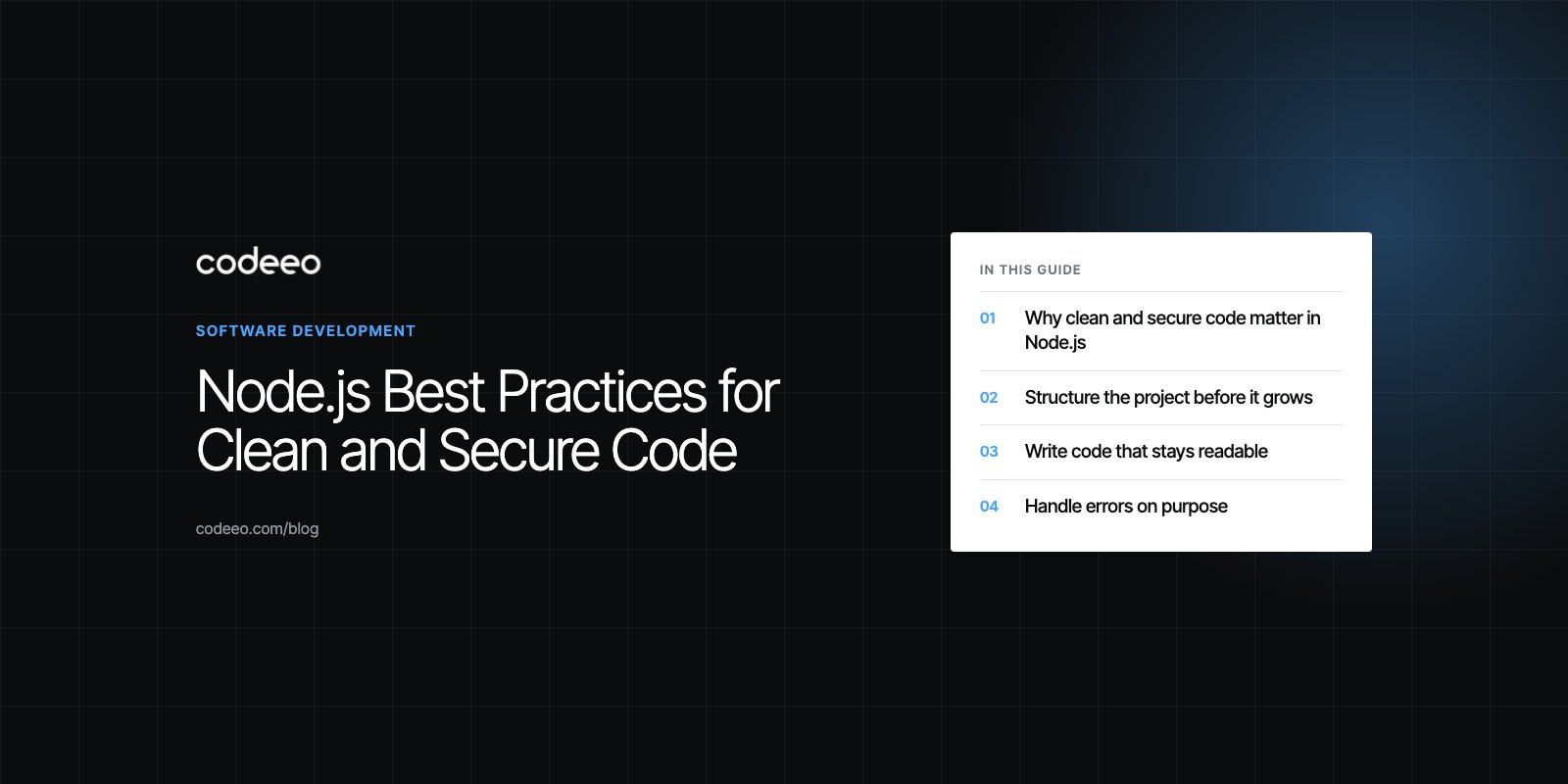
Node.js Best Practices for Clean and Secure Code
Practical Node.js best practices for structure, readable code, error handling, security and testing, with a checklist for reviewing an existing codebase.
Node.js best practices come down to five habits: a predictable project structure, small and well named modules, a deliberate error handling strategy, security checks built into everyday work, and automated tests that run on every change. Teams that keep these habits ship features faster a year into a project, because the codebase stays readable and the attack surface stays small.
This guide walks through each habit in plain terms, with the reasoning behind it, so you can apply it to a new service or use it to review one that has grown messy.
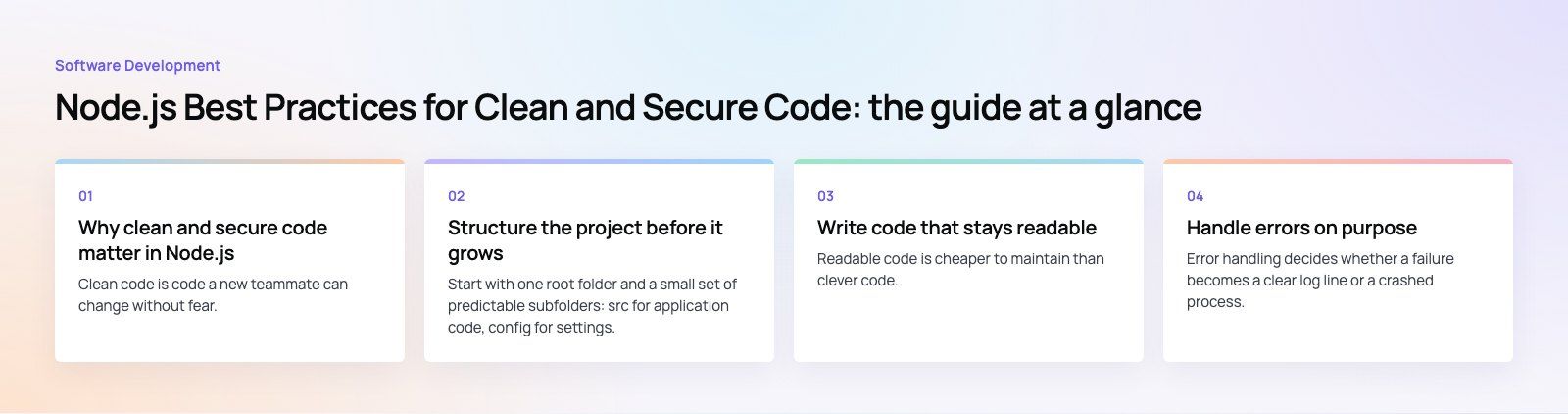
Why clean and secure code matter in Node.js
Clean code is code a new teammate can change without fear. In an ecommerce service, for example, product data access lives in one module and the logic that formats it for the storefront lives in another. When the pricing display changes, nobody touches the database layer.
Secure code is code that assumes every input is hostile and every dependency could be compromised. Node.js applications pull in a large number of third party packages, which makes the supply chain as important as the code your team writes.
The two goals support each other. A tidy codebase makes security reviews faster, and a secure baseline (validated inputs, secrets outside the repository, patched dependencies) stops a messy shortcut from turning into an incident.
Structure the project before it grows
Start with one root folder and a small set of predictable subfolders: src for application code, config for settings, tests for test files and docs for anything a new developer needs to read first. When everyone knows where a file should live, nobody wastes time hunting for it.
Keep configuration out of the code
Database credentials, API keys and ports belong in environment variables, never in source files. Recent Node.js releases can load a .env file natively through a command line flag described in the Node.js command line documentation, so many projects no longer need an extra package for this. Commit an example file with placeholder values, add the real file to .gitignore, and read every setting through one config module so the rest of the code never touches process.env directly.
Organize code into focused modules
Split the application by responsibility: authentication, data access, business rules and HTTP handling each get their own module. A user authentication module, for instance, should expose a single function that looks up the user, compares the password against a stored hash with a library such as bcrypt or argon2, and returns the user or throws a clear error. Nothing else in the codebase needs to know how hashing works.
Treat package.json as a contract
Your package.json lists the building blocks the app depends on. Commit the lockfile, pin versions deliberately, and remove packages you no longer use. Every unused dependency is code you still have to trust.
Write code that stays readable
Readable code is cheaper to maintain than clever code. These habits keep a Node.js codebase understandable as the team changes.
Agree on one style and automate it
Use ESLint for rules and Prettier for formatting, and run both in a pre-commit hook and in CI. Style debates disappear from code review once a tool settles them.
Choose names that explain purpose
A variable called userAge tells the reader what it holds; x or data does not. The same applies to files: a module named user-repository.js is easier to find than helpers2.js.
Keep functions small
Each function should do one job. A function that fetches a user and another that calculates that user's discount are easier to test and debug than one function that does both. If a function needs a comment to explain its sections, it probably wants to be split.
Comment the why, not the what
Good comments explain intent: why a discount stops at a certain age, why a retry waits before calling an API again. JSDoc blocks on public functions also give editors type hints, which helps if the project is not on TypeScript yet.
Refactor in small steps
Refactoring changes structure without changing behavior. Replace repeated conditions with a lookup object, extract duplicated logic into shared helpers, and remove dead code. Small, regular refactors behind a test suite are far safer than a large rewrite later.
Handle errors on purpose
Error handling decides whether a failure becomes a clear log line or a crashed process. The official Node.js errors documentation is worth reading once in full.
Know the two kinds of errors
Operational errors are expected runtime problems: a network call times out, a file is missing, a payment provider rejects a request. Programmer errors are bugs, such as reading a property of undefined. Handle operational errors and recover where you can; for programmer errors, log the details and let the process restart cleanly under a supervisor.
Use try and catch with async code
Most modern Node.js code uses promises and async functions, so wrap awaited calls in try and catch blocks and decide in each case whether to retry, return a fallback or pass the error up. Older callback APIs follow the error first pattern, where the first argument is an error that must be checked before using the result. Never leave a promise without a catch, because unhandled rejections stop the process in current Node.js versions.
Centralize error responses
In an Express or Fastify app, a single error handling middleware should turn errors into consistent HTTP responses. Define custom error classes for cases like not found or validation failed, so the handler can map each one to the right status code without string matching.
Log in a structured way
Use a logging library such as Pino or Winston to write JSON logs with a level, a timestamp and a request id. Structured logs can be searched and alerted on; scattered console.log lines cannot. Never log passwords, tokens or full card data.
Debug with real tools
The built-in inspector works with Chrome DevTools and the VS Code debugger, which lets you set breakpoints and step through code instead of guessing. The debug package is still useful for optional, namespaced logging during development.
Build security into everyday work
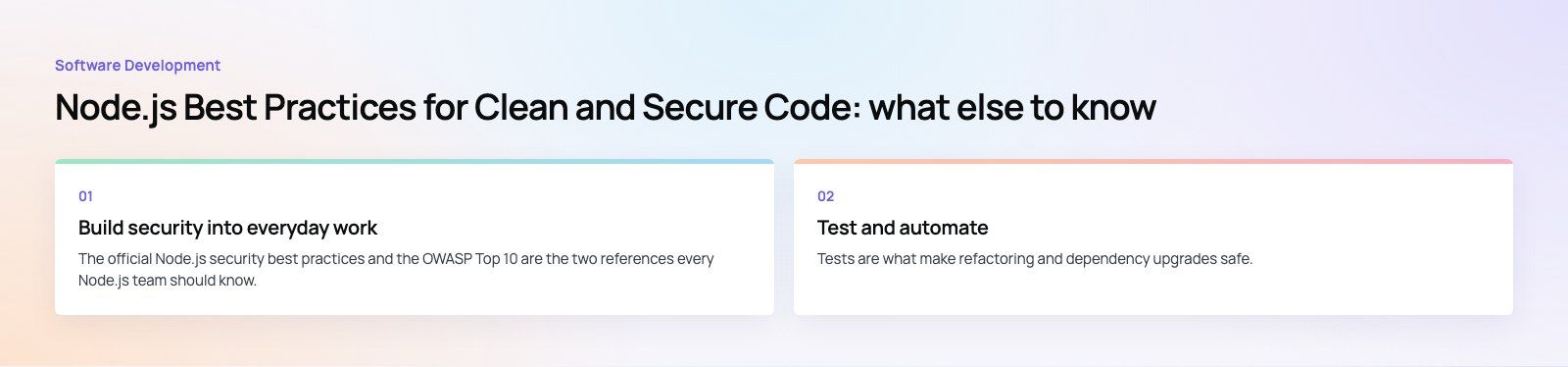
The official Node.js security best practices and the OWASP Top 10 are the two references every Node.js team should know. The practical habits below cover most of what they recommend.
Validate and sanitize every input
Validate request bodies, query strings and headers against a schema with a library such as Zod, Joi or Ajv, and reject anything that does not match. Use parameterized queries or an ORM to prevent injection, and escape output to prevent cross site scripting.
Avoid code that runs strings
Functions like eval and the Function constructor execute arbitrary strings as code. There is almost always a safer alternative, such as a lookup table or JSON.parse.
Patch dependencies continuously
Run npm audit in CI and turn on automated dependency update pull requests. Review new packages before adding them: check maintenance activity, download history and what the install scripts do.
Protect secrets and transport
Keep secrets in environment variables or a secrets manager, rotate them, and never commit them. Serve all traffic over HTTPS, usually terminated at a load balancer or reverse proxy, and set security headers with a package such as Helmet. Add rate limiting to login and other sensitive routes.
Run a supported Node.js version
The Node.js project states on its release schedule page that production applications should only use Active LTS or Maintenance LTS releases. Plan upgrades before a version reaches end of life, so security fixes keep arriving.
Test and automate
Tests are what make refactoring and dependency upgrades safe.
Cover three levels
- Unit tests check one function or module in isolation, such as a discount calculation.
- Integration tests check that modules work together, for example that a GET request to the users endpoint returns a list from the database. Supertest is a common choice for HTTP level tests.
- Full flow tests simulate a real user from sign in to checkout, usually with a browser tool such as Playwright.
Pick a test runner
Node.js now ships a stable built-in test runner, which is enough for many services. Jest, Vitest and Mocha remain popular when a team wants richer mocking, snapshots or an existing ecosystem.
Run everything in CI
Use GitHub Actions, GitLab CI or Jenkins to run linting, tests and npm audit on every pull request. Block merges when any of them fail. This turns best practices from a document into a rule the pipeline enforces.
A quick checklist for reviewing a Node.js codebase
| Area | What good looks like | Common warning sign |
|---|---|---|
| Structure | Clear src, config and tests folders; one module per responsibility | Route files that query the database directly |
| Style | ESLint and Prettier run automatically | Formatting comments in code review |
| Errors | Central handler, custom error classes, structured logs | Empty catch blocks or unhandled promises |
| Security | Schema validation, secrets in environment, patched dependencies | API keys in the repository |
| Runtime | An Active or Maintenance LTS release | A version past end of life |
| Testing | Unit and integration tests in CI on every pull request | Tests that only run on one laptop |
Common mistakes to avoid
- Blocking the event loop. Heavy CPU work such as image processing or large JSON parsing on the main thread slows every request. Move it to worker threads or a queue.
- Mixing layers. Business rules inside route handlers make both hard to test.
- Swallowing errors. A catch block that does nothing hides the bug until it reaches production.
- Letting dependencies drift. Skipping updates for months turns a small upgrade into a risky project.
If your Node.js service has grown hard to change, a codebase review is a sensible first step: it shows where structure, security and tests need work before you add features. Codeeo's web development and custom software teams, 80+ people across Dubai, Riyadh and Karachi, build and maintain Node.js APIs like the one behind Spirit Check, and you can add dedicated developers when your own team needs more hands.
Frequently asked questions
The most common mistakes are blocking the event loop with heavy synchronous work, leaving promises without error handling, mixing business logic into route handlers and letting dependencies go months without updates.
Each one is easy to prevent with a lint rule, a central error handler, a clear module structure and automated dependency checks in the CI pipeline.
Software DevelopmentSQL vs NoSQL Databases: Differences and How to ChooseHow SQL and NoSQL databases differ in data model, schema, scaling and consistency, where each one fits, and five questions to choose for your project. Software DevelopmentOpen Source Apps: Examples, Licenses and How to Build Your OwnWhat makes an app open source, well known examples, the steps to build your own, how to pick MIT, Apache or GPL, and when to customize instead.
 Software DevelopmentHow an Online HR Portal Improves Employee ExperienceWhat an online HR portal does, how self service improves employee experience, which features matter, and whether to buy, configure or build one.
Tell us what the business needs. We will tell you what to build first.
Schedule a free consultation and get a written recommendation, with costs, before you commit to anything.
Get in touchPROVEN RESULTS
4.7 / 5verified reviews on Google