 Software DevelopmentSQL vs NoSQL Databases: Differences and How to ChooseHow SQL and NoSQL databases differ in data model, schema, scaling and consistency, where each one fits, and five questions to choose for your project.
CodeeoInsightsSoftware Development
Building Node.js Microservices: A Practical Guide
When microservices make sense, how to structure a first Node.js setup, how services communicate, and the security, tooling and trade offs to plan for.
Building Node.js microservices means splitting an application into small, independently deployable services, each owning one business capability and its own data, and connecting them through APIs or events. Node.js suits this well because its non blocking I/O handles many lightweight requests efficiently and it starts fast in containers. The hard part is not writing the services but designing their boundaries, communication, security and operations.
This guide walks through when microservices make sense, how to structure a first Node.js setup, how services should talk to each other, the tools you need, and the trade offs to plan for.
Monolith or microservices?
A monolith is one codebase deployed as one unit. That is often the right starting point: it is simpler to build, test and run. Microservices start paying off when a growing team keeps stepping on each other's changes, when parts of the system need to scale very differently, or when one fragile module keeps taking the whole application down.
| Factor | Monolith | Microservices |
|---|---|---|
| Deployment | Everything ships together | Each service ships on its own |
| Scaling | Scale the whole app | Scale only the busy services |
| Team structure | Shared codebase | Each team owns its services |
| Failure impact | One bug can stop everything | Failures can be isolated |
| Operational effort | Low | High: networking, monitoring, tracing |
| Data | One shared database | Each service owns its data |
| Best for | New products, small teams | Larger systems and several teams |
The microservice architecture pattern reference covers these trade offs in more depth. A sensible path for many teams is a well structured "modular monolith" first, then extracting services where the pressure is real.
Why Node.js fits microservices
Efficient with many small requests
Node.js runs JavaScript on the V8 engine with an event loop and non blocking I/O. A single process can juggle many concurrent connections while waiting on databases and other services, which is exactly what most microservices spend their time doing.
Light and quick to start
Node.js services have small container images and short startup times, which helps when an orchestrator scales instances up and down with traffic.
One language across the stack
Teams that already use JavaScript or TypeScript on the front end can share types, validation rules and developers across the whole system.
A large ecosystem
npm offers mature packages for web frameworks, database drivers, message queues, authentication and observability, so most building blocks already exist.
Real time features
Chat, notifications, live dashboards and streaming suit Node.js well, and these features often make natural standalone services.
Where Node.js is weaker
CPU heavy work such as image processing or large calculations blocks the event loop. Move that work to worker threads, background jobs or a service written in a language better suited to it.
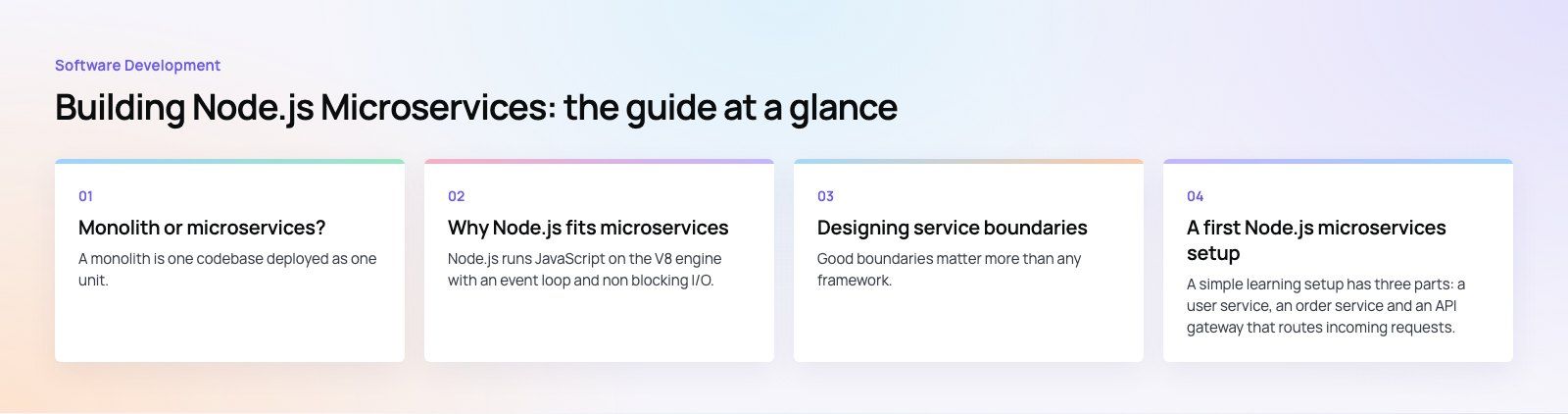
Designing service boundaries
Good boundaries matter more than any framework. Domain driven design helps: model the business into areas such as customers, orders, payments and notifications, and give each area one service that owns its rules and its data.
- One service, one capability. If you cannot describe a service in a sentence, it is probably doing too much.
- Own your data. Services should not read each other's database tables. Share data through APIs or events.
- Avoid chatty services. If two services call each other constantly to complete one request, they may belong together.
- Start coarse. It is easier to split a service later than to merge two that were divided too early.
A first Node.js microservices setup
A simple learning setup has three parts: a user service, an order service and an API gateway that routes incoming requests. Here is how it fits together.
- Install a current LTS release of Node.js. The Node.js release page shows which versions are in active or maintenance support; production services should run a supported LTS line.
- Create one folder per service. Each service gets its own package file, dependencies and, later, its own repository or workspace package and container image.
- Build the user service. Use a small web framework such as Express (or Fastify) to expose endpoints like GET users and GET users by id, listening on its own port and backed by its own data store.
- Build the order service the same way. It exposes order endpoints and stores only the user ID, not a copy of the user record.
- Add an API gateway. A third small service receives all public traffic and proxies paths beginning with users to the user service and paths beginning with orders to the order service. The gateway is also where authentication, rate limiting and request logging usually live.
- Run and test. Start each service in its own terminal or container, then call the gateway and confirm each path reaches the right service.
- Containerize. Write a Dockerfile per service and a Compose file to start them together locally. This is the step that turns a demo into something you can deploy.
Even in this small example, each service can be changed, deployed and scaled without touching the others, which is the whole point of the architecture.
How services communicate
Synchronous APIs
REST over HTTP is the most common choice: stateless requests, resources named clearly (users, orders) and standard methods such as GET, POST, PUT and DELETE. gRPC is an alternative for fast internal service to service calls with strict contracts.
Asynchronous events
With a message broker such as RabbitMQ, Kafka or a managed cloud queue, a service publishes an event ("order placed") and others react in their own time. This reduces coupling and keeps the system working when one consumer is slow or down.
API design habits
- Version your APIs, for example with a v1 prefix in the path, so changes do not break existing clients.
- Return consistent errors with meaningful status codes and messages.
- Document every API with an OpenAPI specification, which tools such as Swagger UI and Postman can read.
- Set timeouts and retries on every outbound call, and use circuit breakers so one failing service does not cascade.
Security for Node.js microservices
More services mean more network endpoints to protect. The OWASP API Security project lists the most common API risks and is a useful checklist.
- Authenticate at the edge and verify inside. Use OAuth 2.0 or OpenID Connect at the gateway, pass signed tokens such as JWTs, and have each service check permissions for its own data.
- Encrypt traffic. Use HTTPS externally and TLS between services; a service mesh can add mutual TLS automatically.
- Validate every input. Use schema validation and parameterized queries to block injection attacks.
- Rate limit and throttle public endpoints to protect against abuse and traffic spikes.
- Keep dependencies patched. Run npm audit or a dependency scanner in the pipeline and update Node.js itself regularly.
- Apply least privilege. Restrict network access between services and give each one only the database permissions it needs.
- Keep secrets out of code in a secrets manager rather than environment files committed to repositories.
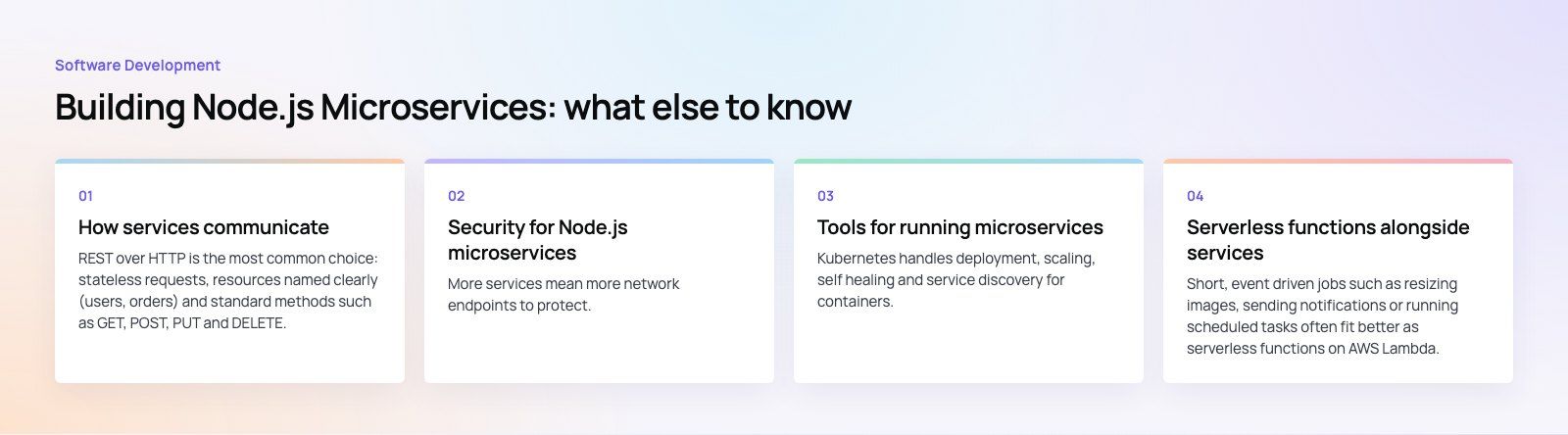
Tools for running microservices
| Need | Common tools |
|---|---|
| Web framework | Express, Fastify, NestJS |
| Containers | Docker |
| Orchestration | Kubernetes, or managed container services from AWS, Azure and Google Cloud |
| Messaging | RabbitMQ, Kafka, cloud queues |
| Metrics and dashboards | Prometheus, Grafana |
| Logs | ELK or OpenSearch stacks, cloud logging |
| Tracing | OpenTelemetry with a tracing back end |
| Testing | Node's built in test runner, Jest, Vitest, contract tests, Postman |
Kubernetes handles deployment, scaling, self healing and service discovery for containers. For a small number of services, a managed container platform can give most of that benefit with far less to operate.
Serverless functions alongside services
Short, event driven jobs such as resizing images, sending notifications or running scheduled tasks often fit better as serverless functions on AWS Lambda, Azure Functions or Google Cloud Functions, all of which support Node.js. They scale automatically and keep long running services focused on their core work. Watch for cold starts and vendor specific tooling.
Trade offs to plan for
- Complexity. A distributed system has more moving parts, more deployments and more ways to fail.
- Debugging. A single request may cross several services; without correlation IDs and tracing, finding a fault is slow.
- Data consistency. Transactions across services need patterns such as sagas and idempotent handlers.
- Testing. You need unit tests per service plus contract tests and full system tests.
- Team overhead. Each service needs an owner, a pipeline and monitoring.
Keeping the architecture healthy
- Automate builds, tests and deployments for every service from day one.
- Follow the twelve factor app habits: config in the environment, stateless processes, logs as streams.
- Add health checks and readiness probes so the platform can restart failing instances.
- Track service versions and dependencies so changes are traceable.
- Review boundaries regularly and merge services that turned out to be too small.
Build it with a team that has done it before
Codeeo has delivered 200+ projects across the UAE and the US, including products like Purpose Payment and Ourcast Live. Our custom software team designs and builds Node.js back ends, our Azure integration service covers cloud deployment, and a codebase review is a good first step if you are deciding whether to split an existing monolith.
Frequently asked questions
Yes, for most API and I/O heavy services.
Node.js handles many concurrent connections efficiently, starts quickly in containers and has a large ecosystem of frameworks and drivers. It also lets teams use one language across front end and back end. For CPU intensive work, pair it with worker threads or a service in another language.
Software DevelopmentSQL vs NoSQL Databases: Differences and How to ChooseHow SQL and NoSQL databases differ in data model, schema, scaling and consistency, where each one fits, and five questions to choose for your project. Software DevelopmentOpen Source Apps: Examples, Licenses and How to Build Your OwnWhat makes an app open source, well known examples, the steps to build your own, how to pick MIT, Apache or GPL, and when to customize instead.
 Software DevelopmentHow an Online HR Portal Improves Employee ExperienceWhat an online HR portal does, how self service improves employee experience, which features matter, and whether to buy, configure or build one.
Tell us what the business needs. We will tell you what to build first.
Schedule a free consultation and get a written recommendation, with costs, before you commit to anything.
Get in touchPROVEN RESULTS
4.7 / 5verified reviews on Google