 E-Commerce10 Features of a High-Converting Ecommerce WebsiteThe ten features that turn store visitors into buyers, from product pages and checkout to speed, mobile design, social proof and ongoing testing.
How to Optimize Your Ecommerce Store for Mobile Shoppers
How to optimize an ecommerce store for mobile: Core Web Vitals targets, thumb friendly design, search and filters, a shorter checkout with wallets, and testing.
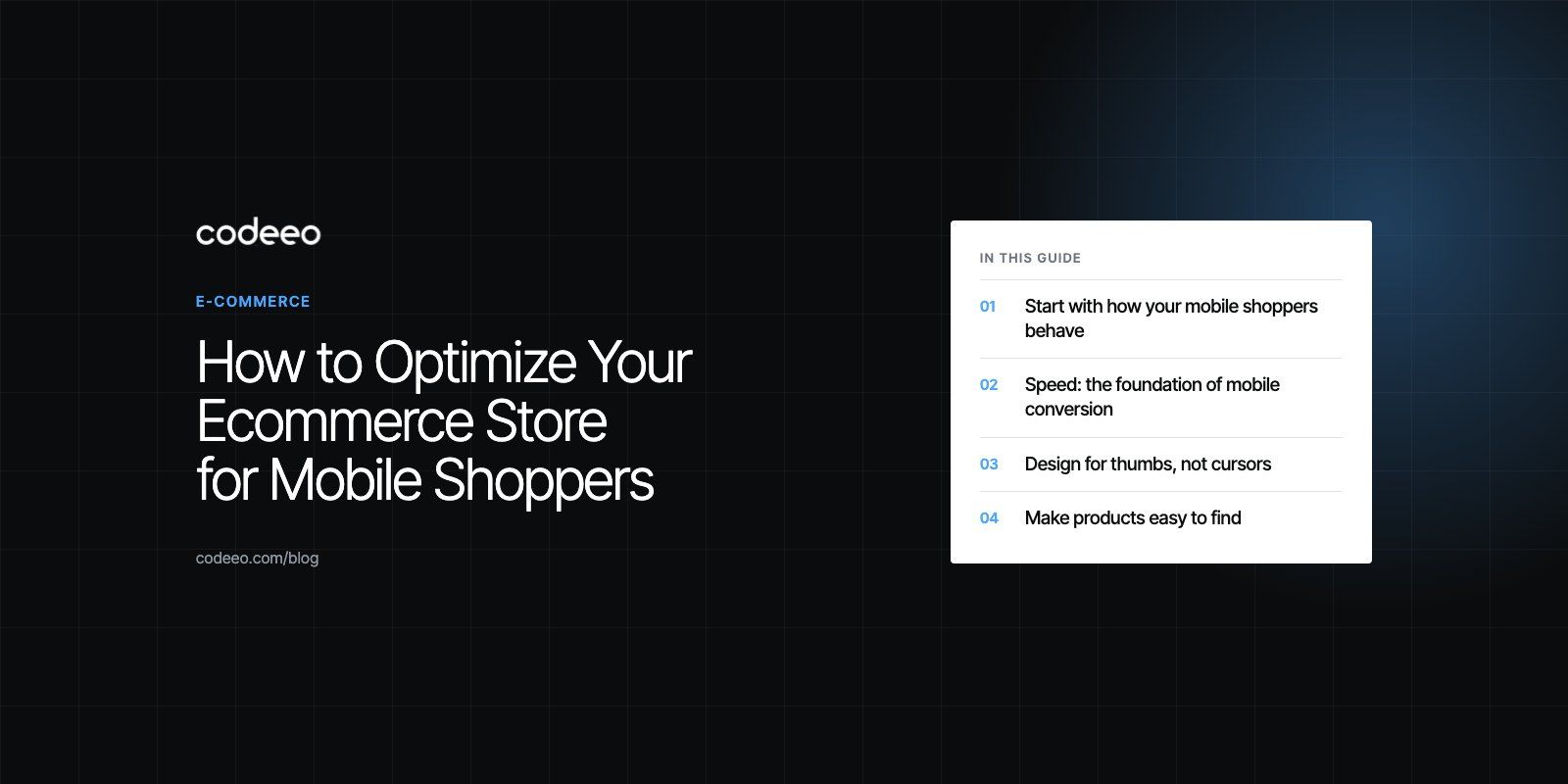
To optimize an ecommerce store for mobile users, make pages load fast on a phone connection, design every screen for one handed thumb use, make search and filters easy, and cut checkout down to as few fields and taps as possible with wallet payments. Then measure real mobile behavior and test changes, because small fixes on product and checkout pages usually move sales more than a redesign.
This guide covers the areas that matter most, in the order most stores should tackle them, along with the mistakes that quietly cost mobile orders.
Start with how your mobile shoppers behave
Before changing anything, open your analytics and split the data by device. Look at the share of sessions on mobile, mobile conversion rate compared with desktop, and where mobile visitors drop off: product listing pages, product detail pages, cart or checkout. A big gap at one step tells you where to focus.
Mobile shoppers tend to browse in short sessions, arrive from social media or search, and compare options quickly. Many start on a phone and finish on a laptop. That means your mobile store has two jobs: sell to people ready to buy now, and make it easy for everyone else to save, share or come back later.
Speed: the foundation of mobile conversion
Slow pages lose mobile shoppers before they see a product. Google's Core Web Vitals give you clear targets. According to web.dev (2026), a good experience means Largest Contentful Paint within 2.5 seconds, Interaction to Next Paint of 200 milliseconds or less, and Cumulative Layout Shift of 0.1 or less.
Practical speed fixes
- Images: serve correctly sized images in WebP or AVIF, and lazy load anything below the first screen. Do not lazy load the main product image, since that delays the largest paint.
- Apps and scripts: every review widget, chat bubble, popup and tracking tag adds JavaScript. Audit them and remove what does not pay its way.
- Fonts: limit font families and weights, and preload the one used above the fold.
- Layout stability: reserve space for images, banners and badges so content does not jump as the page loads, which causes mis taps.
- Caching and a CDN: serve pages and assets from locations close to your shoppers.
If your store fails these metrics on mobile, a focused speed optimization engagement usually finds the biggest wins quickly.
Design for thumbs, not cursors
Responsive layout that is truly mobile first
A responsive theme that simply shrinks the desktop layout is not enough. Design the mobile view first: one clear column, readable text without zooming, and the price, key options and add to cart button visible without scrolling on product pages.
Tap targets and reach
Buttons and links need room. The accessibility standard WCAG 2.2 sets a minimum target size of 24 by 24 CSS pixels, and primary actions such as add to cart and checkout should be much larger than that. Place them where a thumb naturally rests, and consider a sticky add to cart bar on long product pages.
Simple navigation
Keep the menu short and organized by how customers shop, not by your internal categories. Put search at the top of every page, since many mobile shoppers search instead of browsing menus.
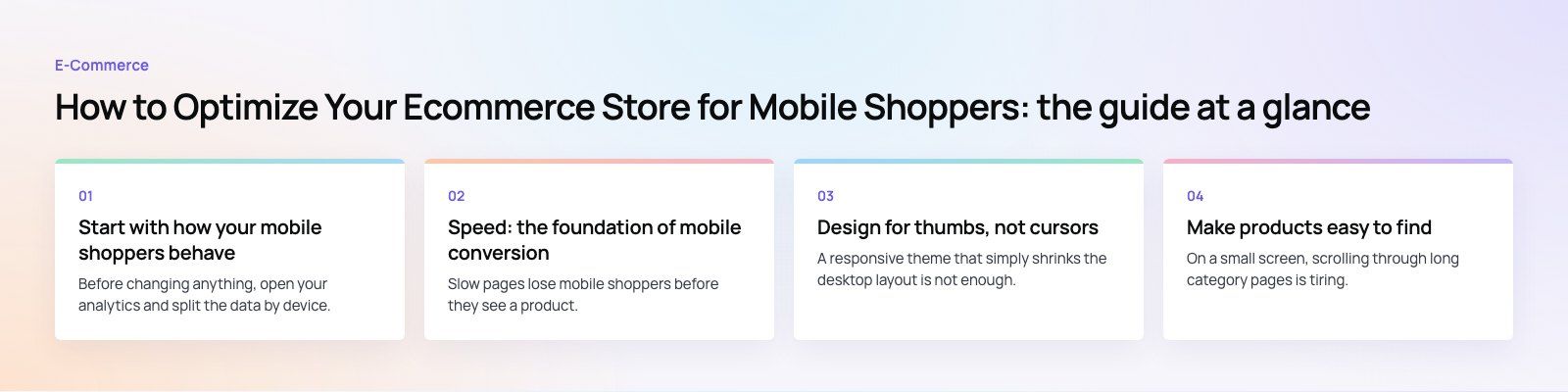
Make products easy to find
On a small screen, scrolling through long category pages is tiring. Search and filters do the heavy lifting.
- Search with typo tolerance and suggestions so a misspelled query still returns results.
- Filters in a drawer that open over the listing, show how many results each option returns, and apply without reloading the whole page.
- Sorting that matters for your catalog, such as newest, best selling or price.
- Clear product cards with one strong image, name, price and key variant information.
Stores with deep catalogs benefit most. In our Clock Springs Australia build, shoppers find parts by make and model, with fitment shown on every product.
Product pages that answer questions fast
Mobile shoppers cannot see much at once, so order the content by what they need to decide:
- Swipeable images with zoom, plus video where it helps.
- Price, availability and delivery estimate.
- Variant selectors that are large and clearly labeled.
- Add to cart, with wallet buttons where your platform supports them.
- Key details in collapsible sections: size guide, materials, returns.
- Reviews, summarized first with the option to read more.
Checkout: where most mobile sales are won or lost
Checkout is the hardest part of mobile shopping because typing on a phone is slow. Every field you remove helps.
Reduce typing
- Offer guest checkout and do not force account creation before payment.
- Use the correct input types so phones show a numeric keypad for phone and card numbers and an email keyboard for email.
- Support browser autofill with proper field names, and add address lookup where it is reliable.
- Keep the order summary visible but collapsed.
Offer the payment methods shoppers expect
Wallets such as Apple Pay and Google Pay let shoppers pay with a fingerprint or face scan instead of typing card details. Depending on your market, buy now pay later providers and cash on delivery may also matter. Show these options early, ideally on the cart page, so shoppers know their preferred method is available. Our payment integration team connects these to Shopify, WooCommerce and custom stores.
Be clear about delivery and costs
Surprise shipping costs are a common reason for abandoned carts. Show delivery options and timing before the final step. For stores with scheduled delivery, let shoppers pick a date and time window inside checkout, as we did for The Gorgeous Flower Co.
If you are not sure where your checkout loses people, a checkout teardown walks through each step on real devices and lists the fixes.
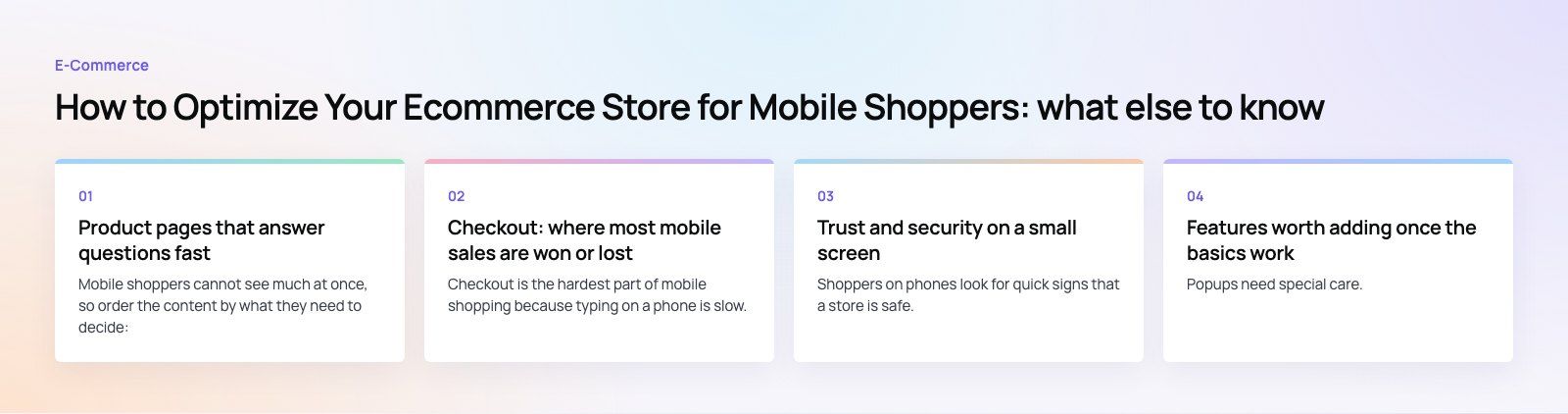
Trust and security on a small screen
Shoppers on phones look for quick signs that a store is safe. Use HTTPS everywhere, show accepted payment logos near the pay button, and link clearly to returns, delivery and contact details. Avoid redirecting shoppers to unfamiliar payment pages without explanation, and make sure any embedded payment form is fully responsive.
Features worth adding once the basics work
| Feature | When it helps | Watch out for |
|---|---|---|
| Live chat or WhatsApp | Products that raise questions before purchase | Chat widgets that slow pages or cover buttons |
| Abandoned cart emails or messages | Most stores, especially with high cart traffic | Sending too often or without consent |
| Personalized recommendations | Large catalogs and repeat buyers | Heavy scripts that hurt speed |
| Social commerce links | Brands that sell through Instagram or TikTok | Product data falling out of sync |
| Augmented reality previews | Furniture, decor, eyewear and cosmetics | Cost and effort compared with the uplift |
| A mobile app | Loyal customers who buy often | Maintaining two channels instead of one |
Popups need special care. Google warns in its page experience guidance against intrusive interstitials that make content hard to reach on mobile. Use small banners or delayed, easy to close prompts instead of full screen takeovers.
Measure and test continuously
Mobile optimization is never finished. Track mobile conversion rate, add to cart rate and checkout completion separately from desktop. Use A/B tests for changes such as button placement, product page order or checkout steps, and give each test enough traffic to reach a clear result. Session recordings on mobile often reveal problems that numbers hide, such as a hidden error message or a button covered by a chat widget.
Common mobile ecommerce mistakes
- Testing only on the latest flagship phone over office Wi Fi.
- Stacking apps and widgets until the store is slow.
- Full screen popups on the first page view.
- Forcing account creation before checkout.
- Tiny variant buttons that are easy to mis tap.
Getting your store ready for mobile shoppers
Fast pages, thumb friendly design, easy search and a short checkout with wallet payments cover most of what mobile shoppers need. Codeeo's team of 80+ across Dubai, Riyadh and Karachi builds and improves stores on Shopify and WooCommerce, and our retail and ecommerce work starts with exactly these fixes. Contact us to review your mobile store.
Frequently asked questions
For most online stores, phones bring a large share of visits, and Google uses the mobile version of a site for indexing and ranking.
A store that is slow or awkward on a phone loses both search visibility and sales. Mobile optimization makes browsing, searching and paying quick on a small screen, which directly lifts conversion from that traffic.
E-Commerce10 Features of a High-Converting Ecommerce WebsiteThe ten features that turn store visitors into buyers, from product pages and checkout to speed, mobile design, social proof and ongoing testing. E-CommerceBenefits of Using a CMS for Ecommerce WebsitesHow a CMS helps online stores manage products, SEO, growth and security, how it compares with a custom build, and how to choose between WooCommerce, Shopify and headless.
 E-CommerceEcommerce Website Development: 9 Elements Every Store NeedsThe nine parts every online store needs, from catalog data and search to checkout, security, operations and analytics, with what to decide before you build.
Tell us what the business needs. We will tell you what to build first.
Schedule a free consultation and get a written recommendation, with costs, before you commit to anything.
Get in touchPROVEN RESULTS
4.7 / 5verified reviews on Google