 SEOHow to Optimize Your Website for Search EnginesA practical guide to optimizing a website for search engines: technical health, mobile first indexing, on page content, earning links and measuring results.
PWA SEO: How to Make a Progressive Web App Rank
How to get a progressive web app found in search: rendering, URLs, service workers, Core Web Vitals, content, metadata and the mistakes that hide PWAs.
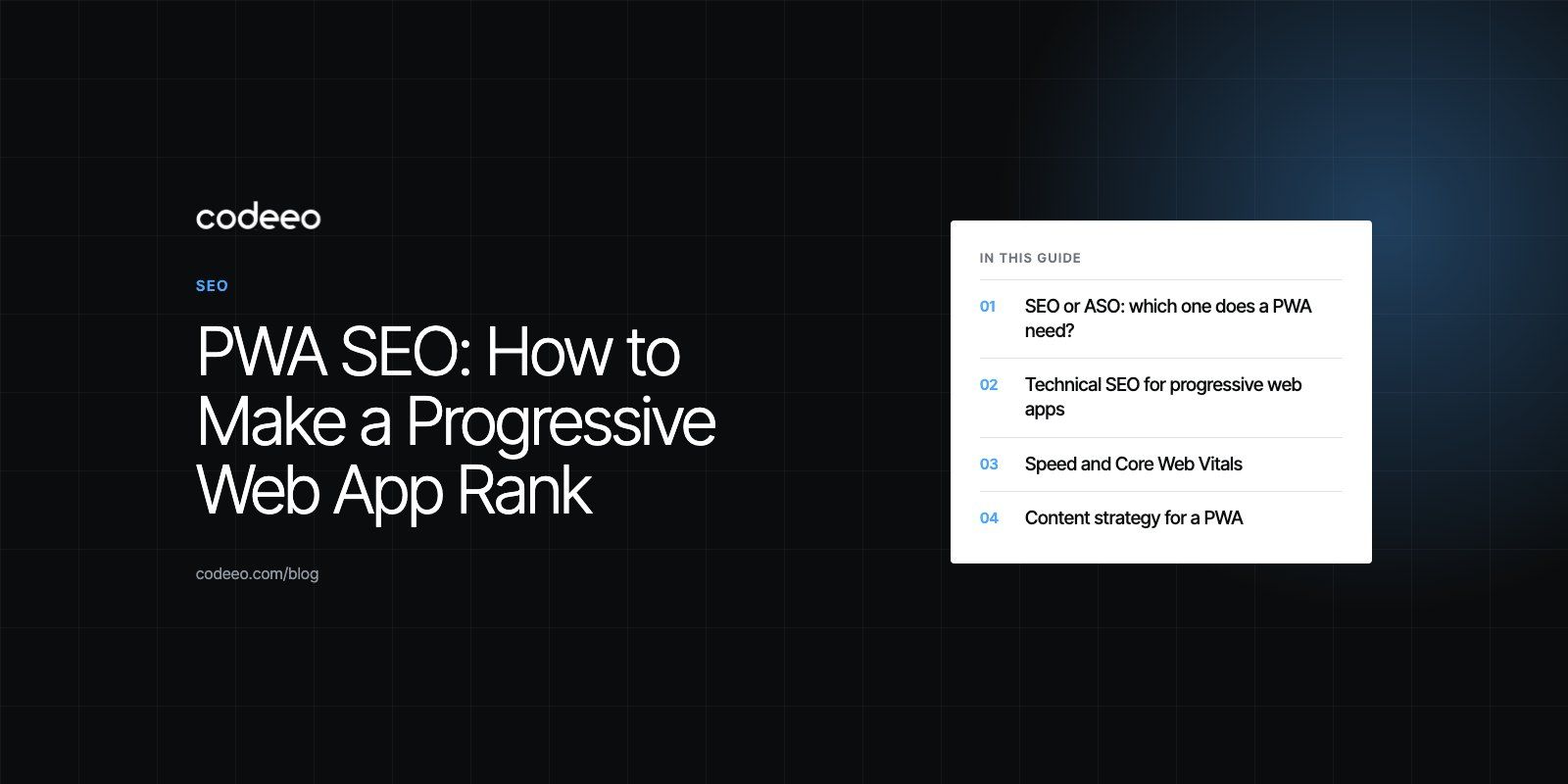
PWA SEO is the work of making a progressive web app visible in search results. Because a PWA is a website at heart, it ranks through normal search engine optimization: crawlable URLs, server rendered content, fast pages and useful copy. The app-like layer (service worker, manifest, offline mode) adds a few technical traps, and most PWA ranking problems come from those traps rather than from the content itself.
This guide covers whether you need SEO or app store optimization, the technical checks that matter most for PWAs, content and metadata, and the mistakes we see most often when teams launch a PWA and wonder why search traffic never arrives.
SEO or ASO: which one does a PWA need?
Search engine optimization (SEO) improves how a website ranks on Google and Bing. App store optimization (ASO) improves how an app ranks inside the Apple App Store or Google Play. A PWA sits between the two, but it lives on the web first, so SEO does almost all of the work.
ASO only becomes relevant if you also package the PWA for an app store. On Android, Google supports this through Trusted Web Activity, which lets a PWA ship as a Play Store listing. In that case the store listing needs its own title, description, screenshots and keywords, while the web version keeps earning organic search traffic.
| Question | SEO | ASO |
|---|---|---|
| Where people find you | Google, Bing and AI answers | App Store and Google Play search |
| What you optimize | Pages, content, speed, structure | Store title, description, screenshots, reviews |
| Applies to a PWA | Always | Only if you publish a store listing |
| Who controls ranking | Search engine algorithms | Store algorithms and review rules |
Technical SEO for progressive web apps
Most PWAs are built as single page applications on frameworks like React, Next.js or Vue. That architecture is where search problems usually start, so the technical layer deserves attention before anything else.
Render content the crawler can read
If every page arrives as an empty HTML shell that JavaScript fills in later, search engines have to render the page before they can see any text. Google can render JavaScript, but its own JavaScript SEO guidance explains that rendering is a separate step and that server side or pre rendering is still the safer choice. Frameworks such as Next.js make this straightforward: the server sends complete HTML, and the PWA features load on top.
Give every view a real URL
Each product, article or screen that you want to rank needs its own clean URL that loads directly, without the user first passing through the home page. Avoid hash based routing such as /#/pricing, because search engines treat everything after the hash as the same page. Use the History API so that /pricing/ is a separate, indexable address.
Keep the service worker out of the crawler's way
A service worker caches files so the app works offline. It should never serve a stale or offline page to a crawler, and it should never intercept requests in a way that changes the status code. A removed page must return a real 404, not a cached shell with a 200 status. Test this by loading key URLs in a fresh browser profile with the service worker disabled.
Sitemap, robots.txt and canonical tags
- XML sitemap: list every indexable URL and submit it in Google Search Console and Bing Webmaster Tools.
- robots.txt: do not block the JavaScript and CSS files the app needs to render. A blocked bundle can leave Google looking at a blank page.
- Canonical tags: PWAs often serve the same content under several paths or with tracking parameters. Point each page at one preferred URL.
Mobile first indexing
Google indexes the mobile version of a site. Its mobile first indexing guide asks that the mobile version carry the same content, headings, structured data and metadata as the desktop version. PWAs are usually designed mobile first, which helps, but check that menus or tabs hidden on small screens still load their content in the HTML.
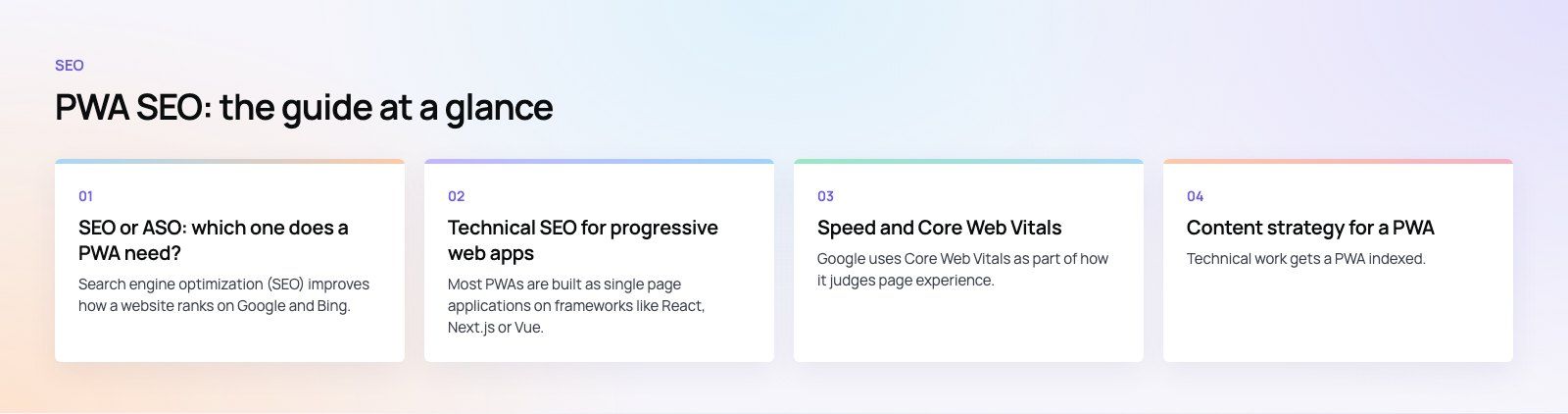
Speed and Core Web Vitals
Google uses Core Web Vitals as part of how it judges page experience. There are three: Largest Contentful Paint (how quickly the main content appears), Interaction to Next Paint (how quickly the page responds to taps and clicks) and Cumulative Layout Shift (how much the layout jumps while loading).
PWAs have an advantage on repeat visits, because cached assets load almost instantly. The first visit is what search engines and new users experience, though, and large JavaScript bundles often make that first load slow. Practical fixes:
- Split code by route so each page only loads the JavaScript it needs.
- Serve images in modern formats, sized for the screen, with width and height set to prevent layout shift.
- Defer third party scripts such as chat widgets and analytics until after the main content.
- Use a content delivery network and a host that answers quickly from the regions where your users are.
If your scores are poor, our Core Web Vitals service focuses on exactly these fixes.
Content strategy for a PWA
Technical work gets a PWA indexed. Content is what makes it rank. Many PWAs are built as tools, with almost no text outside the app screens, which leaves search engines very little to understand.
Start with keyword research
Find the phrases people use when they need what your app does. Tools such as Google Keyword Planner and Search Console show real queries. Map one main topic to each page, and use the phrase naturally in the title, the first heading and the opening paragraph.
Build pages around questions
- Landing pages for each main feature or use case, written for people who have not used the app yet.
- Help guides that answer common questions in plain language.
- Blog articles that cover problems your audience is trying to solve.
- Comparison pages that explain how your approach differs from the alternatives.
A small number of thorough pages will outperform dozens of thin ones.
Earn links
Links from relevant, trusted sites still help a page rank. Useful guides, original data, tools that others want to reference and genuine partnerships earn links over time. Avoid paid link schemes, which carry real risk of a manual penalty.
Local SEO, if you serve one area
If the PWA serves a city or region, a complete Google Business Profile, consistent contact details and location pages help it appear in local results. Our local SEO work covers that side.
Metadata that helps a PWA rank and get clicked
Metadata tells search engines and users what a page is about before they open it. In a single page app, it must change with each route, which is a step teams often miss.
- Title tags: unique for every page, specific, and roughly 50 to 60 characters.
- Meta descriptions: a clear summary that makes someone want to click. Search engines may rewrite them, but a good one is used more often.
- Structured data: schema markup for products, articles, FAQs or software applications helps search engines understand the page. Google's structured data introduction lists the supported types.
- Images: descriptive file names and alt text that explain the image to someone who cannot see it.
- URLs: short, readable and separated with hyphens.
- Web app manifest: the manifest name and description do not affect ranking directly, but keep them consistent with your brand name so the installed app matches what people searched for.
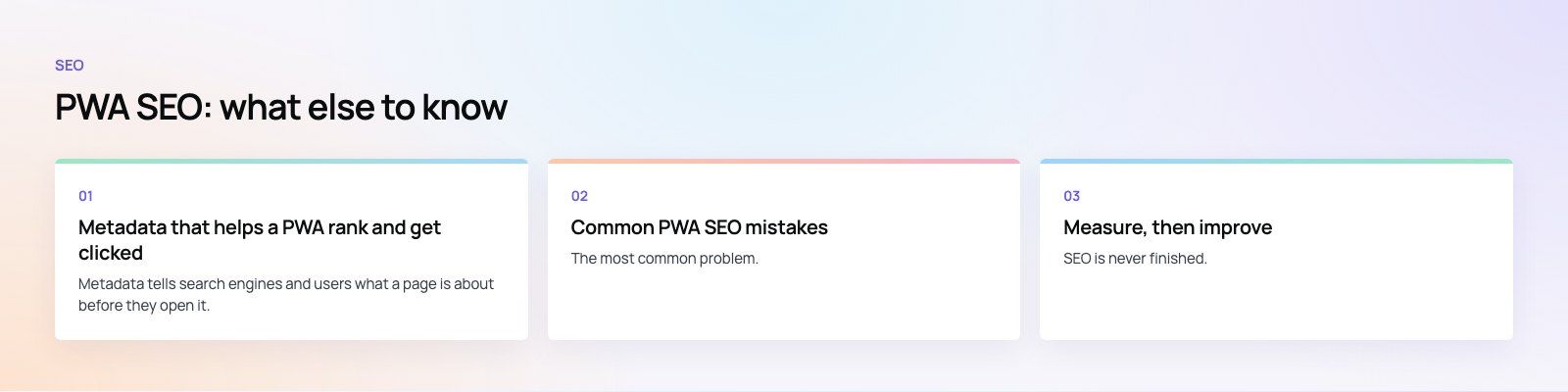
Common PWA SEO mistakes
Shipping an empty HTML shell
The most common problem. View the page source, not the rendered page, and check whether your main text is there. If it is not, add server side rendering or pre rendering.
One title for the whole app
When the title tag is set once in the HTML template and never updated, every page competes with the same title. Search engines then struggle to tell pages apart.
Soft 404 errors
Client side routing often shows a "not found" message while returning a 200 status. Search engines may index these empty pages. Return a real 404 from the server.
Keyword stuffing
Repeating a phrase over and over does not help and can hurt. Write for the reader, cover the topic fully, and the right terms will appear naturally.
Ignoring usability
Small tap targets, intrusive pop ups and confusing navigation send people back to the results page. Search engines notice when users leave quickly and do not return.
Migrating without redirects
Rebuilding an existing website as a PWA often changes URLs. Without 301 redirects from every old URL to its new equivalent, years of ranking can disappear overnight. A planned site migration maps every URL before launch.
Measure, then improve
SEO is never finished. Set up Google Search Console and Bing Webmaster Tools on day one, and use GA4 or another analytics tool to see which pages bring visitors and which convert. Review a few signals each month:
- Pages indexed versus pages submitted in the sitemap.
- Queries where you appear but rarely get clicked, which usually means a weak title.
- Core Web Vitals in the field data report, not only in lab tests.
- Pages losing traffic, which may need updating.
Search is also changing as AI generated answers appear above traditional results. Clear, well structured pages that answer a question directly in the first paragraph are the ones most likely to be quoted, so the same habits that help classic SEO also help here.
Getting your PWA found
A PWA can rank as well as any website when it serves real HTML, gives every view a clean URL, loads fast on the first visit and carries content that answers real questions. Codeeo has delivered 200+ projects across the UAE and the US with a team of 80+ across Dubai, Riyadh and Karachi. If you are planning a PWA or fixing one that search engines ignore, our web development team and technical SEO review are a good place to start.
Frequently asked questions
Yes.
A PWA is a website, so Google crawls and ranks it like any other site. The main requirement is that each page delivers readable HTML content and has its own URL. PWAs built as client rendered single page apps often struggle until server side rendering or pre rendering is added, so check your page source to confirm the content is actually there.
SEOHow to Optimize Your Website for Search EnginesA practical guide to optimizing a website for search engines: technical health, mobile first indexing, on page content, earning links and measuring results. SEOTechnical SEO vs On-Page SEO: Differences and How They Work TogetherTechnical SEO gets your pages indexed; on-page SEO makes them rank. See what each covers, where they overlap and the order to fix problems in.
 SEOWordPress SEO Tips: A Practical Checklist to Improve RankingsA practical WordPress SEO checklist: plugin setup, site structure, keyword intent, titles, speed, mobile, schema, monitoring and the mistakes that hold sites back.
Tell us what the business needs. We will tell you what to build first.
Schedule a free consultation and get a written recommendation, with costs, before you commit to anything.
Get in touchPROVEN RESULTS
4.7 / 5verified reviews on Google