 SEOHow to Optimize Your Website for Search EnginesA practical guide to optimizing a website for search engines: technical health, mobile first indexing, on page content, earning links and measuring results.
WordPress SEO Tips: A Practical Checklist to Improve Rankings
A practical WordPress SEO checklist: plugin setup, site structure, keyword intent, titles, speed, mobile, schema, monitoring and the mistakes that hold sites back.
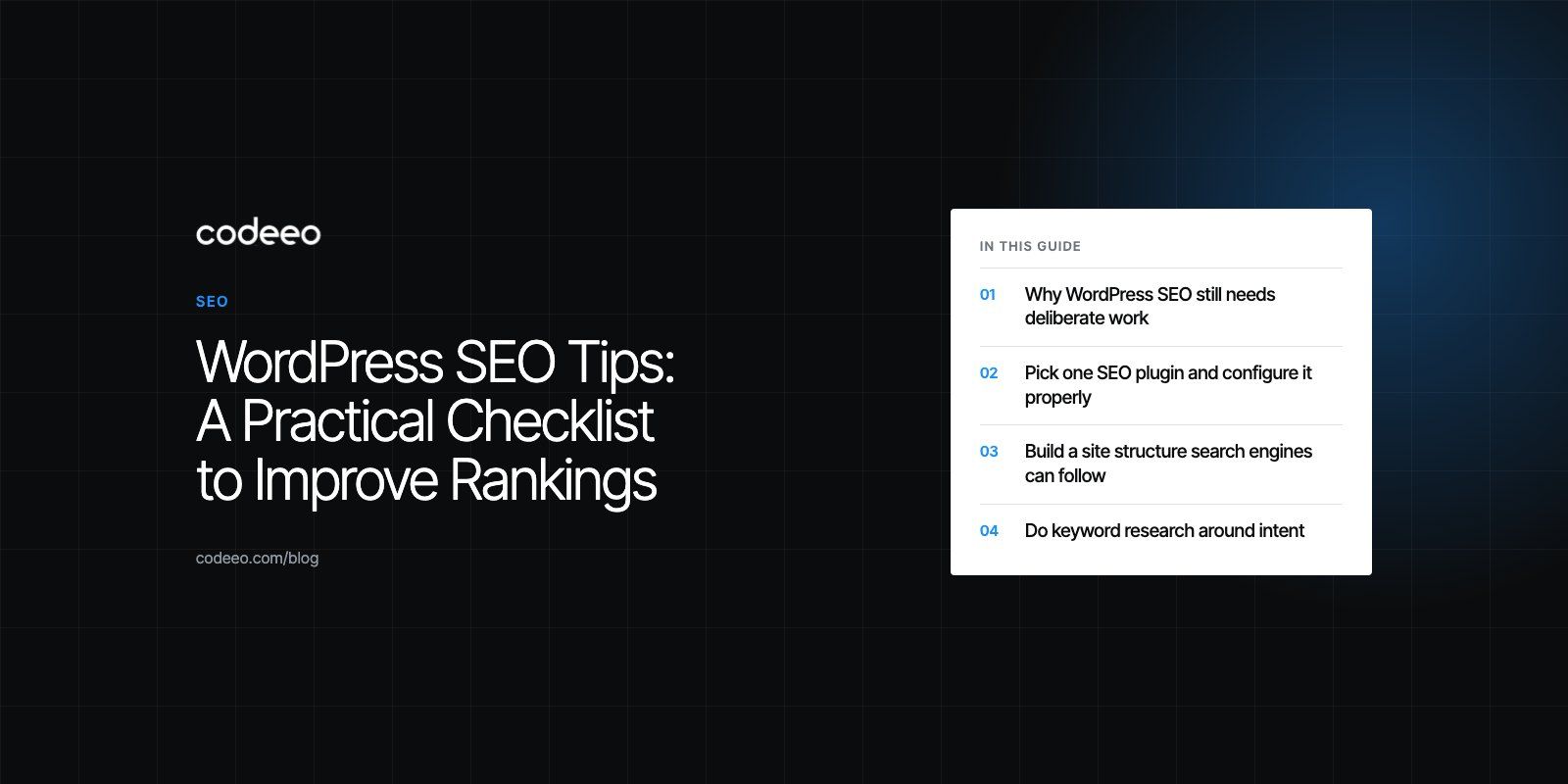
The WordPress SEO tips that move rankings are mostly unglamorous: one well configured SEO plugin, a clean site structure, pages written for a real search intent, fast loading on phones, and regular checks in Google Search Console. WordPress gives you a good starting point, but it does not do the work for you. Expect steady effort over months rather than a quick fix.
This checklist walks through each area in the order we would tackle it on a typical WordPress site, with the mistakes that most often hold sites back.
Why WordPress SEO still needs deliberate work
WordPress produces clean HTML, lets you edit titles and URLs, and has a mature plugin ecosystem. That is why it ranks well when it is set up properly. The problems usually come from what gets added later: heavy themes, a dozen overlapping plugins, archive pages nobody meant to publish, and images uploaded straight from a camera.
Good WordPress SEO is less about secret settings and more about keeping the site tidy as it grows. The sections below follow that idea.
Pick one SEO plugin and configure it properly
An SEO plugin handles the jobs WordPress does not do natively: editable meta titles and descriptions, XML sitemaps, canonical tags, schema output and controls over which archives get indexed. The two most widely used options are Yoast SEO and Rank Math.
| Point of comparison | Yoast SEO | Rank Math |
|---|---|---|
| Learning curve | Gentle, with plain language guidance | More settings up front, guided setup wizard |
| Content analysis | Readability and keyword checks per post | Similar checks, scored per post |
| Schema | Sensible defaults built in | More schema types selectable per page |
| Redirects | Available in the premium tier | Redirect manager included |
| Best fit | Teams that want simplicity | Teams that want more control in one plugin |
Whichever you pick, install only one. Two SEO plugins will output duplicate meta tags and conflicting sitemaps. After activating it, work through the setup: confirm your site name and logo, turn on the XML sitemap, and set tag archives, author archives on single author sites and media attachment pages to noindex unless they serve a purpose.
Build a site structure search engines can follow
Categories, tags and menus
Use categories as the main sections of your content and keep them few and distinct. Tags are optional; if you use them, avoid creating a tag for every post, because each tag creates a thin archive page. Your main menu should mirror the categories and key service pages so both visitors and crawlers can reach important pages within a couple of clicks.
Permalinks and slugs
Set permalinks to the post name format under Settings, then Permalinks. Keep slugs short and descriptive, drop filler words, and avoid dates in URLs for evergreen content. If you change an existing slug, add a 301 redirect from the old URL straight away. Changing permalink structure on an established site is effectively a migration, so plan it like one; our notes on site migration cover what needs to happen.
Internal links
Link related posts and pages to each other using descriptive anchor text rather than "click here". Each important page should have several internal links pointing to it. A practical habit: every time you publish a new post, add links to it from two or three older posts on the same topic. Avoid stuffing dozens of links into a single paragraph; a few relevant links do more than many forced ones.
Do keyword research around intent
Start with the questions your customers actually ask, then use a tool such as Google Keyword Planner, Semrush or Ahrefs to see how people phrase them. Look for terms where the current top results match the kind of page you can write. If the results are all product pages, a blog post will struggle; if they are all guides, a service page will struggle.
Longer, more specific phrases are usually easier to win and convert better because the searcher already knows what they want. Assign one main keyword per page so two of your own pages are not competing for the same query, then cover the related questions inside that page.
Write titles and meta descriptions that earn the click
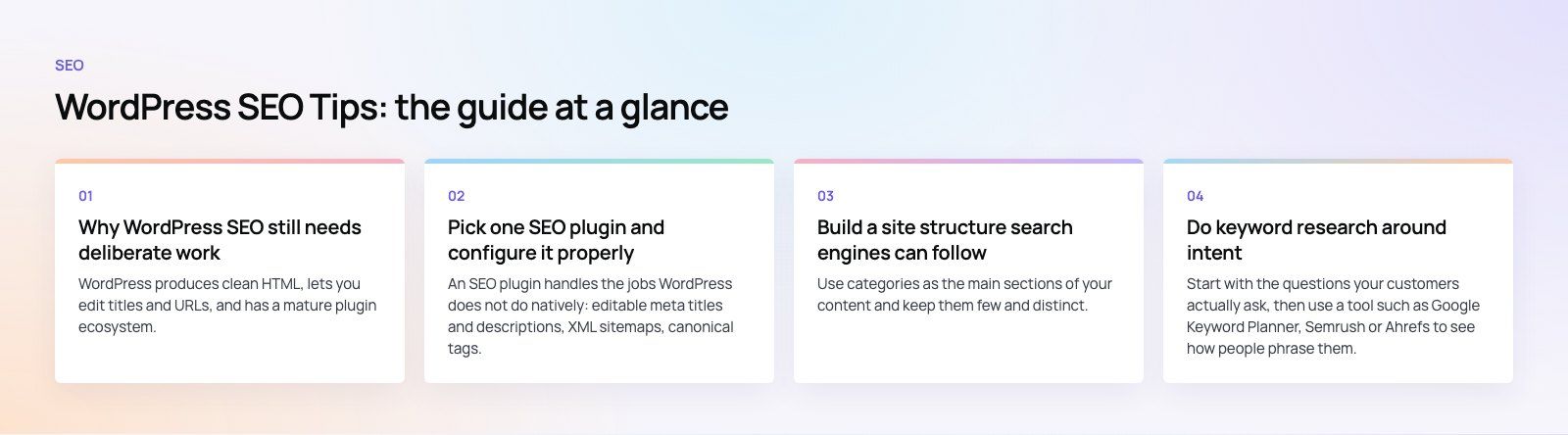
Your SEO plugin lets you set a title and meta description for every post and page. Put the main keyword near the start of the title, make it specific, and keep it short enough to display fully in results; around 60 characters is a sensible target. Google may rewrite titles it considers unhelpful, and its title link guidance explains what it looks for.
Meta descriptions do not directly affect rankings, but they influence whether people click. Summarize what the page answers, use the keyword naturally, and give a reason to choose your result over the one above it.
Make the site fast, especially on phones
Speed affects both rankings and how long people stay. On WordPress, the biggest wins usually come from a handful of changes.
- Hosting: cheap shared hosting is often the bottleneck. A host with server level caching and modern PHP makes every other fix easier.
- Caching: use one caching plugin, such as WP Super Cache, W3 Total Cache or the one your host recommends, and configure page caching properly.
- Images: resize images before upload and serve modern formats such as WebP. Plugins like Imagify or ShortPixel can convert on upload and provide fallbacks.
- Theme and plugins: page builders and heavy themes load large amounts of CSS and JavaScript. Remove plugins you do not use and test the impact of the ones you keep.
- CDN: a content delivery network serves static files from locations closer to visitors.
Measure with Google PageSpeed Insights and the Core Web Vitals report in Search Console, which shows field data from real visitors rather than a single lab test. If your scores stay poor after the basics, our Core Web Vitals service or a focused speed optimization quick start can find what is actually slowing the site down.
Check mobile usability properly
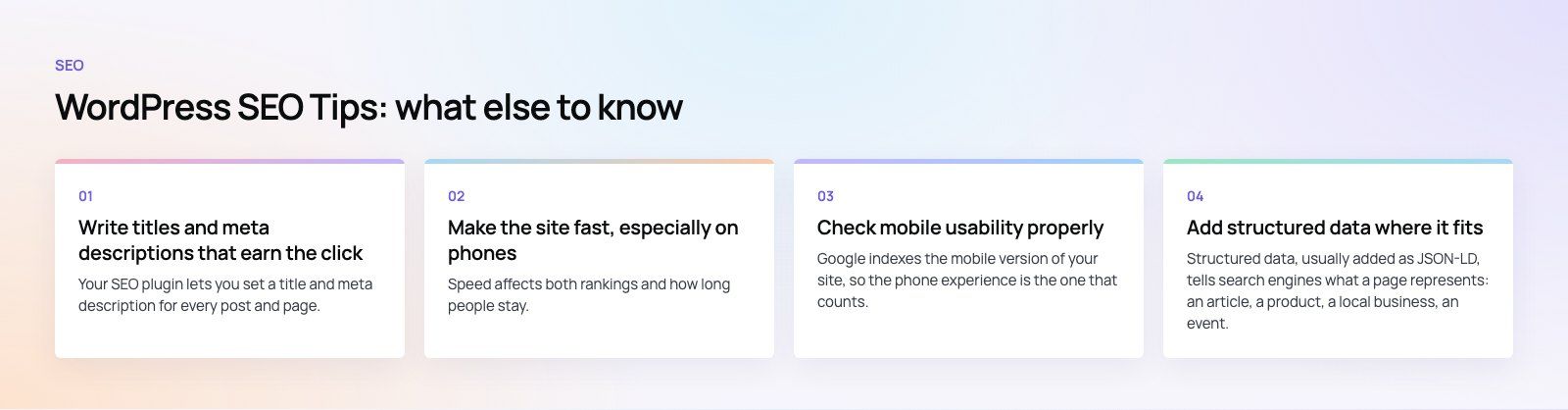
Google indexes the mobile version of your site, so the phone experience is the one that counts. Choose a responsive theme, keep body text readable without zooming, and make buttons large enough to tap. Google retired its standalone Mobile Friendly Test, so use Lighthouse in Chrome DevTools and test on real phones. Pay attention to pop ups that cover content on small screens and menus that are hard to open.
Add structured data where it fits
Structured data, usually added as JSON-LD, tells search engines what a page represents: an article, a product, a local business, an event. Both Yoast and Rank Math add basic schema automatically. Add more specific types only where the page genuinely matches, and validate with Google's Rich Results Test. Google's introduction to structured data lists the supported types. Schema can make a result eligible for richer display, but Google decides whether to show it, and markup will not rescue a weak page.
Create cornerstone content
Pick the handful of topics that matter most to your business and write one thorough page for each. Then link your shorter, related posts to that page. This gives search engines a clear signal about which page should rank for the broad topic, and gives readers a natural place to start. Update these pages when facts change rather than publishing new versions alongside them.
Monitor results and fix problems early
Connect Google Search Console and Google Analytics as soon as the site is live. In Search Console, watch the Pages report for indexing problems, the Performance report for queries and click through rate, and the Core Web Vitals report for speed issues. In Analytics, track organic visits and the conversions that matter to you, such as form submissions or orders.
A monthly review is enough for most sites: look for pages that lost clicks, queries where you rank on page two, and new crawl errors. If you want a second pair of eyes, a technical SEO review gives you a prioritized list instead of a long report.
Common WordPress SEO mistakes
- Leaving "Discourage search engines" switched on after launch. It is under Settings, then Reading, and it is a common reason a new site never appears.
- Keyword stuffing. Repeating a phrase makes the text worse and does not help rankings.
- Duplicate titles and descriptions across many pages, often from templates.
- Indexing thin archives such as tag pages and attachment pages.
- Broken links and redirect chains after content is moved or deleted.
- Plugin overload that slows the site and creates conflicts.
One issue we often see on older WordPress sites is a theme that has been patched for years until nobody is sure what it loads. In those cases a cleaner rebuild can be faster than chasing individual fixes; the EGL Aesthetic case study shows a custom child theme built for a brand rather than borrowed.
Keep up with search changes without chasing every rumor
Follow Google Search Central for official announcements and read your own Search Console data before reacting to industry chatter. When a core update lands, wait for it to finish rolling out, then compare affected pages against what ranks now. Most recoveries come from improving content and user experience, not from technical tricks.
If your WordPress site needs more than tuning, our WordPress development team builds and maintains fast, search friendly sites, and our digital marketing service covers ongoing SEO once the foundations are solid.
Frequently asked questions
WordPress SEO is the work of making a WordPress site easy for search engines to crawl, understand and rank.
It combines technical setup, such as permalinks, sitemaps, speed and indexing controls, with content work, such as keyword research, useful pages and internal linking. A plugin helps with the settings, but rankings depend mainly on content quality and site performance.
SEOHow to Optimize Your Website for Search EnginesA practical guide to optimizing a website for search engines: technical health, mobile first indexing, on page content, earning links and measuring results. SEOTechnical SEO vs On-Page SEO: Differences and How They Work TogetherTechnical SEO gets your pages indexed; on-page SEO makes them rank. See what each covers, where they overlap and the order to fix problems in.
 SEOTechnical SEO Best Practices: What Google Actually Asks ForTechnical SEO best practices from Google's own guidance: crawling, indexing, Core Web Vitals, mobile first indexing, HTTPS, structured data, large and international sites.
Tell us what the business needs. We will tell you what to build first.
Schedule a free consultation and get a written recommendation, with costs, before you commit to anything.
Get in touchPROVEN RESULTS
4.7 / 5verified reviews on Google