 Software DevelopmentSQL vs NoSQL Databases: Differences and How to ChooseHow SQL and NoSQL databases differ in data model, schema, scaling and consistency, where each one fits, and five questions to choose for your project.
CodeeoInsightsSoftware Development
Restaurant CRM: Build Guest Loyalty and Run a Smoother Operation
What a restaurant CRM does, from guest profiles and loyalty to reservations and POS integration, plus how to choose one and avoid common mistakes.
A restaurant CRM is a customer relationship system built around diners: it brings together guest profiles, visit and order history, preferences, reservations, loyalty points and feedback, then uses that data to send relevant offers and help staff recognize regulars. It earns its place by turning one-time visitors into repeat guests and by cutting the admin behind bookings, promotions and reviews. The biggest gains come when it is connected to your POS and booking system, so the data builds itself with every order.
This guide covers what a restaurant CRM does, the features that matter, how it supports day to day operations, how to choose one and how to avoid the usual mistakes.
Why restaurants need a CRM
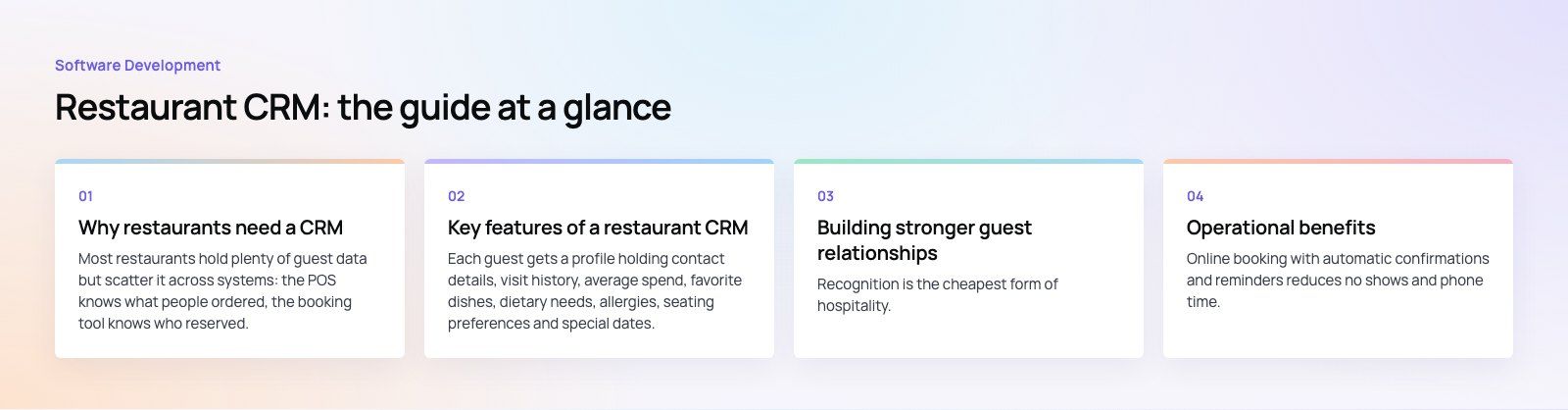
Most restaurants hold plenty of guest data but scatter it across systems: the POS knows what people ordered, the booking tool knows who reserved, delivery apps know addresses, and the loyalty card or app knows who comes back. None of these talk to each other, so the restaurant cannot answer simple questions such as who its best guests are, who has not visited for two months, or which promotion brought people back.
A CRM pulls this into one profile per guest. That makes marketing more relevant, service more personal and decisions more grounded in what guests actually do.
| Area | Traditional approach | With a restaurant CRM |
|---|---|---|
| Guest data | Scattered across receipts, booking books and loyalty cards | One profile with visits, orders, preferences and allergies |
| Marketing | Same message to everyone | Segmented email, SMS and app campaigns based on behavior |
| Reservations | Phone calls and manual notes | Online booking, waitlists and guest notes linked to the profile |
| Loyalty | Stamp cards or a separate app | Points and rewards tied to real spend at the POS |
| Feedback | Occasional comments and scattered reviews | Post-visit surveys linked to the visit and the server |
Key features of a restaurant CRM
Guest profiles and data management
Each guest gets a profile holding contact details, visit history, average spend, favorite dishes, dietary needs, allergies, seating preferences and special dates. Staff see the useful parts at the right moment, for example an allergy flag on the reservation or a note that a guest prefers a quiet table.
Segmentation and marketing automation
Instead of guessing, you build segments from behavior: regulars, lapsed guests, big spenders, brunch only guests, delivery customers who have never dined in. Automated campaigns then run without daily effort: a birthday message, a we miss you offer after a set gap, a thank you after a first visit, or a launch invitation for guests who ordered a similar dish. Connecting these flows through marketing and sales automation keeps them consistent across email, SMS and messaging apps.
Loyalty programs
A CRM can run points, tiers, rewards and member only perks, or integrate with an existing loyalty app. The key is that rewards are tied to real transactions from the POS, so guests earn automatically and staff never have to stamp or check cards.
Reporting and analytics
Useful reports show visit frequency, retention by month of first visit, average order value by segment, campaign response and the share of revenue coming from returning guests. Dashboards in tools such as Power BI let owners compare branches and see whether marketing actually brings people back.
Building stronger guest relationships
Personal experiences
Recognition is the cheapest form of hospitality. When the host knows it is a guest's anniversary, or the server knows their usual order and their nut allergy, the visit feels personal. The CRM makes that knowledge available to every shift, not just the staff who happen to remember.
Relevant communication
Segmented messages get better responses than mass blasts and annoy fewer people. Send the new vegan menu to guests who order plant based dishes, and the weekday lunch offer to guests who come at lunchtime.
Feedback management
Short post-visit surveys tied to the actual visit let you spot problems by day, shift or branch and follow up with unhappy guests before they write a public review. Recording what was done about each complaint shows the team that feedback leads somewhere.
Community
Members' events, early access to new dishes, chef's tables and small surprises for regulars build a sense of belonging. The CRM tells you who to invite and tracks whether they come back afterwards.
Operational benefits
Reservation and waitlist management
Online booking with automatic confirmations and reminders reduces no shows and phone time. Waitlists can text guests when a table is ready. Because bookings link to profiles, the floor team sees who is arriving and anything they should know.
Table management
Linking reservations to a table plan helps hosts balance sections, seat parties efficiently and estimate wait times honestly, which shortens queues and improves turnover.
Inventory and menu insight
Order history shows which dishes sell, to whom and when. That supports smarter purchasing and prep, less waste, and menu decisions based on what returning guests actually reorder.
Staff performance
Feedback and sales data linked to servers and shifts highlight where training would help and who deserves recognition. Used carefully, this supports coaching rather than surveillance.
How to choose a restaurant CRM
1. Start with the integrations
The CRM must connect to your POS, reservation system, online ordering and delivery channels, and payment provider. Without these, data entry falls back on staff and the profiles stay empty. Check which systems are supported natively, how often data syncs and whether order level detail comes through. Where gaps exist, payment integration and custom connectors can close them.
2. Prioritize the features you will use
A single site restaurant may only need guest profiles, simple segments and a birthday campaign. A group with several brands needs multi-location reporting, role based access and central control of campaigns. Avoid paying for modules nobody will run.
3. Check usability on the floor
Hosts and servers work fast. If looking up a guest takes more than a few taps on a tablet, they will skip it. Test with real staff during a busy service, not only in a demo.
4. Handle consent and privacy properly
Guest data is personal data. Collect marketing consent clearly, store it with the profile, make unsubscribing easy and keep data only as long as you need it. If you serve guests from the European Union, the General Data Protection Regulation sets the rules, and most countries now have comparable laws.
5. Understand what drives cost
Pricing usually depends on the number of locations, guest records or messages, and feature tiers. Messaging volume, integration work, data migration from older tools and staff training can matter as much as the subscription. For groups with unusual workflows, a custom CRM layer on top of standard systems can cost less over time than stacking several subscriptions.
Common mistakes
- Collecting data without using it. Start with two or three automated campaigns that run every week, then expand.
- Over messaging. Too many offers train guests to wait for discounts and to unsubscribe.
- Ignoring delivery guests. Delivery platforms often keep customer details to themselves, so give direct orderers a reason to order through your own channel.
- Keeping old lists separate. Merge and clean existing contact lists before launch; a careful CRM migration avoids duplicates and lost consent records.
Where AI fits
AI features are appearing in restaurant software, and some are already useful: suggesting dishes based on a guest's history, predicting which guests are about to lapse, forecasting covers to plan staffing and prep, and drafting replies to reviews for a manager to edit. Treat dynamic pricing with care; guests notice and may resent it. AI works best on clean, connected data, so the CRM foundation comes first.
Food ordering platforms show how much of this depends on connected systems. Teachers Lunch, one of our published projects, combines a customer app, a rider app, restaurant menus, payments and an admin that sees the whole day. Codeeo's hospitality and custom software teams build CRM integrations, loyalty programs and ordering platforms for restaurants and food brands, backed by 200+ projects delivered across the UAE and the US.
Frequently asked questions
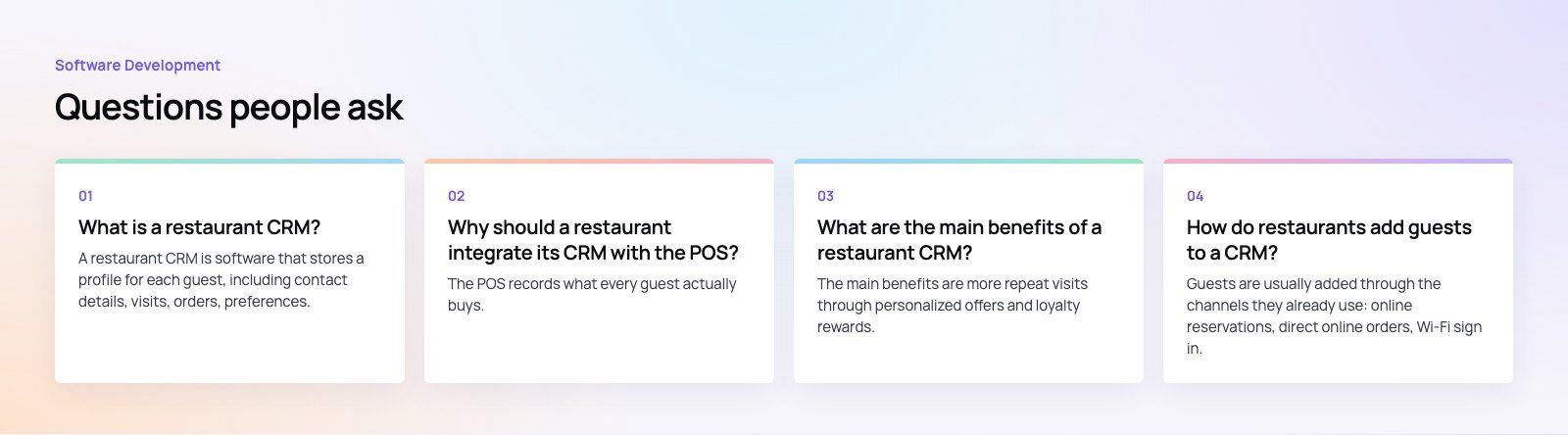
A restaurant CRM is software that stores a profile for each guest, including contact details, visits, orders, preferences, allergies and loyalty points, and uses that data to personalize service and marketing.
Unlike a general sales CRM, it is designed around reservations, POS transactions and repeat visits, and it usually connects to booking, ordering and payment systems so that guest profiles update automatically.
Software DevelopmentSQL vs NoSQL Databases: Differences and How to ChooseHow SQL and NoSQL databases differ in data model, schema, scaling and consistency, where each one fits, and five questions to choose for your project. Software DevelopmentOpen Source Apps: Examples, Licenses and How to Build Your OwnWhat makes an app open source, well known examples, the steps to build your own, how to pick MIT, Apache or GPL, and when to customize instead.
 Software DevelopmentHow an Online HR Portal Improves Employee ExperienceWhat an online HR portal does, how self service improves employee experience, which features matter, and whether to buy, configure or build one.
Tell us what the business needs. We will tell you what to build first.
Schedule a free consultation and get a written recommendation, with costs, before you commit to anything.
Get in touchPROVEN RESULTS
4.7 / 5verified reviews on Google