 Software DevelopmentSQL vs NoSQL Databases: Differences and How to ChooseHow SQL and NoSQL databases differ in data model, schema, scaling and consistency, where each one fits, and five questions to choose for your project.
CodeeoInsightsSoftware Development
SaaS Learning Management System: Benefits, Limits and How to Choose
What a SaaS LMS is, how it compares with a self hosted LMS, the benefits and limits for businesses and schools, and a practical checklist for choosing one.
A SaaS learning management system (LMS) is training software that the vendor hosts, updates and secures for you, paid for by subscription. Businesses choose it because it launches quickly, scales with headcount, works on any device and removes the need to run servers or install upgrades. The trade offs are less control over the code and data location, and a recurring fee that grows with users, so it suits most organizations but not every one.
This guide explains how a SaaS LMS differs from a self hosted one, the benefits that matter in practice, the industries that use it, the limits to watch for, and how to choose the right platform.
What is a SaaS learning management system?
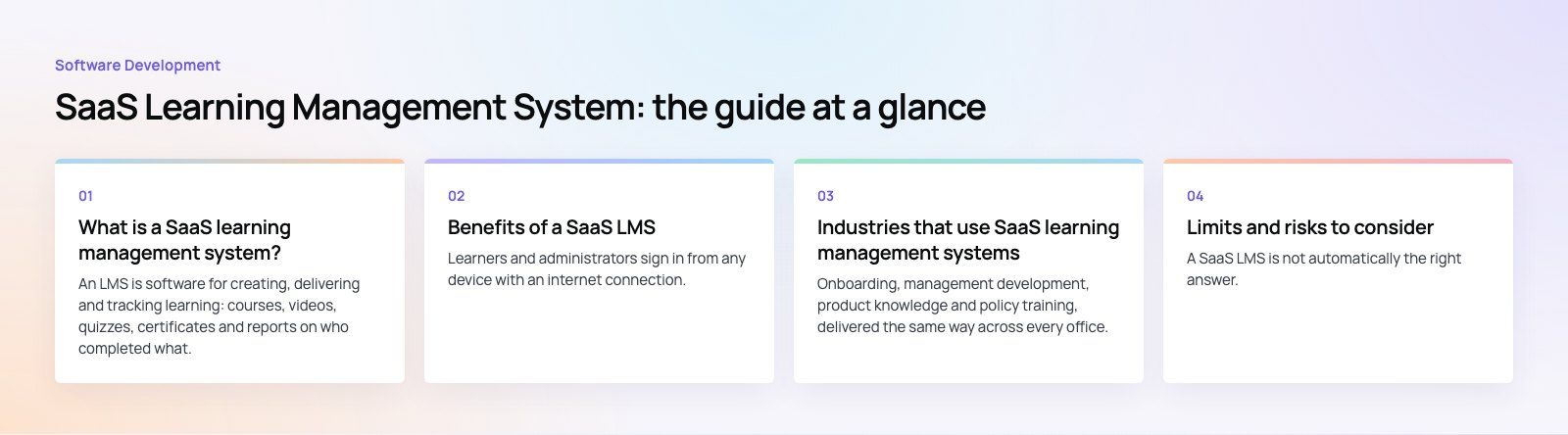
An LMS is software for creating, delivering and tracking learning: courses, videos, quizzes, certificates and reports on who completed what. In a traditional or self hosted LMS, your organization installs the software on its own servers and handles updates, backups and security. In a SaaS LMS, the vendor runs it in the cloud and your team simply logs in through a browser or app.
The same platform can serve employee onboarding, compliance training, customer education, partner training and, for schools and universities, full courses.
SaaS LMS vs traditional LMS
| Area | SaaS LMS | Traditional (self hosted) LMS |
|---|---|---|
| Hosting | Vendor hosts in the cloud | Your servers or your cloud account |
| Upfront effort | Low; sign up and configure | High; install, configure, secure |
| Pricing model | Subscription, often per user | License or open source, plus infrastructure and staff |
| Updates | Automatic, applied by vendor | Manual, planned by your team |
| Scaling | Add users in the admin panel | May need more server capacity |
| Customization | Within the vendor's settings and APIs | Full control over code and features |
| Data location | Vendor's chosen regions | Wherever you decide |
| Mobile access | Usually built in | Depends on the platform and setup |
Benefits of a SaaS LMS
Access from anywhere
Learners and administrators sign in from any device with an internet connection. That matters for remote and hybrid teams, field staff, shift workers and organizations with several offices or countries.
Lower upfront cost and predictable spending
There is no hardware to buy and no server to maintain. The subscription usually includes hosting, updates and support, which turns a large initial project into a predictable operating cost. You pay for the users and features you actually need.
Scales with your organization
Adding a new department, a new country or a seasonal intake is mostly a matter of adding users and assigning courses. The vendor handles capacity.
Automatic updates and security patches
The vendor ships new features and security fixes without downtime planning on your side. Your IT team spends less time on maintenance and more on work specific to your business.
Integrations with the tools you already use
Most SaaS LMS platforms connect to HR systems, single sign on, video conferencing, CRMs and collaboration suites such as Microsoft 365. New hires can be enrolled automatically when HR creates their record, and completions can flow back into performance reviews.
Analytics and reporting
Dashboards show completion rates, quiz scores, time spent and overdue training. For regulated industries, audit ready reports on mandatory training are often the single most valuable feature.
Mobile learning
Responsive interfaces and companion apps let people learn in short sessions on their phones, and some platforms allow downloads for offline viewing.
Engagement features
Badges, leaderboards, certificates, discussion forums and interactive content help keep learners coming back, especially for voluntary training.
Support for learning standards
Most platforms support content standards such as SCORM and xAPI, both originally developed under the US Advanced Distributed Learning Initiative. That means courses built in common authoring tools can be moved between systems rather than locked into one vendor.
Industries that use SaaS learning management systems
Corporate training
Onboarding, management development, product knowledge and policy training, delivered the same way across every office.
Education
Schools, colleges and universities use an LMS for course materials, assignments, grading, communication and blended or fully online learning.
Healthcare
Hospitals and clinics use it for mandatory compliance training, continuing professional education and onboarding staff who work irregular shifts.
Manufacturing
Safety procedures, machine operation and quality standards, with records showing who is trained on what.
Retail and hospitality
Customer service, product knowledge and health and safety training for large, often seasonal, workforces spread across many locations.
Financial services
Regulatory training, anti money laundering, risk and new product briefings, with reports that satisfy auditors.
Technology
Fast moving teams use it to keep skills current and to train customers and partners on their own products.
Non profit organizations
Training volunteers, staff and partners on policies and programs without running their own infrastructure.
Limits and risks to consider
A SaaS LMS is not automatically the right answer. Weigh these points before signing.
- Per user costs at scale: for very large learner populations, subscription fees can exceed the cost of running your own platform.
- Customization limits: unusual workflows, grading rules or branded experiences may not fit the vendor's product.
- Data residency: some sectors and countries require data to stay in specific regions. Check where the vendor stores data. In the EU, the General Data Protection Regulation sets rules on processing personal data.
- Vendor lock in: make sure you can export users, records and content if you move platforms.
- Internet dependency: learners with poor connectivity need offline options.
How to choose a SaaS LMS
- Define who is learning: employees, customers, partners, students, or several of these. Some platforms specialize.
- List must have features: compliance reporting, certificates, live sessions, e-commerce for paid courses, multilingual content, right to left language support.
- Check integrations: HR system, single sign on, video tools, CRM and your intranet.
- Review security and compliance: encryption, access controls, audit logs, data location and the vendor's published security documentation.
- Test the learner experience on a phone: if it is awkward on mobile, completion rates will suffer.
- Run a pilot: one team, one course, real users, then measure.
- Model total cost over three years: subscriptions, content creation, admin time and integrations.
When a custom learning platform makes sense
Off the shelf platforms cover most training needs. A custom build becomes worth considering when learning is your product, for example a course business or a school with its own teaching model, or when you need workflows, payments or mobile experiences that no vendor offers. A middle path is to keep a SaaS LMS for standard training and build custom apps or portals that connect to it through APIs.
Building learning platforms with Codeeo
Codeeo built Edsidera, a school platform with classes, tasks, preset feedback, exports and payments across a mobile app, a web app and a payment portal. Our team works on education products and custom software, and connects learning tools to Microsoft 365 and other business systems. If you are weighing a SaaS LMS against a custom platform, a platform fit review is a good place to start.
Frequently asked questions
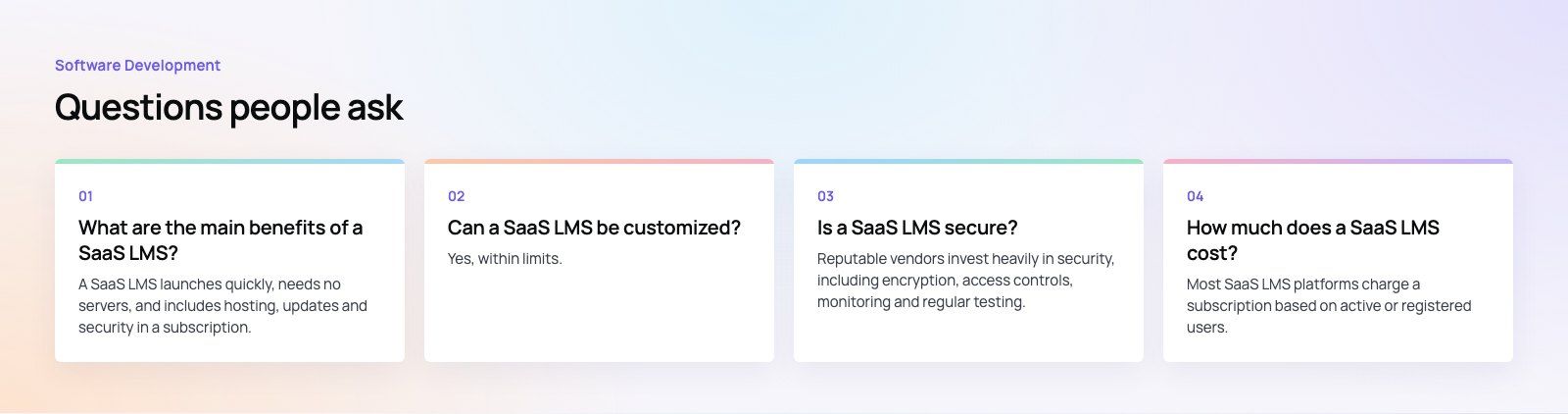
A SaaS LMS launches quickly, needs no servers, and includes hosting, updates and security in a subscription.
It scales easily as you add users, works on phones and laptops, integrates with HR and single sign on, and provides reporting on completions and scores. For most organizations, that means less IT effort and faster rollout of training.
Software DevelopmentSQL vs NoSQL Databases: Differences and How to ChooseHow SQL and NoSQL databases differ in data model, schema, scaling and consistency, where each one fits, and five questions to choose for your project. Software DevelopmentOpen Source Apps: Examples, Licenses and How to Build Your OwnWhat makes an app open source, well known examples, the steps to build your own, how to pick MIT, Apache or GPL, and when to customize instead.
 Software DevelopmentHow an Online HR Portal Improves Employee ExperienceWhat an online HR portal does, how self service improves employee experience, which features matter, and whether to buy, configure or build one.
Tell us what the business needs. We will tell you what to build first.
Schedule a free consultation and get a written recommendation, with costs, before you commit to anything.
Get in touchPROVEN RESULTS
4.7 / 5verified reviews on Google