 E-Commerce10 Features of a High-Converting Ecommerce WebsiteThe ten features that turn store visitors into buyers, from product pages and checkout to speed, mobile design, social proof and ongoing testing.
Shipping Apps for Online Stores: Features, Options and Trade Offs
How shipping apps help online stores with rates, labels, tracking and free shipping rules, which apps to look at, and when a custom integration makes sense.
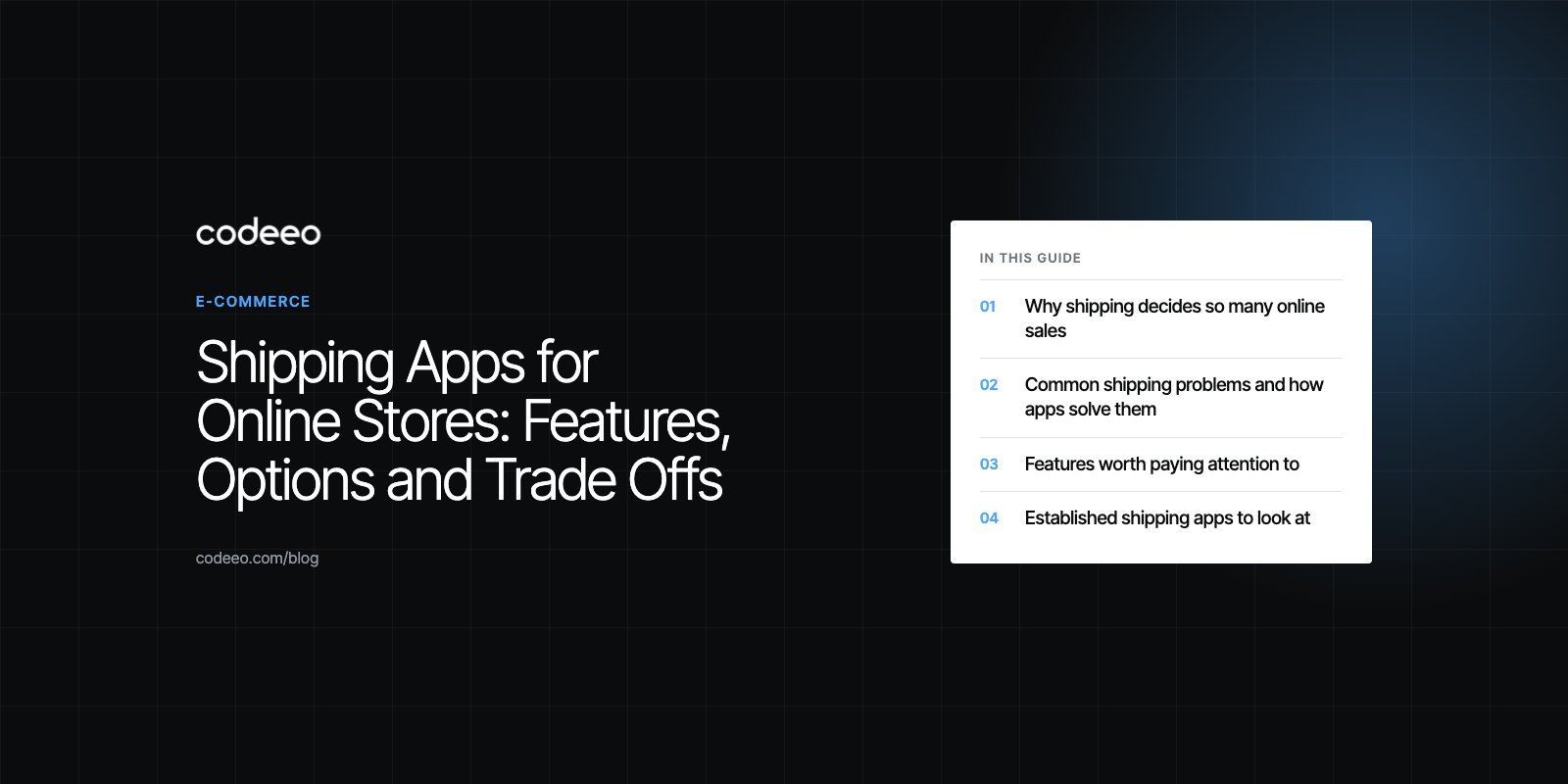
Shipping apps help an online store show accurate delivery rates, print labels, track parcels and run free shipping rules without manual work. The right one depends on your platform, your carriers and your order volume, and many stores start with an off the shelf app before moving to a custom build when their rules outgrow it.
This guide covers the shipping problems these apps solve, the features worth paying attention to, a short list of established apps, and how to tell when a custom shipping integration makes more sense.
Why shipping decides so many online sales
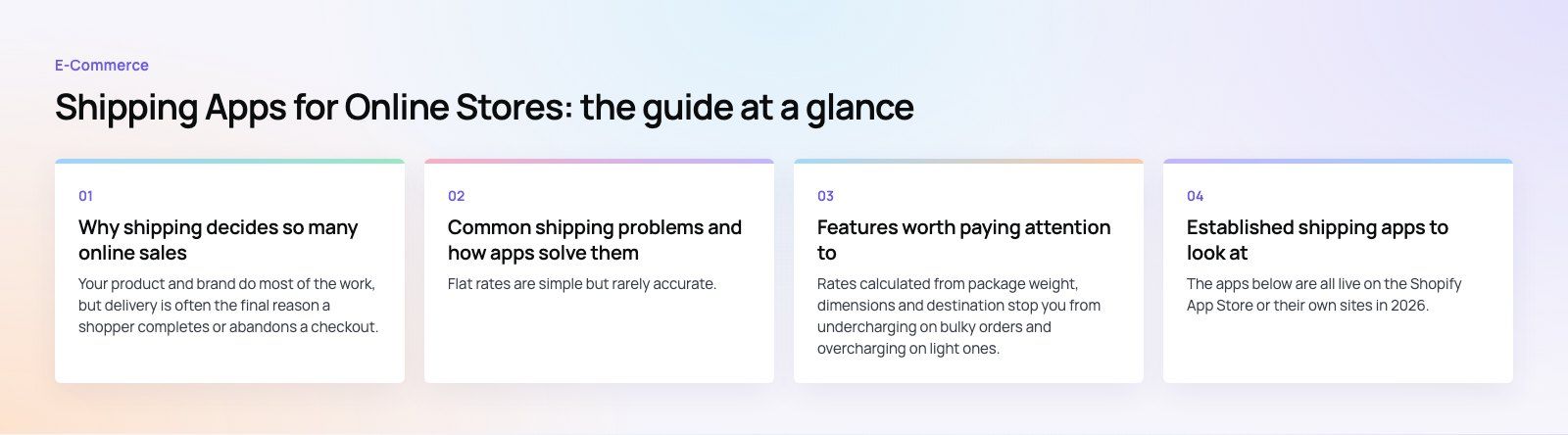
Your product and brand do most of the work, but delivery is often the final reason a shopper completes or abandons a checkout. An unexpected delivery charge on the last step, a vague delivery estimate or a missing express option all give a buyer a reason to stop. Free shipping, or a clear threshold for it, removes one of the most common objections at the moment of purchase.
The trouble is that free shipping is not free for the store. Someone pays the carrier, and if the rules are set loosely the margin disappears on heavy or remote orders. Shipping apps exist to make those rules precise.
Common shipping problems and how apps solve them
Shipping costs eat into margin
Flat rates are simple but rarely accurate. A good shipping app pulls live rates from carriers, lets you set a free shipping threshold based on order value, and applies discounts only where the numbers still work.
Slow or unpredictable delivery
Customers expect a delivery date, not a vague range. Apps that connect to several carriers let you pick the fastest reliable option per destination and show an estimated date at checkout.
Stock and orders drift out of sync
If your store, warehouse and shipping tool hold separate stock counts, you will eventually sell something you cannot ship. Shipping tools that sync inventory and order status with the store reduce that risk.
Too few delivery options
Some shoppers want the cheapest option, others want same day delivery or a specific delivery window. Offering a small set of clear choices reduces cart abandonment and support questions.
Customers left in the dark
Silence after checkout creates "where is my order" emails. Automated confirmation, dispatch and delivery notifications, with a tracking link, handle most of that load for you.
Features worth paying attention to
Real time carrier rates
Rates calculated from package weight, dimensions and destination stop you from undercharging on bulky orders and overcharging on light ones. Check which carriers the app supports in the countries you actually ship to.
Automated shipping rules
Rules let you choose rates, methods and carriers by order value, weight, product type or destination. This is where free shipping thresholds, regional exclusions and express surcharges live.
Rate shopping
Comparing carriers per shipment finds the cheapest option that still meets the promised delivery time. Over hundreds of orders, this matters more than any single discount.
Label printing and batch processing
Printing labels in bulk, with customs forms where needed, saves real time once you pass a few dozen orders a day.
Tracking and notifications
Branded tracking pages and automatic emails or messages keep customers informed and keep your support inbox quiet.
Integration and data security
The app should connect cleanly with your store, your accounting software and, if you have one, your ERP. It will handle customer names, addresses and phone numbers, so check how the provider stores that data and who can access it. Reliability matters too: a shipping tool that goes down stops fulfilment.
Established shipping apps to look at
The apps below are all live on the Shopify App Store or their own sites in 2026. Plans, carrier coverage and pricing change often, so check each listing for what is free and what is paid before you commit.
ShippingEasy
ShippingEasy focuses on automating label creation and comparing carrier rates, with connections to several marketplaces. It suits smaller stores that ship mainly within the US.
ShipStation
ShipStation brings orders from several sales channels into one place, with automation rules, batch labels and inventory sync. It fits stores selling on more than one channel.
Parcelify
Parcelify lets merchants build custom shipping rate tables by product, weight, location and postal code. It is useful when your rates follow your own logic rather than a carrier's.
Boxify
Boxify calculates real time shipping rates at checkout from package details, which helps stores whose products vary a lot in size and weight.
Shippo and Easyship
Shippo and Easyship both offer multi carrier rate comparison and label printing, and Easyship puts more weight on international shipping, duties and taxes.
Zendrop
Zendrop is a dropshipping tool rather than a pure shipping app. It handles product sourcing and fulfilment for stores that do not hold their own stock, and integrates with Shopify.
| App | Best fit | Main strength |
|---|---|---|
| ShippingEasy | Small US stores | Label automation and rate comparison |
| ShipStation | Multichannel sellers | Orders from many channels in one place |
| Parcelify | Stores with custom rate logic | Rate tables by product and postal code |
| Boxify | Varied product sizes | Real time rates at checkout |
| Shippo, Easyship | Growing and international stores | Multi carrier comparison, duties and taxes |
| Zendrop | Dropshipping stores | Sourcing and fulfilment |
How to choose a shipping app
- List your carriers and destinations. An app is only useful if it supports the carriers you use in the countries you ship to.
- Write down your rules. Free shipping thresholds, product exclusions, regional surcharges and delivery windows. Then check the app can express every one of them.
- Check your platform. Confirm the app works with your store, whether that is Shopify, WooCommerce or something else.
- Look at the volume limits. Free or entry plans usually cap orders, users or carriers. Estimate where you will be in a year, not just today.
- Test the full flow. Place real test orders, print labels, and follow the notification emails before switching over.
Off the shelf app or custom shipping integration
Ready made apps cover most stores. A custom integration starts to pay off when your rules are unusual, when shipping needs to talk to an ERP or warehouse system, or when you run your own riders or local couriers. The table sums up the trade offs.
| Criteria | Off the shelf app | Custom integration |
|---|---|---|
| Setup time | Hours to days | Weeks, depending on scope |
| Cost model | Monthly subscription, often tiered by volume | Upfront build, then maintenance |
| Flexibility | Limited to the app's settings | Rules built around your business |
| Integrations | Popular platforms and carriers | Any system with an API, including local couriers |
| Scale | Good for small and mid sized stores | Built for your volume and complexity |
| Maintenance | Handled by the provider | Your team or a development partner |
| Data control | Held by the provider | Held by you |
One pattern we often see: a store starts with a free app, layers on two or three more to cover gaps, and ends up with rules split across tools that nobody fully understands. If that sounds familiar, it is worth mapping your shipping logic on paper before adding another app.
Mistakes to avoid
- Setting a free shipping threshold without checking the cost of your heaviest or most remote orders.
- Showing a delivery date at checkout that your carriers cannot actually meet.
- Running two apps that both try to set rates, so customers see different prices on different pages.
- Forgetting returns. Return labels and return rules need the same care as outbound shipping.
- Skipping a checkout review. Shipping is only one part of why carts are abandoned, and a checkout teardown often finds other friction too.
Getting shipping right in your store
Codeeo has delivered more than 200 projects across the UAE and the US, including payment and checkout integrations and online stores with delivery dates and windows built into checkout, as in The Gorgeous Flower. If your shipping rules have outgrown your apps, our retail and ecommerce team can help you decide between configuring what you have and building a custom integration.
Frequently asked questions
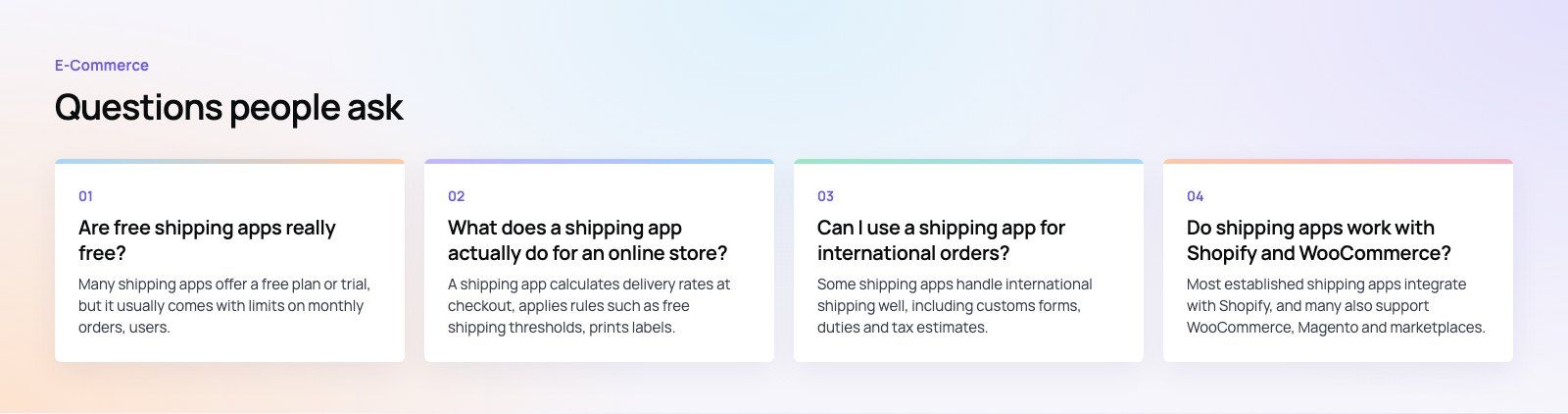
Many shipping apps offer a free plan or trial, but it usually comes with limits on monthly orders, users, carriers or advanced features such as automation rules and branded tracking.
Carrier postage is charged separately in most cases. Check the current plan on the app's own listing and estimate your order volume for the next year before deciding which tier you need.
E-Commerce10 Features of a High-Converting Ecommerce WebsiteThe ten features that turn store visitors into buyers, from product pages and checkout to speed, mobile design, social proof and ongoing testing. E-CommerceBenefits of Using a CMS for Ecommerce WebsitesHow a CMS helps online stores manage products, SEO, growth and security, how it compares with a custom build, and how to choose between WooCommerce, Shopify and headless.
 E-CommerceEcommerce Website Development: 9 Elements Every Store NeedsThe nine parts every online store needs, from catalog data and search to checkout, security, operations and analytics, with what to decide before you build.
Tell us what the business needs. We will tell you what to build first.
Schedule a free consultation and get a written recommendation, with costs, before you commit to anything.
Get in touchPROVEN RESULTS
4.7 / 5verified reviews on Google