 SEOHow to Optimize Your Website for Search EnginesA practical guide to optimizing a website for search engines: technical health, mobile first indexing, on page content, earning links and measuring results.
Shopify SEO Checklist: A Practical Audit for Store Owners
A practical Shopify SEO checklist: structure, product copy, mobile, speed, duplicates, redirects, structured data, content and international SEO, in audit order.
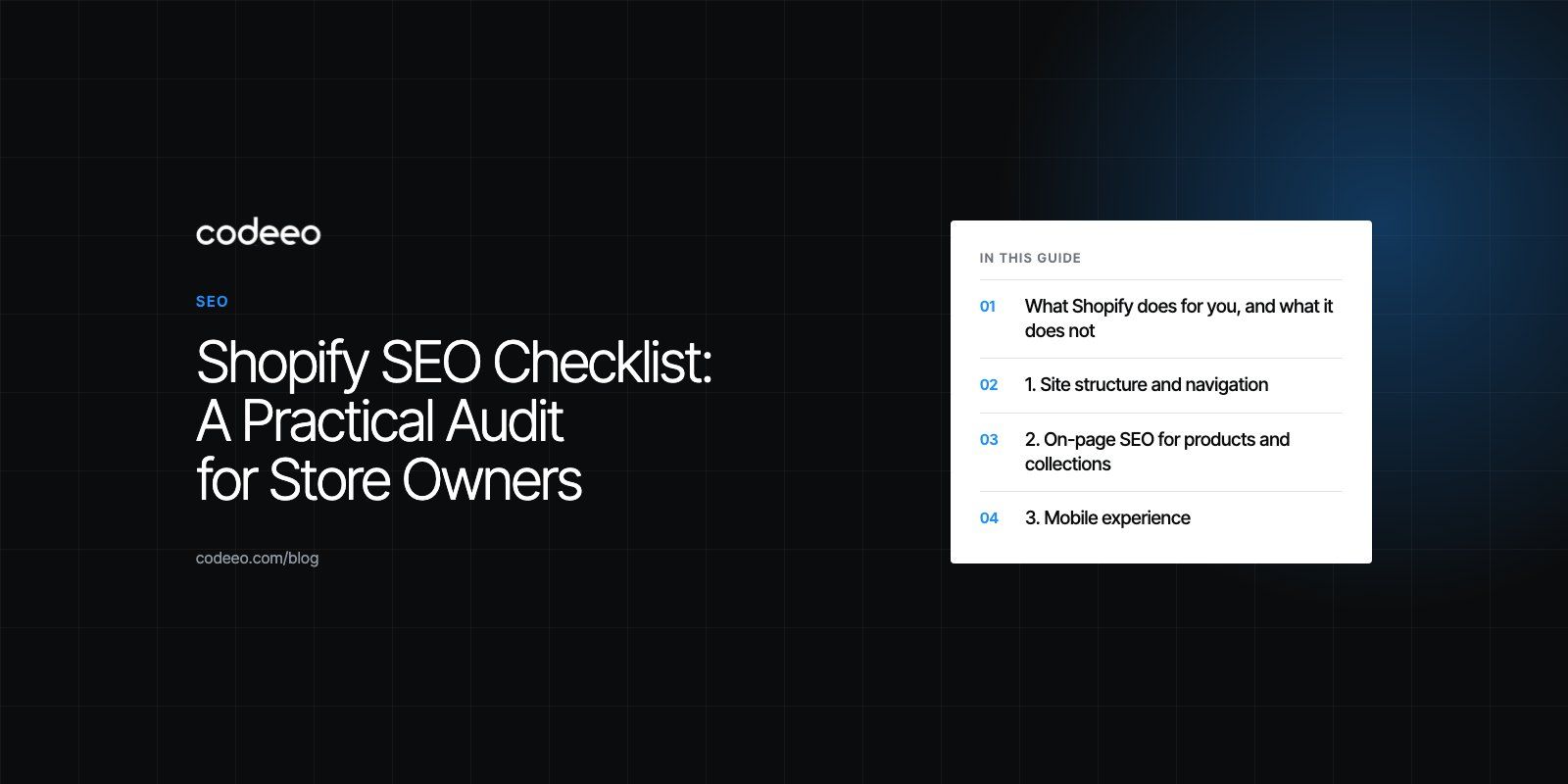
A Shopify SEO checklist covers the things search engines need to find, understand and rank your store: a clear site structure, unique titles and descriptions, fast mobile pages, clean URLs and redirects, structured data and content that answers buyer questions. Shopify handles some of this for you, such as the sitemap and HTTPS, but duplicate URLs, slow apps, thin product copy and missing redirects are the store owner's job. Work through the list below once as an audit, then revisit it every quarter.
Each section explains what to check, how to check it and the Shopify specific detail that general SEO guides tend to miss.
What Shopify does for you, and what it does not
Shopify takes care of several technical basics out of the box. According to the Shopify Help Center, every store automatically generates a sitemap.xml file listing products, pages, collections and blog posts. Stores run on HTTPS, themes usually output canonical tags, and the robots.txt file is generated for you.
What Shopify cannot do is write your content, choose your keywords, decide your navigation, control how many apps you install or fix the links you break when you rename products. That is where most stores lose rankings.
| Area | Handled by Shopify | Your responsibility |
|---|---|---|
| Sitemap | Generated automatically | Submit it in Google Search Console and check for errors |
| HTTPS | Included on every store | Make sure custom domains and apps do not load insecure content |
| Canonical tags | Output by most themes | Confirm they are present after theme edits |
| Titles and descriptions | Fields provided | Write unique, useful ones for every page |
| Speed | Global hosting and CDN | Images, apps, theme code and third party scripts |
| Redirects | Optional automatic redirect when a URL changes | Check it was created, and map old URLs after a migration |
1. Site structure and navigation
Search engines and shoppers both rely on a clear hierarchy. A visitor should reach any product within three clicks from the home page.
- Organize products into collections that match how customers search, such as by product type, use or audience.
- Keep the main menu short and logical. Use sub menus for deeper categories rather than one long list.
- Add breadcrumbs if your theme supports them, so users and crawlers can see where a page sits.
- Link related products and collections from product pages and blog posts. Internal links spread authority and help crawlers find deep pages.
- Use tags to filter within collections, but avoid creating hundreds of thin tag pages that compete with your main collections.
2. On-page SEO for products and collections
Keyword research
Find the terms customers actually use. Product and collection pages should target purchase intent, such as "linen shirt for men" or "organic dog shampoo", while blog posts can target questions and comparisons.
Titles and meta descriptions
Edit the search engine listing on every product, collection, page and blog post. Write a unique title that includes the main keyword and a description that gives a reason to click. Do not leave Shopify to copy the product name into every field.
Product descriptions
Many stores paste the manufacturer's text, which means the same words appear on dozens of other sites. Write original descriptions that cover materials, sizing, use cases and care. Answer the questions customers ask before buying.
Image alt text
Add descriptive alt text to product images. It helps accessibility and image search. Describe what is in the picture rather than stuffing keywords.
Structured data
Product structured data lets search engines show price, availability and reviews in results. Many modern themes include it, but check with Google's Rich Results Test, especially after installing a review app or changing themes, as duplicate or broken markup is common.

3. Mobile experience
Google indexes the mobile version of your store first, and most ecommerce visits happen on phones. Older checklists point to a standalone mobile-friendly test tool, but today the practical options are Lighthouse in Chrome DevTools and PageSpeed Insights.
- Check that text is readable without zooming and that buttons are large enough to tap.
- Make sure pop ups do not cover the product or the add to cart button on small screens.
- Test the full path from collection to checkout on a real phone, not just a resized browser.
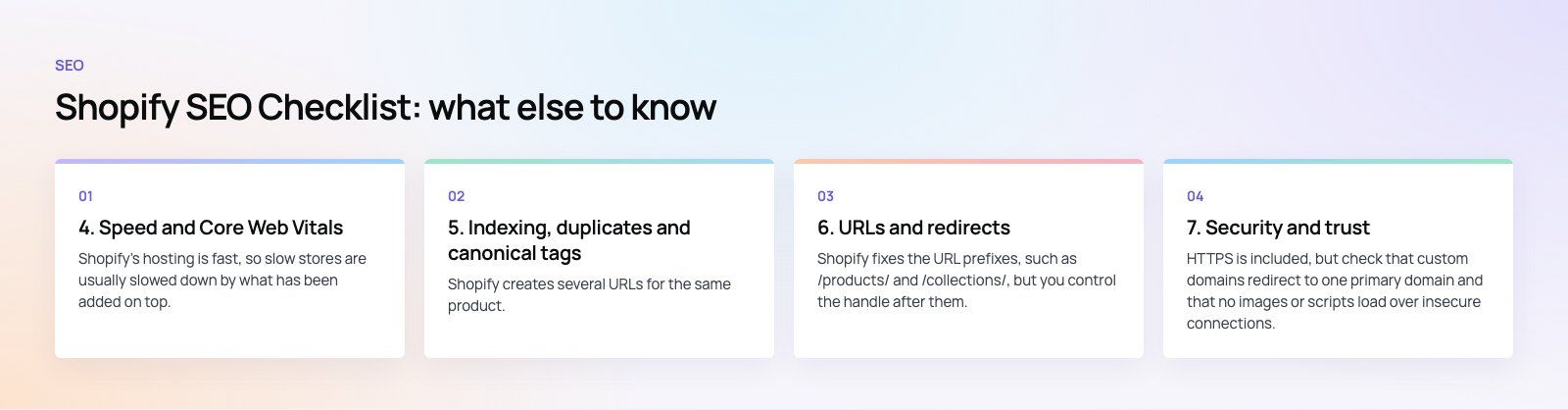
4. Speed and Core Web Vitals
Shopify's hosting is fast, so slow stores are usually slowed down by what has been added on top.
- Images: upload sensibly sized images and let the theme serve responsive versions. Avoid huge hero banners and autoplay video above the fold.
- Apps: every app can add scripts to every page. Audit them, remove what you do not use, and check that uninstalled apps did not leave code in your theme.
- Theme code: heavily customized or outdated themes often load unused CSS and JavaScript. A modern, well maintained theme is a good baseline.
- Third party scripts: chat widgets, review carousels and tracking tags add up. Load them only where needed.
Measure with PageSpeed Insights and the Core Web Vitals report in Search Console, which shows real user data rather than a single lab test. If the numbers stay poor, a focused speed optimization review usually finds the few scripts doing most of the damage.
5. Indexing, duplicates and canonical tags
Shopify creates several URLs for the same product. A product can be reached at its own address and also through each collection it belongs to. Themes handle this with a canonical tag pointing to the main product URL, so check that the tag is present and correct.
- Submit your sitemap in Google Search Console and review the page indexing report for errors and excluded pages.
- Make internal links point to the main product URL, not the collection based version.
- Handle near duplicate products, such as one item per color, with variants instead of separate products where it makes sense.
- Use the robots.txt.liquid template only if you know exactly what you are blocking. Mistakes here can remove whole sections from search.
6. URLs and redirects
Shopify fixes the URL prefixes, such as /products/ and /collections/, but you control the handle after them. Keep handles short, readable and descriptive.
When you change a handle, Shopify offers to create a redirect from the old URL. Make sure that box is ticked. When you delete a product, redirect its URL to the closest replacement or its collection instead of leaving a 404. After moving from another platform, map every old URL to its new address, because lost redirects are one of the most common reasons a store drops after a site migration.
7. Security and trust
HTTPS is included, but check that custom domains redirect to one primary domain and that no images or scripts load over insecure connections. Show clear contact details, delivery and returns policies, and real reviews. These trust signals help both conversions and how search engines judge the quality of your store.
8. Content and engagement
Product pages alone rarely rank for broader research queries. A blog with buying guides, comparisons and how to articles brings in visitors earlier in their search and gives you natural internal links to collections.
- Publish content that answers real questions from customers and support emails.
- Encourage product reviews, which add fresh, original text to product pages.
- Track conversion rate, engagement and exits in your analytics, and improve pages that attract visitors but do not sell.
9. Off-page signals
Links from relevant, reputable sites still matter. Good sources for stores include supplier and brand partner pages, industry publications, local press and genuine product reviews. Avoid paid link schemes. Keep your business profiles consistent and respond to reviews, as reputation affects both clicks and trust.
10. International SEO on Shopify
If you sell in several countries or languages, each version needs its own URL and the right language signals. Shopify Markets can create subfolders or domains per market and add hreflang tags, which tell search engines which version to show to which audience. Google explains how these work in its guide to localized versions of pages.
- Translate titles, descriptions and handles properly rather than relying on raw machine translation.
- Show local currency, delivery details and payment options for each market.
- Check in Search Console that each market version is being indexed.
Our EGO Sustainable case study shows a bilingual Shopify store for a GCC athleisure label selling across five markets, the kind of setup where these signals matter.
A quick audit order
- Search Console: sitemap submitted, indexing errors, Core Web Vitals.
- Titles, descriptions and copy on your top collections and products.
- Speed: images, apps and scripts.
- Redirects for any changed or deleted URLs.
- Structured data and reviews.
- Content plan and links.
If you would rather have specialists handle the theme, speed and migration work, our Shopify developers can take on the technical side, and a technical SEO review is a good first step to see which items on this list are costing you traffic.
Frequently asked questions
Yes.
Shopify covers the technical basics well, including automatic sitemaps, HTTPS, fast hosting and editable titles and descriptions. Its limits are fixed URL prefixes and some duplicate URLs, which themes manage with canonical tags. Most ranking problems on Shopify come from thin product copy, slow apps, poor structure and missing redirects rather than from the platform itself.
SEOHow to Optimize Your Website for Search EnginesA practical guide to optimizing a website for search engines: technical health, mobile first indexing, on page content, earning links and measuring results. SEOTechnical SEO vs On-Page SEO: Differences and How They Work TogetherTechnical SEO gets your pages indexed; on-page SEO makes them rank. See what each covers, where they overlap and the order to fix problems in.
 SEOWordPress SEO Tips: A Practical Checklist to Improve RankingsA practical WordPress SEO checklist: plugin setup, site structure, keyword intent, titles, speed, mobile, schema, monitoring and the mistakes that hold sites back.
Tell us what the business needs. We will tell you what to build first.
Schedule a free consultation and get a written recommendation, with costs, before you commit to anything.
Get in touchPROVEN RESULTS
4.7 / 5verified reviews on Google