 Software DevelopmentSQL vs NoSQL Databases: Differences and How to ChooseHow SQL and NoSQL databases differ in data model, schema, scaling and consistency, where each one fits, and five questions to choose for your project.
CodeeoInsightsSoftware Development
Software Documentation: The Essentials Every Developer Needs
The essential types of software documentation, why they matter, and the practices that keep READMEs, ADRs, API docs and runbooks accurate.
Software documentation is the written record of what a system does, why it was built that way and how to build, run and change it. Good documentation lets a new developer get productive quickly, stops knowledge living only in one person's head and makes decisions easier to revisit. The essentials are a clear README, architecture and decision records, API references, runbooks and user guides, all kept in version control next to the code and updated as part of normal development work.
This guide covers the main types of documentation, why each matters, how to write it so people actually read it, and the habits that keep it accurate.
What counts as software documentation
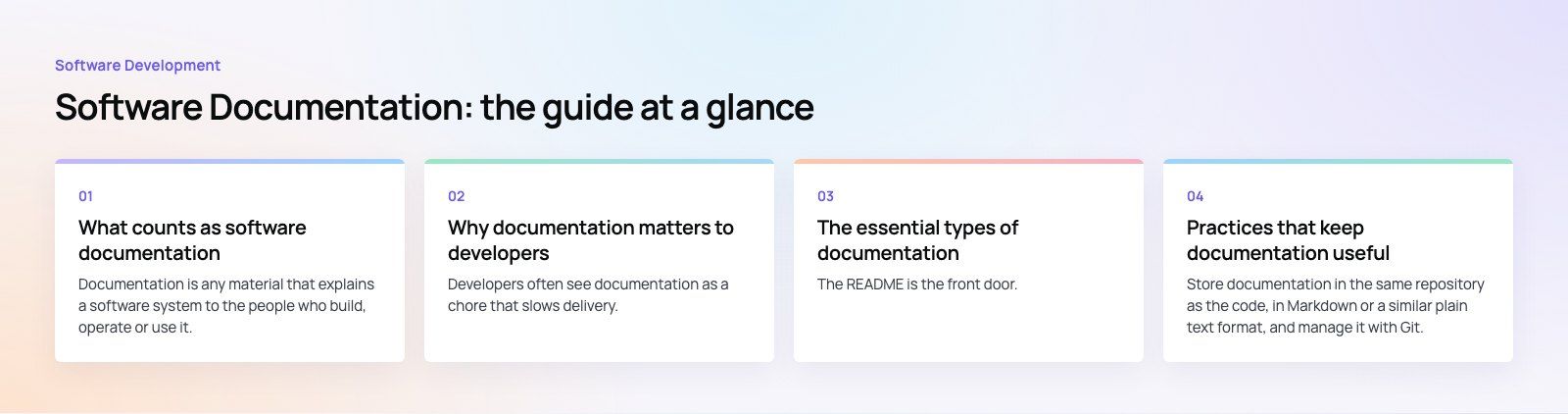
Documentation is any material that explains a software system to the people who build, operate or use it. It splits broadly into two groups.
- Project and technical documentation is written for the team: requirements, architecture, code level notes, API references, setup guides and operational runbooks.
- User documentation is written for the people using the product: help articles, tutorials, admin guides and release notes.
Together they act as a shared source of truth. When a project is documented well, anyone on the team can find the current state of a decision without interrupting the person who made it.
Why documentation matters to developers
Developers often see documentation as a chore that slows delivery. In practice it saves time in the places where projects usually lose it.
- Alignment: written requirements and scope keep developers, designers, testers and stakeholders working toward the same goals.
- Faster onboarding: a new developer with a good README and architecture overview can make a first change in days rather than weeks.
- Less dependency on individuals: when one person leaves or takes time off, the knowledge stays.
- Quicker problem solving: runbooks and known issue notes turn a midnight outage into a checklist instead of a guessing game.
- Better decisions: recording why a choice was made stops teams relitigating it every few months.
- Clear communication with stakeholders: progress, scope changes and trade offs are easier to explain when they are written down.
One issue we often see when taking over existing projects is a codebase that works but has no explanation of how to set it up or why it is structured the way it is. The first weeks then go on reverse engineering rather than delivering.
The essential types of documentation
| Type | Audience | What it answers | Where it lives |
|---|---|---|---|
| README | Every developer | What is this, how do I run it, how do I contribute? | Root of the repository |
| Requirements and scope | Team and stakeholders | What are we building and why? | Project wiki or docs folder |
| Architecture overview | Developers and architects | How do the parts fit together? | Docs folder with diagrams |
| Decision records | Current and future team | Why did we choose this approach? | Docs folder, one file per decision |
| API reference | Internal and external developers | What endpoints exist and how do I call them? | Generated from an OpenAPI or similar spec |
| Runbooks | Operations and on call staff | How do I deploy, roll back or fix a known failure? | Docs folder or ops wiki |
| User guides and release notes | End users and admins | How do I use this feature and what changed? | Help center or product docs site |
README
The README is the front door. It should say what the project does, list prerequisites, give exact commands to install and run it locally, explain how to run tests and point to the rest of the documentation. If a new developer cannot get the project running from the README alone, it needs work.
Architecture and decision records
An architecture overview shows the main components, how data flows between them and which external services they rely on. A simple diagram plus a page of text is usually enough.
Architecture decision records, or ADRs, are short notes that capture one significant decision each: the context, the options considered, the choice and its consequences. They are cheap to write and very valuable a year later, when someone asks why the team chose one database or framework over another.
API documentation
For any API used by more than one team, generate the reference from a machine readable specification such as OpenAPI rather than writing it by hand. Add examples, authentication steps and error codes, because those are what developers search for first.
Runbooks
Runbooks describe operational tasks step by step: deploying, rolling back, rotating secrets, restoring backups and handling known alerts. Write them so someone unfamiliar with the system can follow them under pressure.
Practices that keep documentation useful
Treat docs like code
Store documentation in the same repository as the code, in Markdown or a similar plain text format, and manage it with Git. Changes then go through the same pull requests and reviews as code. A reviewer can ask "where is the doc update?" in the same way they ask for tests, and the history shows who changed what and when.
Some practical habits:
- Use a version control system such as Git for docs as well as code.
- Add documentation to your definition of done, so a feature is not finished until its docs are updated.
- Generate reference material, such as API docs, from source where possible so it cannot drift.
- Publish docs automatically from the main branch to an internal site or knowledge base.
- Review documentation regularly and delete pages that are no longer true.
Keep it simple
The old principle "keep it simple" applies directly. Write short sentences, use plain words and break complex ideas into small steps. Clear headings, numbered steps and short paragraphs make documents easy to scan, which is how most developers read them.
- Lead with the task or answer, then the explanation.
- Use numbered lists for procedures and bullet lists for options.
- Show real commands and code samples that can be copied and run.
- Define terms and acronyms the first time they appear.
Write for a specific reader and purpose
Different readers need different documents. The Diátaxis framework is a useful way to organize this: it separates tutorials for learning, how to guides for specific tasks, reference material for looking things up and explanation for understanding. Mixing these in one page is a common reason documentation feels confusing.
Use visuals where they explain more than words
Diagrams, screenshots and tables communicate structure faster than paragraphs. Use architecture and sequence diagrams for system design, screenshots for user guides and tables for comparisons or configuration options. Keep diagram sources, for example in a text based diagram tool, in the repository so they can be updated rather than redrawn.
Common documentation mistakes
- Writing it all at the end. Documentation written after delivery is rushed and incomplete. Write it alongside the work.
- Letting it go stale. Out of date docs are worse than none because people trust them. Delete or fix pages that are wrong.
- Scattering it across tools. Docs split between chat threads, email, wikis and slide decks are impossible to find. Pick one home.
- Explaining what the code does line by line. Code shows what happens; documentation should explain why and how the pieces fit.
- Ignoring the reader. A guide for end users written in developer jargon helps nobody.
Skills that help you write good documentation
No formal qualification is needed. The people who write the best documentation usually combine technical understanding, clear writing, knowledge of the business domain, attention to detail and empathy for the reader. Familiarity with Markdown, Git and diagram tools helps, and so does asking a colleague to follow your guide and note where they get stuck.
If you are inheriting a project with thin documentation, a codebase review is a sensible first step: it maps what exists, what is missing and what is risky. For new builds, documentation should be scoped from the start, which is part of a good product scoping exercise.
Codeeo's team of 80+ across Dubai, Riyadh and Karachi has delivered 200+ projects across the UAE and the US, and every handover depends on documentation another team can follow. If you need software built and documented properly, see our custom software development service, or add capacity through dedicated developers who work inside your process.
Frequently asked questions
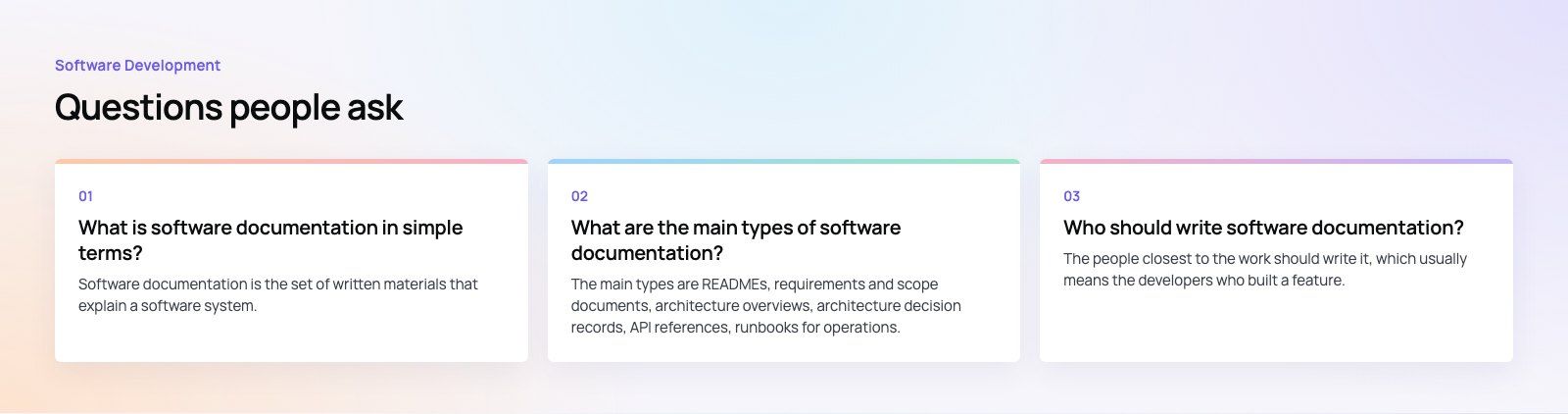
Software documentation is the set of written materials that explain a software system.
It covers what the system does, how it is built, how to install and run it, how to use it and why key decisions were made. Developers use it to understand and change the code, operations staff use it to keep the system running, and end users use it to learn the product.
Software DevelopmentSQL vs NoSQL Databases: Differences and How to ChooseHow SQL and NoSQL databases differ in data model, schema, scaling and consistency, where each one fits, and five questions to choose for your project. Software DevelopmentOpen Source Apps: Examples, Licenses and How to Build Your OwnWhat makes an app open source, well known examples, the steps to build your own, how to pick MIT, Apache or GPL, and when to customize instead.
 Software DevelopmentHow an Online HR Portal Improves Employee ExperienceWhat an online HR portal does, how self service improves employee experience, which features matter, and whether to buy, configure or build one.
Tell us what the business needs. We will tell you what to build first.
Schedule a free consultation and get a written recommendation, with costs, before you commit to anything.
Get in touchPROVEN RESULTS
4.7 / 5verified reviews on Google