 Software DevelopmentSQL vs NoSQL Databases: Differences and How to ChooseHow SQL and NoSQL databases differ in data model, schema, scaling and consistency, where each one fits, and five questions to choose for your project.
CodeeoInsightsSoftware Development
How to Streamline Your Software Development Workflow
Find where work waits, then fix it: agile methods, small pull requests, automation, CI/CD, infrastructure as code, code review and how to roll changes out.
To streamline a software development workflow, find where work waits, then remove that waiting with clearer priorities, smaller changes, automated checks and fast feedback. In practice that means a visible backlog, short planning cycles, code review on small pull requests, automated tests in a CI/CD pipeline, and infrastructure defined as code. The goal is not more process; it is less friction between an idea and working software in front of users.
This guide covers the bottlenecks that slow teams down most often, the practices that fix them, and how to roll changes out without stalling delivery.
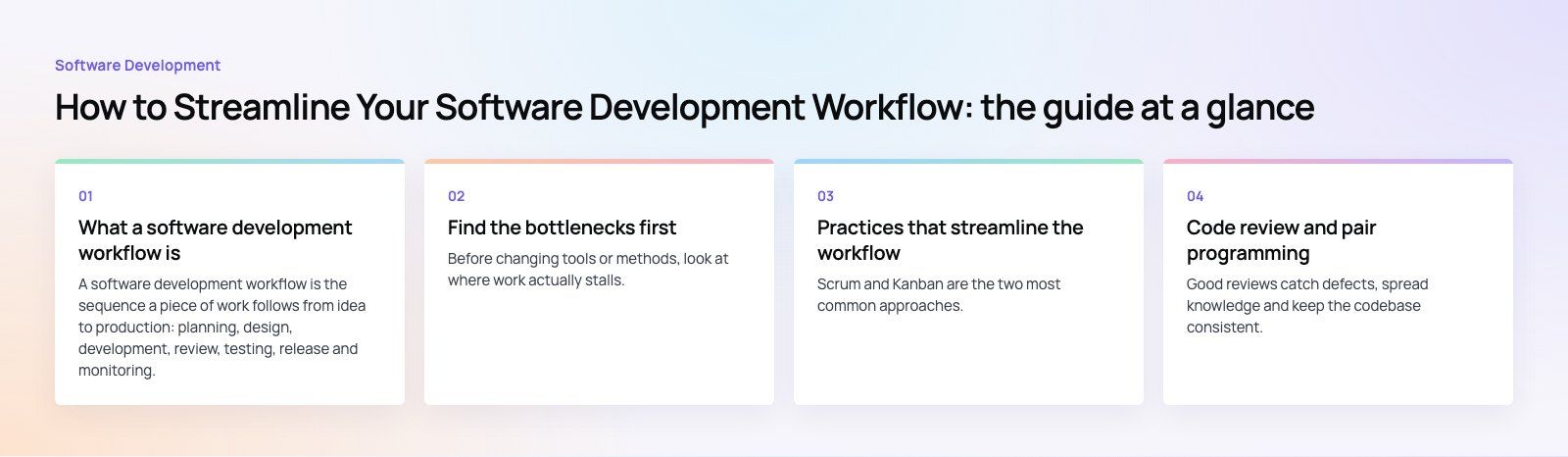
What a software development workflow is
A software development workflow is the sequence a piece of work follows from idea to production: planning, design, development, review, testing, release and monitoring. Every team has one, written down or not. A streamlined workflow has three visible effects:
- Shorter lead time: changes reach users faster because they spend less time waiting for review, testing or deployment.
- Higher quality: problems are caught earlier, when they are cheaper to fix.
- Less wasted effort: the team works on what matters most instead of what is loudest.
The research program behind DORA is a useful reference here. It measures delivery performance with a small set of metrics, including how often a team deploys, how long changes take to reach production, how often releases fail and how quickly the team recovers. Those measures are a good way to tell whether workflow changes are actually helping.
Find the bottlenecks first
Before changing tools or methods, look at where work actually stalls. Pick a few recent features and trace them from ticket to release. The delays usually fall into a handful of patterns.
| Bottleneck | What it looks like | Typical fix |
|---|---|---|
| Unclear priorities | Work starts and stops, urgent requests jump the queue | One ordered backlog with a single owner |
| Communication gaps | Developers build the wrong thing, rework late in the cycle | Shared acceptance criteria, short regular check ins |
| Large changes | Pull requests sit for days, reviews are shallow | Smaller pull requests, review within a day |
| Manual testing | Releases wait for a test cycle, regressions slip through | Automated tests run on every change |
| Manual deployment | Releases are rare, risky and done by one person | CI/CD pipeline with repeatable deployments |
| Hard to change code | Small features take weeks, fixes break other areas | Code standards, refactoring time, better tests |
| Repetitive tasks | Time spent on formatting, setup and copy paste work | Linters, formatters, scripts and templates |
If the codebase itself is the main obstacle, an outside view helps. A codebase review identifies the areas that slow change the most, so refactoring time goes where it pays back.
Practices that streamline the workflow
Use an agile method that fits the team
Scrum and Kanban are the two most common approaches. Scrum organizes work into short, fixed sprints with planning, review and retrospective sessions; the official Scrum Guide describes it in a few pages. Kanban focuses on continuous flow, visualizing work on a board and limiting how many items are in progress at once.
Scrum suits teams building a product with a regular release rhythm. Kanban suits teams handling a steady stream of requests, such as support and maintenance work. Many teams blend the two. Whichever you choose, the essentials are the same: a visible backlog, clear priorities, and regular reflection on what to change.
Keep changes small
Small pull requests are reviewed faster, tested more thoroughly and are easier to roll back. Break features into slices that can be merged on their own, and use feature flags to hide unfinished work in production. Trunk based development, where developers merge to the main branch frequently, pairs well with this approach.
Automate the repetitive work
Anything a person does the same way every time is a candidate for automation:
- Linting and formatting: tools such as ESLint and Prettier for JavaScript, or Black and Ruff for Python, end style debates in review.
- Automated tests: unit tests with frameworks such as Jest, pytest or JUnit, plus integration and browser tests for critical user paths.
- Project setup: scripts or containers so a new developer can run the project on day one.
- Task tracking: tools such as Jira, Linear or Asana, linked to branches and pull requests so status updates happen automatically.
Set up CI/CD
Continuous integration runs your build and tests automatically on every change, so problems appear within minutes rather than at the end of a sprint. Continuous delivery extends that to deployment: every change that passes the pipeline can be released with a single approval, or automatically. Platforms such as GitHub Actions, GitLab CI and Azure Pipelines all handle this well.
Start simple: build, run tests and deploy to a staging environment. Add security scanning, performance checks and production deployment once the basic pipeline is reliable.
Define infrastructure as code
Infrastructure as code tools such as Terraform, OpenTofu, Pulumi or AWS CloudFormation describe servers, networks and databases in version controlled files. Environments become reproducible, changes are reviewed like application code, and a new staging environment takes minutes instead of days.
Improve communication without more meetings
Use a chat tool such as Slack or Microsoft Teams for quick questions, but agree on what belongs where: decisions in tickets or documents, not lost in chat threads. Set expectations for response times and review turnaround. Write acceptance criteria before work starts so developers, designers and testers share the same definition of done.
Code review and pair programming
Code reviews that help
Good reviews catch defects, spread knowledge and keep the codebase consistent. Keep them focused: automated tools handle formatting, so reviewers can concentrate on logic, design and readability. Review within a working day so authors are not blocked, and use checklists for areas that are easy to miss, such as security and error handling.
Design principles give reviewers a shared vocabulary. The SOLID principles are a common set: Single Responsibility, Open/Closed, Liskov Substitution, Interface Segregation and Dependency Inversion. The point is not to apply them mechanically but to ask whether a change keeps the code easy to extend and test.
Pair programming
Two developers working on the same problem catch mistakes early and share knowledge quickly. Pairing is especially useful for complex features, onboarding new team members and fixing tricky bugs. It is not necessary for every task; many teams pair selectively.
Advanced techniques once the basics work
Shift testing left
Shift left testing moves testing earlier in the cycle: testers help write acceptance criteria, developers write tests alongside code, and automated checks run on every commit. Bugs found during development cost far less to fix than bugs found after release.
Test driven development
With test driven development, developers write a failing test before the code that makes it pass. It forces clear requirements, produces well tested code and makes refactoring safer. It works best for business logic and less well for exploratory or user interface work.
API documentation and contract testing
Clear API documentation, often generated from an OpenAPI specification, lets teams and third parties integrate without constant back and forth. Contract and integration tests confirm that services still agree on data formats after each change, preventing regressions between systems.
Monitoring and observability
Application monitoring, logging and error tracking show how software behaves in production. Alerts tied to user facing symptoms, such as slow pages or failed payments, help teams fix issues before many users notice. Feeding these insights back into the backlog closes the loop.
How to roll out workflow changes
- Measure where you are. Track lead time, deployment frequency and failed releases for a few weeks.
- Pick one bottleneck. Fix the biggest source of waiting first rather than changing everything at once.
- Change one thing at a time. Introduce a practice, give it a few weeks, then review.
- Use retrospectives. Ask the team what is helping and what is getting in the way.
- Document the workflow. A short, current description helps new team members and keeps everyone aligned.
Workflow problems are often clearer when you plan a new product from scratch. A product scoping session sets priorities and acceptance criteria before development starts. The Runvse case study shows a product spanning a mobile app, an API and vehicle firmware, where coordinated releases across parts matter.
If you need extra capacity or a team that already works this way, our custom software development and dedicated developers services can plug into your workflow or set one up with you.
Frequently asked questions
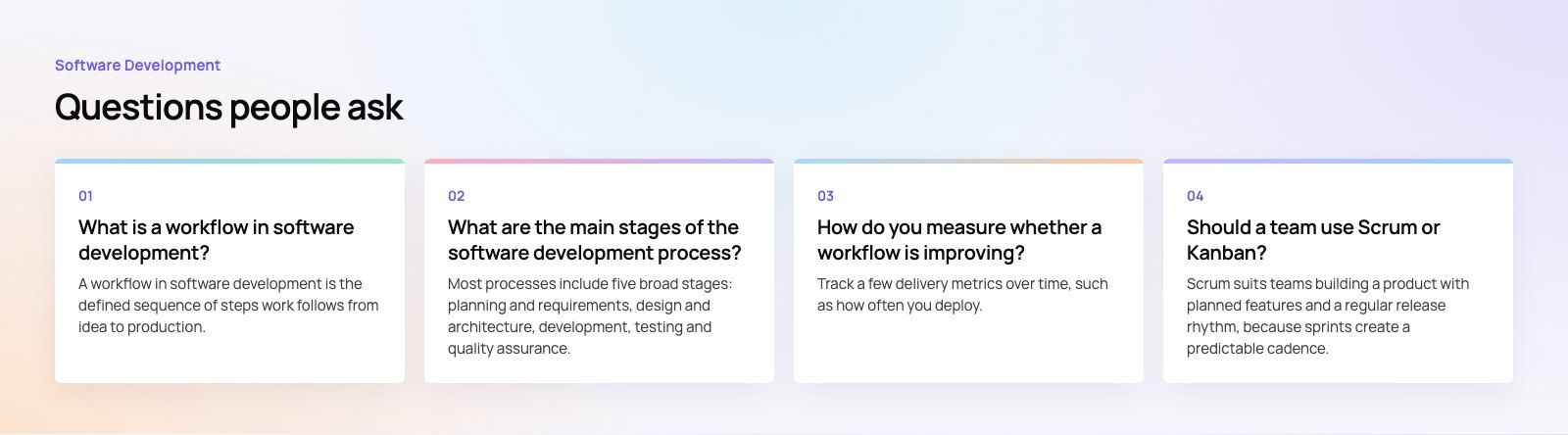
A workflow in software development is the defined sequence of steps work follows from idea to production.
It usually covers planning, design, development, code review, testing, release and monitoring, along with the tools and handoffs between people. A clear workflow makes it obvious who does what next, which reduces waiting, rework and missed defects.
Software DevelopmentSQL vs NoSQL Databases: Differences and How to ChooseHow SQL and NoSQL databases differ in data model, schema, scaling and consistency, where each one fits, and five questions to choose for your project. Software DevelopmentOpen Source Apps: Examples, Licenses and How to Build Your OwnWhat makes an app open source, well known examples, the steps to build your own, how to pick MIT, Apache or GPL, and when to customize instead.
 Software DevelopmentHow an Online HR Portal Improves Employee ExperienceWhat an online HR portal does, how self service improves employee experience, which features matter, and whether to buy, configure or build one.
Tell us what the business needs. We will tell you what to build first.
Schedule a free consultation and get a written recommendation, with costs, before you commit to anything.
Get in touchPROVEN RESULTS
4.7 / 5verified reviews on Google